Ah, cables. The unsung, often tangled, heroes of our digital lives. Let's be honest, nobody gets excited about them... until you desperately need one. That moment your new 4K monitor arrives but the included HDMI is too short, or when an unexpected outage occurs and you can't find the right power adapter. A solid collection isn't just for tidiness—it’s the backbone of a great setup. Here are the top cables tech lovers should own to avoid that frustration.
Why Your Cable Drawer Deserves an Upgrade
Think of your cables as the veins of your tech ecosystem. The quality and type of cable you use directly impact performance. Using an old HDMI standard on a new 144Hz gaming monitor? You're leaving precious frames on the table. Relying on a flimsy, unbranded charging cable? You risk slow charging speeds or, worse, damaging your expensive smartphone.
Investing in a few essential tech cables means you're always prepared, whether you're building a new PC, optimising your home office, or just want a lag-free gaming session.
The Must-Have Cables for Any South African Tech Setup
Forget the tangled mess in your bottom drawer. A curated set of high-quality cables will serve you for years. These are the non-negotiables every tech enthusiast should have on hand.
DisplayPort & HDMI: The Visual Workhorses
For a long time, HDMI was the default. But for PC gamers, DisplayPort (DP) is often the superior choice, supporting higher refresh rates at higher resolutions. If you have a high-performance gaming monitor, a DP 1.4 cable is one of the most important cables you should own. HDMI 2.1, however, is king for connecting to modern 4K TVs and consoles like the PS5 or Xbox Series X.
The bottom line: Own one of each. A good DisplayPort for your PC and a high-speed HDMI for everything else.
USB-C: The All-in-One Champion ⚡
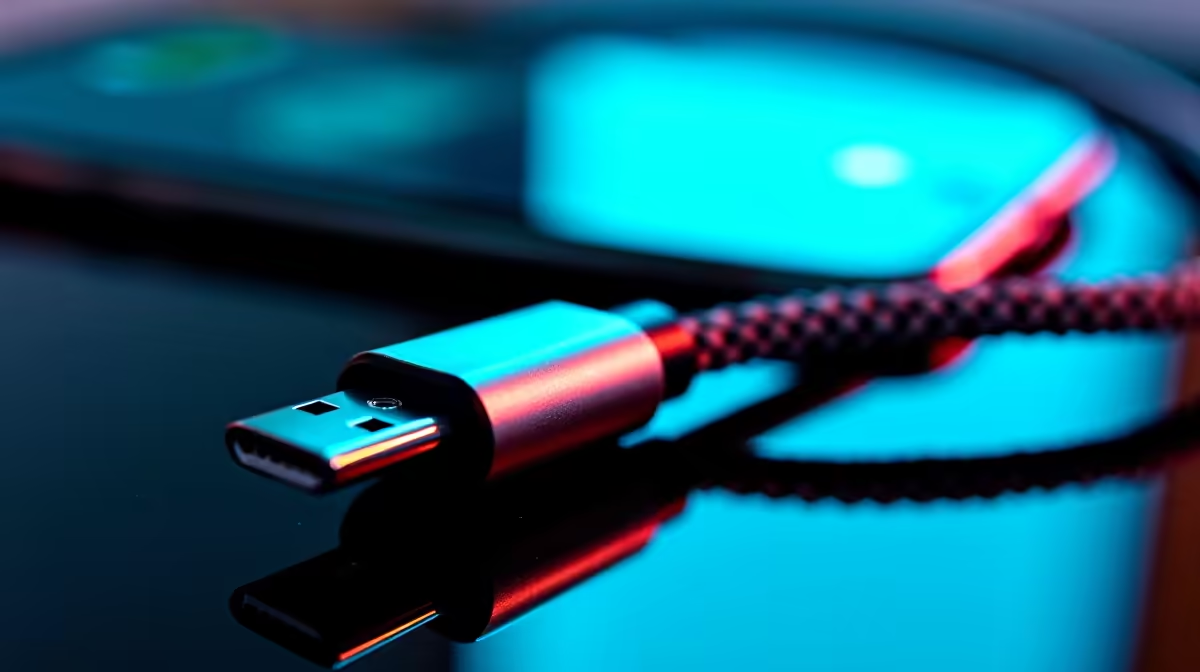
This is it. The future. USB-C is rapidly becoming the universal standard for a reason. It can handle charging, lightning-fast data transfer, and even video output, all in one reversible connector. From charging your laptop and phone to connecting an external SSD, a durable USB-C to USB-C cable is an absolute must-have. We recommend grabbing one with a braided exterior for extra longevity, like the high-quality braided options from brands like Promate.
Check Your Wattage!
Not all USB-C cables are equal. When buying one for laptop charging, ensure it’s rated for the wattage your device needs (e.g., 65W or 100W). Using an underpowered cable will result in slow… or no… charging.
Ethernet Cable: Your Secret Weapon Against Lag
Wi-Fi is convenient, but for serious gaming, streaming, or large downloads in SA, nothing beats the stability of a wired connection. An Ethernet cable (Cat 6 or higher) plugs directly from your router to your PC or console, eliminating interference and delivering the lowest possible latency. It's a simple, cheap upgrade that makes a world of difference online. Make sure all your gear, from your PC to reliable peripherals from HP, has the strongest connection possible.
Internal PC Cables: The Guts of Your Rig 🔧
For the PC builders and upgraders, having spare internal cables is a lifesaver. The two most critical are:
- SATA III Cables: For connecting SSDs and hard drives to your motherboard. You never know when you'll want to add more storage.
- PSU Power Cables (Molex/SATA/PCIe): Modular power supplies are great, but it's easy to misplace the extra cables. Having a spare 8-pin PCIe power cable for a new graphics card can save you from a massive headache.
Having a few of these essential cables for PC building on hand means you're always ready for an upgrade.
Ready to Untangle Your Tech Life?
Stop letting the wrong cable bottleneck your performance or slow you down. Explore our massive range of wiring, adapters, and connectors to build your ultimate toolkit. Find all the essential cables you need at Evetech and get connected the right way.