


GPU Setup Guide for SA Gamers
GPU Setup Guide Gamers. Clear setup instructions with SA-specific considerations, troubleshooting tips & recommended components.
Read moreIs tri-mode connectivity worth it for your setup? 🖱️ Discover if you need Bluetooth, 2.4GHz, and wired modes or if a dedicated 2.4GHz wireless gaming mouse is enough for your competitive edge. 🚀
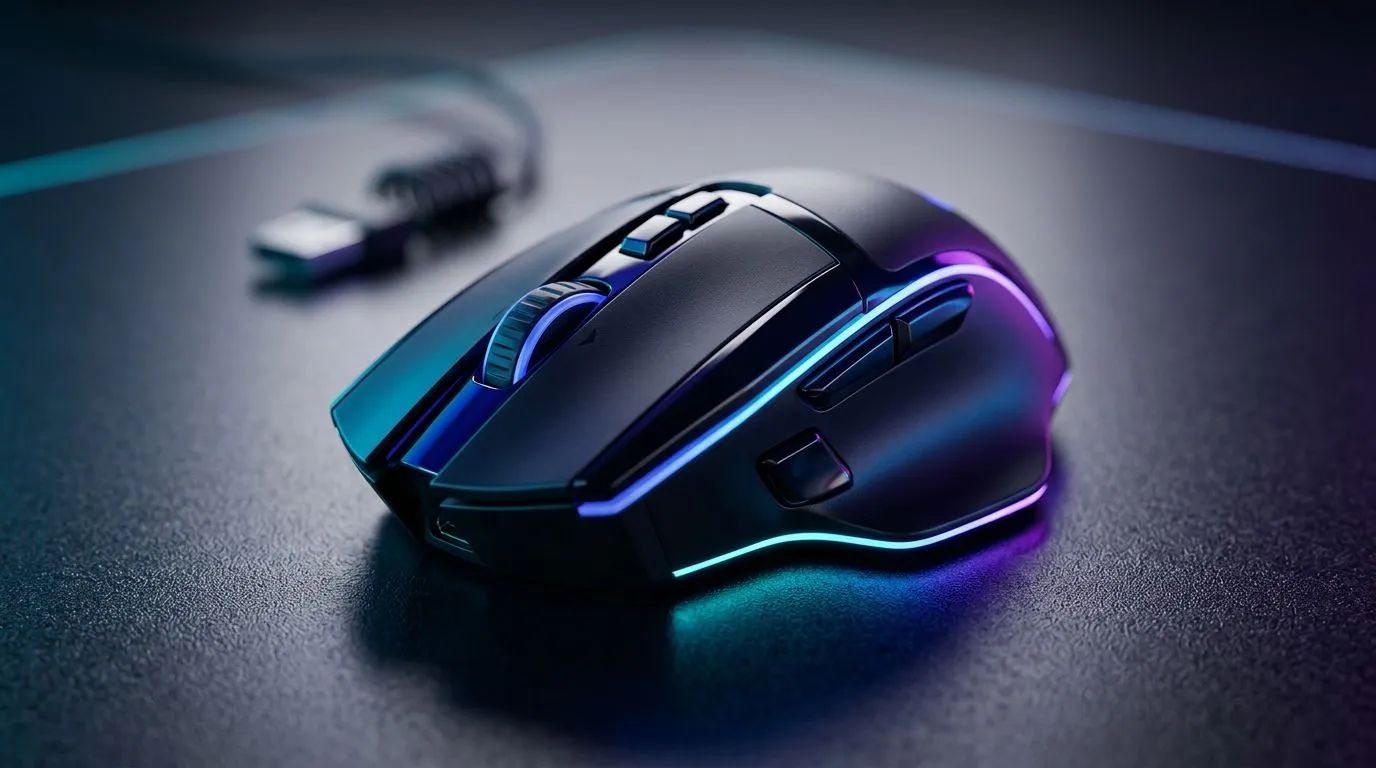
If you’ve ever wondered why one wireless mouse feels “locked in” while another feels laggy… you’re not alone. South African gamers shop with one eye on performance and the other on reliability, especially with load shedding and unstable home Wi‑Fi. The big question is simple: Tri‑Mode Connectivity vs 2.4GHz: Which Gaming Mouse Do You Need? Let’s break down what tri‑mode really buys you, when 2.4GHz is enough, and how to choose confidently.
Most people say “2.4GHz” but what they usually mean is the mouse’s dedicated wireless link using a USB receiver (not your home Wi‑Fi). That connection typically delivers lower latency than Bluetooth, which is why serious players often default to 2.4GHz.
When 2.4GHz is the right call
When 2.4GHz can still disappoint
For gamers who want a range of reliable wireless options, start by browsing Evetech’s wireless selection here: buy wireless mouse options. ✅
Tri‑mode typically means the mouse can run in three connection modes, most commonly:
So the “tri‑mode vs 2.4GHz” story isn’t about whether 2.4GHz is good. It is. It’s about flexibility and backup options when your setup changes.
Tri‑mode is useful when:
If you want models that lean into that flexibility, check out Evetech’s gaming mouse range: gaming mouse selection.
Here’s a quick micro‑story. One week you’re grinding Apex on a desktop. Then you move to a laptop for study or admin. A 2.4GHz-only mouse forces you to carry the receiver and reconfigure. Tri‑mode handles that switch with far less friction, so your muscle memory doesn’t reset every day.
Let’s keep it grounded. Without naming specific models (since specs vary), the usual pattern is:
Evetech’s buying guides can help you match the connection type to your use case. If you’re shopping with intent, begin here for a guided choice: best gaming mouse deals.
Choose tri‑mode if you use more than one device in the same week (PC + laptop). Choose 2.4GHz only if your gaming setup stays fixed and you want the simplest, most consistent link. In both cases, test the mouse in your actual USB port layout, not in a random hubless desk situation.
Answer these and you’ll know what you need.
If your priority is maximum consistency and you’re fine with a cable, wired mice still win for certain players. If that sounds like you, start with Evetech’s wired range: buy wired mouse options.
Connectivity matters… but the rest of your setup shapes how the mouse feels:
If you’re planning to tune your feel, grab accessories too: mouse accessories. 🔧
Here’s the simple takeaway. 2.4GHz is the fastest path to reliable gaming wireless. Tri‑mode adds flexibility and a wired safety net. So the “right” mouse is the one that matches how you actually live and play in South Africa… not just what sounds best on paper.
Ready to Find Your Perfect Match? The Mac vs Windows debate is complex, but for maximum power, choice, and value in South Africa, Windows is hard to beat. Explore our massive range of laptop specials and find the perfect machine to conquer your world.
Tri-mode connectivity means the mouse supports three connection methods: low-latency 2.4GHz wireless, Bluetooth for portable devices, and a wired USB cable connection.
Yes, 2.4GHz is significantly better for gaming because it offers a higher polling rate and lower latency, ensuring your movements are registered instantly.
You only need Bluetooth if you plan to use your mouse with multiple devices like tablets, laptops, or office PCs without needing to move the USB dongle.
No, as long as you use the 2.4GHz dongle mode, a tri-mode mouse performs exactly like a dedicated wireless gaming mouse with zero noticeable lag.
Yes, Bluetooth generally consumes less power than 2.4GHz, making it a great choice for productivity tasks to extend the battery life of your mouse.
Yes, most tri-mode mice allow you to play while charging via cable, providing a reliable connection that eliminates any wireless interference concerns.
GPU Setup Guide Gamers. Clear setup instructions with SA-specific considerations, troubleshooting tips & recommended components.
Read more
When Will the RTX 6090 Launch in South Africa Detailed answer with SA data, expert analysis & practical recommendations for local buyers.

Top Valorant Settings for RTX 5070: FPS Optimisation picks evaluated on performance, value & SA availability with current Rand pricing from Evetech.

RDNA 3.5 Graphics in Ryzen AI 400? Can You Game. Plain-English explanation of what it means, why it matters & how it affects your buying decisions in SA.

GPU Price Index : December Report. Current stock data & price tracking for SA buyers. See what is available and where prices are heading.

Core i5-14600K + B760 + RTX 5060 Build Under. Full parts list, Rand pricing & expected performance. Build confidently with SA-available components.

RX 7600 Apex Legends at 4K: FPS Benchmark. Real-world benchmark data, FPS numbers & performance analysis. What SA gamers can actually expect.

RX 7900 XTX GTA 6 at 4K: FPS Benchmark & Optimal. Real-world benchmark data, FPS numbers & performance analysis. What SA gamers can actually expect.

Head-to-head comparison of RTX 5070 vs RX 9070 XT: Gaming Performance for SA gamers. Performance benchmarks, Rand pricing & which delivers better value.

Top Laptop with Ryzen 5 + RTX 4090 Laptop: Picks picks evaluated on performance, value & SA availability with current Rand pricing from Evetech.

Top Budget GPU for Marvel Rivals picks evaluated on performance, value & SA availability with current Rand pricing from Evetech.

Valorant Settings on RTX 5070: Performance. Real-world benchmark data, FPS numbers & performance analysis. What SA gamers can actually expect.

Top Budget GPU for Assassins Creed Shadows picks evaluated on performance, value & SA availability with current Rand pricing from Evetech.