Quick Answer
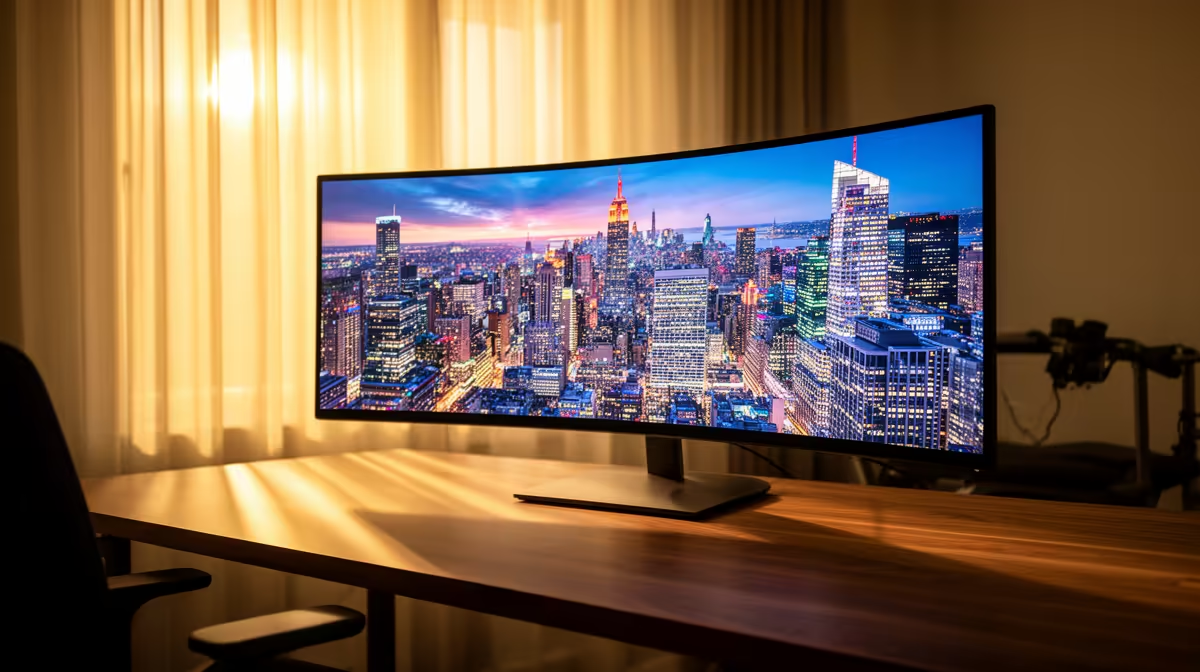
For Midrand gamers and productivity users, ultrawide monitors start at around R5,000 for a 29-inch 2560x1080 VA panel and climb to R15,000–R25,000+ for 34-inch 3440x1440 IPS models with 144–175 Hz refresh rates. The LG 34GP950G-B (160 Hz, IPS, R19,000–R22,000) and Samsung Odyssey G5 34-inch (~R9,000) are the two most popular options at Evetech currently.
Resolution and Panel Type Breakdown
2560x1080 (UWFHD): Entry ultrawide, affordable at R4,500–R7,000. Fine for office work and casual gaming. Not ideal for 34-inch viewing distances — pixel density is low.
3440x1440 (UWQHD): The sweet spot. Sharp at 34 inches, demanding on GPU — needs at least an RTX 4060 Ti or RX 7700 XT for 100+ fps at max settings. Expect R8,000–R20,000.
5120x2160 (UW5K): Professional-grade, R25,000+. Overkill for gaming; ideal for video editing and CAD at UJ or Wits faculty projects.
GPU Requirements for Ultrawide Gaming from Midrand
Running 3440x1440 at 144 Hz is GPU-hungry. An RTX 4070 (R12,000 at Evetech) handles most AAA titles at 80–120 fps on high settings. An RTX 4080 (R22,000) reaches closer to 144 fps consistently. Budget GPU pairings below RTX 4060 (~R6,500) will struggle to fill the ultrawide resolution at target frame rates.
Refresh Rate and Sync Technology
100 Hz is the minimum worth buying for gaming — 144 Hz is the meaningful step up. G-Sync Compatible (NVIDIA) and FreeSync Premium (AMD) panels reduce screen tearing across the 48–165 Hz VRR range. Most quality ultrawide panels at Evetech support FreeSync Premium at minimum.
Delivery and Pickup for Midrand Buyers
Evetech's Centurion base is under 10 minutes from Midrand on the N1. Ultrawide monitors ship with reinforced packaging. For current delivery times and costs, see our delivery page.
FAQ
What ultrawide monitor is best for a Midrand gamer with a R10,000 budget?
At R8,000–R10,000, the Samsung Odyssey G5 34-inch (3440x1440, 165 Hz, 1 ms) is the best value ultrawide at Evetech for gaming. It needs at least an RTX 4060 to run modern titles above 100 fps at this resolution.
Is a 3440x1440 ultrawide too demanding for an RTX 4060?
At high settings in AAA titles, an RTX 4060 (~R6,500) averages 60–80 fps at 3440x1440 — playable but not 144 Hz class. Dropping to medium settings pushes frames into the 90–100 range. An RTX 4060 Ti is the more comfortable pairing.
Do ultrawide monitors work as dual-screen replacements for home office use in Midrand?
Yes — a 34-inch 3440x1440 ultrawide replaces two 24-inch 1080p screens in most productivity workflows. Window snapping tools (built into Windows 11) let you split the screen into three virtual panels for document, browser, and communication app simultaneously.
GPU's DisplayPort bandwidth before buying a 144 Hz ultrawide — some older RTX 30-series cards only support 144 Hz at 3440x1440 via DisplayPort 1.4, not HDMI 2.0. Use DisplayPort for full refresh rate on your new Evetech ultrawide.