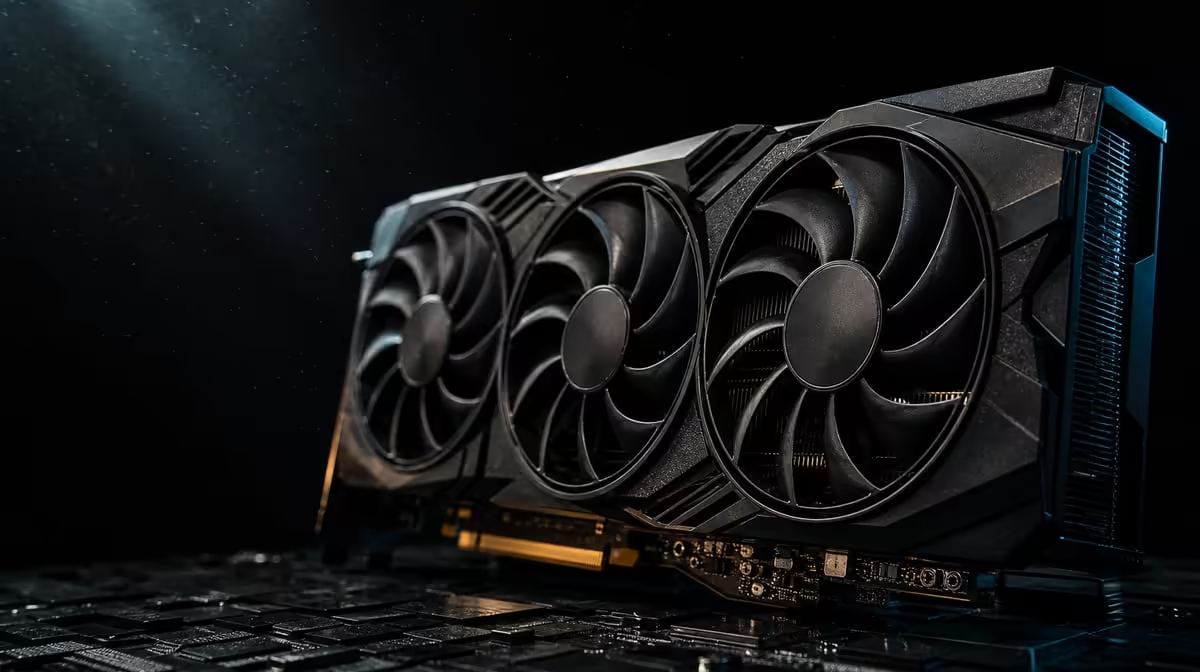
Headline numbers can describe a processor without describing the time your own job will take. Understanding 3352 AI TOPs starts with what the metric measures, then moves to the software, numerical precision and wider workflow that turn theoretical capability into an observable result.
Quick Answer
The R73,599 ASUS TUF RTX 5090 is rated at 3352 AI TOPs. That is a theoretical AI-operations figure for supported processing, not a promise that every model, render or creative application will complete at a particular speed.
🧮 Read TOPs as a capability marker
TOPs means trillions of operations per second. In a product description, the number presents a scale of possible AI calculation under defined conditions. It is useful for locating a processor's intended capability, but it is not a stopwatch result from every program a buyer might run.
The conditions matter because AI work can use different numerical precisions, model structures and operations. A headline rating without that context cannot tell you whether two tools will translate the capability in the same way. Even a mathematically comparable figure may lead to different practical results when applications take different routes through their workload.
Think of 3352 AI TOPs as the beginning of a question: can the software direct suitable work to this GPU? If the answer is yes, the metric helps frame the available processing resource. If acceleration is absent, incomplete or assigned to another device, the large number can remain mostly outside the actual task.
The ASUS TUF RTX 5090 also carries 32GB of GDDR7. Memory capacity and AI operations should not be blended into one idea. The first gives supported jobs space for working data; the second describes a form of compute capability. Neither automatically substitutes for the other.
Evetech's ASUS GPU selection is a useful place to compare the AI figure with memory, cooling and connection features instead of reading it alone.
🧩 Follow the complete software path
Start with a named application, model and operation. "AI creation" is too broad: generating an image, processing video, running a local model and applying an assisted effect can exercise hardware differently. Write down the exact feature that must improve.
Next, check whether the current application version supports GPU acceleration for that function and how it assigns the work. Observe GPU activity during a representative run rather than assuming that installation alone activates every path. A task that spends most of its time preparing data on the CPU will not scale solely with the advertised AI rating.
Model precision belongs in the comparison because TOPs values can be associated with particular forms of calculation. Do not compare two isolated numbers unless the basis is understood. When a vendor or software developer publishes guidance for the specific tool, use that alongside a controlled local test.
Keep inputs constant. Save one project, prompt, model, output resolution and seed where the application permits it. Record the application version and relevant settings. Changing several ingredients between runs produces a story about the new inputs, not reliable evidence about the processor.
Repeat the job after the system has reached an ordinary operating state. Note completion time, memory use and whether output quality or settings changed. A faster low-quality result is not equivalent to the same work finishing sooner.
Browse Evetech's broader NVIDIA graphics-card range only after defining that test, so comparison remains attached to an outcome.
🧠 Find the limits outside the GPU
An AI task crosses more than one component. Storage supplies model and project data; system memory holds host-side information; the CPU prepares or coordinates parts of the workload; the GPU stores and processes supported material. Moving one stage forward can expose the next delay.
The 32GB GDDR7 pool can be important when the working set fits there, but capacity does not guarantee high utilisation. If the model is small, the tool is waiting for storage or the CPU cannot prepare work quickly enough, much of the memory may remain unused.
Long tasks also turn cooling into a workflow variable. The ASUS TUF design names the TUF vapor-chamber cooler. These components manage heat within the card, while the chassis must carry warmed air away. A repeatable test should therefore note temperature behaviour and avoid comparing a cold short run with a long heat-soaked session.
Power configuration and platform compatibility deserve attention without guesswork. Confirm the model's documented requirements, the power supply connections, chassis clearance and motherboard support before installation. PCIe 5.0 is part of the RTX 5090 specification, but an interface label is not a measure of AI completion time.
Display connections can support creator use without changing TOPs. Two HDMI 2.1b ports beside three DisplayPort 2.1b outputs sockets give five physical routes for a preview, timeline, reference screen or other monitor roles. Treat that as workstation utility rather than extra AI compute.
🔬 Turn one metric into a buying decision
Create a three-part scorecard. First, mark whether the application explicitly uses the acceleration path. Second, establish whether 32GB prevents a genuine memory constraint. Third, measure the whole job at the quality and size you intend to deliver.
Price then enters as a cost per useful outcome, not a cost per headline number. At R73,599, the card needs recurring work or a demanding mixed role to make the allocation convincing. Occasional curiosity about local AI is a weaker case than a production task repeated every week.
Use several runs and inspect variation. A background update, file cache or thermal state can shift a single result. Median completion time, consistent settings and a note about any failed runs create more credible evidence.
Do not ignore usability. If the project fits but the software requires constant manual recovery, the fastest successful run may not represent the actual working day. Reliability, output correctness and the ability to continue other tasks can matter as much as peak throughput.
Finally, compare the proposed GPU against another system improvement. More system memory, faster storage or a processor change may address a different bottleneck. The right answer is the component that advances the measured workflow, even when it has the smaller marketing number.
Review Evetech's GPU best-seller collection once the scorecard is complete, and check current availability before making the final selection.
Frequently Asked Questions
What does the 3352 AI TOPs figure describe?
It expresses theoretical AI operations for supported processing under a stated measurement basis.
Can TOPs predict how long an AI render will take?
No. Application support, model design, precision, settings and system bottlenecks all affect elapsed time.
Why can two applications use the same GPU differently?
Their acceleration paths, operation mix and data movement can differ, so they may direct very different amounts of work to the processor.
Does 32GB of GDDR7 replace AI compute capability?
No. Memory holds working data, while compute performs supported operations; a demanding workflow may need both.
How should creators compare AI-focused graphics cards?
Use the same real project, software version, model, precision and output settings, then measure completion, quality and resource use.
Is the AI TOPs number mainly a gaming specification?
It describes AI processing capability. Games may use AI-assisted features, but normal rendering performance cannot be inferred from that number alone.
What is the safest way to assess a particular AI tool?
Consult the tool's own hardware guidance and run a controlled test of the exact feature and project size you intend to use.
Want AI performance you can actually account for?
Define one repeatable job, compare Evetech graphics cards against its software and memory needs, and let measured output - not TOPs alone - set the budget.