Dreaming of a beastly new PC but your budget says 'hou jou bek'? You're not alone. A full rig can cost a fortune in ZAR. But what if you could boost your FPS and slash loading times piece by piece? Planning smart, staggered PC upgrades is the key to avoiding performance bottlenecks without emptying your wallet. Let's map out a strategy that works for your gaming ambitions and your bank account. 🚀
Why Plan Staggered PC Upgrades? The Smart Approach
Upgrading your PC in stages isn't just about saving money upfront; it's a strategic way to maximise performance over time. Instead of one massive cash drop, you spread the cost, allowing you to buy better components when deals pop up.
The biggest risk? Creating a "bottleneck." This happens when one component is so much slower than the others that it holds the entire system back, like putting a scooter engine in a Ferrari. A well-planned, piece-by-piece PC upgrade ensures every new part works in harmony with the old, giving you a real, noticeable boost every time.
The Upgrade Hierarchy: What to Prioritise
Not all upgrades are created equal. For a gaming PC, there's a logical order that delivers the most impact for your spend. Following this path is crucial for successful staggered PC upgrades.
1. The Powerhouse: Graphics Card (GPU)
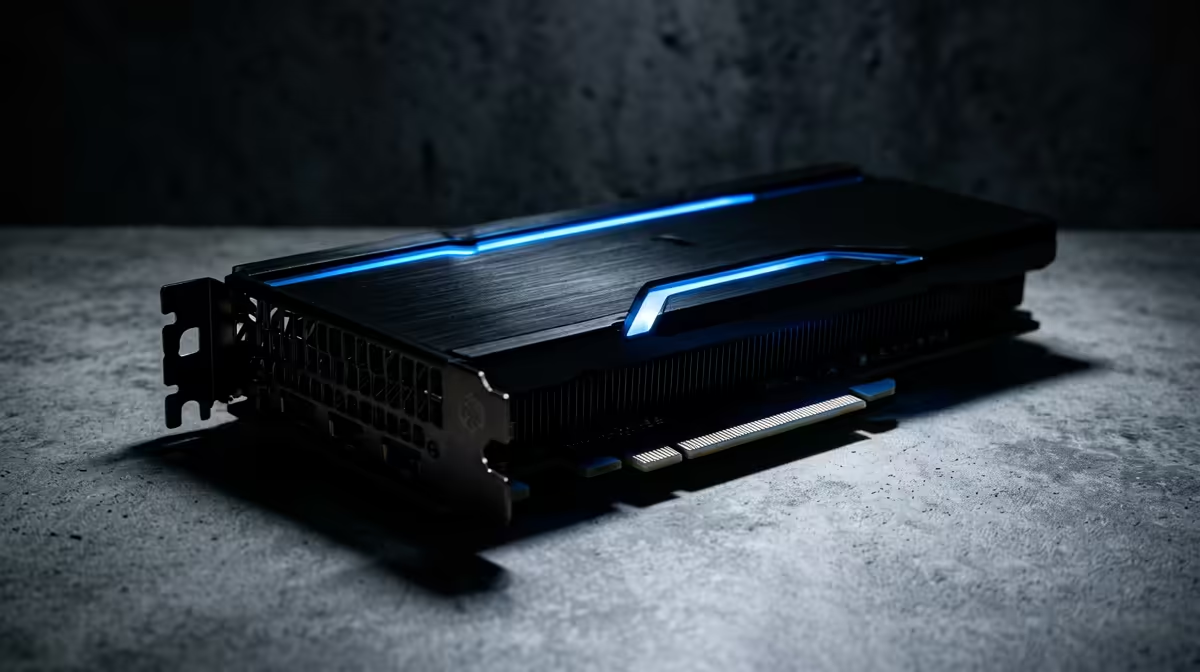
For most gamers, the GPU is the king of upgrades. It's the component directly responsible for the frames per second (FPS) you see on screen. Upgrading from an older card to a new one can instantly double your performance in demanding titles, making it the most satisfying first step. Just ensure your power supply (PSU) can handle the new card's demands!
2. The Brains: CPU & Motherboard
Your Central Processing Unit (CPU) is the brain of your operation. A slow CPU can't "feed" a powerful GPU with data fast enough, leading to a classic bottleneck where your expensive new graphics card sits idle. Often, a significant CPU jump requires a new motherboard, so it's wise to plan these two together. Whether you're eyeing the single-core gaming dominance of the latest Intel CPUs or the incredible multi-tasking value from a modern AMD CPU, a balanced pairing is non-negotiable.
3. The Essentials: RAM & Storage ⚡
Once your core GPU and CPU are sorted, look at your memory and storage. Moving from a traditional hard drive (HDD) to a Solid-State Drive (SSD) for your operating system and favourite games is a massive quality-of-life improvement… think near-instant boot times and slashed loading screens. Upgrading from 8GB to 16GB or 32GB of RAM will also make your system feel snappier and improve multitasking.
Avoiding Common Bottleneck Traps 🔧
A little foresight goes a long way. When you're upgrading your PC in stages, watch out for these common mistakes that can sabotage your performance.
The most frequent error is pairing a brand-new, high-end GPU with a CPU that's several generations old. Your new graphics card will be starved for data, and you'll see disappointing FPS, especially at 1080p resolution. Always aim for a balanced system where the CPU and GPU are from a similar performance tier and generation.
Check Your Socket!
Before buying a new CPU, always confirm your motherboard's socket type (e.g., AM5 for modern AMD, LGA 1700 for recent Intel). A CPU upgrade might mean a new motherboard is needed too. Check the specs on Evetech's product pages to be sure.
Another trap is forgetting the Power Supply Unit (PSU). Newer components, especially GPUs, are power-hungry. An old or underpowered PSU can lead to instability, random shutdowns, or even damage your new parts. Always check the recommended wattage for your new component and upgrade your PSU if necessary.