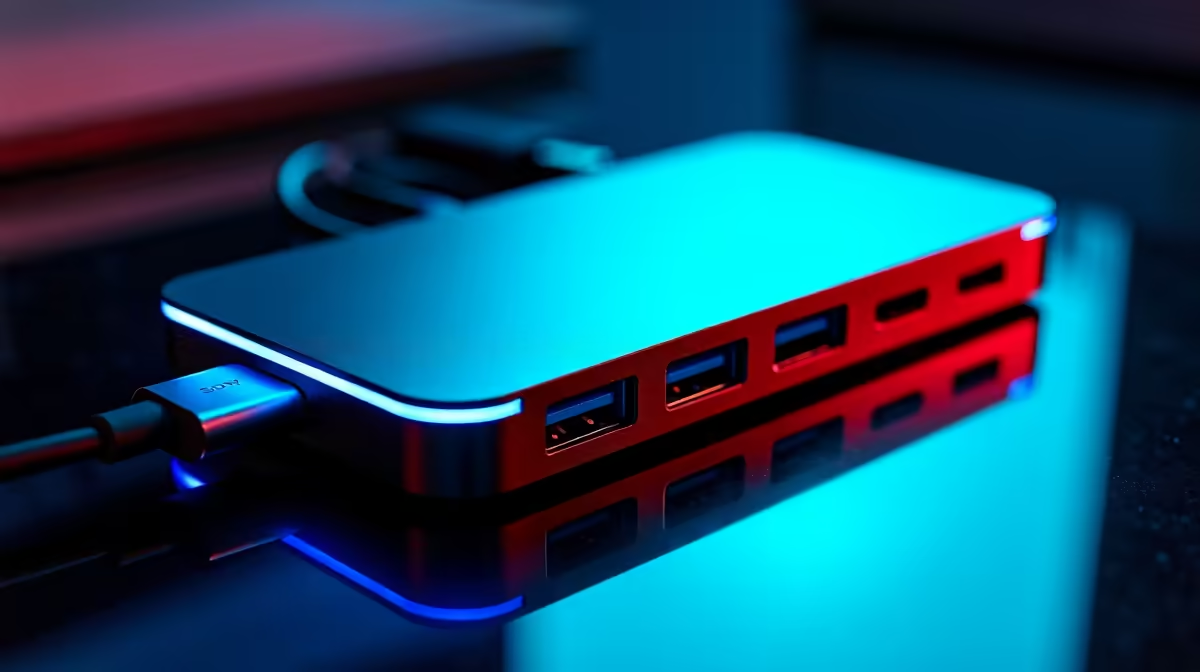
Tired of the cable spaghetti monster living behind your desk? The dream is a single, clean cable for power, data, and video. USB-C daisy chaining promises just that: multiple monitors, one connection. But for a demanding South African gaming or work setup, is this tech a clean victory or just another headache? We put the USB-C daisy chain to the test to see if it’s finally ready for your rig. Let's dive in.
Understanding the Magic: How USB-C Daisy Chaining Works
At its core, a USB-C daisy chain setup isn't just about the plug. The real hero is a technology called DisplayPort Multi-Stream Transport (MST). Think of MST as a smart splitter for your video signal. It allows your PC or laptop to send multiple independent video streams through a single DisplayPort or USB-C port.
The first monitor in the chain takes the signal it needs and passes the rest along to the next one. It’s a clean, sequential setup that drastically cuts down on the number of cables running back to your PC. This is becoming a standard feature on many modern PC monitors, but not all are created equal.
The Obvious Win: A Clutter-Free Workspace ✨
The primary benefit of daisy-chaining monitors is undeniable: supreme cable management.
- Minimalism: Instead of three or four cables snaking back to your tower or laptop, you have just one. This creates a stunningly clean and professional-looking desk.
- Laptop Heaven: For laptop users, this is the ultimate docking solution. One USB-C cable can connect you to multiple displays, charge your device, and link up peripherals connected to the monitor's USB hub. It’s a perfect partner for today's powerful and portable monitors.
- Simpler Setup: Adding or removing a monitor from your setup becomes much easier without needing to fumble around the back of your PC for another free port.
For productivity, creative work, and general use, the aesthetic and practical benefits of a well-executed USB-C daisy chain are massive.
The Hurdles: Where Daisy Chaining Can Stumble
While the dream is compelling, our testing revealed a few potential snags. The reality is that a USB-C daisy chain is governed by one critical resource: bandwidth. Your USB-C port (specifically, the DisplayPort version it supports) has a finite data limit.
This is where things get technical. Running two 1080p monitors at 60Hz is easy. But what about two high-refresh-rate 4K monitors? You'll likely hit a bandwidth wall, forcing you to lower the resolution or refresh rate on one or both screens.
Compatibility is another key factor.
- Your GPU/Laptop: The source must support DisplayPort 1.4 (or higher) and MST.
- Your Monitors: The first monitor must have a "DP Out" or dedicated Thunderbolt/USB-C output port to pass the signal along. The last monitor in the chain doesn't need one.
- Your Cable: You need a high-quality, certified USB-C cable capable of carrying the required video bandwidth.
Check Your Specs! 🔧
Before you buy, confirm that your laptop or graphics card's USB-C port supports "DisplayPort Alternate Mode" (DP Alt Mode) and "Multi-Stream Transport" (MST). For MacBooks, be aware that macOS does not support MST, so you can only mirror displays via a daisy chain, not extend them. This is a crucial detail many overlook!
Is a USB-C Daisy Chain Right for You?
So, should you commit to daisy-chaining your monitors? It depends entirely on your needs.
It's a perfect fit if...
You're a developer, writer, or office pro who lives in spreadsheets and documents. Running two or three 1440p screens for maximum productivity is where this setup shines. It's especially brilliant for creating an immersive workspace with modern curved monitors without the cable clutter.
You might want to wait if...
You're a high-level competitive gamer. For you, every frame and millisecond of latency counts. A direct connection from your GPU to each of your gaming monitors is still the undisputed king for guaranteeing maximum performance, refresh rates, and features like G-Sync/FreeSync running without a hitch.
Building Your Daisy-Chain-Ready Setup 🚀
Ready to take the plunge? Here’s what you’ll need to ensure a smooth experience.
- A Capable Source: A modern laptop with Thunderbolt 3/4 or a desktop GPU with a USB-C/VirtualLink port.
- The Right "First" Monitor: Look for a monitor that explicitly lists DisplayPort MST and has a DP-Out or a second USB-C port for video output.
- Quality Cables: Don't skimp here. A bad cable is the most common point of failure. Check out our range of reliable monitor accessories to find the right fit.
The USB-C daisy chain is no longer a futuristic concept; it’s a practical reality for millions. For many South Africans, it represents the pinnacle of a clean, efficient, and powerful workstation. And with the incredible PC monitor deals available today, building that dream setup has never been more accessible.
Ready to Tidy Up Your Desk?
A clean, minimalist setup is closer than you think. Whether you're ready to embrace the single-cable dream or need the perfect high-performance display, we've got you covered. Explore our massive range of monitor deals and find the perfect screen to conquer your world.