


AIO Liquid 240mm Setup and Configuration: Complete Tutorial
AIO Liquid 240mm Setup and Configuration. Clear setup instructions with SA-specific considerations, troubleshooting tips & recommended components.
Read more• Identify top-compatible brands • Explain USB-C PD & wattage • Recommend safe universal chargers. USB-C laptop charger compatibility: learn which brands support universal USB-C charging, required wattage, and best chargers 🔌💻
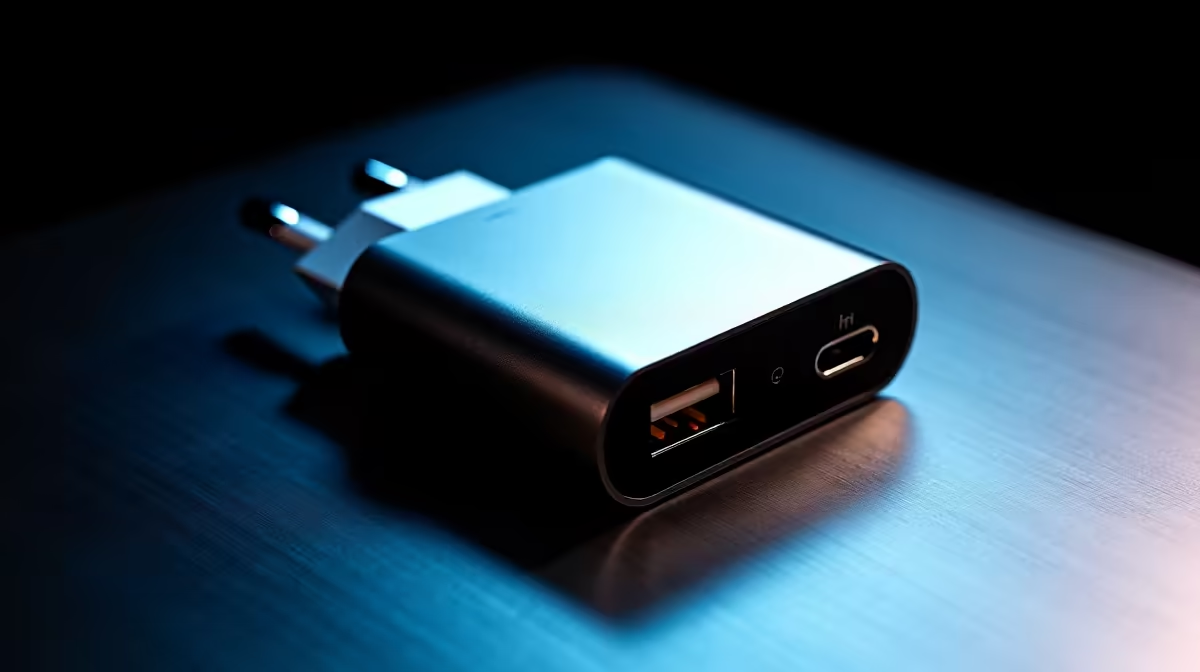
South African gamers: want a reliable USB-C charger that actually powers your laptop and doesn't throttle performance? USB-C Laptop Charger Compatibility: Which Brands Work is the question we hear most. Short version: many modern laptops accept generic USB-C PD chargers, but power delivery, voltage range and brand firmware can matter. Read on for practical checks, local shopping tips and real-world examples. ⚡
USB-C power delivery (PD) is the tech that tells chargers and laptops how much power to exchange. Not all USB-C chargers are equal. Wattage, PD profiles and the cable quality decide if a charger will fast-charge or merely trickle power. For a quick browse of compatible options, check Evetech’s full charger range here for cross-referencing specs and prices: https://www.evetech.co.za/PC-Components/charger-397.aspx.
A 65W PD charger can run most thin-and-light laptops. Gaming laptops often need 100W or more. If your laptop shipped with a 130W brick, using a 65W charger may charge slowly or fail under load. Always match or exceed the original wattage when possible. For budget shoppers, Evetech lists chargers under R500 so you can compare affordable PD options: https://www.evetech.co.za/PC-Components/charger-397.aspx?max-price=500.
Some manufacturers lock in firmware that prefers their own chargers. Apple, Dell, Lenovo and HP generally follow PD standards, but there are quirks. For local availability, Evetech’s up-to-R1000 selection helps find mid-range brands with clearer specs: https://www.evetech.co.za/PC-Components/charger-397.aspx?max-price=1000. If you prefer a known accessory brand, Promate is listed with compatible models and South African stock: https://www.evetech.co.za/PC-Components/charger-397.aspx?brands=Promate.
I once took a 65W spare to a LAN. My Razer Blade ran but dropped frames during heavy fights. A 100W spare I later bought kept clocks high and battery stable. Lesson: for gaming sessions, match the charger’s wattage to peak laptop draw, not idle numbers.
Use a USB-C cable rated for the charger’s wattage. Cables marked 60W will limit a 100W charger. If your laptop supports 100W PD, buy a cable that specifies 100W or USB-C 2.1.
If you want portable power without compromise, buy a PD charger rated for your GPU-heavy peak draw. Keep a lower-watt spare for travel. When in doubt, match the OEM wattage. Local warranty and return policies matter — Evetech lists warranty details on product pages, so check them before purchase: https://www.evetech.co.za/PC-Components/charger-397.aspx.
Ready to Find Your Perfect Match? The Mac vs Windows debate is complex, but for maximum power, choice, and value in South Africa, Windows is hard to beat. Explore our massive range of laptop specials and find the perfect machine to conquer your world.
Most recent models from Dell, HP, Lenovo, ASUS, Acer and Apple support USB-C PD, but confirm on the model spec for supported wattage.
Not always. A high-wattage USB-C PD charger can power many laptops if the laptop accepts USB-C charging and the PD profile matches.
Check the original adapter label, manufacturer spec sheet, or system power info to find required wattage and PD compatibility.
Yes — modern MacBooks use USB-C PD. Use a charger with adequate wattage to avoid slow charging and ensure safe voltage profiles.
Low-quality chargers may lack proper PD negotiation and safety protections. Choose reputable brands certified for PD and safety.
Many gaming laptops require 100W or more and may not fully charge via USB-C. Check your manufacturer's wattage and charging notes.
Yes — USB-C PD supports fast charging when both charger and laptop negotiate a higher wattage PD profile and compatible protocol.
AIO Liquid 240mm Setup and Configuration. Clear setup instructions with SA-specific considerations, troubleshooting tips & recommended components.
Read more
Setting Up DDR5 64GB Kit. Tested & verified settings for best FPS and visual quality on SA hardware budgets.
Read more
Overwatch 2 Setup Guide Gamers. Clear setup instructions with SA-specific considerations, troubleshooting tips & recommended components.
Read more
R and RStudio on Mac: Data Science Setup Guide. Clear setup instructions with SA-specific considerations, troubleshooting tips & recommended components.
Read more
NVIDIA Broadcast Setup with GPU: Streamer Guide. Clear setup instructions with SA-specific considerations, troubleshooting tips & recommended components.
Read more
Core Ultra 7 265K Temperature Guide: Normal Range. Complete product range with SA pricing, key specs & recommendations for different budgets.
Read more
AMD RX 9050 XT: Rumoured Specs, Price & Release. SA-focused analysis with local pricing data, real-world insights & actionable buying advice.

Can RTX 4080 Super Run AI Workloads for SA Developers Detailed answer with SA data, expert analysis & practical recommendations for local buyers.

Can RTX 4090 Run AI Workloads for SA Developers Detailed answer with SA data, expert analysis & practical recommendations for local buyers.

Top Settings for Intel Arc B580 at Ultrawide 1440p picks evaluated on performance, value & SA availability with current Rand pricing from Evetech.

RTX 4060 CS2 Low Settings at 1080p: FPS Results. Real-world benchmark data, FPS numbers & performance analysis. What SA gamers can actually expect.

Visual Artifacts: Possible GPU Issue Issue #1. Diagnosis steps, proven fixes & when to seek professional help. SA-specific support info included.

Can the RTX 4090 Handle 1440p 144Hz Gaming. Performance testing verdict with real data & practical recommendations for SA buyers.

Top ASUS GPU Under R15000 picks evaluated on performance, value & SA availability with current Rand pricing from Evetech.

GTA 6 Max Settings on RTX 5070. Tested & verified settings for best FPS and visual quality on SA hardware budgets.

Cyberpunk 2077 Max Settings on RTX 5080. Tested & verified settings for best FPS and visual quality on SA hardware budgets.

Starfield Max Settings on RTX 5070 Ti. Tested & verified settings for best FPS and visual quality on SA hardware budgets.

Top RTX 5090 Under R5000 picks evaluated on performance, value & SA availability with current Rand pricing from Evetech.