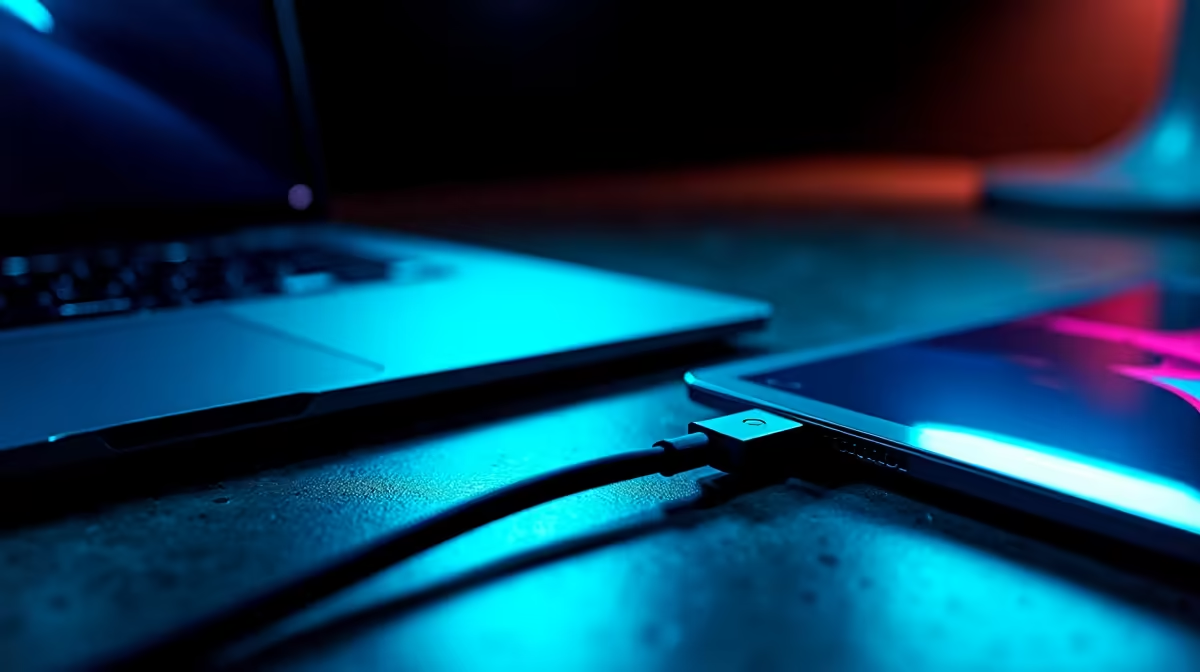
Tired of that tangled mess of cables behind your desk? The power brick for your laptop, the HDMI for your display, the USB for your keyboard... it's a nightmare. What if you could replace it all with a single, elegant connection? That’s not science fiction; it’s the reality of USB-C Power Delivery. This powerful technology is built into many modern PC monitors and is here to seriously simplify your setup.
So, What Exactly is USB-C Power Delivery?
Let's clear things up. Not all USB-C ports are created equal. The oval shape is just the connector. The magic lies in the technology built into it. USB-C Power Delivery (PD) is a charging standard that allows for significantly higher power transfer through a USB-C connection—up to 240W with the latest spec.
Unlike the old USB ports that offered a tiny trickle of power, USB-C PD is intelligent. The port on your monitor and the port on your laptop "talk" to each other to negotiate the perfect amount of voltage and current. This means it can safely charge a massive gaming laptop or a tiny smartphone without any risk. It’s a flexible, powerful, and universal solution. 🔌
The True Single-Cable Dream: Power, Video, and Data
Here’s where USB-C Power Delivery truly shines for PC users. When combined with another protocol called DisplayPort Alternate Mode (DP Alt Mode), that single USB-C cable can handle three jobs at once:
- Power Your Laptop: It delivers enough juice to charge your laptop while you work or play, eliminating the need for its original bulky power adapter.
- Send Video Signal: It carries a high-bandwidth video signal, easily driving the crisp 4K and 5K monitors that creative professionals and gamers love.
- Transfer Data: The same cable connects you to the monitor's built-in USB hub. You can plug your keyboard, mouse, and external hard drive directly into your screen for an instant, clutter-free docking station.
This triple-threat capability is what makes the single-cable setup a reality. It’s especially brilliant for those using ultra-convenient portable monitors, which can be powered directly from a compatible laptop with just one cable.
Check Your Wattage! ⚡
Before buying, check the monitor's Power Delivery output (measured in watts, e.g., '65W' or '90W'). Compare this to your laptop's original charger. For a gaming laptop that needs 100W, a monitor providing only 65W will charge it slowly or not at all during heavy use. Match the wattage for the best experience!
How USB-C PD Elevates Your Gaming and Work Setup
Imagine coming home with your work laptop. Instead of fumbling with three or four cables, you plug in one USB-C cable. Instantly, your laptop starts charging, your desktop extends to your big, beautiful screen, and your peripherals come to life. It’s seamless. ✨
For gamers, this means a cleaner, more focused battle station. Less cable clutter reduces distractions and makes your setup look incredibly sleek, especially when paired with immersive curved monitors that pull you right into the action. A tidy desk is a tidy mind, letting you focus on hitting those headshots. Explore our full range of gaming monitors to find many options that support this clean connectivity.
Just remember, to get the full benefit of USB-C Power Delivery, you need the right cable. Not all USB-C cables are rated for high power and video. Ensure you invest in high-quality monitor accessories to avoid bottlenecks.
The future is here, and it’s gloriously simple. A single-cable setup isn't just a neat trick; it's a genuine quality-of-life improvement for anyone who spends time at a desk. Why not see if you can snag a great price? It's always a good idea to check out the latest monitor deals to find a display that can declutter your life.
Ready to Ditch the Clutter?
The single-cable dream is here and more affordable than ever. A monitor with USB-C Power Delivery is the ultimate upgrade for a clean, powerful, and efficient setup. Explore our massive range of PC monitors and find the perfect screen to simplify your world.