Is your gaming mouse cable pulling just a bit too tight? Or maybe your VR headset's lead won't quite reach the centre of your lounge? We've all been there. That perfect tech setup is often just one short cable away from reality. But before you start rearranging your entire room, let's talk about some simple USB extension tricks that can solve these frustrations for good, giving you the clean, flexible battle station you deserve. 🚀
Master Your Space with Smart USB Extension Tricks
A cluttered desk is a cluttered mind, right? One of the easiest wins for a cleaner setup is smart cable management, and extending your USB peripherals is key. Instead of having your keyboard, mouse, and webcam cables stretching awkwardly across your desk, a well-placed USB extender lets you route them cleanly behind your monitor or underneath the desk.
This isn't just about looking good. It's about creating an optimised, distraction-free zone for work and play. These simple USB extension tricks can transform a chaotic tangle into a streamlined command centre. By grouping your cables, you also make cleaning easier and reduce the risk of snagging a vital connection in the middle of a heated online match. For a full tidy-up, explore Evetech's comprehensive cable solutions to find everything you need.
Boost Performance by Choosing the Right Extender
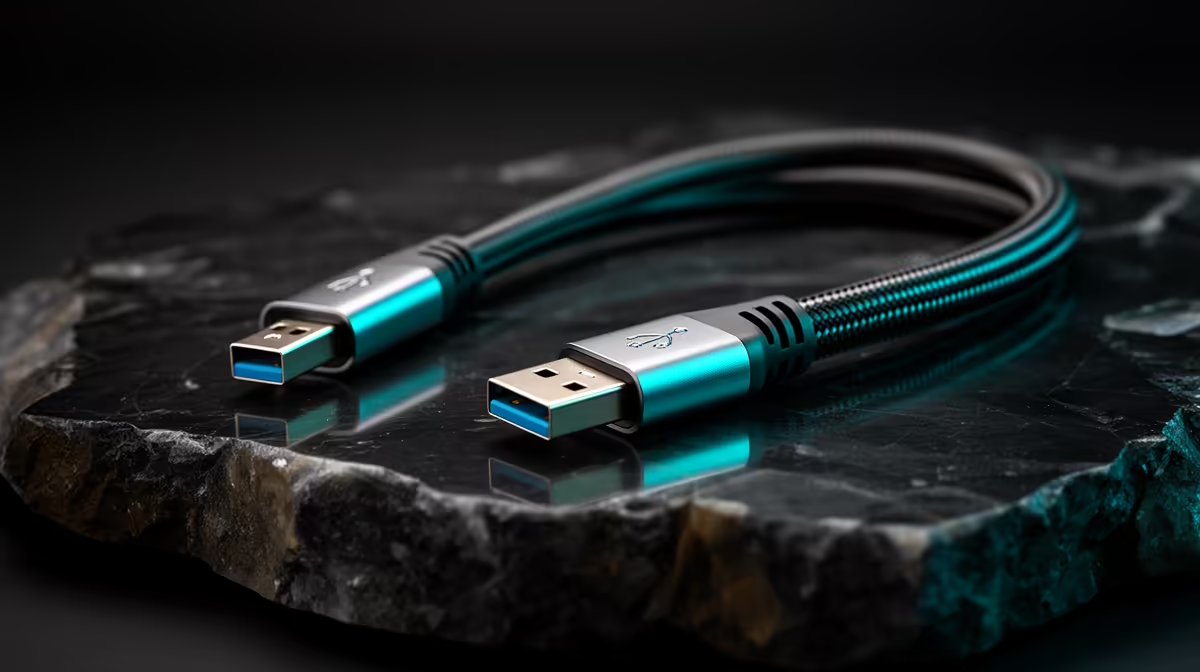
Not all USB extension cables are created equal. Using an old USB 2.0 extender for a high-speed device like an external SSD or a 4K webcam is like putting budget tyres on a sports car... you're creating a bottleneck. ⚡
To get the most out of your gear, you need to match the cable to the device.
Know Your USB Standards
- USB 2.0: Fine for basic mice, keyboards, or printers. It offers speeds up to 480 Mbps.
- USB 3.0 (and newer): Essential for anything that transfers a lot of data. Think VR headsets, external drives, and high-res cameras. These offer speeds of 5 Gbps and higher.
For longer runs (typically over 3-5 metres), a standard "passive" cable can suffer from signal degradation. This is where an "active" USB extension cable comes in. It contains electronics that regenerate the signal, ensuring stable performance over greater distances. When in doubt, investing in quality GIZZU cables ensures you're getting reliable performance that won't let you down.
Pro Tip: Spot the Speed 🔧
Unsure if your port is USB 3.0? Check its colour! Most motherboard and case manufacturers use blue plastic inside the port to signify a high-speed USB 3.0 connection. Black or white usually indicates the older, slower USB 2.0 standard.
Practical Hacks for Your Gaming and Creative Setup
So, how can these USB extension tricks enhance your specific setup? Let's get practical.
- Immersive VR Gaming: Give yourself more room to move! Extend your VR headset's cable to the centre of your play area and stop worrying about yanking your PC off the desk.
- The Perfect Stream: Position your USB microphone on a boom arm and place your webcam for the most flattering angle, without being limited by your PC's location.
- Sim-Racing Rigs: Building a dedicated driving or flight simulator? An extender allows you to place your rig wherever you want, connecting your wheel, pedals, and shifter back to your PC with a single, tidy cable. Many reliable HP accessories can also be integrated this way for a complete setup.
By strategically extending your USB connections, you unlock a new level of freedom and customisation for your entire tech ecosystem. ✨
Upgrade Your Cable Game Today
Stop letting short cables dictate your setup. A few smart choices can unlock a cleaner, more powerful, and flexible gaming station. Shop our range of Promate extenders and more for the quality connections your gear deserves.