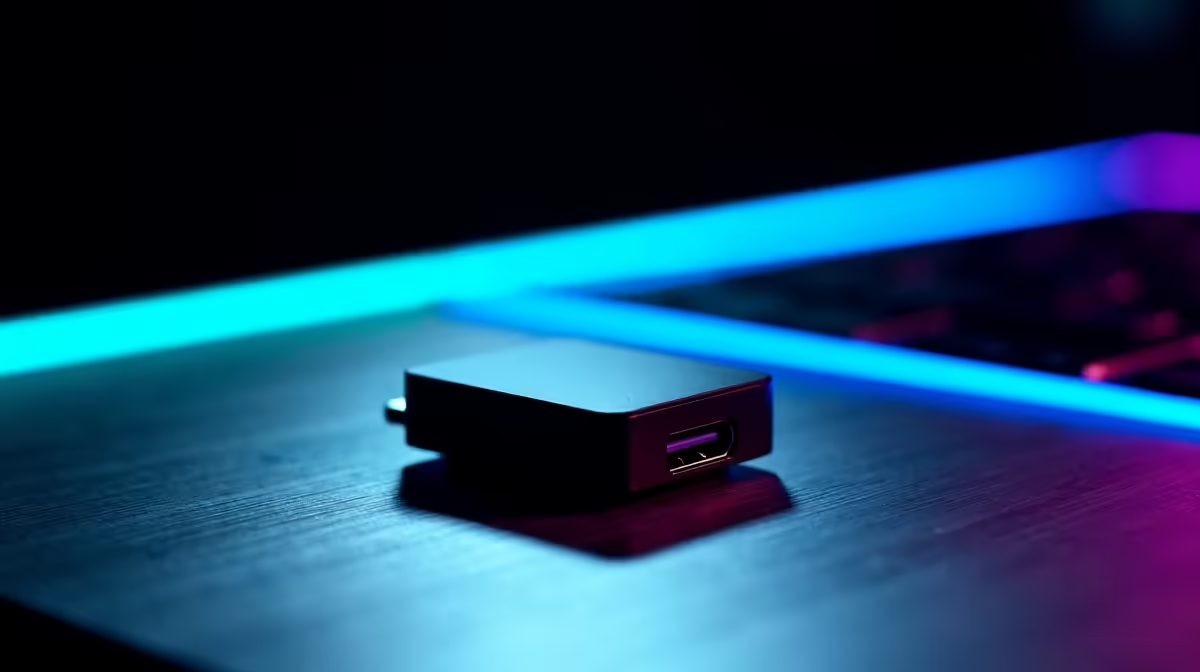
A USB Wi-Fi adapter can cope with a move from console to PC when it maintains a stable connection with low packet loss at the actual desk. No USB model with verified current pricing appears in the factpacks. Ethernet remains the useful comparison for diagnosing wireless variation.
Test the new gaming PC over Wi-Fi, temporary Ethernet and the current adapter during several normal match-hour sessions
Measure signal, latency variation, packet loss and download stability while other household devices are active. Compare the same game over temporary Ethernet and close to the router. If both paths fail, the adapter may not be the real problem.
The ASUS PCE-AX1800 adapter at R147 is a verified PCIe desktop reference, not a USB substitute. Compare live USB products by supported Wi-Fi bands, operating-system drivers, antenna design, USB port needs, physical placement, security support and warranty.
Avoid hiding a tiny adapter behind the metal case. Use a supported extension or external antenna when documented, update approved drivers and retest several sessions. Preserve network settings and keep Ethernet available for important competitive play where practical.
Buy when measurements prove the internal or current wireless adapter is the weak link. Improve router placement, the internet connection or a permanent cable route when those tests reveal the actual limitation.
Moving from console to PC? > Browse Evetech networking gear with the desk test results ready.