


AIO Liquid 240mm Setup and Configuration: Complete Tutorial
AIO Liquid 240mm Setup and Configuration. Clear setup instructions with SA-specific considerations, troubleshooting tips & recommended components.
Read moreUsed laptop overheating check — Checklist: inspect airflow and fan health; measure surface and sensor temps; run a brief load and watch throttling; review BIOS and history; spot dust or damage 🔥🔎
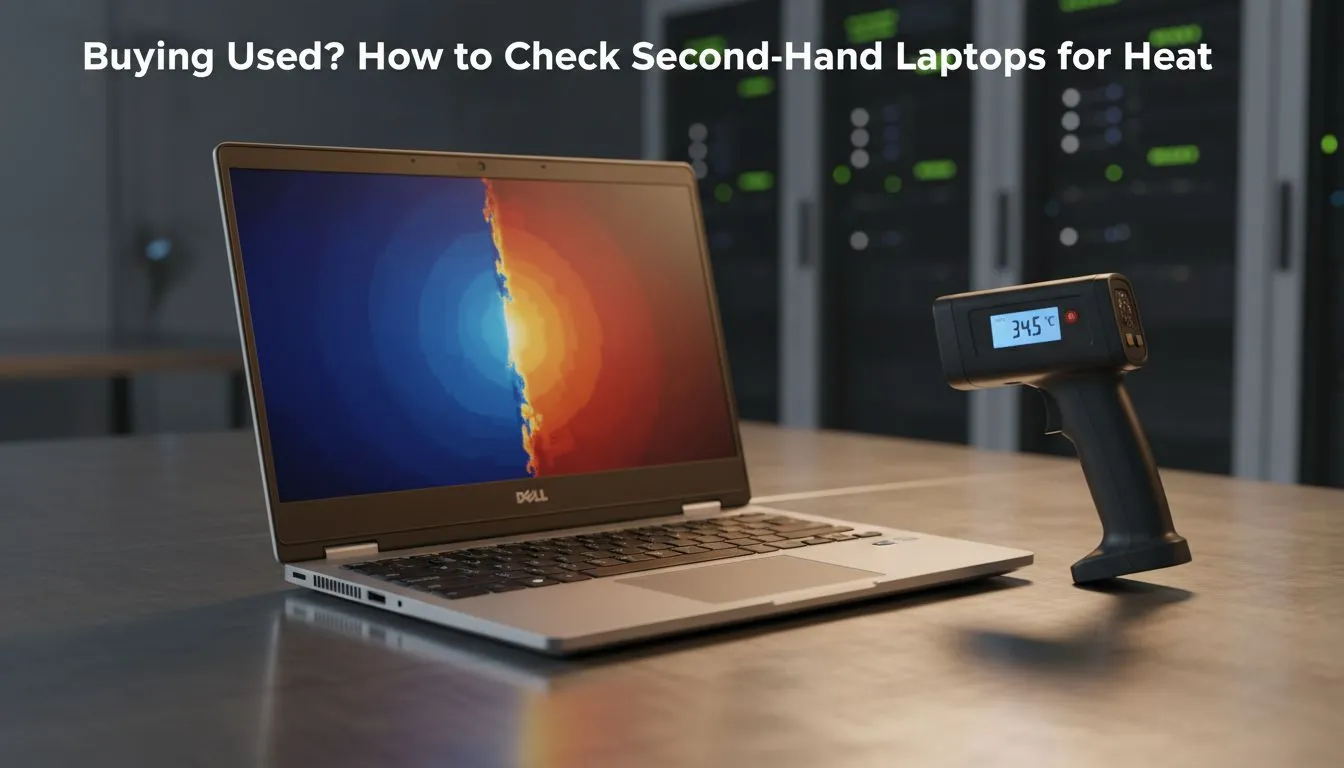
Scouring Facebook Marketplace or Gumtree for a bargain can feel like a win until you get home and find your "new" machine sounds like a jet engine. A used laptop overheating check is the most critical step before handing over your hard-earned Rands. If the thermals are cooked, that R10,000 deal could quickly become a R10,000 paperweight. Here is how to inspect heat before buying.
Buying second-hand in South Africa is a great way to save money, but heat is the silent killer of mobile electronics. Over time, dust accumulates and thermal paste dries out, leading to performance throttling. If you are looking at Intel laptops on special, you expect snappy performance... not a CPU that slows down to a crawl because it is hitting 95 degrees Celsius.
A proper used laptop overheating check ensures that the internal cooling solution is still functional. Unlike a desktop, replacing fans or repasting a laptop can be a nightmare for the average user. If the previous owner neglected maintenance, you might be inheriting a hardware failure waiting to happen.
Before you even turn the machine on, look at the cooling vents. Use a torch to see if they are clogged with dust or pet hair. If the vents look like a tumble-dryer lint trap, the internals have likely been running hot for months. While checking Ryzen laptop deals online, you can often find teardown photos to see where the air intake should be... compare that to the unit in front of you.
While running a benchmark, feel the area above the keyboard and the bottom chassis. If it is too hot to keep your finger there for five seconds, the thermal paste is likely bone dry or the heat pipes are failing. This is a major red flag during any used laptop overheating check.
You cannot rely on the idle temperature alone. To truly inspect heat before buying, you need to put the components under load. Download a portable tool like HWiNFO64 and a benchmark like Cinebench onto a USB drive. Run the benchmark for at least ten minutes. If you are hunting for gaming laptops under R20k, you want to see stable clock speeds rather than a graph that looks like a mountain range.
Watch for "Thermal Throttling" flags in your software. If the laptop hits its thermal limit within two minutes, the cooling system is compromised. Even some of the best gaming laptop deals on the used market can be deceptive if the seller has just "dusted" the outside but left the heatsink clogged.
If the fans are screaming while just browsing Chrome, or if the laptop shuts down abruptly during your stress test, walk away. It is often better to spend a little more on a new machine with a warranty than to risk a "deal" that needs an expensive repair. High-performance GeForce RTX gaming laptops on special come with the peace of mind that the factory thermal application is fresh and the warranty covers you if things get too toasty.
Ready to Find Your Perfect Match? Why risk a second-hand headache when you can get brand-new performance with a full warranty? Explore our massive range of laptop specials and find the perfect machine to conquer your world.
Look for loud fan noise, high surface heat, frequent throttling, or shutdowns. Use a quick stress test and temperature check to confirm thermal issues.
Inspect vents, feel for hot spots, listen for fan irregularities, and run a short load to watch temps. These simple checks reveal most heat problems.
CPU temps consistently above 90°C under light load or surface temps that burn to the touch suggest overheating and possible thermal throttling.
Yes: observe fan speed under load, listen for grinding, and check airflow. A failing fan often causes heat spikes and dust buildup issues.
Run a short stress test to check stability and temps. Stress testing reveals thermal throttling and helps detect hidden overheating problems.
Dust blocks airflow, raises temps, and worsens thermal throttling. A visibly dusty laptop likely needs cleaning or thermal servicing.
If the laptop throttles heavily, reboots, or reaches unsafe temps during modest tasks, consider it a deal breaker unless priced for repair.
AIO Liquid 240mm Setup and Configuration. Clear setup instructions with SA-specific considerations, troubleshooting tips & recommended components.
Read more
Setting Up DDR5 64GB Kit. Tested & verified settings for best FPS and visual quality on SA hardware budgets.
Read more
Overwatch 2 Setup Guide Gamers. Clear setup instructions with SA-specific considerations, troubleshooting tips & recommended components.
Read more
R and RStudio on Mac: Data Science Setup Guide. Clear setup instructions with SA-specific considerations, troubleshooting tips & recommended components.
Read more
NVIDIA Broadcast Setup with GPU: Streamer Guide. Clear setup instructions with SA-specific considerations, troubleshooting tips & recommended components.
Read more
Core Ultra 7 265K Temperature Guide: Normal Range. Complete product range with SA pricing, key specs & recommendations for different budgets.
Read more
AMD RX 9050 XT: Rumoured Specs, Price & Release. SA-focused analysis with local pricing data, real-world insights & actionable buying advice.

Can RTX 4080 Super Run AI Workloads for SA Developers Detailed answer with SA data, expert analysis & practical recommendations for local buyers.

Can RTX 4090 Run AI Workloads for SA Developers Detailed answer with SA data, expert analysis & practical recommendations for local buyers.

Top Settings for Intel Arc B580 at Ultrawide 1440p picks evaluated on performance, value & SA availability with current Rand pricing from Evetech.

RTX 4060 CS2 Low Settings at 1080p: FPS Results. Real-world benchmark data, FPS numbers & performance analysis. What SA gamers can actually expect.

Visual Artifacts: Possible GPU Issue Issue #1. Diagnosis steps, proven fixes & when to seek professional help. SA-specific support info included.

Can the RTX 4090 Handle 1440p 144Hz Gaming. Performance testing verdict with real data & practical recommendations for SA buyers.

Top ASUS GPU Under R15000 picks evaluated on performance, value & SA availability with current Rand pricing from Evetech.

GTA 6 Max Settings on RTX 5070. Tested & verified settings for best FPS and visual quality on SA hardware budgets.

Cyberpunk 2077 Max Settings on RTX 5080. Tested & verified settings for best FPS and visual quality on SA hardware budgets.

Starfield Max Settings on RTX 5070 Ti. Tested & verified settings for best FPS and visual quality on SA hardware budgets.

Top RTX 5090 Under R5000 picks evaluated on performance, value & SA availability with current Rand pricing from Evetech.