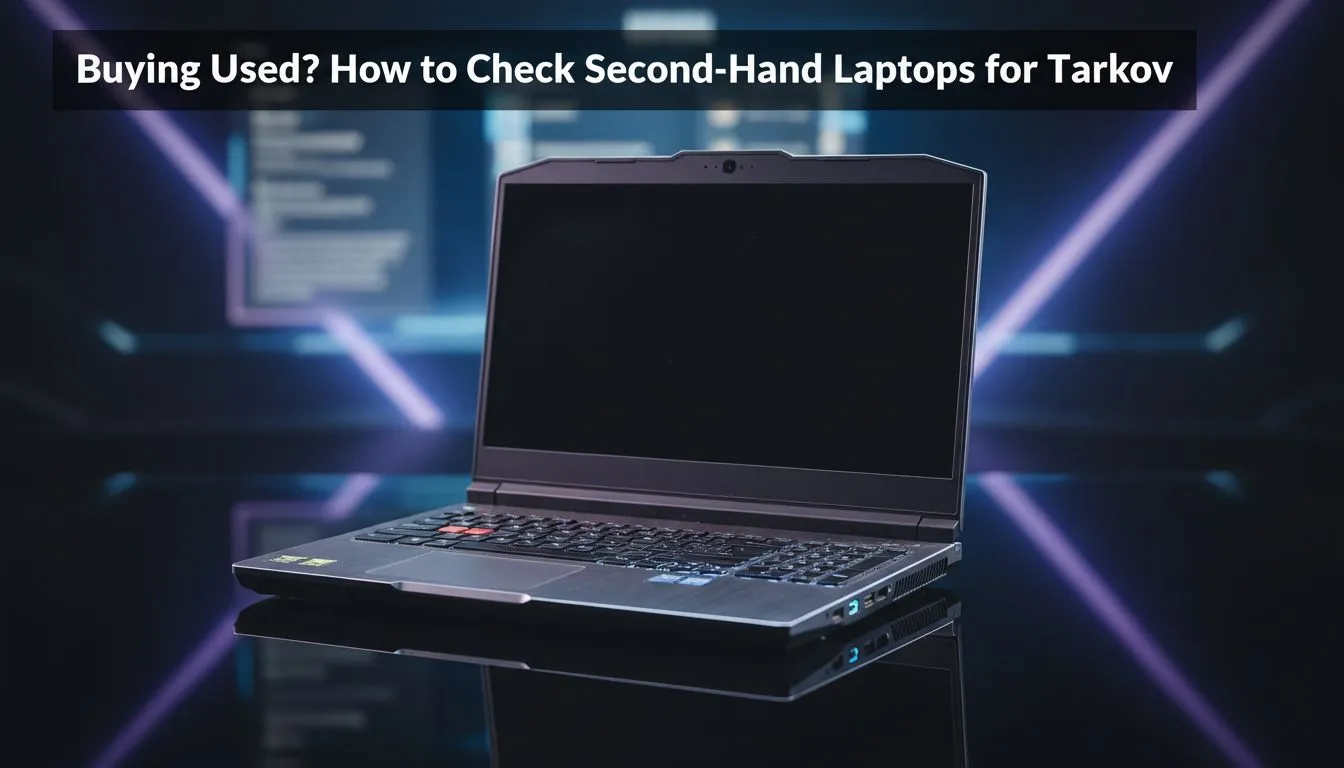
Surviving a raid in Escape from Tarkov is hard enough without your hardware failing mid-firefight. In South Africa, finding affordable gear often means scouring the second-hand market. But buying used laptops for Tarkov requires a sharp eye. You do not want a machine that throttles when the Scavs start shooting. Here is how to check a second-hand laptop to ensure your Roubles are well spent.
Essential specs for the Tarkov grind
Tarkov is notorious for being unoptimised. You need a strong processor to handle the complex AI and physics calculations. If you are looking at the pre-owned market, keep an eye out for Intel laptops on special that feature at least a 10th Gen i7. Alternatively, Ryzen laptop deals with a 5000-series chip or higher will provide the multi-core performance needed for demanding maps like Streets of Tarkov.
How to check a second-hand laptop for thermal issues
Gaming laptops live and die by their cooling. When inspecting used laptops for Tarkov, always run a stress test like Cinebench or FurMark for at least ten minutes. If the fans sound like a jet engine or the laptop shuts down, walk away. High-end Geforce RTX gaming laptops on special often have better cooling arrays, but older used units might have dried-out thermal paste... this leads to thermal throttling and massive frame drops in-game. 🔧
The Battery Report Trick ⚡
Open the Command Prompt on the laptop and type 'powercfg batteryreport'. This generates a file showing the original capacity versus the current capacity. If the 'Full Charge Capacity' is significantly lower than the 'Design Capacity', you are looking at an expensive battery replacement soon.
Inspecting the screen and build quality
Check for "bruising" on the panel... those small white spots that appear on dark backgrounds. In the local market, many gaming laptops under R20k might have seen heavy travel. Open and close the lid several times to listen for creaking hinges. A loose hinge is a sign of a rough life. Ensure the keyboard is fully functional... Tarkov uses almost every key, so a dead 'R' or 'Shift' key means you cannot reload or sprint. 🚀
Verifying the storage and RAM
Tarkov requires at least 16GB of RAM... though 32GB is becoming the new standard for stability. Ensure the used machine has an SSD. If it still uses a mechanical HDD, it simply will not load into raids fast enough. You can often find the best gaming laptop deals that already include NVMe storage, saving you the hassle of an immediate upgrade. ✨
Ready to Find Your Perfect Match?
Buying used is risky, but buying new and guaranteed doesn't have to break the bank. For maximum power, choice, and value in South Africa, our curated selections are hard to beat. Explore our massive range of laptop specials and find the perfect machine to conquer your world.