


Complete Guide: Setting Up AIO Liquid 420mm
Setting Up AIO Liquid 420mm. Tested & verified settings for best FPS and visual quality on SA hardware budgets.
Read moreEnhance your virtual meetings with top video conferencing cameras 🔍 Boost clarity and demeanor. Say goodbye to blurry calls 💻✨
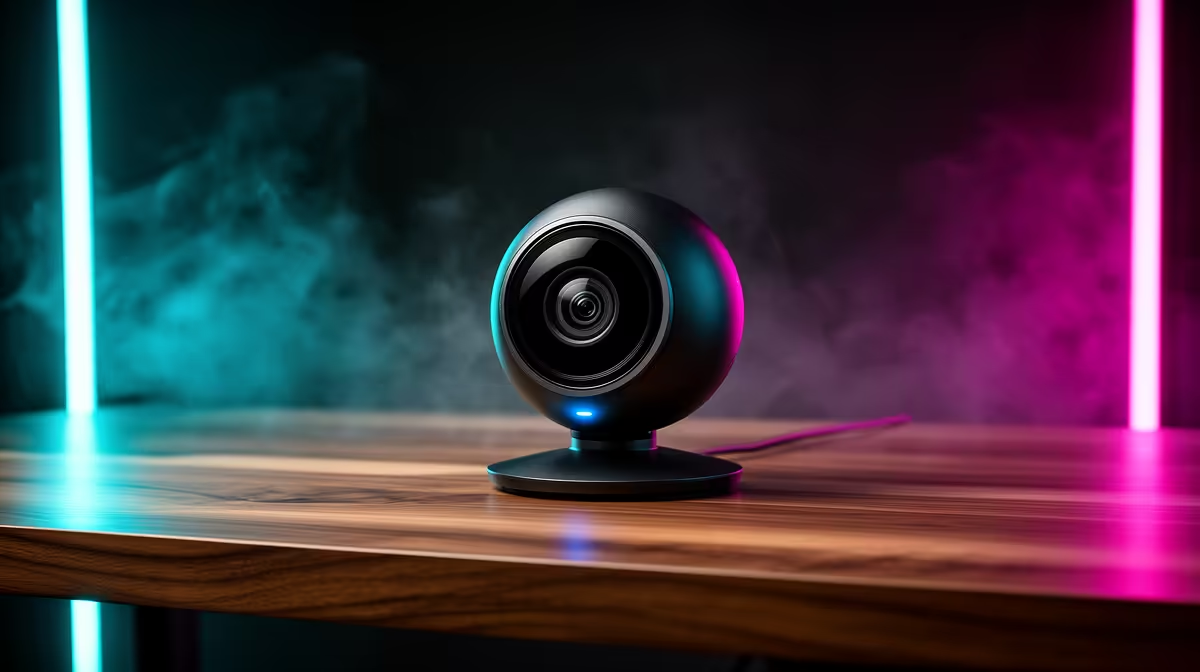
Tired of looking like a pixelated shadow in your work calls or a grainy mess on stream? That grainy, poorly lit video feed from your laptop's built-in camera isn't doing you any favours. A high-quality video conferencing camera is no longer a luxury… it's an essential piece of kit for making a sharp, professional impression online. For less than you think, you can get a massive visual upgrade. Let's dive in. ✨
Most built-in laptop webcams are an afterthought. Manufacturers cram tiny sensors into thin screen bezels, resulting in poor image quality, especially when the lighting isn't perfect. This means a noisy, blurry picture that makes you look unprofessional during that important client meeting on Teams or washed out during a Discord call with your mates.
A dedicated video conferencing camera solves this instantly. With superior lenses and larger sensors, they capture more light, delivering a crisper, more colourful, and far more flattering image. Even an entry-level upgrade can make a world of difference, and there are great options under R1000 that will blow your laptop's camera out of the water.
When shopping for a new webcam, it's easy to get fixated on resolution alone. While 1080p (Full HD) is a great standard to aim for, other features have a bigger impact on your day-to-day video quality.
This is where quality cameras for video calls truly shine. A good sensor can produce a clean image even in a dimly lit room… perfect for those late-night sessions or load-shedding workarounds. Snappy autofocus keeps you sharp and in focus, even if you move around. You'll find many mid-range webcams under R2000 that excel in these areas.
You don't need a fancy studio. Just place your main light source (like a lamp or a window) in front of you, not behind you. This one simple change will instantly improve any webcam's performance by properly illuminating your face.
Frame rate, measured in frames per second (fps), determines how smooth your video looks. While 30fps is fine for static meetings, 60fps provides buttery-smooth motion, which is ideal for streaming or more dynamic presentations. The field of view (FoV) determines how much of your background the camera captures. A standard 78° FoV is great for a head-and-shoulders shot, while a wider 90°+ FoV can be useful for showing off more of your room or fitting multiple people in the frame.
Choosing the right webcam comes down to your primary use case and budget.
No matter your need, upgrading your webcam is one of the fastest ways to boost your online presence.
Ready for Your Close-Up? Stop letting a grainy camera define your digital first impression. Explore our full range of video conferencing cameras and shop now at Evetech for a crystal-clear upgrade.
A good video conferencing camera offers HD resolution, clear audio, and easy integration with platforms like Zoom or Teams.
Yes! Entry-level webcams like the C930e provide solid 1080p video and premium features without breaking the bank.
Camera quality greatly impacts professionalism. Crisp visuals help participants focus and enhance communication effectiveness.
Smartphones can double as webcams via USB or apps like DroidCam but lack features of dedicated devices for conferencing.
Cameras like the Logitech BRIO or Razer Kiyo are excellent choices for remote work due to versatility and streaming capabilities.
Most devices use standard drivers but preferred software like Logitech’s options provide advanced customizations for conferencing.
A minimum 1080p resolution at 30FPS is ideal for clear video conferencing. Higher resolutions improve detail and professionalism.
Setting Up AIO Liquid 420mm. Tested & verified settings for best FPS and visual quality on SA hardware budgets.
Read more
Intel XTU Download & Setup Guide: Intel CPU. Clear setup instructions with SA-specific considerations, troubleshooting tips & recommended components.
Read more
Cyberpunk 2077 Max Settings on RTX 4090. Tested & verified settings for best FPS and visual quality on SA hardware budgets.
Read more
The Complete Guide to GPU. Everything you need to know with SA pricing, step-by-step instructions & expert recommendations.
Read more
NVCleanstall Download & Setup Guide: NVIDIA. Clear setup instructions with SA-specific considerations, troubleshooting tips & recommended components.
Read more
to Driver Installation for Beginners. Everything you need to know with SA pricing, step-by-step instructions & expert recommendations.
Read more
AMD RX 9050 XT: Rumoured Specs, Price & Release. SA-focused analysis with local pricing data, real-world insights & actionable buying advice.

Can RTX 4080 Super Run AI Workloads for SA Developers Detailed answer with SA data, expert analysis & practical recommendations for local buyers.

Can RTX 4090 Run AI Workloads for SA Developers Detailed answer with SA data, expert analysis & practical recommendations for local buyers.

Top Settings for Intel Arc B580 at Ultrawide 1440p picks evaluated on performance, value & SA availability with current Rand pricing from Evetech.

RTX 4060 CS2 Low Settings at 1080p: FPS Results. Real-world benchmark data, FPS numbers & performance analysis. What SA gamers can actually expect.

Visual Artifacts: Possible GPU Issue Issue #1. Diagnosis steps, proven fixes & when to seek professional help. SA-specific support info included.

Can the RTX 4090 Handle 1440p 144Hz Gaming. Performance testing verdict with real data & practical recommendations for SA buyers.

Top ASUS GPU Under R15000 picks evaluated on performance, value & SA availability with current Rand pricing from Evetech.

GTA 6 Max Settings on RTX 5070. Tested & verified settings for best FPS and visual quality on SA hardware budgets.

Cyberpunk 2077 Max Settings on RTX 5080. Tested & verified settings for best FPS and visual quality on SA hardware budgets.

Starfield Max Settings on RTX 5070 Ti. Tested & verified settings for best FPS and visual quality on SA hardware budgets.

Top RTX 5090 Under R5000 picks evaluated on performance, value & SA availability with current Rand pricing from Evetech.