Quick Answer
For Soweto buyers, buy 1080p at 30fps for calls, 1080p at 60fps for streaming, and 4K only when cropping or creator work justifies the higher price. Start with the R700 to R4,000+ band, compare real specs, and let the current Evetech listing confirm exact stock before checkout.
Shortlist The Right Tier
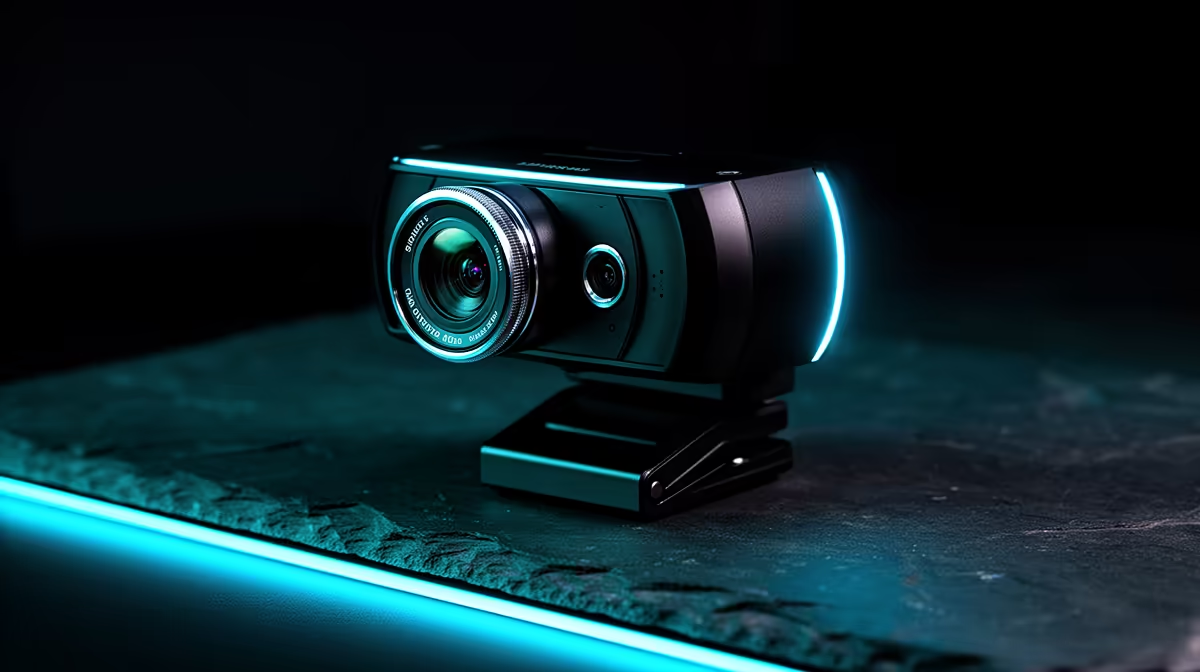
Useful examples to compare include Logitech C920, Logitech Brio, Razer Kiyo, Elgato Facecam, and AVerMedia 1080p models. A webcam upgrade only looks better if lighting is controlled. A modest 1080p camera with a lamp often beats a costly 4K unit pointed into a dark room. Use the guide as a filter, not a shopping script. The right choice should solve a daily problem and avoid forcing a second purchase.
Specs That Actually Change The Result
The key spec checks are 1080p at 30fps, 1080p at 60fps, 4K capture, autofocus, and privacy shutter options. Match those numbers to your current PC, console, desk, room, or study setup. Prioritise the first real bottleneck: clarity for recording, fps for displays, stable power for builds, comfort for chairs, or latency for wireless gear.
Local Buying Notes For Soweto
Soweto buyers should check courier timing, desk space, and whether the upgrade fits a shared study, streaming, or gaming setup. Keep the live Evetech listing as the final source for exact stock and current pricing, because availability can shift between sizes, colours, bundles, and regional courier timing.
FAQ
Is 1080p enough for video calls?
Yes, 1080p at 30fps is enough for Teams, Zoom, Discord, and class calls. Spend more only if you stream, crop the frame, or need cleaner low-light output.
When is a 60fps webcam worth it?
A 60fps webcam is worth it for streaming, fast hand movement, and creator demos. For normal meetings, 30fps is usually fine and keeps the budget lower.
What should I check before ordering a webcam?
Check monitor mounting, USB cable length, autofocus, microphone quality, and whether you need a privacy shutter. Also confirm the camera works with Windows or macOS without awkward driver steps.
Practical check
Before checkout, confirm resolution, frame rate, and room lighting plus any required cable, mount, dock, adapter, or size-specific accessory.