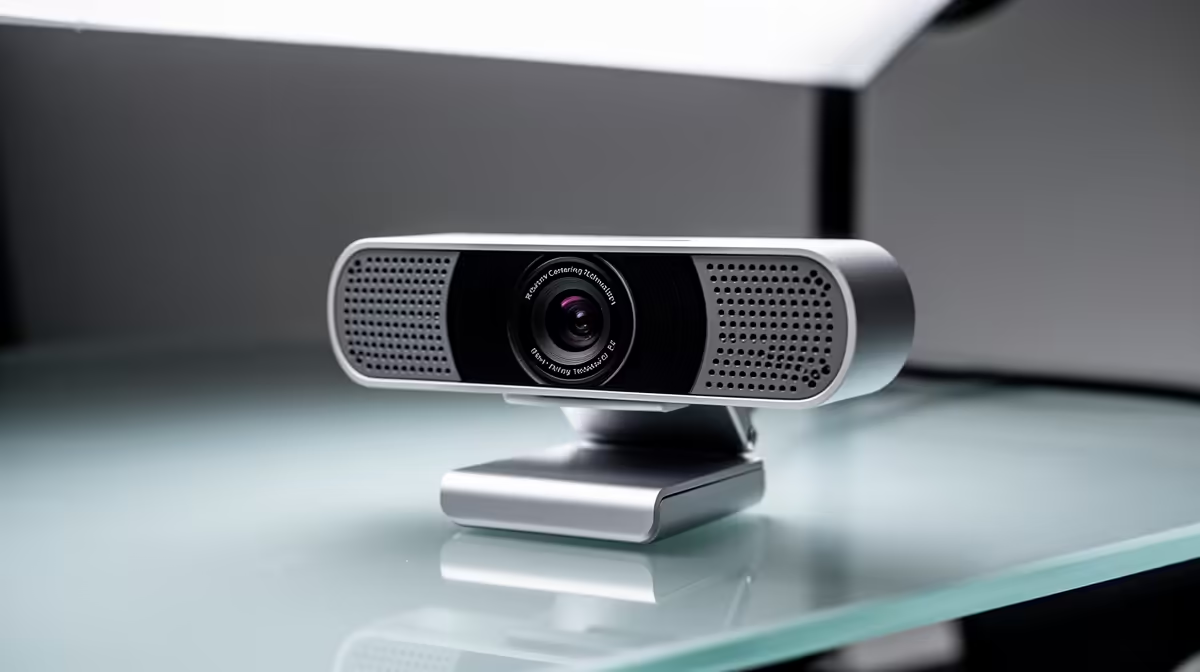
Ever leaned back to grab your coffee during a stream, only to find you’ve half disappeared from the screen? Or shifted in your chair during a crucial work call and lost focus? It’s a common frustration. But what if your camera could follow you? Modern webcam centering technology is designed to do just that, keeping you perfectly framed, sharp, and professional, no matter what. 🎯
Understanding Webcam Centering Technology
So, what’s the magic behind this feature? At its core, webcam centering technology, often marketed as "auto-framing" or "AI-enhanced tracking," uses a combination of a wide-angle lens and intelligent software. The camera captures a much wider picture than you see, and its built-in AI identifies you as the subject. It then digitally pans, tilts, and zooms to create a cropped, perfectly composed shot that keeps your face right in the middle.
Think of it as having a tiny, dedicated camera operator living inside your webcam. This tech ensures you remain the focal point, whether you're passionately explaining a strategy or just reaching for a snack. It's a sophisticated feature that's becoming essential in our collection of affordable streaming essentials under R6000.
Why You Need AI-Powered Auto-Framing
This isn't just a gimmick; it’s a practical tool that elevates your on-screen presence. The benefits of a good auto-framing webcam are clear across different scenarios.
For the Pro Streamer 🚀
For a streamer, engagement is everything. Being locked into one static position can feel restrictive. AI camera centering gives you the freedom to move, gesture, and be more expressive without worrying about falling out of frame. It creates a more dynamic and professional broadcast that holds your audience's attention. Paired with some top-tier Corsair gear, your setup will look and feel world-class.
For the Home Office Hero
In a world of back-to-back video calls, looking polished matters. An auto-framing webcam ensures you always appear centred and professional, even if you shift in your seat or stand up to stretch. It’s a subtle touch that conveys confidence and preparedness, making a much better impression than a poorly angled, static shot from a laptop camera.
Pro Tip: Frame Your Shot
Before you go live, test your webcam's centering. Stand up, sit down, and lean side-to-side to see how quickly it adapts. A good AI camera should track smoothly, not with jarring, sudden movements. This ensures a professional look for your viewers.
Choosing the Right Webcam with Centering Tech
When you're ready to upgrade, not all centering tech is created equal. Look for webcams that offer at least 1080p resolution to ensure the digitally zoomed image remains crisp and clear. A wide field-of-view (FOV) is also crucial, as it gives the AI more space to work with.
Finally, consider the entire ecosystem. Your on-camera presence is also affected by your environment. Good lighting is non-negotiable. Integrating something like dynamic lighting from Cololight can lift your production value immensely, making sure the camera’s sensor has plenty of light to work with for a sharp, noise-free image. ✨
Stay in the Picture with Evetech
Ready to upgrade your stream or meeting presence with intelligent webcam centering? Explore our full range of streaming essentials at Evetech and never leave the frame again.