


Complete Guide: Setting Up Monitor Light
Setting Up Monitor Light. Tested & verified settings for best FPS and visual quality on SA hardware budgets.
Read moreMaster webcam features like auto-focus, noise reduction, and privacy shutters to level up your streaming, remote work, and teaching setups. 🎥 Improve your video quality today! 🚀
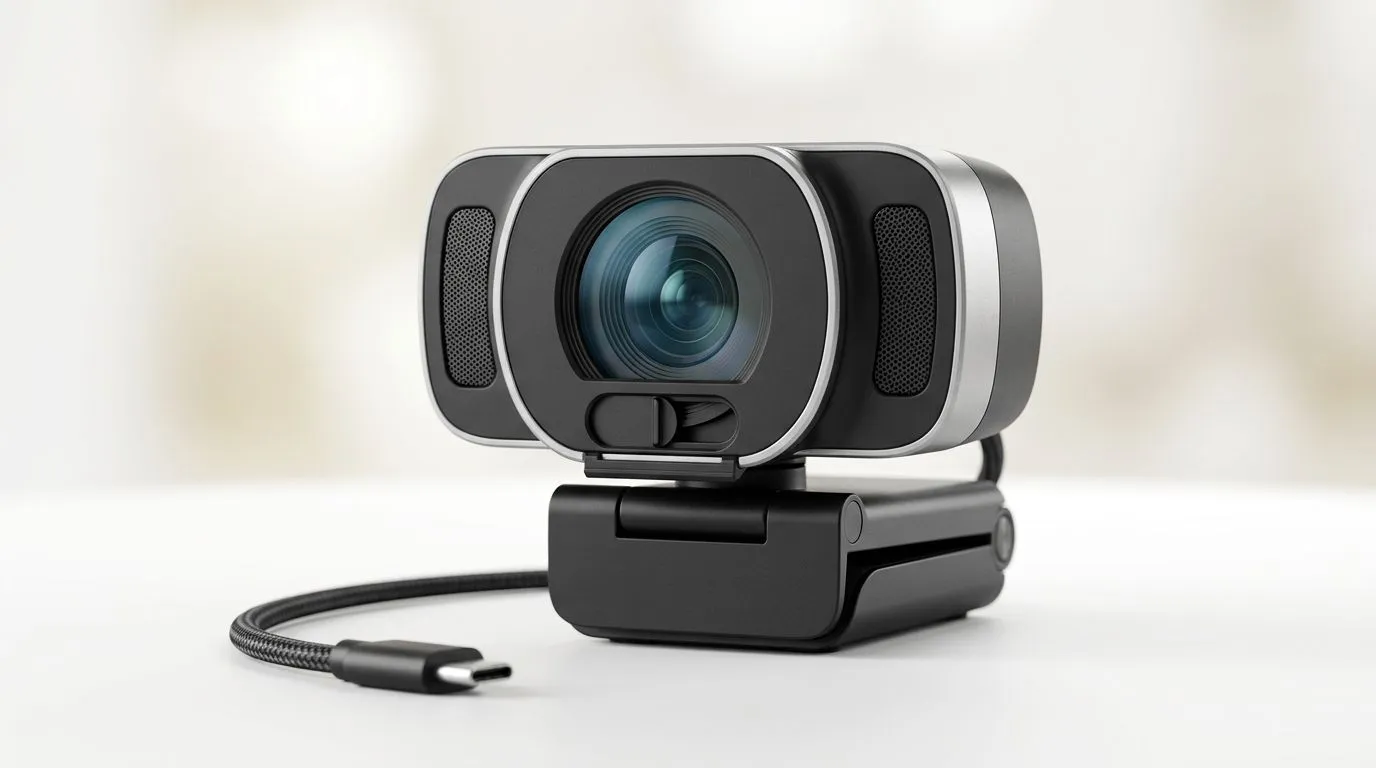
Buying a webcam in South Africa can feel like a minefield. One model looks “1080p” on the box, but the picture is soft… or your audio clips the moment you speak. And when you’re trying to stream on Twitch, game with friends on Discord, or join client calls for work, quality matters. 😅
In this guide, we’ll break down the webcam features that actually change your results, what to prioritise, and how to choose the right option for your budget in ZAR.
Resolution (like 1080p) tells you how many pixels the camera captures. Higher resolution can look sharper, especially for detailed faces and text on screens. But clarity also depends on the sensor and lens quality.
Frame rate (like 30fps or 60fps) affects smooth motion. For streaming gameplay and fast head movement, higher fps can look better. For office calls, 30fps is often fine.
What to watch for in product listings: a webcam that claims “1080p” but only at low frame rates may still look less clean than you expect, especially in lower light. If the camera is paired with decent low-light performance, you’ll notice the improvement immediately.
Local tip: South African home lighting can swing from warm evening lamps to harsh daylight. A webcam with better automatic exposure will usually handle this better.
A lot of people buy for streaming at night… then wonder why their face turns grainy. Low-light performance is where webcams separate.
Two key behaviours matter:
If you stream from a room with patchy lighting, consider adding a simple light source (even an affordable desk lamp aimed at a wall behind your monitor can help). 💡
We’ve seen it in tech stores more than once: someone buys a webcam, plugs it in, and the stream looks “fine” in daylight. Then loads up a late-match Discord call, and the camera starts hunting for exposure. The fix isn’t always buying a new cam. Often it’s repositioning the light or using a slightly tighter webcam placement.
Most built-in mics are “good enough” for basic calls, but streaming is different. Your voice needs to cut through game audio, keyboard taps, and background noise.
Look for:
Even if your webcam has a decent mic, room acoustics can ruin it. For SA homes with echo, a small change like facing a wall with soft materials nearby can help. 🎧
Keep your webcam lens at eye level and rotate slightly toward the window. It’s a simple change that improves exposure and reduces the “shadows under the eyes” look during daytime calls. Pair it with a light source placed forward, not behind you, for cleaner streaming.
Two webcams can both be “1080p” and still look different.
Lens quality affects distortion and edges. If you’re streaming from a desk and your head position varies, auto focus usually feels more forgiving.
Before you buy, confirm compatibility with your devices and platforms. Most webcams use standard USB connectivity and work across common operating systems, but software support and driver behaviour can vary.
For streaming, also consider:
In South African homes, power and Wi‑Fi issues happen, but USB webcam issues are usually simpler: bad cables or unstable ports. If the image stutters, try a different USB port first before you blame the camera.
If you’re shopping on a budget, choose features that match how you use the webcam.
If you’re trying to keep costs down, you can narrow options by price and compare the listed features.
Browse webcam options and shortlist a few based on the specs that matter to you. Next, use a price cap to tighten the selection to models that fit your ZAR budget.
Here are a few helpful ways to filter:
Before you commit, run through this quick checklist:
If you’re unsure, start with the use case. A webcam that’s perfect for meetings might not satisfy a streamer at night.
Ready to Find Your Perfect Match? The Mac vs Windows debate is complex, but for maximum power, choice, and value in South Africa, Windows is hard to beat. Explore our massive range of laptop specials and find the perfect machine to conquer your world.
Auto-focus automatically adjusts the lens to keep your image sharp, ensuring you stay in focus even if you move during a stream or remote meeting.
Webcam noise reduction filters out visual grain and static in low-light conditions, providing a cleaner, more professional image for your viewers.
Privacy shutters provide a physical cover for your lens, offering peace of mind and guaranteed security against unauthorized camera access.
Yes, a higher frame rate (30fps or 60fps) ensures smooth motion, which is essential for clear demonstrations and keeping students engaged.
A wide-angle lens captures more of your surroundings, making it ideal for group video calls or streaming setups where you need a broader field of view.
Look for high resolution (1080p or 4K), solid low-light performance, effective noise reduction, and adjustable focus settings to ensure a studio-quality look.
Setting Up Monitor Light. Tested & verified settings for best FPS and visual quality on SA hardware budgets.
Read more
Assassins Creed Shadows Ultrawide Support: 21:9. Clear setup instructions with SA-specific considerations, troubleshooting tips & recommended components.
Read more
Complete Gaming Setup Guide for the Collector. Clear setup instructions with SA-specific considerations, troubleshooting tips & recommended components.
Read more
Will the Steam Deck 2 Have an OLED Screen? Leaked. Plain-English explanation of what it means, why it matters & how it affects your buying decisions in SA.
Read more
Setting Up Ultrawide 144Hz. Tested & verified settings for best FPS and visual quality on SA hardware budgets.
Read more
Kingdom Come: Deliverance 2 Ultrawide Support. Clear setup instructions with SA-specific considerations, troubleshooting tips & recommended components.
Read more
When Will the RTX 6090 Launch in South Africa Detailed answer with SA data, expert analysis & practical recommendations for local buyers.

Top Valorant Settings for RTX 5070: FPS Optimisation picks evaluated on performance, value & SA availability with current Rand pricing from Evetech.

RDNA 3.5 Graphics in Ryzen AI 400? Can You Game. Plain-English explanation of what it means, why it matters & how it affects your buying decisions in SA.

GPU Price Index : December Report. Current stock data & price tracking for SA buyers. See what is available and where prices are heading.

Core i5-14600K + B760 + RTX 5060 Build Under. Full parts list, Rand pricing & expected performance. Build confidently with SA-available components.

RX 7600 Apex Legends at 4K: FPS Benchmark. Real-world benchmark data, FPS numbers & performance analysis. What SA gamers can actually expect.

RX 7900 XTX GTA 6 at 4K: FPS Benchmark & Optimal. Real-world benchmark data, FPS numbers & performance analysis. What SA gamers can actually expect.

Head-to-head comparison of RTX 5070 vs RX 9070 XT: Gaming Performance for SA gamers. Performance benchmarks, Rand pricing & which delivers better value.

Starfield Max Settings on RTX 5070. Tested & verified settings for best FPS and visual quality on SA hardware budgets.

Top RX 7800 XT Model Under R8,000 picks evaluated on performance, value & SA availability with current Rand pricing from Evetech.

RTX 5070 Valorant Optimised Settings: Graphics. Real-world benchmark data, FPS numbers & performance analysis. What SA gamers can actually expect.

Top Laptop with Core i7 + RX 7700S: Picks picks evaluated on performance, value & SA availability with current Rand pricing from Evetech.