

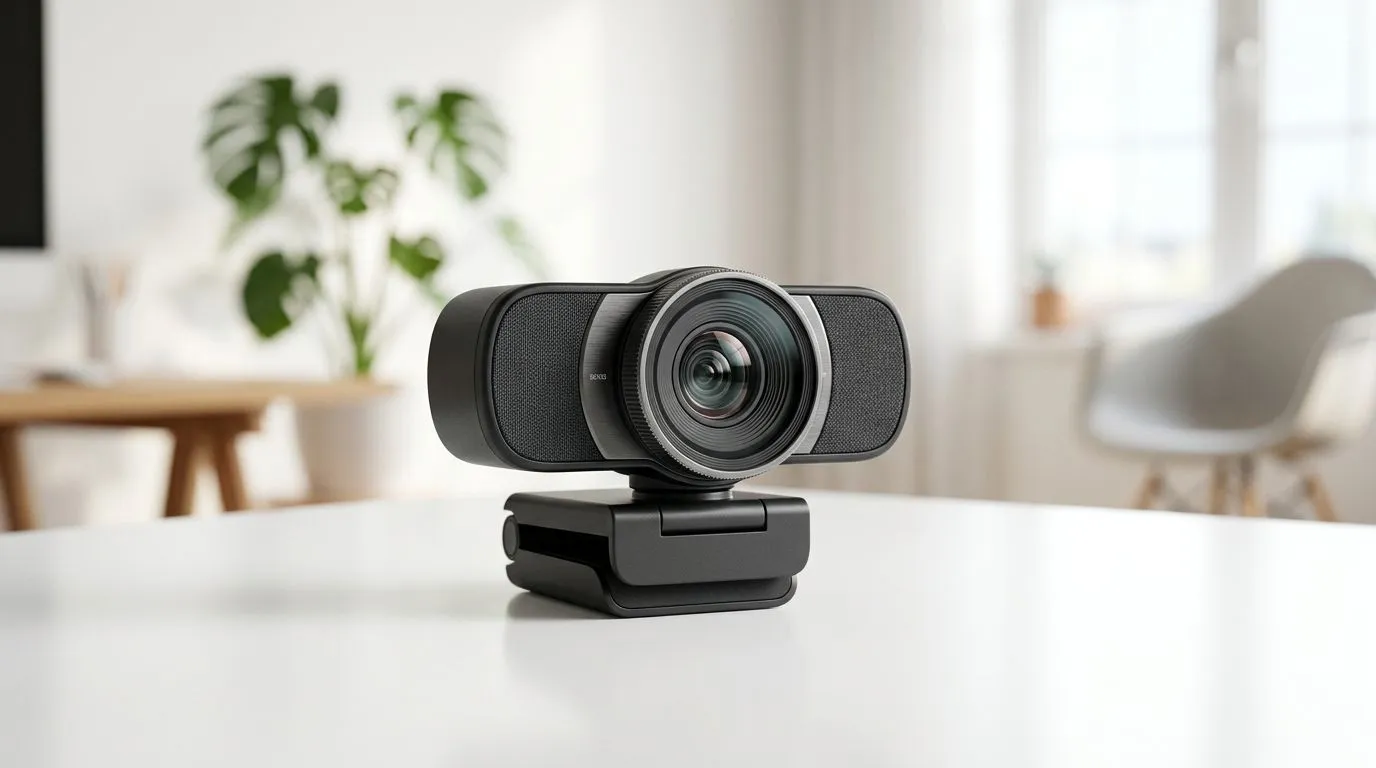
Webcam Optical vs Digital Zoom: What South African Streamers Need
If your stream looks flat, the problem could be your zoom — not your setup. South African streamers need practical, budget-aware advice on optical vs digital zoom so you can get crisp close-ups without pixel soup. This quick read explains the real differences, when to spend your R, and which webcams make sense for local creators. 🚀
How optical and digital zoom actually work
Optical zoom moves the camera’s lens elements to magnify a subject while preserving detail. Digital zoom crops and enlarges the sensor image, so you lose resolution. Put simply: optical = true magnification, digital = software enlargement.
For real-world choices and to compare models by price, check Evetech’s full webcam range — it helps you match specs to your budget and stream goals. https://www.evetech.co.za/PC-Components/buy-webcams-145.aspx
Quick tech tip
Optical zoom is most useful when you need to keep image quality at higher magnifications. Digital zoom can be OK for small crops during low-motion streams, but expect softness.
What matters for South African streamers
Think about lighting, framerate, and lens quality before zoom specs. A 60 fps 1080p webcam in good light will look better than a 4K camera with poor glass. Also consider your upload speed; higher resolution needs more bandwidth.
When shopping within tighter budgets — under R1,000 — you’ll find decent entry webcams aimed at clear 720p or basic 1080p with digital zoom. Browse affordable options here to see what’s available in ZAR. https://www.evetech.co.za/PC-Components/buy-webcams-145.aspx?max-price=1000
Webcam Setup Tip ⚡
Position your webcam at eye level and use soft, diffused front lighting. Even small LED panels or a white lampshade will cut noise and make digital zooms look sharper.
Practical buying guide and price brackets
- Under R1,000: Expect digital zoom, fixed lenses, sensible framerates. Good for practice streams and webcams above your laptop’s built-in camera.
- R1,000–R2,000: Better sensors and optics, some models offer limited optical zoom or higher-quality glass. Compare mid-range choices here. https://www.evetech.co.za/PC-Components/buy-webcams-145.aspx?max-price=2000
- R2,000–R3,000+: You’ll see true optical elements, better low-light performance, and improved autofocus. These are worth it if you stream regularly and need the extra polish. Browse higher-tier webcams here for heads-up options. https://www.evetech.co.za/PC-Components/buy-webcams-145.aspx?max-price=3000
A micro-story: I recommended a mid‑range webcam to a Cape Town streamer who wanted crisp overlays and a shallow background. Swapping the cheap USB camera for a model with better optics cut noise and made cuts in post nearly unnecessary. Viewers noticed the step-up.
Quick checklist before you buy
- Do you need true optical zoom or will a crop suffice?
- Is your lighting setup strong enough to support higher resolutions?
- Can your upload speed handle 1080p60 or 4K?
- Mounting: does the webcam sit at eye level or on a tripod?
- Budget: match features to how often you stream and monetise.











