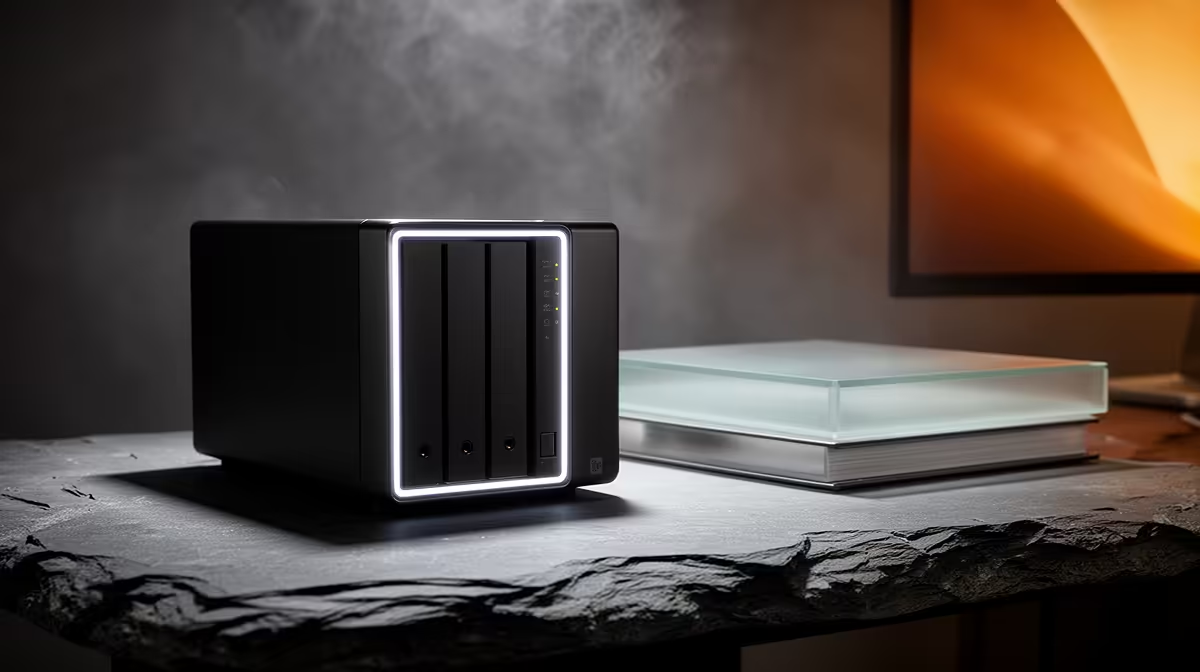
Most people buy a network-attached storage box thinking it is a fancy hard drive that lives on the network, then discover it quietly becomes the most useful machine in the house. A modern NAS streams your media library, backs up every device automatically, replaces your cloud photo subscription, and runs containerised apps, all from one always-on unit in the corner.
Quick Answer
A home NAS does far more than store files. It can run a Plex or Jellyfin media server, back up every phone and laptop on the network automatically, replace cloud photo services with Immich or Synology Photos, and host Docker apps. In practice it becomes a private cloud you own outright, with no monthly fee and your data staying at home.
Your Own Streaming Service
The headline use for most homes is media. Install Plex or the open-source Jellyfin and your NAS turns into a personal streaming service, serving films, series, and music to phones, laptops, smart TVs, and browsers anywhere on your network. Jellyfin in particular needs no subscription and runs entirely on your hardware, so once your library is on the box you stream it freely across every device you own.
Plex Versus Jellyfin
The choice comes down to polish versus independence. Plex offers a slick, well-supported experience with remote streaming that mostly just works, at the cost of some features sitting behind a paid tier. Jellyfin is fully open source with no paywall, trading a little convenience for complete control. Both run happily on a capable NAS, so the decision is about which trade-off you prefer rather than which is technically possible. If hardware transcoding is important to you, check whether your NAS model's CPU supports it before choosing the platform, since both Plex and Jellyfin can offload transcoding to the chip but require a compatible processor and the right driver support.
Automatic Backups for the Whole House
A NAS earns its keep the first time a laptop dies and you lose nothing. Point every device on the network at it and let backups run on a schedule, so phones, laptops, and desktops all have a recent copy sitting safely at home. The widely recommended discipline is the 3-2-1 rule: three copies of your data, on two types of media, with one kept off-site. A NAS makes the on-site, always-current copy effortless, and you can layer an off-site cloud or second drive on top for the final leg.
Replace Your Cloud Photo Bill
This is the use that surprises people most. Apps like Immich are a near-complete replacement for the big cloud photo services, automatically backing up the camera roll from every phone to your NAS. Immich brings the features you expect from a paid service, face recognition, object and scene detection, and automatically generated memory highlights, while keeping every image on hardware you control. Synology Photos offers a similar experience on Synology hardware. Either way, the recurring photo-storage fee disappears and your family album stops living on someone else's server.
A Quiet Little App Server
Because most modern NAS units run Docker, the box becomes a home for small self-hosted apps well beyond storage. A DNS-level ad blocker, a self-hosted notes server, a download manager, a home dashboard, all run as containers alongside your media and backups. The appeal is that everything moves with you: as your needs grow and you eventually graduate to a bigger box, the containers come along unchanged because they are just Docker images. That flexibility is what turns a NAS from an appliance into a genuine home server.
One practical constraint worth knowing: Docker and containers require an x86 (Intel or AMD) NAS. ARM-based NAS units, often the cheapest two-bay entry models, do not run Container Manager or full Docker support. If containerised apps are part of the plan, confirm the model's processor before you buy. It is worth browsing the NAS storage range at Evetech to see which units suit a containerised setup rather than just file shares, and check the spec sheet for the CPU architecture.
Choosing the Right Box and Drives
Two decisions shape how far your NAS can stretch. The unit itself sets the ceiling on how many apps and how much transcoding it handles, so if you plan to run Plex with multiple streams plus Immich and a few containers, lean towards a more capable model rather than the cheapest two-bay. The drives matter too: spinning drives give you the most capacity per Rand for bulk media, while an SSD cache or an SSD-equipped unit makes photo browsing and app responsiveness noticeably snappier. For the cache and app side, the SSD best sellers list is a good place to compare current options.
Sizing Your Storage
Buy more capacity than you think you need today, because media libraries and photo archives only grow. Starting with room to spare is far cheaper and less disruptive than migrating drives in a year. Plan around your largest realistic library plus your household's combined backups, then add headroom.
Who Actually Needs One
A NAS makes the most sense for households with several devices, a growing photo collection, or anyone tired of paying monthly for storage they could own. If you only have a single laptop and a handful of files, an external drive is enough. But once you are juggling multiple phones, a media habit, and cloud subscriptions stacking up, a NAS consolidates all of it into one box you control.
Frequently Asked Questions
Is a NAS just a network hard drive?
No, that is the common misunderstanding. While it does store files, a modern NAS also runs a media server, automatic backups, photo apps, and Docker containers, which is what makes it a genuine home server rather than a drive.
Can a NAS really replace my cloud photo subscription?
Yes. Apps like Immich or Synology Photos auto-backup your camera roll and add face recognition and smart albums, keeping everything on your hardware and removing the monthly fee entirely.
Do I need a powerful NAS for Plex?
If you want multiple simultaneous streams or on-the-fly transcoding, choose a more capable model rather than an entry-level two-bay. Lighter use, like one stream to devices that play the file directly, is fine on modest hardware.
What is the 3-2-1 backup rule?
It means keeping three copies of your data, on two types of media, with one copy off-site. A NAS handles the always-current on-site copy, and you add an off-site cloud or drive for the third.
Can I run other apps on a NAS?
Yes. Most NAS units support Docker, so you can run a DNS ad blocker, a notes server, dashboards, and more as containers alongside your media and backups, all on the same box.
Ready to own your media, photos, and backups instead of renting them? Explore the NAS storage range at Evetech and build a private cloud that lives in your home.