Quick Answer
For South African hybrid workers, a 27-inch 1440p monitor paired with a USB-C or Thunderbolt 4 dock covering Ethernet, HDMI, and at least three USB-A ports is the most practical desk setup. Fibre-connected offices on Vumatel or Openserve make a wired Ethernet port on the dock non-negotiable for reliable video calls.
The Display Side of the Equation 🖥️
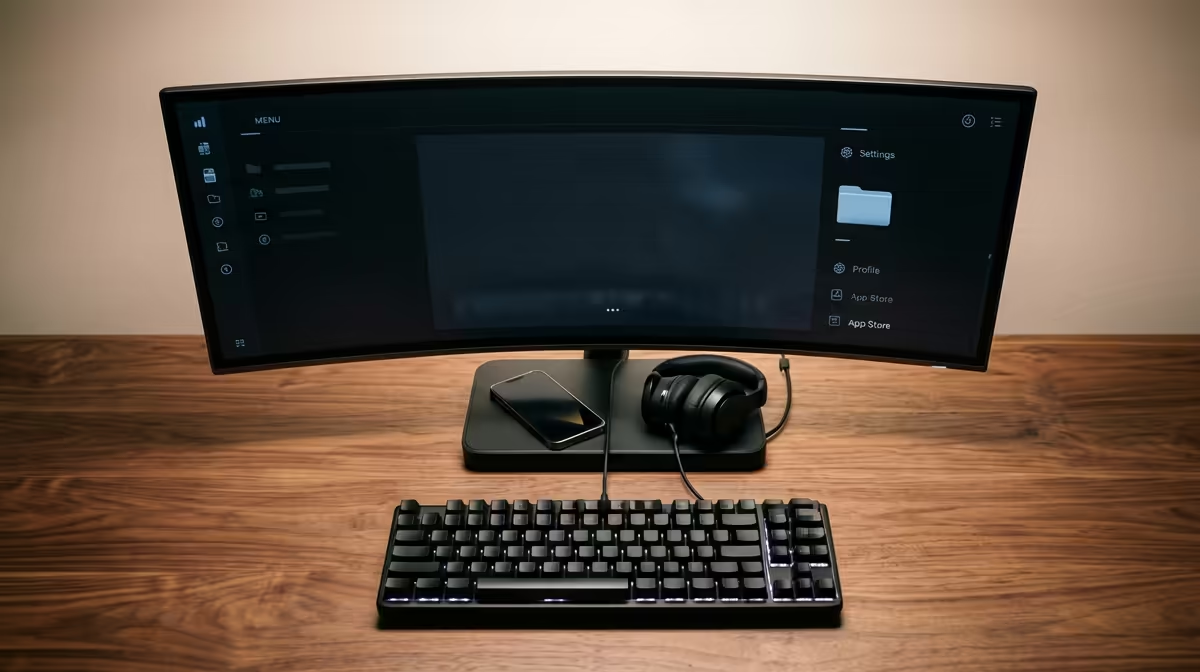
Hybrid workers typically split time between a corporate office with a second screen and a home setup they build themselves. At home, a 27-inch IPS panel at 2560x1440 (QHD) hits the sweet spot: text is noticeably sharper than 1080p at normal desk distances, and Windows scaling stays at a comfortable 125%. Pricing for a decent QHD monitor in South Africa currently sits around R4,500 to R7,500. For video calls, an IPS panel with wide viewing angles avoids the colour shift that TN screens show when your webcam is slightly off-axis. If your laptop already runs a 1080p display and you mainly work in spreadsheets or browser tabs, a 24-inch 1080p monitor around R2,200 to R3,500 still does the job without overspending.
Getting Connectivity Right 🔌
The connectivity layer matters as much as the screen. A single USB-C cable from the dock to the laptop should carry video output, data, and 65W to 100W of power delivery simultaneously, so you only touch one cable when switching between home and office. Look for a dock with at least one HDMI 2.0 or DisplayPort 1.4 output, two to three USB-A 3.2 ports, a USB-C data port, and a Gigabit Ethernet jack. For hybrid workers on uncapped fibre (Frogfoot or Vumatel are common in Johannesburg and Cape Town home offices), the Ethernet port keeps Teams or Google Meet stable even when Wi-Fi is congested during peak hours. SD card readers on the dock are a bonus for anyone handling photos or footage from shoots between office days.
South African Considerations Worth Knowing 🇿🇦
Local power comes in at 230V/50Hz, so check that the dock's power adapter carries a South African approval mark. Most reputable docks ship with universal adapters that accept our standard C-type or M-type plugs via an adapter. Another local factor: ADSL and LTE home connections still exist in areas without fibre, and on those connections a wired Ethernet-to-LTE router setup via the dock's Ethernet port can still outperform basic Wi-Fi if the router is close to the desk. Warranty servicing is also worth checking before you buy: docks stocked at Evetech come with local warranty support, which matters if a port fails six months into daily use.
Cable Management for Hybrid Desks ⚡
Run your dock's power brick to a surge-protected multi-plug and keep the single USB-C laptop cable draped over a desk clip so it stays accessible when you grab the machine to head to the office. This cuts the daily pack-up to under ten seconds.
FAQ
Do I need a 4K monitor for hybrid work in South Africa?
For general productivity, 4K at 27 inches requires 150% to 200% Windows scaling on most laptops, which can cause blurry text in older apps. QHD at 27 inches needs only 125% scaling and delivers noticeably sharper text than 1080p without compatibility issues.
Can a USB-C hub replace a proper docking station?
A passive USB-C hub works for light use but struggles under load: simultaneous 4K video out, Ethernet, and USB-A devices can cause the hub to drop to USB 2.0 speeds or cut power delivery below 45W. A powered dock with a dedicated chipset handles all ports at full spec simultaneously.
How much should I budget for a monitor and dock together in South Africa?
A 27-inch QHD monitor around R5,500 combined with a solid USB-C dock around R1,800 to R2,800 gives a complete hybrid desk for roughly R7,000 to R8,500 total, which covers most professional needs without overspending on ports you will never use.
Ready to set up your hybrid desk?
Evetech stocks a wide range of monitors and docking stations suited to South African home and office setups. Browse the full range at Evetech to find the right combination for your laptop and workflow.