You are holding a tight angle in Counter-Strike 2 on a local Cape Town server. Suddenly... a massive lag spike hits. You are dead.
For years, local players relied strictly on Ethernet cables to avoid wireless packet loss. Wireless technology, however, has finally evolved. So, what does WiFi 7 on a motherboard really change for South African gamers? Let us dive into the specs and see.
How WiFi 7 on a Motherboard Really Changes Gaming 🚀
The biggest enemy of online gaming is latency. WiFi 7, officially known as 802.11be, introduces a brilliant feature called Multi-Link Operation (MLO). Older wireless standards forced your PC to choose a single band... either 2.4GHz, 5GHz, or 6GHz. MLO allows your system to connect to multiple frequency bands simultaneously.
If the 5GHz band experiences interference from your neighbour's devices... the 6GHz band takes over instantly. This means zero interrupted packets and a rock-solid connection. When you browse the latest motherboards, looking for WiFi 7 support is vital for competitive play. It practically mimics the stability of a physical LAN cable. Furthermore, during load shedding, running a long Ethernet cable to your backup UPS-powered router is a tripping hazard. A strong wireless connection neatly solves this problem.
Maximising WiFi 7 on Intel and AMD Builds
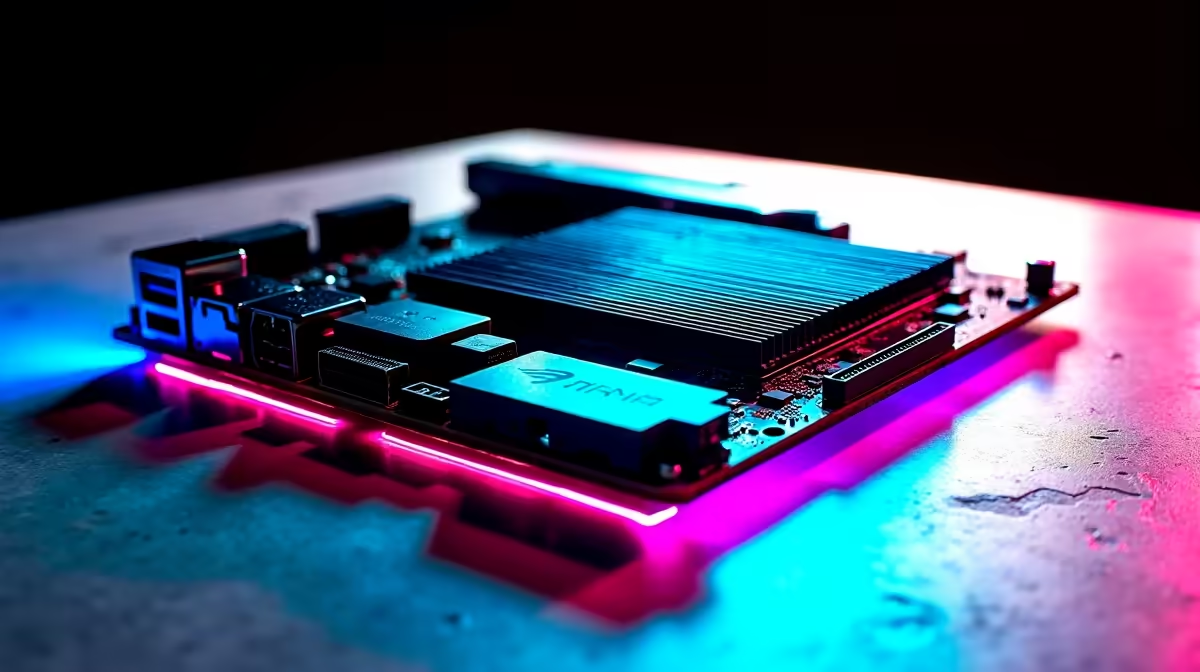
Upgrading your board means picking a platform that supports these new speeds. If you prefer Team Blue, the newest ASUS Intel motherboards feature integrated WiFi 7 modules. They handle massive 320MHz channel bandwidths with absolute ease. This translates to incredibly fast downloads for those massive 100GB Call of Duty updates, saving you hours of waiting.
If Ryzen is your flavour of choice, modern ASUS AMD motherboards offer the exact same wireless firepower. Both platforms ensure your local network never bottlenecks your high-speed South African fibre line. The days of suffering through slow patch days are officially over.
The Supporting Cast for Your Network ⚡
A blazing-fast connection requires equally fast processing power. Your motherboard is just the foundation of your setup. To truly eliminate annoying stutters, you need to pair that new board with premium high-speed memory kits. Fast RAM ensures your CPU processes those incoming network packets without any hesitation. When your data moves smoothly from the router to the memory, your frame rates remain incredibly stable.
Network Optimisation Tip 🔧
To get the absolute most out of WiFi 7 in South Africa, ensure your fibre router is placed in a central location. Even the best motherboard struggles if thick brick walls block the fragile 6GHz signal. Keep the line of sight as clear as possible.
Is WiFi 7 on a Motherboard Worth the Rand? ✨
Fibre internet speeds across South Africa are getting faster and much more affordable. A dedicated WiFi 7 board ensures you can actually utilise that premium 1000Mbps line you pay for every month.
Whether you are building a custom rig from scratch or hunting for premium pre-built gaming PC deals, investing in the latest wireless standard protects your setup for years. You will spend far less time downloading patches and much more time climbing the competitive ladder. What does WiFi 7 on a motherboard really change for South African gamers? It gives you the ultimate competitive edge without the cable clutter.
Ready to Find Your Perfect Match?
The wired vs wireless debate is complex, but for maximum speed, stability, and value in South Africa, WiFi 7 is hard to beat. Explore our massive range of motherboards and find the perfect machine to conquer your world.