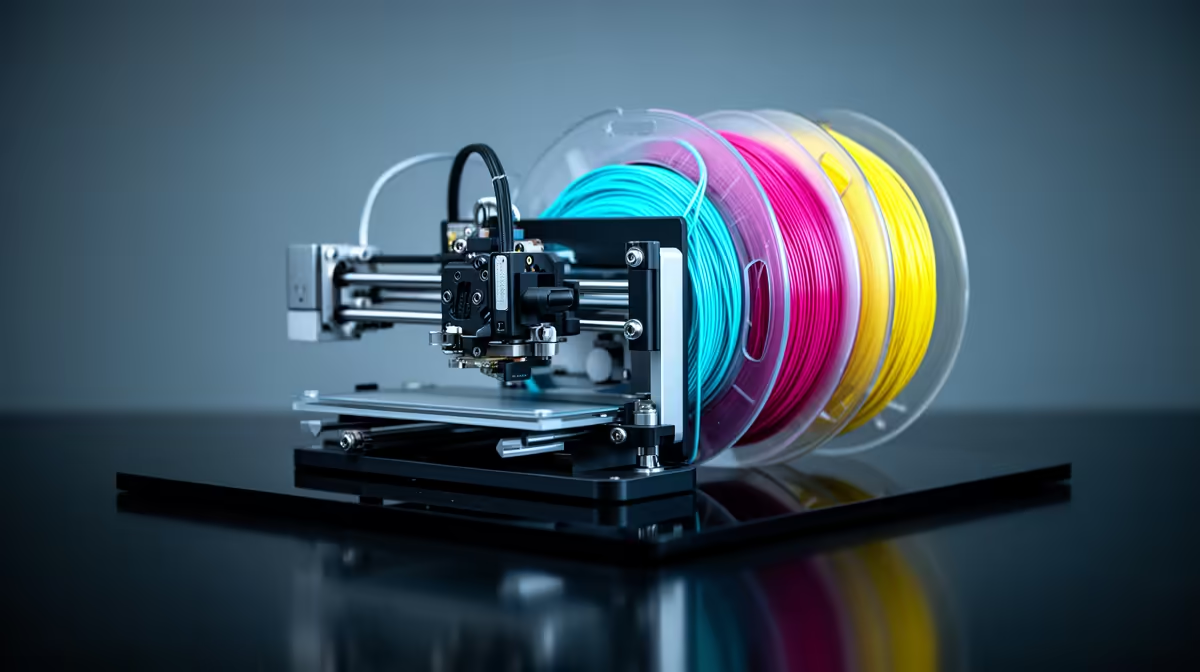
An AMS is the box of spools that turns a single-colour Bambu Lab printer into a multi-colour, multi-material machine without you standing over it swapping filament by hand. The Automatic Material System holds four spools at once, feeds them one at a time through a shared hotend, and switches between them mid-print on instruction from the slicer. That one idea is what put hobby-grade colour 3D printing in reach of South African makers who do not want a R100,000 industrial machine.
Quick Answer
An AMS (Automatic Material System) is a four-spool feeder that lets one Bambu Lab printer print up to four colours or materials in a single job by swapping filament automatically. The current AMS 2 Pro adds active drying up to 65 degrees C and a faster servo feed motor, and you can chain multiple units for up to 16 filament slots. You only need one if your prints genuinely use more than one colour or material.
How an AMS Actually Works
The AMS sits beside or on top of the printer and holds four spools in sealed bays. When a print calls for a colour change, the system retracts the active filament back out of the extruder, trims the tip, and pushes the next spool's filament forward through a single PTFE tube into the hotend. The printer then purges the old colour into a waste tower or a flush block until the new colour runs clean, and carries on.
Because every colour shares one nozzle, the swap is sequential rather than simultaneous. That has two consequences worth understanding before you buy. First, multi-colour prints take longer and waste some filament on each change, since the nozzle has to be flushed clean between colours. Second, the four spools give you four materials on tap, not four nozzles printing at once.
The newer AMS 2 Pro adds an active heating and venting system that dries filament up to 65 degrees C inside the bays, plus RFID detection that reads Bambu's own spools and sets the right drying profile automatically. For humid coastal homes in Durban or Cape Town, keeping PLA and PETG dry between sessions is a real practical win, not a gimmick. The unit also uses a permanent magnet synchronous servo motor that speeds up filament feeding by around 60 percent compared to earlier versions, which cuts the dead time during colour changes on prints with many swaps.
What Multi-Colour Printing Unlocks
The obvious use is decorative: two-tone miniatures, logos, signage, and models where a painted finish would be tedious. The less obvious use is multi-material. You can load a water-soluble support material in one bay and your main filament in another, so complex overhangs print with supports that simply dissolve away afterwards. You can also mix a flexible TPU with a rigid PLA in the same part for hinges or grips.
That flexibility is why the AMS has become the default upgrade for Bambu owners rather than a niche extra. The base printer prints fine in one colour. The AMS is what changes the kind of work you can take on.
Colour Count and Chaining
A single AMS gives you four slots. If four is not enough, you can daisy-chain multiple units. Chaining four AMS 2 Pro units linked together gives you 16 filament slots in one print, and in mixed configurations combining AMS 2 Pro and AMS HT units you can reach 16 or more options depending on the printer model. For the vast majority of SA hobbyists, one unit covering four colours is the sweet spot.
Purge waste and how to reduce it
Every colour swap flushes old material from the nozzle, and that purged filament ends up in a waste tower printed alongside your model. The amount depends on how many swaps the design requires and how different the two colours are, since a dark to light transition needs more flushing than two similar shades. Bambu Studio's flushing volume settings let you tune the purge aggressiveness: lower volumes waste less filament but risk colour contamination on the transition, while higher volumes ensure a clean switch at the cost of more waste. Finding the right balance for a specific colour pair takes one or two test prints and saves material on longer runs.
Filament Drying and Storage
Filament is hygroscopic, meaning it pulls moisture out of the air, and wet filament prints badly: stringing, weak layers, and a rough surface. The sealed AMS bays slow that down, and the AMS 2 Pro can actively dry spools in place. If you have ever opened a months-old spool and found it printing worse than when it was new, this is the part of the system that quietly earns its keep. If 3D printing is becoming a regular part of your workflow, browsing the wider 3D printing hardware range at Evetech is the fastest way to see which printer and AMS combination fits your bench.
Do You Actually Need One?
Be honest about your prints. If almost everything you make is functional and single-colour, brackets, enclosures, tool holders, an AMS adds cost and complexity you will rarely use. The filament purged on each colour change is real waste, and single-colour jobs gain nothing.
You want an AMS if you print models, gifts, signage, or anything where colour is part of the design, or if you want soluble supports for clean overhangs. For makers who sell or gift their prints, the time saved not babysitting manual filament swaps usually justifies the unit on its own. Pairing the printer with the right tools and spares from the accessories best sellers at Evetech rounds out a setup that runs without constant attention.
Frequently Asked Questions
Does an AMS print four colours at the same time?
No. All four spools feed the same nozzle, so colours are swapped one at a time during the print. The result looks multi-colour, but each change adds time and a small amount of purged filament.
Is the AMS only for Bambu Lab printers?
The AMS is Bambu Lab's own system and is designed for their printers. Other brands have their own multi-material units, but the AMS name and ecosystem are specific to Bambu Lab.
How much filament does multi-colour printing waste?
Every colour change purges old filament from the nozzle into a waste tower. The amount depends on how many changes the model needs, so a four-colour print with frequent swaps wastes more than a two-colour print with a few clean transitions.
Can the AMS dry my filament?
The AMS 2 Pro can actively dry spools in their bays at up to 65 degrees C, and it seals them against humidity between prints. Earlier AMS units seal and store but do not actively heat.
How many AMS units can I run on one printer?
You can chain multiple units. Four AMS 2 Pro units linked together give you 16 filament slots in a single print, though one unit and four colours covers most home projects.
Ready to move from single-colour to full multi-material printing? Explore the printers and Automatic Material System options in the 3D printing range at Evetech and get a setup that prints in colour while you do something else.