


Storage Specs Explained for Beginners
Storage Specs Explained for Beginners. Plain-English explanation of what it means, why it matters & how it affects your buying decisions in SA.
Read moreEvery spec on power supply explained in plain English. What matters for gaming and creator work in 2026, what's marketing fluff, and how each number translates to real-world performance for SA buyers.
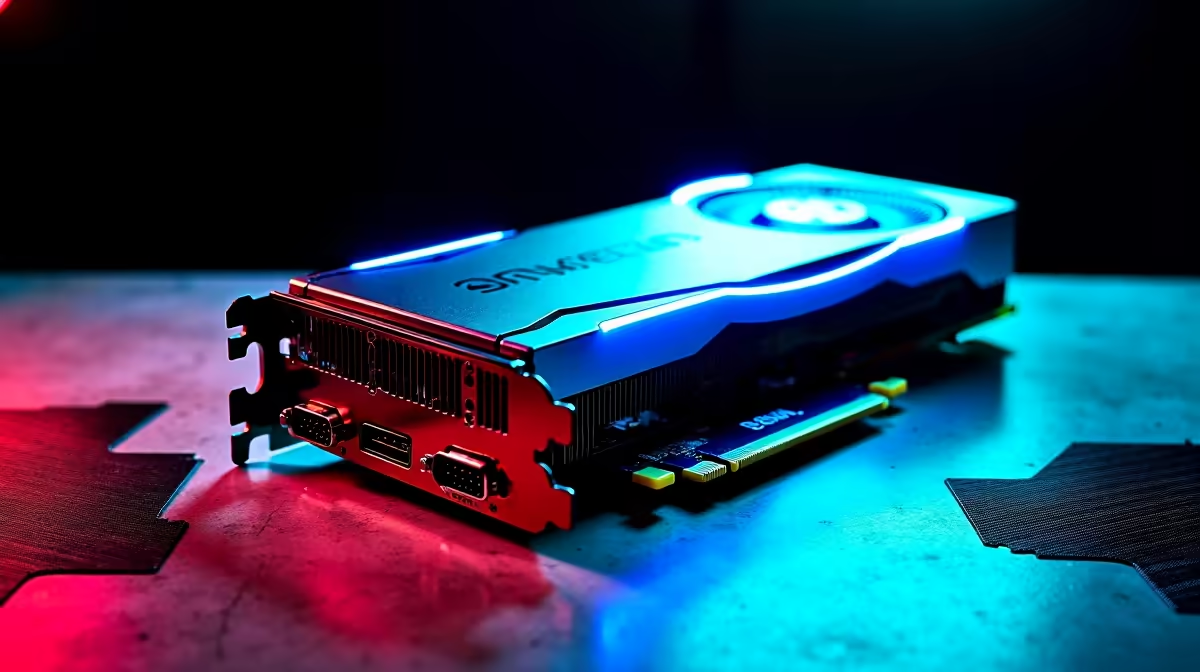
So, you finally saved up enough ZAR for that massive 2.5-slot RTX GPU. It is an exciting upgrade... until you try to cram it into a tiny chassis. South African gamers face unique challenges when building high-end rigs. From sweltering summer heat to unpredictable power grids, you need the right setup. Let us explore the exact power supply and case requirements you need for a 2.5-slot RTX GPU.
Upgrading your rig requires careful planning. A "2.5-slot" card means the cooler is so thick it blocks three PCIe slots on your motherboard. These massive coolers keep core temperatures low during intense gaming sessions. If you are browsing dedicated graphics cards, you will notice that high-end models rarely fit standard dual-slot profiles anymore. You need to measure your internal clearance... down to the last millimetre.
Physical space is your first hurdle. A standard mid-tower might look spacious, but front-mounted radiators often eat into your GPU clearance. You also need to think about motherboard layouts. Older Nvidia GeForce GPUs were forgiving, but today's behemoths demand reinforced PCIe slots. Without proper support, a heavy 2.5-slot card will sag over time. This can damage your motherboard or ruin your aesthetic. Always check the maximum GPU length supported by your chassis manufacturer before buying. Consider buying a dedicated anti-sag bracket. It is a cheap investment to protect expensive hardware.
Grab a measuring tape before you buy. Measure from your expansion slots to your front intake fans. Remember to add an extra 30mm if you plan to install a front liquid cooling radiator later.
Our local power grid is notoriously unstable. When you invest in premium graphics card deals, you cannot skimp on the power supply unit (PSU). A 2.5-slot RTX GPU usually pulls serious wattage. You should aim for an 850W or 1000W Gold-rated PSU to handle sudden power spikes. Quality power supplies also offer better protection against surges when the power comes back on. Look for ATX 3.0 certified units with a native 12VHPWR cable. This prevents messy cable adapters and ensures a safer power delivery system ⚡.
South African summers are brutal on PC components. A massive 2.5-slot card acts like a physical wall inside your case. It blocks airflow from reaching the top half of your motherboard. You need high static pressure fans to push cool air past that bulky heatsink. If cable management sounds like a nightmare, you might prefer browsing pre-built gaming PC deals where the hard work is done for you. Otherwise, keep an eye on the latest component specials to score premium modular power supplies and high-airflow cases 🚀.
Ready to Build Your Dream Rig? Finding the right chassis and power supply for your massive new GPU doesn't have to be a headache. Explore our massive range of PC components to build a rig that looks incredible and runs perfectly.
The graphics cards, tools and accessories referenced in this article are stocked at Evetech.co.za with local SA warranty, ZAR pricing and nationwide delivery.
The article breaks down the real-world impact on gaming FPS, creator workflows and everyday responsiveness — not just raw spec numbers.
Only a handful of specs meaningfully change your experience. The guide ranks them by real impact so you spend on what counts.
We cover upgrade headroom, platform longevity and the specific features worth paying extra for if you plan to keep this build for several years.
The article includes a clear generational uplift summary so you can judge whether upgrading from your current hardware is worthwhile.
Storage Specs Explained for Beginners. Plain-English explanation of what it means, why it matters & how it affects your buying decisions in SA.
Read more
Will RDNA 5 Use the Same Silicon as the Next. Plain-English explanation of what it means, why it matters & how it affects your buying decisions in SA.
Read more
Google Workspace on Mac: Drive, Docs, Sheets and. Everything you need to know with SA pricing, step-by-step instructions & expert recommendations.
Read more
Back-to-School Parent Guide: Storages. Everything you need to know with SA pricing, step-by-step instructions & expert recommendations.
Read more
to Esports Tournaments. Everything you need to know with SA pricing, step-by-step instructions & expert recommendations.
Read more
Easter Storage Buying Guide. Hand-picked gift ideas at every budget tier. SA pricing & Evetech availability included.
Read more
AMD RX 9050 XT: Rumoured Specs, Price & Release. SA-focused analysis with local pricing data, real-world insights & actionable buying advice.

Can RTX 4080 Super Run AI Workloads for SA Developers Detailed answer with SA data, expert analysis & practical recommendations for local buyers.

Can RTX 4090 Run AI Workloads for SA Developers Detailed answer with SA data, expert analysis & practical recommendations for local buyers.

Top Settings for Intel Arc B580 at Ultrawide 1440p picks evaluated on performance, value & SA availability with current Rand pricing from Evetech.

RTX 4060 CS2 Low Settings at 1080p: FPS Results. Real-world benchmark data, FPS numbers & performance analysis. What SA gamers can actually expect.

Visual Artifacts: Possible GPU Issue Issue #1. Diagnosis steps, proven fixes & when to seek professional help. SA-specific support info included.

Can the RTX 4090 Handle 1440p 144Hz Gaming. Performance testing verdict with real data & practical recommendations for SA buyers.

Top ASUS GPU Under R15000 picks evaluated on performance, value & SA availability with current Rand pricing from Evetech.

GTA 6 Max Settings on RTX 5070. Tested & verified settings for best FPS and visual quality on SA hardware budgets.

Cyberpunk 2077 Max Settings on RTX 5080. Tested & verified settings for best FPS and visual quality on SA hardware budgets.

Starfield Max Settings on RTX 5070 Ti. Tested & verified settings for best FPS and visual quality on SA hardware budgets.

Top RTX 5090 Under R5000 picks evaluated on performance, value & SA availability with current Rand pricing from Evetech.