Quick Answer
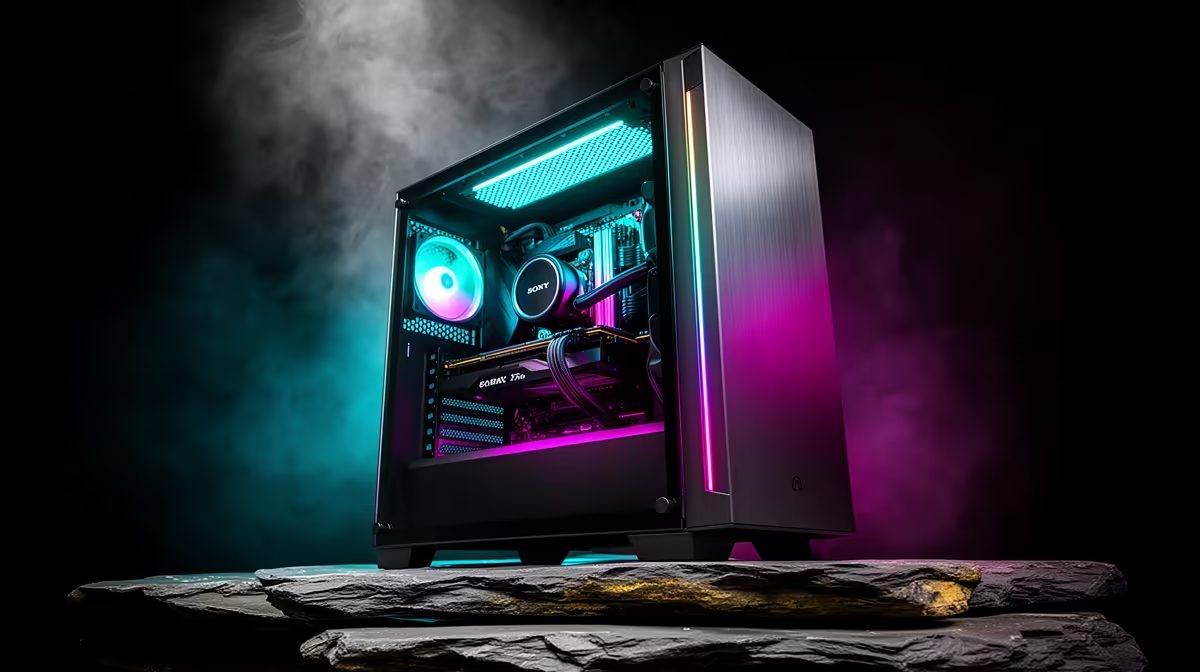
For a high-end GPU build, prioritise cases with at least 380mm to 420mm GPU clearance, a PSU shroud that hides the power supply, a dedicated cable channel or 90-degree GPU power connector cutout for modern 16-pin connectors, and strong front intake airflow through mesh or perforated panels. These four factors directly affect whether your expensive GPU fits, looks clean, and stays cool.
GPU Clearance and Physical Fit 🖥️
Modern flagship GPUs are large. The Asus TUF RTX 5080 measures approximately 336mm in length, the MSI Gaming Trio RTX 5090 exceeds 340mm, and triple-fan AIB RX 9070 XT variants reach 330mm to 350mm. A case with 380mm GPU clearance fits all of these comfortably with room for the 16-pin power cable to route without strain. Cases listing 420mm clearance give you future-proofing for even larger cards.
Airflow Design for Sustained GPU Load 💨
A high-end GPU under sustained gaming load at 1440p or 4K generates 200W to 350W of heat depending on the tier and power limit. That heat must leave the case efficiently. Mesh or perforated front panels allow intake fans to pull cool air directly past the GPU heatsink fins, which keeps GPU junction temperatures lower and fan noise subdued. Cases with glass-front panels or restricted intake venting can add 8 to 12 degrees Celsius to GPU junction temperatures at sustained load, which pushes GPU fans harder and increases noise significantly. For any build with an RTX 5080 or above, a front mesh case is a meaningful performance choice, not just a cosmetic one.
Cable Management for Modern 16-Pin Connectors 🔧
The 16-pin (12VHPWR) power connectors used on RTX 50-series and RX 9000-series GPUs exit the top of the GPU near the rear of the card. In a mid-tower with limited space between the GPU and the right side panel, routing this cable without a sharp 90-degree bend is important: the 12VHPWR connector has been associated with heat damage when cables are stressed at sharp angles. Look for cases with PSU shroud cable routing cutouts positioned near the front of the GPU slot rather than only at the rear, so the cable can route smoothly from below the PSU shroud up to the GPU connector without doubling back on itself.
Confirm Slot Alignment Before Finalising Your Case ⚡
High-end GPUs often use a vertical GPU mount for aesthetics, but most mid-tower cases only include a horizontal PCIe riser mount option. If you want a vertical GPU mount (to show off the cooler through the glass panel), confirm the case either includes a PCIe riser cable in the box or has provision for one, and check whether vertical mounting will obstruct the intake airflow from reaching the GPU fans when the card is turned sideways.
FAQ
Does case size affect GPU temperatures significantly?
Case volume matters primarily through its effect on intake airflow rather than raw internal space. A compact mid-tower with strong mesh intake and well-placed fans can cool a high-end GPU as effectively as a large full tower with poor airflow design. Prioritise front intake quality over case size.
Can a high-end GPU sag in a mid-tower case without support?
Yes. Triple-fan GPUs above 1.2kg can sag enough to stress the PCIe slot over time. Most quality cases include a GPU support bracket or a bracket position at the bottom of the GPU slot. If yours does not, aftermarket GPU support brackets are available for R100 to R250 from accessory suppliers.
What should I budget for a case to house an RTX 5080 build in SA?
For a case that fits a high-end GPU properly, has adequate airflow, and looks the part with tempered glass, budget R1,200 to R2,200. Spending R2,000 to R2,500 moves you into cases with better preinstalled fans, stronger cable management infrastructure, and more robust GPU support features from premium brands stocked at Evetech.
Building around a flagship GPU?
Find mid-tower ATX cases at Evetech with the GPU clearance, airflow design, and cable routing your high-end build needs.