


Storage Specs Explained for Beginners
Storage Specs Explained for Beginners. Plain-English explanation of what it means, why it matters & how it affects your buying decisions in SA.
Read moreEvery spec on bios explained in plain English. What matters for gaming and creator work in 2026, what's marketing fluff, and how each number translates to real-world performance for SA buyers.
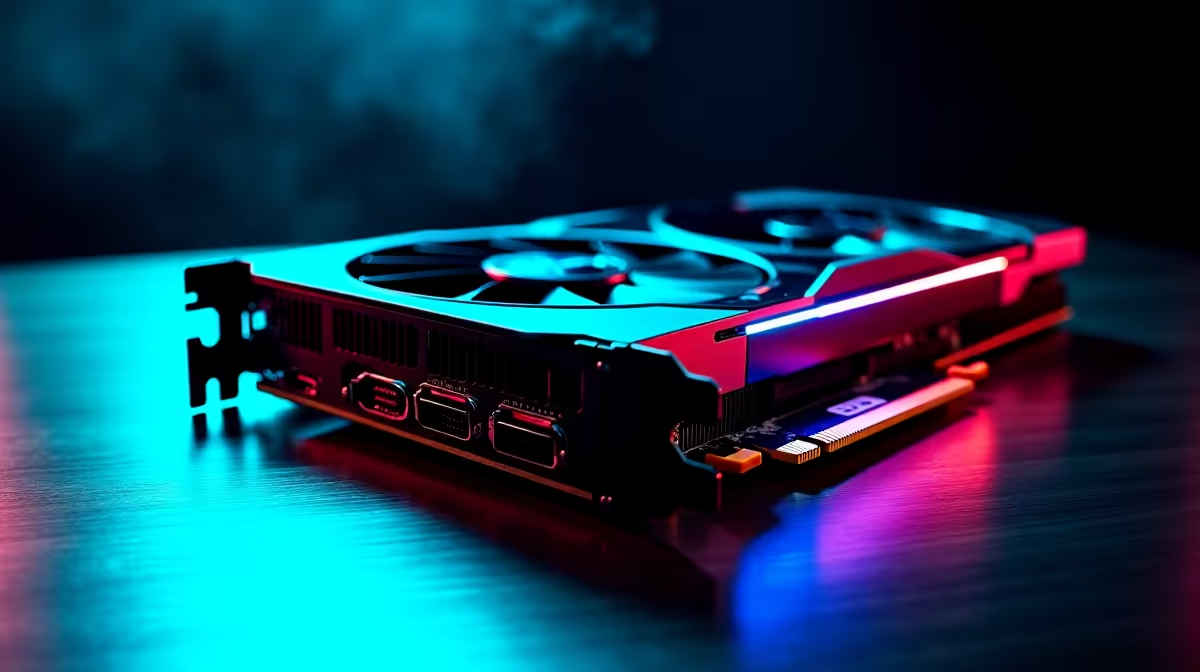
Upgrading your rig is a massive investment. Dropping ZAR 15,000 or more on a new pixel pusher means you want absolute reliability. For South African PC builders, our notoriously hot summers and unpredictable grid make hardware protection essential. That is exactly why you need to know about Dual BIOS GPUs before upgrading. They offer a built-in safety net and instant performance tweaking with a simple physical switch.
Most standard cards feature a single BIOS chip. The BIOS controls the core clocks, voltage limits, and fan speeds. If a firmware update fails, your screen goes black... permanently. Dual BIOS GPUs fix this glaring vulnerability. They feature two separate chips soldered directly onto the board. Usually, one is tuned for silent operation while the other pushes maximum clock speeds.
When you browse the latest graphics cards, looking for this specific feature is a smart move. It gives you incredible flexibility without downloading clunky desktop software. You get hardware-level control over your frame rates and cooling performance.
We all know the absolute panic of a sudden power cut. If Eskom trips the grid while you update your firmware, a standard card is dead. A dual BIOS setup gives you a foolproof backup.
If chip A bricks during an update, you simply flick a tiny physical switch to chip B. Your PC will boot up safely as if nothing happened. This is especially handy if you are looking to buy NVIDIA GeForce GTX graphics cards or modern RTX models and want to experiment with custom overclocks. You can push your hardware to the absolute limit without the fear of destroying your investment.
Always power down your PC completely before flicking the physical BIOS switch on your GPU. Switching profiles while the system is running can cause system instability or corrupt your display drivers.
South African summers are brutal on high-end PC components. High ambient temperatures mean your cooling fans must work overtime to prevent thermal throttling.
The 'OC' or Performance BIOS profile usually features a highly aggressive fan curve. This keeps your silicon cool when pushing maximum frame rates in demanding titles. If you prefer a quiet setup for late-night sessions, the 'Silent' profile drops fan speeds significantly. You can often find premium cards with these features when checking out the best graphics card deals available right now.
Not keen on tweaking hardware switches yourself? You can always skip the stress entirely. Grabbing one of our best gaming PC deals means our expert technicians handle the optimal configuration for you. We ensure your thermals and performance are perfectly balanced out of the box.
You typically find this dual-chip feature on mid-range to high-end enthusiast models. The slight price bump is absolutely worth the peace of mind. It extends the lifespan of your hardware and protects your hard-earned ZAR.
Before you make your final choice, make sure to check our daily components and tech specials. You are highly likely to find a premium dual BIOS model that fits your build budget perfectly.
Ready to Maximise Your Frame Rates? Upgrading your GPU is the fastest way to transform your gaming experience. For maximum performance, reliability, and value in South Africa, Evetech has you covered. Explore our massive range of graphics cards and find the perfect hardware to conquer your favourite titles.
The graphics cards, tools and accessories referenced in this article are stocked at Evetech.co.za with local SA warranty, ZAR pricing and nationwide delivery.
The article breaks down the real-world impact on gaming FPS, creator workflows and everyday responsiveness — not just raw spec numbers.
Only a handful of specs meaningfully change your experience. The guide ranks them by real impact so you spend on what counts.
We cover upgrade headroom, platform longevity and the specific features worth paying extra for if you plan to keep this build for several years.
The article includes a clear generational uplift summary so you can judge whether upgrading from your current hardware is worthwhile.
Storage Specs Explained for Beginners. Plain-English explanation of what it means, why it matters & how it affects your buying decisions in SA.
Read more
Will RDNA 5 Use the Same Silicon as the Next. Plain-English explanation of what it means, why it matters & how it affects your buying decisions in SA.
Read more
Google Workspace on Mac: Drive, Docs, Sheets and. Everything you need to know with SA pricing, step-by-step instructions & expert recommendations.
Read more
Back-to-School Parent Guide: Storages. Everything you need to know with SA pricing, step-by-step instructions & expert recommendations.
Read more
to Esports Tournaments. Everything you need to know with SA pricing, step-by-step instructions & expert recommendations.
Read more
Easter Storage Buying Guide. Hand-picked gift ideas at every budget tier. SA pricing & Evetech availability included.
Read more
AMD RX 9050 XT: Rumoured Specs, Price & Release. SA-focused analysis with local pricing data, real-world insights & actionable buying advice.

Can RTX 4080 Super Run AI Workloads for SA Developers Detailed answer with SA data, expert analysis & practical recommendations for local buyers.

Can RTX 4090 Run AI Workloads for SA Developers Detailed answer with SA data, expert analysis & practical recommendations for local buyers.

Top Settings for Intel Arc B580 at Ultrawide 1440p picks evaluated on performance, value & SA availability with current Rand pricing from Evetech.

RTX 4060 CS2 Low Settings at 1080p: FPS Results. Real-world benchmark data, FPS numbers & performance analysis. What SA gamers can actually expect.

Visual Artifacts: Possible GPU Issue Issue #1. Diagnosis steps, proven fixes & when to seek professional help. SA-specific support info included.

Can the RTX 4090 Handle 1440p 144Hz Gaming. Performance testing verdict with real data & practical recommendations for SA buyers.

Top ASUS GPU Under R15000 picks evaluated on performance, value & SA availability with current Rand pricing from Evetech.

GTA 6 Max Settings on RTX 5070. Tested & verified settings for best FPS and visual quality on SA hardware budgets.

Cyberpunk 2077 Max Settings on RTX 5080. Tested & verified settings for best FPS and visual quality on SA hardware budgets.

Starfield Max Settings on RTX 5070 Ti. Tested & verified settings for best FPS and visual quality on SA hardware budgets.

Top RTX 5090 Under R5000 picks evaluated on performance, value & SA availability with current Rand pricing from Evetech.