


Storage Specs Explained for Beginners
Storage Specs Explained for Beginners. Plain-English explanation of what it means, why it matters & how it affects your buying decisions in SA.
Read moreWhat to prioritise when shopping for cpu in South Africa: the specs that matter, Rand value tiers, and the trade-offs between budget and flagship picks in 2026.
Apple's latest silicon has landed, and the tech scene in South Africa is buzzing. If you are eyeing a compact powerhouse, you are probably wondering what to look for in a Mac mini M4: 10-Core CPU, 10-Core GPU, 16-Core Neural Engine, and 512GB SSD. It sounds impressive on paper... but does it deliver the raw performance you need for your hard-earned ZAR? Let us break it down.
Apple has packed serious efficiency into a tiny desktop box. The 10-Core CPU handles heavy multitasking with absolute ease, while the 16-Core Neural Engine accelerates AI-driven tasks like photo upscaling, predictive text, or voice isolation in your editing timeline. For digital creators, that 512GB SSD offers blazing-fast read and write speeds to keep large files moving quickly. However, while the integrated 10-Core GPU is perfectly decent for basic video rendering, it lacks the brute force required for high-end 3D rendering or modern AAA gaming at high refresh rates.
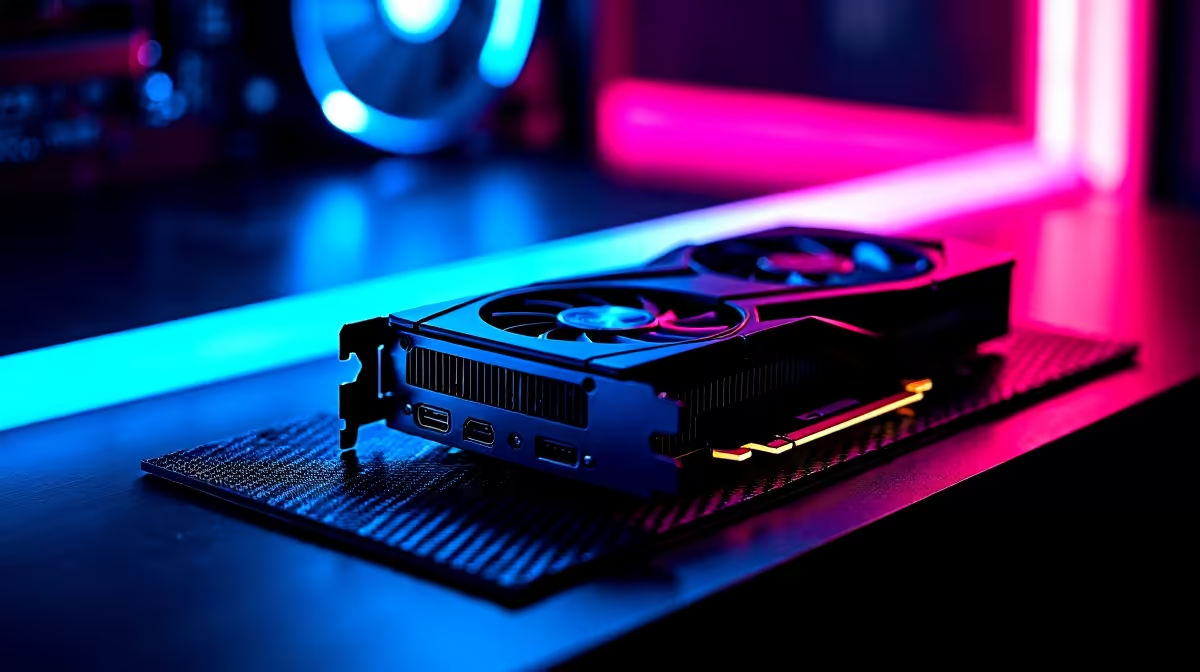
If your daily workflow involves complex 3D modelling, heavy animation, or serious PC gaming, relying entirely on integrated graphics can quickly become frustrating. You simply cannot upgrade a Mac mini later... what you buy on day one is what you are stuck with forever. This is exactly where a custom desktop rig shines. By choosing to buy graphics cards separately, you guarantee your system stays relevant for years to come.
Even budget-friendly desktop options can outpace integrated mobile chips in specific graphical workloads. For instance, if you are looking for reliable 1080p performance without breaking the bank, you might want to buy NVIDIA GeForce GTX graphics cards. They continue to offer incredible value for competitive esports titles and daily productivity tasks.
When comparing Apple Silicon to desktop components, remember that dedicated VRAM on a discrete GPU offers a massive advantage for high-resolution texture rendering and complex 3D workflows over shared memory architectures.
The Mac mini M4 is undeniably a beautiful machine, but it locks you tightly into a fixed hardware configuration. If you suddenly need more storage space or graphical power down the line, you are entirely out of luck. Building or buying a dedicated Windows machine allows you to swap out parts exactly as your needs grow.
Savvy South African buyers know that hunting down the best graphics card deals is the smartest way to build a future-proof workstation. Instead of paying a massive premium for a closed ecosystem, you can channel your budget directly into raw, unadulterated performance. If you prefer a pre-built solution that is ready to plug and play right out of the box, exploring the best gaming PC deals will often get you far superior gaming framerates for a very similar price point.
Ultimately, understanding what to look for in a Mac mini M4: 10-Core CPU, 10-Core GPU, 16-Core Neural Engine, and 512GB SSD comes down to your specific daily needs. It is phenomenal for audio production and basic video editing. But if you want true versatility and gaming prowess, the PC ecosystem remains completely unmatched. You can always browse our latest specials to see exactly how far your money can really go when you choose customisable hardware.
Ready to Find Your Perfect Match? The Mac vs Windows debate is complex, but for maximum power, choice, and value in South Africa, Windows is hard to beat. Explore our massive range of laptop specials and find the perfect machine to conquer your world.
The graphics cards, tools and accessories referenced in this article are stocked at Evetech.co.za with local SA warranty, ZAR pricing and nationwide delivery.
The article ranks the features that matter most by real-world impact, so you know exactly what to prioritise on your Rand budget.
We define clear value, mid-range and enthusiast price tiers for the SA market, with honest guidance on where each one makes sense.
Some headline specs barely change your experience. The guide flags the features you can safely skip to free up budget elsewhere in your build.
SA pricing reflects exchange rates, duties and local support. Evetech stocks the current 2026 line-up with local warranty, so you're not buying grey imports.
Storage Specs Explained for Beginners. Plain-English explanation of what it means, why it matters & how it affects your buying decisions in SA.
Read more
Will RDNA 5 Use the Same Silicon as the Next. Plain-English explanation of what it means, why it matters & how it affects your buying decisions in SA.
Read more
Google Workspace on Mac: Drive, Docs, Sheets and. Everything you need to know with SA pricing, step-by-step instructions & expert recommendations.
Read more
Back-to-School Parent Guide: Storages. Everything you need to know with SA pricing, step-by-step instructions & expert recommendations.
Read more
to Esports Tournaments. Everything you need to know with SA pricing, step-by-step instructions & expert recommendations.
Read more
Easter Storage Buying Guide. Hand-picked gift ideas at every budget tier. SA pricing & Evetech availability included.
Read more
AMD RX 9050 XT: Rumoured Specs, Price & Release. SA-focused analysis with local pricing data, real-world insights & actionable buying advice.

Can RTX 4080 Super Run AI Workloads for SA Developers Detailed answer with SA data, expert analysis & practical recommendations for local buyers.

Can RTX 4090 Run AI Workloads for SA Developers Detailed answer with SA data, expert analysis & practical recommendations for local buyers.

Top Settings for Intel Arc B580 at Ultrawide 1440p picks evaluated on performance, value & SA availability with current Rand pricing from Evetech.

RTX 4060 CS2 Low Settings at 1080p: FPS Results. Real-world benchmark data, FPS numbers & performance analysis. What SA gamers can actually expect.

Visual Artifacts: Possible GPU Issue Issue #1. Diagnosis steps, proven fixes & when to seek professional help. SA-specific support info included.

Can the RTX 4090 Handle 1440p 144Hz Gaming. Performance testing verdict with real data & practical recommendations for SA buyers.

Top ASUS GPU Under R15000 picks evaluated on performance, value & SA availability with current Rand pricing from Evetech.

GTA 6 Max Settings on RTX 5070. Tested & verified settings for best FPS and visual quality on SA hardware budgets.

Cyberpunk 2077 Max Settings on RTX 5080. Tested & verified settings for best FPS and visual quality on SA hardware budgets.

Starfield Max Settings on RTX 5070 Ti. Tested & verified settings for best FPS and visual quality on SA hardware budgets.

Top RTX 5090 Under R5000 picks evaluated on performance, value & SA availability with current Rand pricing from Evetech.