Quick Answer
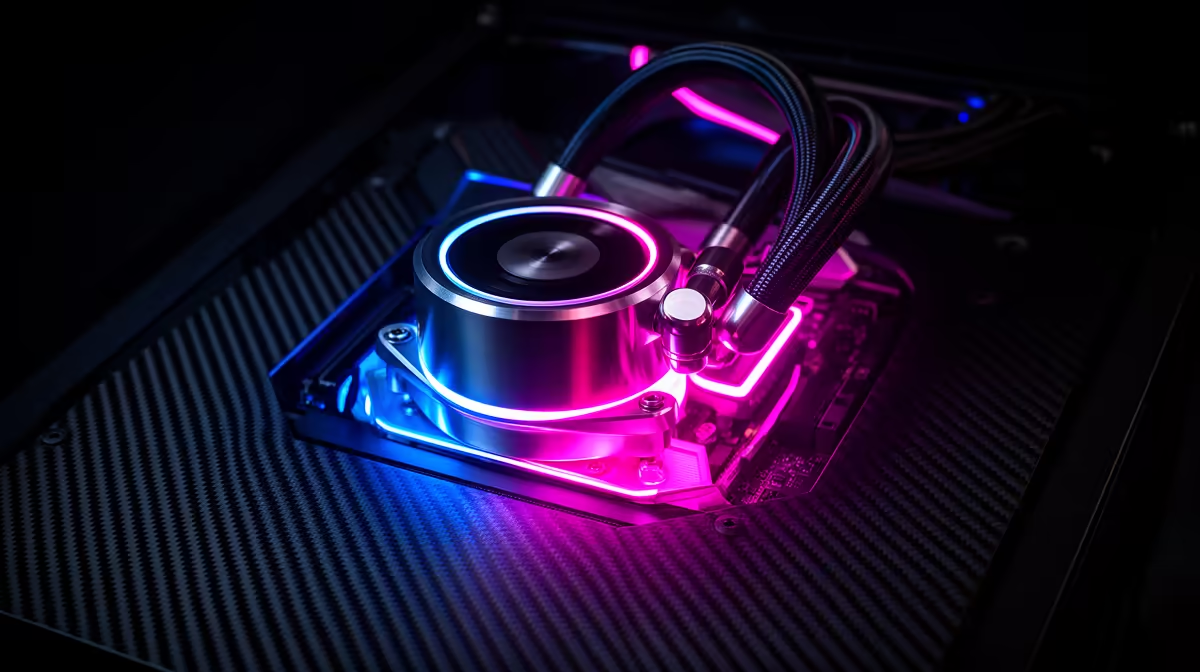
A 360mm ARGB AIO typically accounts for 5 to 10 percent of a South African gaming PC budget. On a R25,000 mid-range build that means R1,250 to R2,500, while on a R50,000 high-end build you can stretch to R3,000 to R5,000 without disrupting GPU or CPU spend.
Where Cooling Sits in the SA Build Budget Hierarchy 💰
For South African gaming PC builders, the priority order is almost always GPU first, CPU second, RAM and storage third, then peripherals and finally the case with cooling. This ordering makes sense because the GPU drives the majority of frame rate differences in gaming. A cooling upgrade from a R1,500 air cooler to a R3,000 ARGB AIO yields no fps gain, but it does reduce thermal throttling on high-TDP CPUs and extends component lifespan. The ARGB element is purely aesthetic but matters for open-case showcase builds that are increasingly popular on local PC building communities.
Matching AIO Spend to CPU TDP 🔧
Not every CPU needs a 360mm AIO, and over-speccing cooling wastes budget that could go toward a faster SSD or more RAM. The Ryzen 5 7600 (65W TDP) runs perfectly on a quality 240mm AIO at R1,200 to R1,800. The Ryzen 9 9950X (170W TDP) genuinely benefits from a 360mm unit, where the extra radiator surface prevents thermal throttling under Blender or encoding workloads. For gaming-only builds where the CPU sits at 45 to 80W most of the time, a 360mm ARGB AIO is a cosmetic choice as much as a thermal one. The ARGB lighting syncs with motherboards via 3-pin ARGB headers, giving a cohesive RGB theme across your Asus, MSI, or Gigabyte motherboard ecosystem.
Building Around the AIO Aesthetic 🖥️
If the ARGB AIO is a centrepiece of your build's visual theme, budget for a compatible case with a tempered glass side panel. Mid-tower cases with top and front 360mm radiator support and a full glass panel run from R1,800 to R3,500 in South Africa. Match the AIO colour scheme to the rest of your build: white ARGB AIOs pair with white cases and white RAM sleeves, while black ARGB units suit dark stealth builds. Most premium ARGB AIOs use a 3-pin ARGB header for fan control and a separate 4-pin PWM header for pump speed. Confirm your motherboard has both headers free before finalising your component list.
Sync ARGB With Motherboard Software ⚡
Before your build is complete, download your motherboard's RGB software (Asus Armoury Crate, MSI Center, or Gigabyte RGB Fusion) and confirm your AIO brand is listed as a supported device. Some budget ARGB AIOs use proprietary controllers that do not sync with motherboard ecosystems, leaving you with two separate RGB apps.
FAQ
Should I spend more on the AIO or the GPU for a gaming build?
Always prioritise the GPU. A GPU upgrade from an RTX 4070 to an RTX 5070 can add 30 to 60 percent more frames per second depending on the game. Upgrading a cooling solution adds zero fps but reduces peak temps. Once your GPU and CPU budget are locked in, allocate the remaining cooling budget to the best AIO your build can afford.
Does a 360mm ARGB AIO work with budget mid-tower cases?
Some do and some do not. Budget mid-towers priced under R800 rarely support a 360mm front or top mount. Confirm the case specs list 360mm radiator support before assuming it fits. Many popular SA gaming case choices in the R1,200 to R2,000 range, like the DeepCool cases or Phanteks Eclipse, support 360mm front mounting.
Will ARGB fans from my AIO sync with my GPU's RGB?
GPU RGB is controlled by the GPU's own software (Nvidia App or AMD Adrenalin), while AIO ARGB runs through the motherboard header. Most RGB ecosystems do not cross-sync between GPU and AIO natively. Third-party tools like SignalRGB can bridge them, but this adds software overhead.
Planning a RGB-themed gaming build in South Africa?
Evetech stocks 360mm ARGB AIOs across all price tiers, from capable entry-level units to premium LCD-display models. Visit the CPU cooler section to match your AIO to your build budget.