Quick Answer
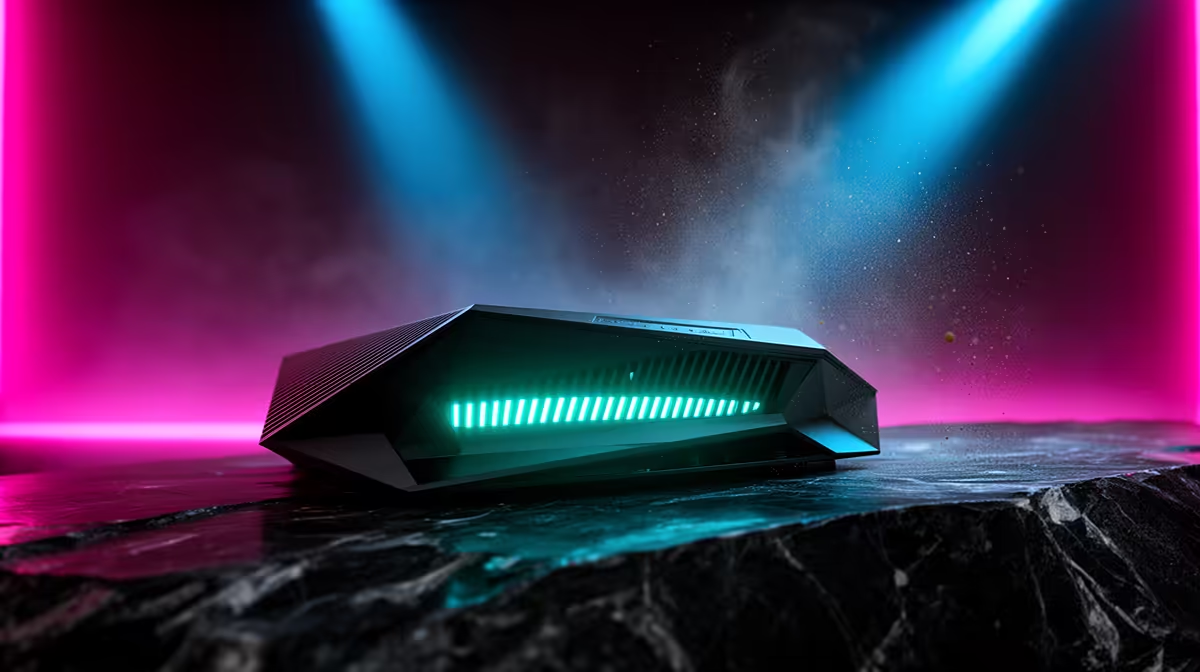
Gqeberha gamers should buy a Wi-Fi 7 router from an SA tech retailer with clear specifications, courier support, and current stock visibility. Evetech is the natural place to compare TP-Link Archer BE800, ASUS RT-BE96U, and Deco BE-series mesh options without guessing compatibility from photos. Do not treat these bands as live pricing; use them to frame the shortlist, then confirm the current Evetech listing before checkout.
Fibre Speed And Wi-Fi 7 Fit
Compare named options such as TP-Link Archer BE800, ASUS RT-BE96U, and Deco BE-series mesh options because the label alone is too thin for a good buying decision. The useful checks are BE-class Wi-Fi 7, 2.5GbE ports, 5GHz and 6GHz bands, and MLO support. Wi-Fi 7 helps most when the home has 100Mbps to 1Gbps fibre and modern phones or laptops that support 6GHz. That gives the article a concrete performance target instead of a vague promise.
For budget planning, keep the range around R4,000 to R14,000 unless the exact model is on promotion or replaced by a newer revision. A cheaper option can still be right if it matches the desk, PC, console, fibre line, or study workload it will actually serve.
Where The Buying Decision Should Happen
For Gqeberha, plan around coastal delivery, apartment stairways, and home-office or campus rooms around Summerstrand, Walmer, Newton Park, and Central. Check the order details, packaging size, and warranty route before committing, especially for bulky items or components that must arrive undamaged.
If the item is part of a bigger setup, match it to the rest of the gear before spending. A monitor needs the right GPU, DDR5 needs a compatible board, a router needs modern client devices, and a PSU needs the correct cable standard.
Practical Shortlist Rules
Use three filters before comparing style: the exact model class, the setup target, and the support path. That means checking dimensions for chairs and cases, refresh rate for displays, battery and storage for handhelds, switch type for keyboards, and wattage or connector standards for power parts.
For gaming gear, keep numbers attached to the decision: 60fps, 120Hz, 144Hz, 32GB RAM, 1TB SSD, 1000W, or 2.5GbE are easier to act on than broad marketing claims. For study and work gear, prioritise comfort, warranty, and daily reliability over cosmetic extras.
FAQ
What should Gqeberha buyers check first before choosing a Wi-Fi 7 router?
Start with compatibility and daily use. Confirm the size, required ports, platform support, warranty route, and whether the R4,000 to R14,000 planning band fits the rest of the setup.
Is the cheapest Wi-Fi 7 router always the best value?
No. The cheapest option is only good value when it still meets the key spec target, such as 32GB DDR5, 144Hz refresh, 1TB SSD storage, 2.4GHz wireless, or a safe PSU wattage. Spending slightly more can be smarter when it avoids an immediate replacement.
How do I avoid ordering the wrong Wi-Fi 7 router?
Write down the current PC, desk, room, or fibre setup before comparing products. Match that list against the Evetech product specifications, then choose the model that fits the requirement instead of the one with the loudest name.
Buyer Check
Before ordering, compare one exact model against your measurements, target spec, and budget band of R4,000 to R14,000. If one requirement does not line up, fix that mismatch before adding extras.