Quick Answer
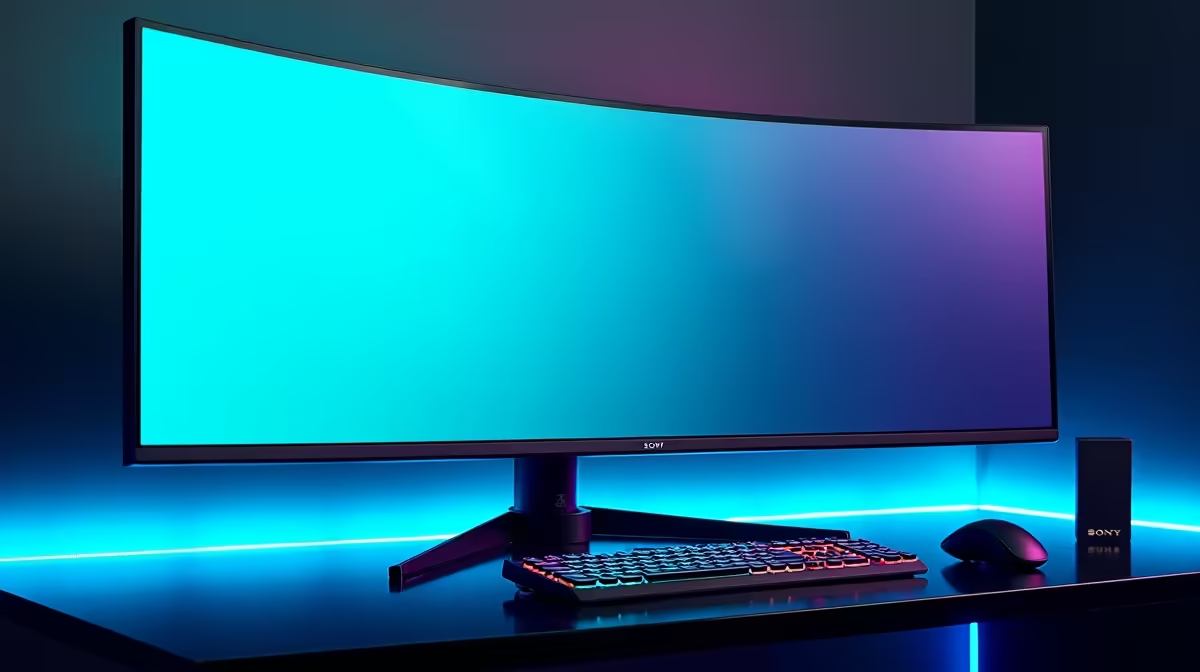
Sandton gamers order ultrawide monitors from Evetech, which stocks 34-inch and 49-inch ultrawide options. 34-inch UWQHDs (3440x1440) are priced between R6,500 and R14,000 depending on panel type and refresh rate. The LG 34GP83A (IPS, 160 Hz) sits at around R9,000, while the MSI MAG 341CQP (VA, 175 Hz curved) comes in at approximately R7,500.
34-inch vs 49-inch: Which Suits Sandton Setups?
A 34-inch ultrawide (21:9 aspect ratio) fits on most standard gaming desks and requires a GPU that can drive 3440x1440 resolution. A 49-inch super-ultrawide (32:9, 5120x1440) is effectively two 27-inch QHD monitors side by side, requiring substantial desk space and a very powerful GPU. Most Sandton apartment desks cannot comfortably accommodate a 49-inch monitor — the minimum desk depth recommendation is 80 cm for comfortable viewing distance. The 34-inch format is the practical entry point for ultrawide gaming.
Panel Type: IPS vs VA vs OLED
IPS ultrawides offer accurate colour, wide viewing angles, and sharp text — good for mixed gaming and work use. VA panels have higher contrast ratios (3000:1 vs 1000:1 for IPS) and deeper blacks but slower pixel response in fast-motion content. OLED ultrawides (like the LG 34-inch WOLED) offer the best of both but start at R16,000+ and include burn-in considerations. For SA buyers choosing between IPS and VA in the R7,000–R10,000 range, IPS is more versatile for the typical gaming-plus-work split.
GPU Requirements for Ultrawide Gaming
Driving 3440x1440 at high frame rates is roughly 35% more demanding than 2560x1440 (QHD). An RTX 4070 delivers 80–120 fps at 3440x1440 in most modern titles. The RTX 4060 Ti is acceptable for 60–90 fps and suits the R7,500–R9,000 monitor tier well. Pairing an RTX 4090 with an entry ultrawide is poor value allocation — match monitor quality to GPU capability.
FAQ
What is the best 34-inch ultrawide for gaming in SA?
The LG 34GP83A (IPS, 160 Hz, G-Sync Compatible, ~R9,000) is well-reviewed for mixed gaming and productivity. For pure gaming with higher contrast, the MSI MAG 341CQP VA at ~R7,500 offers 175 Hz and strong dark-scene performance.
Does an ultrawide monitor need a special graphics card?
Ultrawide resolutions (3440x1440) are not exotic — all modern AMD and NVIDIA GPUs support them natively. You do need a more powerful GPU to hit high frame rates at ultrawide vs 1080p. An RTX 4060 Ti handles 3440x1440 at 60–80 fps in demanding games; an RTX 4070 delivers 100+ fps consistently.
Are ultrawide monitors good for productivity in a Sandton home office?
Yes — 3440x1440 ultrawide gives a large horizontal workspace that suits multi-window productivity. Many Sandton professionals use ultrawides for document comparison, spreadsheet work, and video editing. The immersive curve (typically 1800R or 1900R) also reduces eye strain over long sessions.
-Sync Compatible or FreeSync on your new ultrawide immediately after setup — this eliminates screen tearing at variable frame rates and makes the experience noticeably smoother even at 60–80 fps in demanding titles.