


AIO Liquid 240mm Setup and Configuration: Complete Tutorial
AIO Liquid 240mm Setup and Configuration. Clear setup instructions with SA-specific considerations, troubleshooting tips & recommended components.
Read moreEvery spec on Thunderbolt 4 explained in plain English. What matters for gaming and creator work in 2026, what's marketing fluff, and how each number translates to real-world performance.
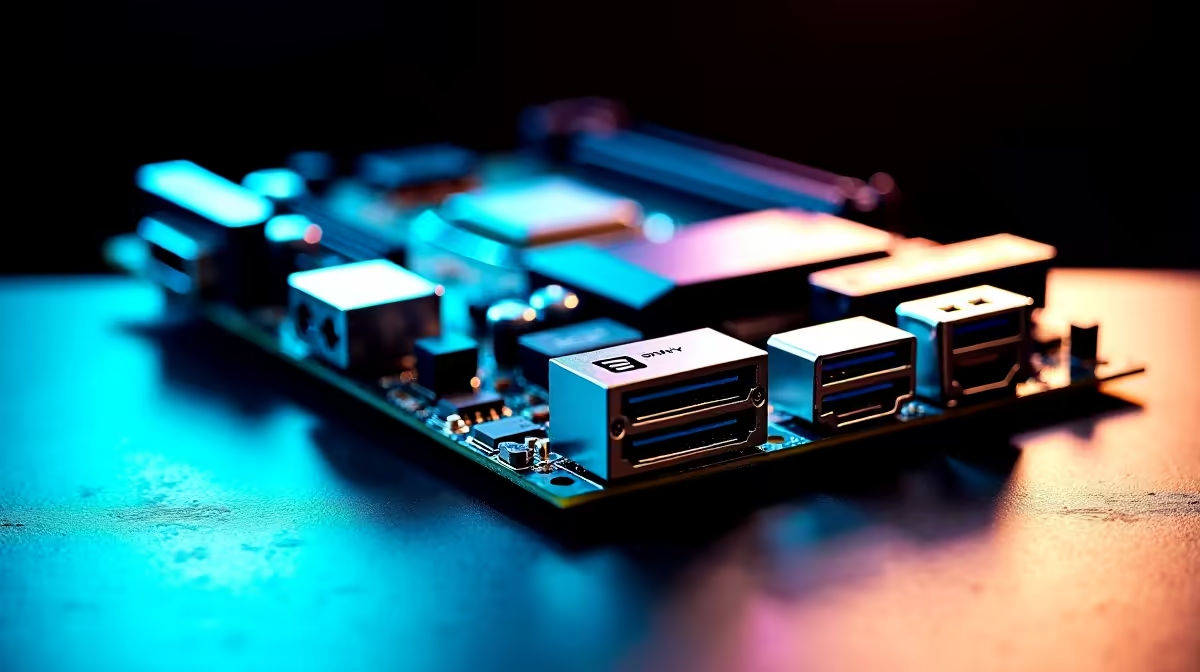
Let's be honest... building a premium rig in South Africa means balancing raw performance with a setup that actually looks good. Cable clutter is the absolute enemy of a clean aesthetic. That is exactly why Thunderbolt 4 and USB-C matter on a modern ATX motherboard. These ports are no longer just fancy extras to inflate the price in ZAR. They are the ultimate tools for streamlining your desk, powering your gear, and transferring massive files in seconds.
When you start looking to upgrade your motherboard, you will quickly notice a massive shift toward high-speed connectivity. Thunderbolt 4 is the undisputed king of the hill, delivering a staggering 40Gbps of bidirectional bandwidth.
What does that actually mean for your daily grind? It means you can run dual 4K monitors at high refresh rates, transfer a 100GB game folder to an external drive in mere seconds, and power your high-end accessories... all through a single, elegant cable. For local streamers and video editors moving massive 4K assets, this level of bandwidth is completely non-negotiable. You spend less time staring at loading bars and more time creating content.
USB-C has officially taken over the tech world. From your high-end wireless gaming headset to your external NVMe SSD, almost every modern device relies on this versatile, reversible port.
Whether you lean towards Team Blue with premium ASUS Intel motherboards or prefer the Ryzen route with feature-packed ASUS AMD motherboards, securing a board with multiple high-speed USB-C headers is crucial. It ensures your rig remains fully future-proof for years to come. You certainly will not have to scramble for annoying dongles when you buy the latest peripherals next year.
Always check your PC case specifications before buying a board. You want a chassis with a front-panel USB Type-C port that perfectly matches the internal header on your motherboard to maximise your daily transfer speeds.
A clean desk translates to better focus... especially during those intense, sweaty ranked matches where every millisecond counts. By using Thunderbolt 4 to daisy-chain your monitors and docking stations, you completely eliminate the dreaded rat's nest of cables hiding behind your desk. You can finally show off those beautiful RGB colours without any messy wire distractions.
Of course, a lightning-fast port needs a highly capable system behind it. Pairing your new board with the right high-speed memory kits ensures your CPU can actually keep up with those rapid data transfers without bottlenecking your workflow.
Not keen on building and routing all those cables yourself? You can still get all these cutting-edge ports without the hassle. Simply grab one of our top-tier pre-built gaming PC deals. You can save thousands of ZAR while getting a professionally cable-managed system delivered right to your door, ready to plug in and play.
Ready to Upgrade Your Connectivity? Don't let outdated ports bottleneck your shiny new peripherals. For maximum power, choice, and value in South Africa, our component selection is hard to beat. Explore our massive range of PC components and find the perfect foundation to conquer your world.
Thunderbolt 4 is available at Evetech.co.za with local SA warranty, Rand pricing and nationwide delivery. Stock and pricing is updated in real time on the product page.
The article breaks down the real-world impact on gaming FPS, creator workflows and everyday responsiveness — not just raw spec numbers.
Only a handful of specs meaningfully change your experience. The guide ranks them by real impact so you spend on what counts.
We cover upgrade headroom, platform longevity and the specific features worth paying extra for if you plan to keep this build for several years.
The article includes a clear generational uplift summary so you can judge whether upgrading from your current hardware is worthwhile.
AIO Liquid 240mm Setup and Configuration. Clear setup instructions with SA-specific considerations, troubleshooting tips & recommended components.
Read more
Setting Up DDR5 64GB Kit. Tested & verified settings for best FPS and visual quality on SA hardware budgets.
Read more
Overwatch 2 Setup Guide Gamers. Clear setup instructions with SA-specific considerations, troubleshooting tips & recommended components.
Read more
R and RStudio on Mac: Data Science Setup Guide. Clear setup instructions with SA-specific considerations, troubleshooting tips & recommended components.
Read more
NVIDIA Broadcast Setup with GPU: Streamer Guide. Clear setup instructions with SA-specific considerations, troubleshooting tips & recommended components.
Read more
Core Ultra 7 265K Temperature Guide: Normal Range. Complete product range with SA pricing, key specs & recommendations for different budgets.
Read more
AMD RX 9050 XT: Rumoured Specs, Price & Release. SA-focused analysis with local pricing data, real-world insights & actionable buying advice.

Can RTX 4080 Super Run AI Workloads for SA Developers Detailed answer with SA data, expert analysis & practical recommendations for local buyers.

Can RTX 4090 Run AI Workloads for SA Developers Detailed answer with SA data, expert analysis & practical recommendations for local buyers.

Top Settings for Intel Arc B580 at Ultrawide 1440p picks evaluated on performance, value & SA availability with current Rand pricing from Evetech.

RTX 4060 CS2 Low Settings at 1080p: FPS Results. Real-world benchmark data, FPS numbers & performance analysis. What SA gamers can actually expect.

Visual Artifacts: Possible GPU Issue Issue #1. Diagnosis steps, proven fixes & when to seek professional help. SA-specific support info included.

Can the RTX 4090 Handle 1440p 144Hz Gaming. Performance testing verdict with real data & practical recommendations for SA buyers.

Top ASUS GPU Under R15000 picks evaluated on performance, value & SA availability with current Rand pricing from Evetech.

GTA 6 Max Settings on RTX 5070. Tested & verified settings for best FPS and visual quality on SA hardware budgets.

Cyberpunk 2077 Max Settings on RTX 5080. Tested & verified settings for best FPS and visual quality on SA hardware budgets.

Starfield Max Settings on RTX 5070 Ti. Tested & verified settings for best FPS and visual quality on SA hardware budgets.

Top RTX 5090 Under R5000 picks evaluated on performance, value & SA availability with current Rand pricing from Evetech.