


AIO Liquid 240mm Setup and Configuration: Complete Tutorial
AIO Liquid 240mm Setup and Configuration. Clear setup instructions with SA-specific considerations, troubleshooting tips & recommended components.
Read moreDiscover what real users say about fixing slow internet. Is it the router or your speed plan? 💡 Uncover key insights to boost your home network! 🚀
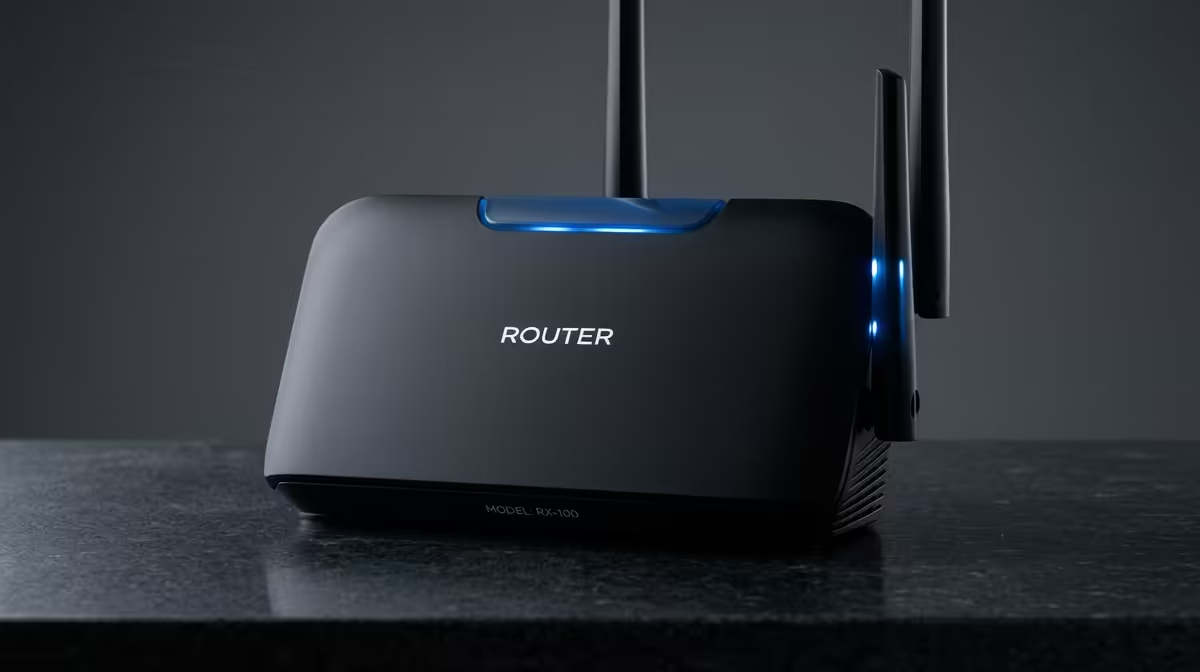
You're paying for a blazing-fast 100Mbps fibre line, but your game downloads crawl and your streams buffer. The first instinct for most South Africans? Blame the ISP. But what if the real bottleneck is sitting right there on your desk? 💻 Distinguishing between Wi-Fi router issues vs internet speed plan limitations is key to unlocking the performance you actually pay for. Let's dive in and diagnose the real problem behind that frustrating lag.
Before pointing fingers at your hardware, it's crucial to understand what your internet plan actually promises. When an ISP advertises speeds "up to 100Mbps," that's often a best-case scenario. Factors like network congestion in your area (contention ratio) and the time of day can affect the final speed delivered to your home.
However, if you consistently get a fraction of your advertised speed, it's time to investigate your home network. The battle of Wi-Fi router issues vs internet speed plan performance often begins with a simple, direct test.
An old or poorly configured router can absolutely cripple a high-speed internet connection. It’s like having a V8 engine in your car but only using bicycle wheels. Here are the most common culprits we see causing router problems for South African gamers.
Is your router still running on older standards like Wi-Fi 4 (802.11n)? It simply can't handle the demands of modern fibre. Upgrading to a Wi-Fi 5 or Wi-Fi 6 router allows for faster speeds, better range, and more stable connections for multiple devices. Many modern TP-Link routers offer these new standards without breaking the bank.
Thick walls, metal objects, and even your microwave can interfere with your Wi-Fi signal. If your router is tucked away in a cupboard at the far end of the house, you're creating a major performance bottleneck. Central, elevated placement is always best for optimal coverage.
modern routers broadcast on two bands: 2.4GHz and 5GHz. Use the 5GHz band for your gaming PC or console when you're close to the router—it's much faster and less congested. Use the 2.4GHz band for devices further away, as it has better range through walls.
Think about how many devices are connected. Your PC, phone, smart TV, console, and even smart home gadgets are all competing for bandwidth. An older router can struggle under this load, leading to slowdowns for everyone. Newer routers, including many affordable Cudy models, are designed with MU-MIMO technology to handle multiple devices more efficiently.
The single best way to settle the Wi-Fi router issues vs internet speed plan debate is to bypass the Wi-Fi completely.
This simple test removes all the variables of wireless interference and router performance, giving you a clear picture of the true speed entering your home. If the test proves your Wi-Fi is the problem, investing in a new router is the most effective solution. ✨
Ready to Banish Lag for Good? Stop letting an old router sabotage your gaming sessions. Explore our massive range of wireless networking gear and find the perfect upgrade for your high-speed connection today.
Check for outdated firmware, signal interference, or outdated hardware. Upgrade if speeds improve with a new router.
Yes! A modern router enhances Wi-Fi coverage and stability, especially if your plan supports high speeds.
Look for Wi-Fi 6, dual-band support, and Ethernet ports that match your plan's bandwidth.
Your plan caps speed, but a poor router can bottleneck even fast plans. Match quality hardware with your plan.
Every 3-5 years depending on tech updates and performance loss. Upgrade if newer Wi-Fi standards emerge.
AIO Liquid 240mm Setup and Configuration. Clear setup instructions with SA-specific considerations, troubleshooting tips & recommended components.
Read more
Setting Up DDR5 64GB Kit. Tested & verified settings for best FPS and visual quality on SA hardware budgets.
Read more
Overwatch 2 Setup Guide Gamers. Clear setup instructions with SA-specific considerations, troubleshooting tips & recommended components.
Read more
R and RStudio on Mac: Data Science Setup Guide. Clear setup instructions with SA-specific considerations, troubleshooting tips & recommended components.
Read more
NVIDIA Broadcast Setup with GPU: Streamer Guide. Clear setup instructions with SA-specific considerations, troubleshooting tips & recommended components.
Read more
Core Ultra 7 265K Temperature Guide: Normal Range. Complete product range with SA pricing, key specs & recommendations for different budgets.
Read more
AMD RX 9050 XT: Rumoured Specs, Price & Release. SA-focused analysis with local pricing data, real-world insights & actionable buying advice.

Can RTX 4080 Super Run AI Workloads for SA Developers Detailed answer with SA data, expert analysis & practical recommendations for local buyers.

Can RTX 4090 Run AI Workloads for SA Developers Detailed answer with SA data, expert analysis & practical recommendations for local buyers.

Top Settings for Intel Arc B580 at Ultrawide 1440p picks evaluated on performance, value & SA availability with current Rand pricing from Evetech.

RTX 4060 CS2 Low Settings at 1080p: FPS Results. Real-world benchmark data, FPS numbers & performance analysis. What SA gamers can actually expect.

Visual Artifacts: Possible GPU Issue Issue #1. Diagnosis steps, proven fixes & when to seek professional help. SA-specific support info included.

Can the RTX 4090 Handle 1440p 144Hz Gaming. Performance testing verdict with real data & practical recommendations for SA buyers.

Top ASUS GPU Under R15000 picks evaluated on performance, value & SA availability with current Rand pricing from Evetech.

GTA 6 Max Settings on RTX 5070. Tested & verified settings for best FPS and visual quality on SA hardware budgets.

Cyberpunk 2077 Max Settings on RTX 5080. Tested & verified settings for best FPS and visual quality on SA hardware budgets.

Starfield Max Settings on RTX 5070 Ti. Tested & verified settings for best FPS and visual quality on SA hardware budgets.

Top RTX 5090 Under R5000 picks evaluated on performance, value & SA availability with current Rand pricing from Evetech.