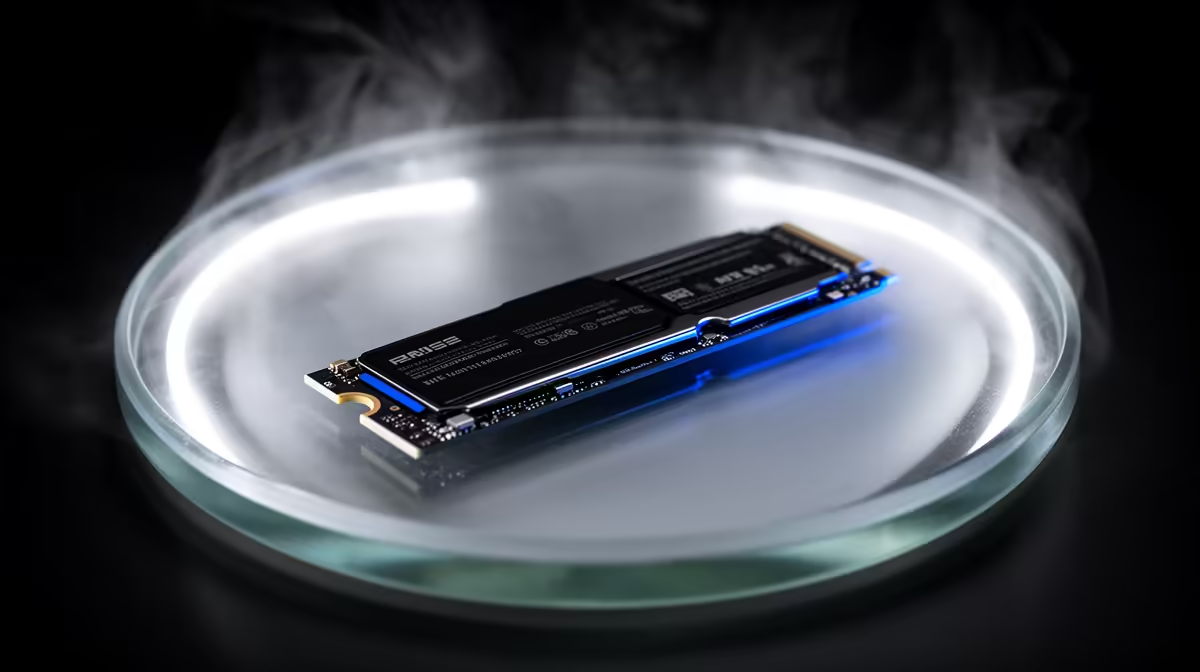
It is one of the most common upgrade questions for anyone doing AI-assisted development on a local machine: buy a faster drive and everything speeds up, right? Not quite. A faster SSD absolutely cuts the time it takes to load a local model from disk into memory, but it does almost nothing for code compilation, because building software is bound by your processor, not your storage. Knowing which half of your workflow is the bottleneck tells you whether the upgrade is worth the money.
Quick Answer
A faster NVMe speeds up model loading, the cold-start moment when a multi-gigabyte model is read off disk into memory, but not compilation or build times, which are CPU-bound. If you constantly load and swap local AI models, a fast drive pays off. If your slow step is compiling a large codebase, spend the budget on a faster CPU and more cores instead.
What An SSD Actually Accelerates
Storage speed matters for exactly one kind of task: moving large files from disk into memory. For AI coding, that means loading the model.
Cold-start model loading
When you start a local model, the inference engine reads the whole quantised file off disk before it can answer anything. A 70B model at four-bit is around 40GB, and on a fast NVMe that loads in under fifteen seconds, against well over a minute on an older SATA SSD and far worse on a mechanical drive. If your day involves launching or switching models repeatedly, those saved seconds compound into real time, and this is precisely where a faster drive earns its place.
The throughput reality check
There is a catch worth knowing. PCIe 4.0 NVMe drives advertise around 7,000 MB/s sequential read and PCIe 5.0 drives push past 12,000 MB/s, but model loaders rarely hit those numbers. Loading involves metadata parsing, memory mapping and allocation overhead, so real-world read speeds during a model load often sit closer to 1.8 GB/s than the headline figure. The practical upshot: moving from a slow SATA SSD to any decent NVMe is a huge jump, while jumping from a good PCIe 4.0 drive to a PCIe 5.0 one is a much smaller real gain.
Why Compiling Sees No Benefit
Compilation feels like a heavy task, so it is tempting to assume a faster drive helps. It does not, and the reason is in how a build actually spends its time.
Builds are processor work, not disk work
Compiling turns source code into machine code through parsing, optimisation and linking, and that is arithmetic done by the CPU. The source files are small and usually already cached in memory after the first read, so the disk sits idle while the processor churns. Throwing a faster SSD at a slow compile is like buying a wider driveway to make your car accelerate harder: the bottleneck is somewhere else entirely.
The same logic applies to test runs and large refactors. Running a test suite executes code in memory, and refactoring tools parse an in-memory model of your project, so once the files are read the first time, the drive plays almost no part. Even a project that pulls in thousands of source files reads them once, caches them, and then spends the rest of its time inside the processor and RAM. The disk's contribution to total build time on a warm cache is close to negligible, which is why benchmarks consistently show build times barely moving between a mid-range SSD and a flagship one.
What does speed up a build
If compilation is your pain point, the levers are core count and per-core speed, because modern build systems parallelise across cores. More cores let more translation units compile at once, and faster cores finish each one quicker. Plenty of RAM also helps by keeping the whole working set in memory. A faster drive is not on that list.
Finding Your Real Bottleneck
The honest way to spend money well is to measure which step actually wastes your time, then upgrade that.
When the SSD is the answer
If you watch a progress bar every time you load or swap a model, and you do that many times a day, storage is your bottleneck and a fast NVMe is the right buy. Developers who rotate between several local models feel this most, and a fast drive turns an annoying wait into a near-instant load. The machines built for this kind of work show up in the most popular complete PCs, which pair quick storage with the memory these workloads demand.
When the CPU is the answer
If your model stays loaded all day and your frustration is waiting on builds, tests or large refactors, your processor is the limit and a storage upgrade will not move the needle. Put the budget into more cores and faster ones. Be honest about which describes you, because the wrong upgrade is money spent on a bottleneck you do not have.
Getting The Balance Right
Most serious local-AI developers want both, but in the right order. A fast NVMe with enough capacity to hold your model library removes load-time friction, and a strong multi-core CPU handles the compile side. The mistake is buying a flagship PCIe 5.0 drive expecting it to fix slow builds. Match each upgrade to the task it actually accelerates and the whole workflow tightens up.
If you are buying fresh rather than upgrading a single part, the practical recommendation for 2026 is a 4TB PCIe 4.0 NVMe paired with a high-core-count CPU and generous RAM. The PCIe 4.0 drive gives you load speeds that feel instant for everyday model swapping, and the only reason to pay the PCIe 5.0 premium is if you hot-swap models constantly in an agent or rapid-prototyping workflow where every second of load matters. Capacity is the part people underrate: a drive large enough to keep your whole model library resident means you never re-download, which saves far more real time over a year than a few hundred extra megabytes per second of sequential read ever will. Spend on the bottleneck you actually have, and let the headline numbers on the box stay on the box.
Frequently Asked Questions
Will a PCIe 5.0 SSD load models much faster than PCIe 4.0?
Usually only marginally. Loaders are limited by metadata parsing and memory mapping long before they saturate the drive, so real load speeds are well below the headline numbers. A good PCIe 4.0 NVMe is the practical sweet spot for most local-AI work in 2026.
Does a faster SSD speed up inference itself?
No. Once the model is in memory, inference speed depends on your GPU or unified memory bandwidth and the CPU, not the drive. Storage only affects the one-time cold-start load.
Why is my compile slow if I have a fast SSD?
Because compiling is CPU-bound. Source files are small and cached in memory, so the disk barely works during a build. Slow compiles point to needing more or faster CPU cores, not faster storage.
Is SATA SSD enough for AI coding?
It works, but model loading is noticeably slower, often a minute or more for a large model where NVMe takes seconds. If you load models often, moving from SATA to NVMe is the single most worthwhile storage upgrade.
Should I prioritise the SSD or the CPU?
Prioritise whichever step you actually wait on. Frequent model loading favours a fast NVMe; long builds and heavy compilation favour a faster multi-core CPU. Measure your own workflow before spending.
Match your upgrade to your real bottleneck. Explore AI-ready PCs at Evetech and pair fast NVMe storage with the CPU power your workflow actually needs.