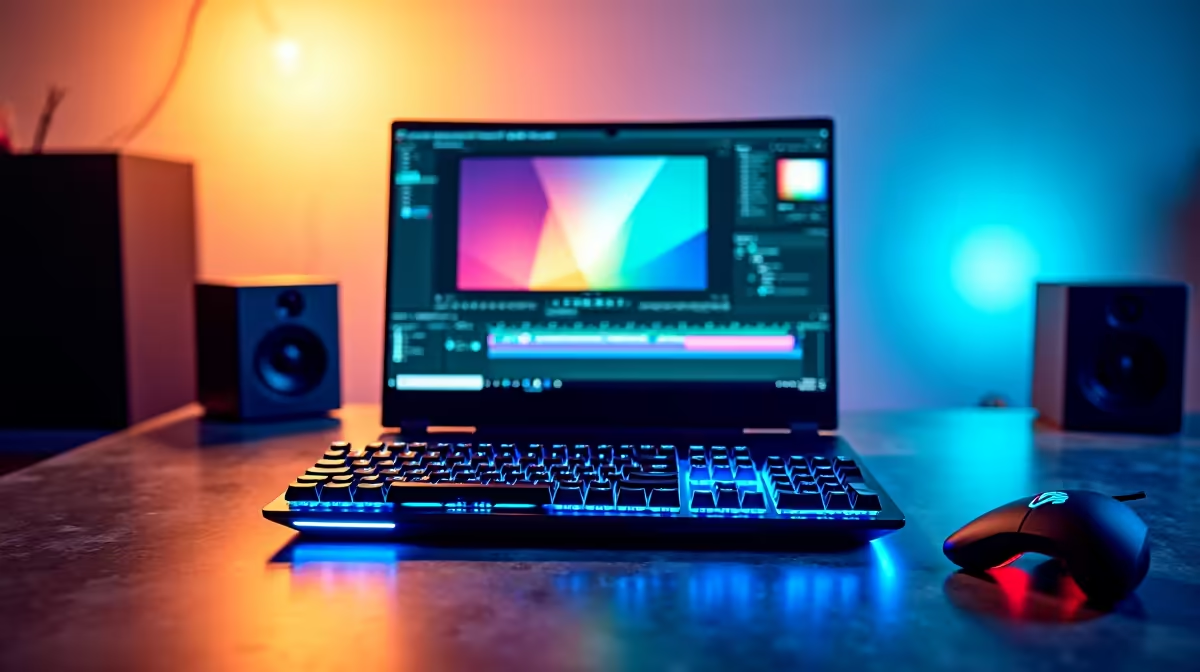
The Lenovo LOQ RTX3050 at R9,500 is the strongest pick for a new SA creator who wants a laptop that can handle editing, thumbnails, uploads, and general channel admin without feeling limited too quickly. Its RTX3050 graphics make it better suited to video timelines and visual work than a basic office machine, especially if your workflow includes short-form clips, screen recordings, and light gaming capture.
Laptop picks for channel work
The ASUS ExpertBook P1503 i5 at R9,858 is a sensible entry point if the channel is mostly planning, scripting, publishing, and browser-based work. Its i5 spec is enough for everyday Windows 11 use, managing uploads, checking comments, and keeping a content calendar open while you work.
The Lenovo IdeaPad Slim 3 i7 at R13,400 gives you a stronger i7 option for heavier multitasking. It suits a creator who keeps editing notes, analytics, a browser, and media folders open at the same time, while still wanting a slim everyday machine for school, work, or travel.
Creator desk in a Joburg apartment
At a compact creator desk, the ASUS Vivobook S14 OLED at R10,719 makes sense when screen quality matters for thumbnails, colour checks, and previewing your media library. The OLED display is the standout spec here, so it is the better choice if you care about how your visuals look before publishing.
The ASUS ExpertBook P5405 at R12,700 is worth considering for a cleaner productivity setup, while the ASUS Vivobook X1504VA i7 at R13,999 is another i7 route for creators who want stronger general performance. For a channel that mixes admin, editing, uploads, and content planning, start with the RTX3050 option, then compare OLED and i7 models around how much visual work you actually do.
Ready to choose the right laptop?
Compare the listed laptop range and pick the model that fits your editing, planning, and creator desk needs.