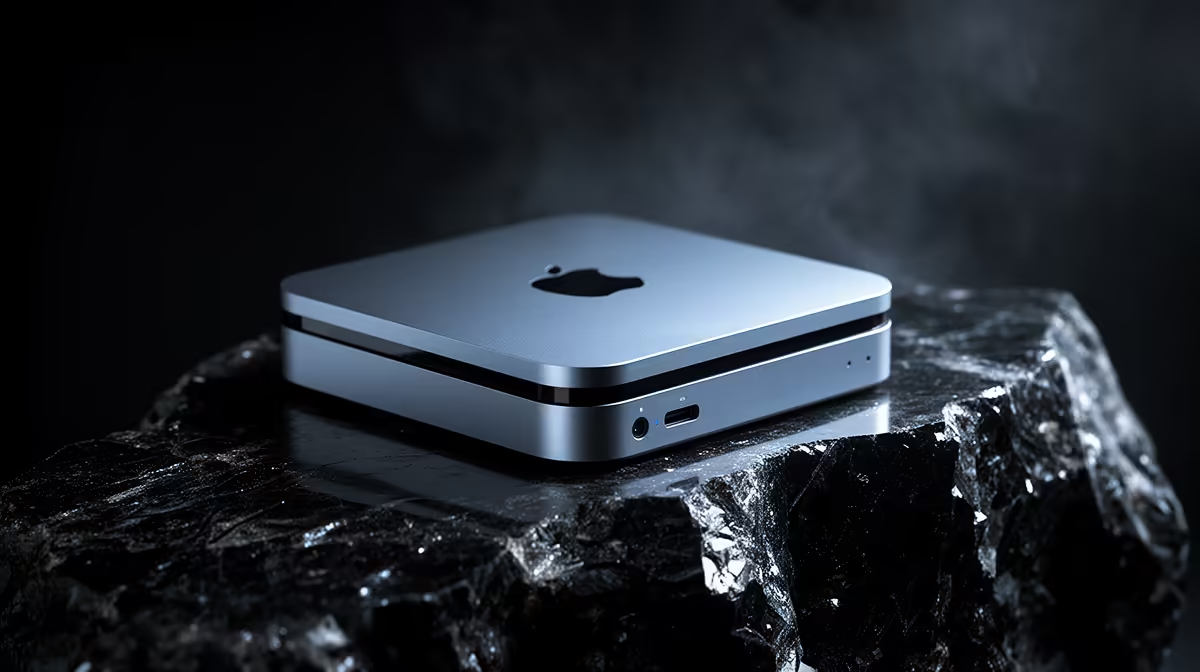
On a typical Windows laptop, if you guess wrong on memory you pop a panel, slot in a stick and carry on. That habit is the trap waiting for switchers moving to an M5 Mac. The unified memory in Apple silicon is not a removable module sitting in a socket. It is fabricated onto the same package as the processor, soldered down at the factory, and once the machine is built that number never changes. Choosing 16GB or 24GB at the till is a permanent decision, and getting it wrong means buying a whole new computer rather than a R1,500 upgrade.
Quick Answer
You cannot upgrade RAM on an M5 Mac after purchase. The memory is part of the chip package, soldered permanently, with no slots and no firmware path to add more. Pick the right amount at checkout: 16GB suits everyday browsing, office work and light creative tasks, while 24GB is the safer floor for heavy multitasking, larger photo and video libraries, and anyone who keeps a machine for five or more years.
Why Unified Memory Cannot Be Swapped
On a traditional PC, the CPU and the RAM are separate components connected by a memory bus on the motherboard. The RAM lives in DIMM or SO-DIMM slots precisely so it can be removed and replaced. Apple silicon takes a different route. The memory chips sit on the same physical package as the processor cores and graphics cores, millimetres away, sharing one pool that the whole system draws from.
The performance reason behind the limitation
This design is not arbitrary. Placing memory next to the compute cores shortens the electrical distance signals have to travel, which raises bandwidth and lowers latency. The CPU, GPU and the neural engine all read from the same pool without copying data back and forth, which is why an M5 chip can punch above its raw specification in graphics and machine-learning work. The trade-off is the one switchers need to understand: that physical closeness is achieved by soldering, and soldering is permanent.
What "no upgrade path" really means
There is no panel to open, no slot to fill, no adapter and no software unlock. A repair shop cannot add memory because there is nowhere to add it to. The only way to get more memory into an Apple silicon Mac is to buy a different Apple silicon Mac. For a Windows user accustomed to treating RAM as a cheap mid-life refresh, this reframes the entire purchase.
How To Choose Between 16GB And 24GB
The right number depends on how long you plan to keep the machine and how hard you push it. Because the choice is irreversible, it pays to think about the machine you will need in year four, not just the one you need this week.
When 16GB is genuinely enough
For web browsing with a sensible number of tabs, email, document editing, streaming and light photo work, 16GB on Apple silicon goes a long way. The operating system manages memory aggressively and uses fast storage for swap, so day-to-day use feels smooth. A student writing essays, running a browser and using a design app occasionally will rarely feel constrained on 16GB.
When 24GB is the smarter floor
Step up to 24GB if you keep dozens of browser tabs open, run virtual machines, edit 4K video, work with large Lightroom or photo libraries, or lean on local AI tools that load models into memory. Heavy multitaskers who never close anything also benefit. The extra memory is not about today's peak load alone; it is headroom that keeps the machine comfortable as software gets hungrier over the years you own it.
The Switcher's Mental Model Needs To Change
Windows buyers are trained to buy the cheapest configuration and upgrade later. With a Windows laptop that often makes sense, because RAM and storage are frequently user-replaceable. Carrying that instinct to an M5 Mac is the mistake. Here, the cheapest configuration is a ceiling, not a starting point. The money you might have planned to spend on a later RAM upgrade has to be spent at purchase or not at all.
That changes the value calculation. Spending a little more upfront on memory is not optional polish; it is the only chance you will ever get to make the decision. Treat the memory tier the way you would treat the chassis or the screen, as a fixed property of the machine you are committing to.
Storage Is Different, But Not As Flexible As You Think
It is worth separating two ideas, because switchers often conflate them. Storage on a Mac can be extended with external drives over fast ports, so running low on disk space is recoverable. Memory cannot be extended at all. An external SSD solves a storage shortfall; nothing solves a memory shortfall short of replacing the laptop. So if your budget is tight, lean toward more memory and a smaller internal drive, then add external storage later. You can always plug in a drive; you can never plug in more RAM.
What This Means For Resale And Longevity
Because memory is fixed, the configuration you choose also shapes resale value. Base-memory machines age faster in perceived usefulness as applications demand more, while a higher-memory machine stays relevant longer and holds value better on the second-hand market. Buyers who keep their laptops for five or six years, common in South Africa where a quality machine is a real investment, get the most from choosing generously at purchase. If you are weighing the lineup, the current MacBook range lays out the memory tiers clearly so you can compare before you commit, and the fastest-moving laptops across all brands give a sense of where the market sits.
Frequently Asked Questions
Can a technician add RAM to my M5 Mac later?
No. The memory is soldered onto the processor package with no slots, so there is physically nothing for a technician to upgrade. The only path to more memory is a different machine.
Is 16GB enough for a student in South Africa?
For browsing, documents, streaming and light creative work, 16GB is comfortable on Apple silicon and will serve most students well. If you plan to keep the machine for many years or run heavier software, 24GB is the safer choice.
Why does Apple solder the memory instead of using slots?
Placing memory on the chip package raises bandwidth and lowers latency, letting the CPU, GPU and neural engine share one fast pool. The performance gain comes at the cost of upgradeability.
Does unified memory work like normal RAM?
Functionally it serves the same role, but it is shared across the processor, graphics and AI cores rather than being dedicated solely to the CPU. That sharing is part of why Apple silicon performs well in graphics and machine-learning tasks.
Should I spend more on memory or storage?
Prioritise memory, because it can never be changed, and rely on external drives to extend storage later. A memory shortfall has no fix; a storage shortfall does.
With an M5 Mac the memory you buy is the memory you keep, so choose it deliberately. Compare configurations and pick the right tier for the long haul on the MacBook range at Evetech: https://www.evetech.co.za/macbooks/l/3284