


AIO Liquid 240mm Setup and Configuration: Complete Tutorial
AIO Liquid 240mm Setup and Configuration. Clear setup instructions with SA-specific considerations, troubleshooting tips & recommended components.
Read moreWireless gaming mouse battery life can look huge on a box, but what does 120 hours really mean? Learn how battery tests, polling rate, and RGB affect runtime. 🔋🎮
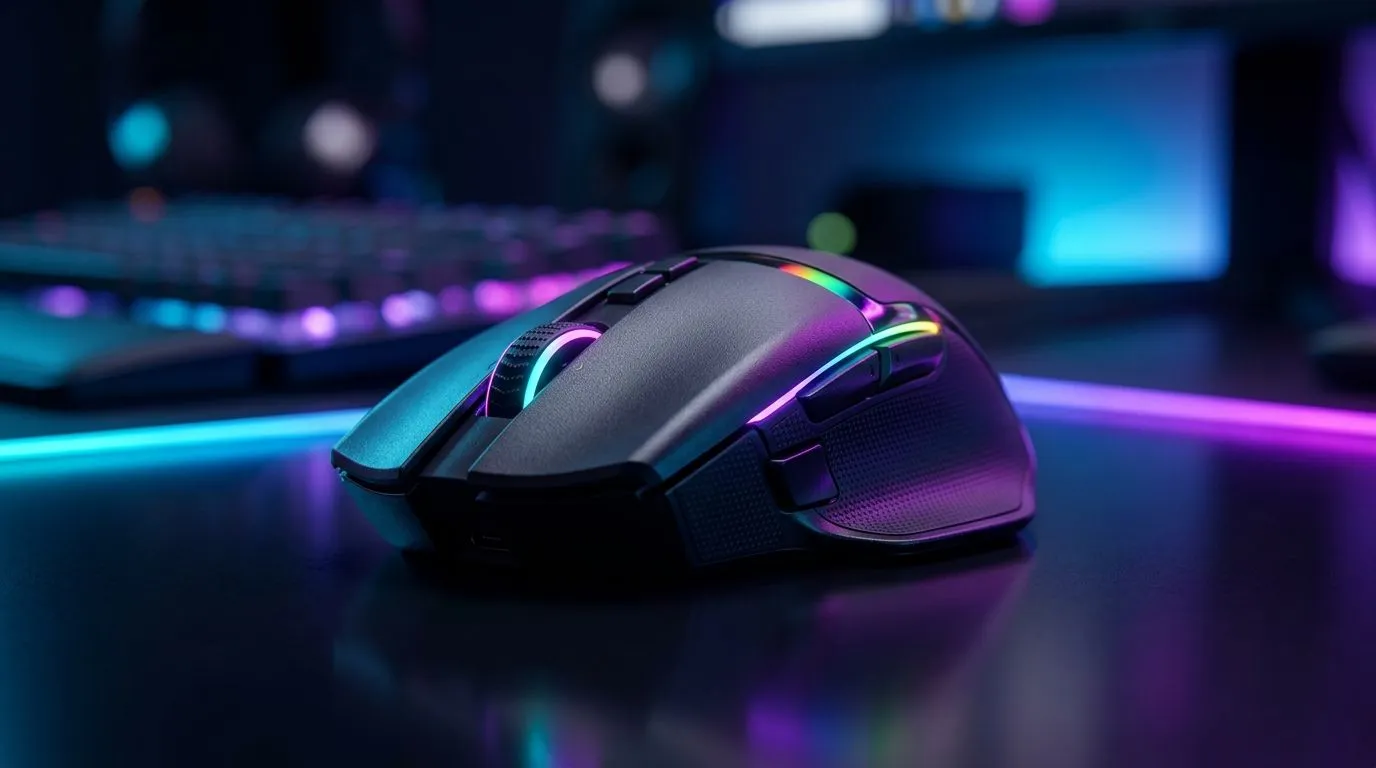
If you’re gaming on a schedule… you’ve probably asked: “Will this wireless mouse actually last the weekend?” In South Africa, where load shedding and surprise power cuts are real… battery life matters. ⚡ That marketing number like “120 hours” sounds amazing, but it depends on how you use your mouse: polling rate, RGB, and even how hard you grip that scroll wheel.
Let’s break down what “Wireless Gaming Mouse Battery Life Explained: 120 Hours” really means, how to predict your own runtime, and how to shop smarter before your next LAN session.
Most wireless mice advertise battery life under “typical” settings. Reputable reviews and manufacturers consistently show two big variables that swing results:
Higher polling rates send updates more often. So the sensor and radio work harder. Many gamers switch to 1,000Hz for smoother tracking, but that can reduce battery life compared to lower settings like 500Hz.
RGB does not just look nice. It uses power. If you’ve ever turned lighting on and watched your battery drop quicker… you’ve seen this effect first-hand.
Some mice use high-capacity cells with power-efficient firmware. Others run bright LEDs and high-performance modes by default. That’s why two “120-hour” mice can last very differently.
For a quick baseline, start with the manufacturer’s claim, then adjust for your usage. For example: if you game 4–6 hours a day with RGB and high polling, expect less than the headline.
your gaming PC, set up a second mouse profile: one for “raid sessions” (RGB off or low, lower polling) and one for “competitive days” (RGB on if you really want it, but keep polling consistent). This avoids battery surprises halfway through the week and keeps muscle memory stable.
Here are practical levers you can use today:
If you want the bigger picture, Evetech stocks both wired and wireless options, so you can choose based on how you prefer to game.
Want accessory-ready choices too? Browse mouse accessories here: mouse accessories.
Wireless is freedom… but wired can be budget-friendly and consistently reliable, especially if you’re doing long practice sessions with your rig plugged in. If you’d rather remove the battery variable entirely, you can explore: wired gaming mouse options.
If wireless is still your move, start with a shortlist of models that match your polling and lighting expectations: wireless gaming mouse range. For deals, it helps to buy the right spec, not just the lowest price. Check: best gaming mouse deals.
Before you commit to a “120 hours” claim, look for:
For more guidance on choosing the right mouse for your setup, you can compare models and specs on Evetech’s gaming mouse section: gaming mouse picks.
Once you dial in your settings, wireless becomes the smooth kind of convenience… not a mid-session panic.
Ready to Find Your Perfect Match? The Mac vs Windows debate is complex, but for maximum power, choice, and value in South Africa, Windows is hard to beat. Explore our massive range of laptop specials and find the perfect machine to conquer your world.
Not always. The “120 hours” claim depends on test settings like polling rate, RGB level, and active sleep behavior, so real runtime can be lower.
Most brands use controlled test conditions (often default lighting, fixed polling rate, and repeatable usage). Your daily settings can change results.
Polling rate, RGB brightness, wireless mode, and how often the mouse goes idle all affect wireless gaming mouse battery life and runtime.
Yes. Running at a lower polling rate typically reduces power draw, extending wireless gaming mouse battery life, especially during long sessions.
RGB usually drains the most power, while higher DPI may increase processing. Expect wireless mouse battery life to drop with heavy effects.
In many setups, a dedicated USB dongle can be more consistent for latency and power. Bluetooth performance varies by device and settings.
Enable sleep/idle timers, reduce RGB, and use efficient polling settings. These changes help maximize wireless gaming mouse battery life safely.
Brands may use different test protocols, lighting levels, and usage patterns. Always compare stated test conditions when judging wireless mouse battery life.
AIO Liquid 240mm Setup and Configuration. Clear setup instructions with SA-specific considerations, troubleshooting tips & recommended components.
Read more
Setting Up DDR5 64GB Kit. Tested & verified settings for best FPS and visual quality on SA hardware budgets.
Read more
Overwatch 2 Setup Guide Gamers. Clear setup instructions with SA-specific considerations, troubleshooting tips & recommended components.
Read more
R and RStudio on Mac: Data Science Setup Guide. Clear setup instructions with SA-specific considerations, troubleshooting tips & recommended components.
Read more
NVIDIA Broadcast Setup with GPU: Streamer Guide. Clear setup instructions with SA-specific considerations, troubleshooting tips & recommended components.
Read more
Core Ultra 7 265K Temperature Guide: Normal Range. Complete product range with SA pricing, key specs & recommendations for different budgets.
Read more
AMD RX 9050 XT: Rumoured Specs, Price & Release. SA-focused analysis with local pricing data, real-world insights & actionable buying advice.

Can RTX 4080 Super Run AI Workloads for SA Developers Detailed answer with SA data, expert analysis & practical recommendations for local buyers.

Can RTX 4090 Run AI Workloads for SA Developers Detailed answer with SA data, expert analysis & practical recommendations for local buyers.

Top Settings for Intel Arc B580 at Ultrawide 1440p picks evaluated on performance, value & SA availability with current Rand pricing from Evetech.

RTX 4060 CS2 Low Settings at 1080p: FPS Results. Real-world benchmark data, FPS numbers & performance analysis. What SA gamers can actually expect.

Visual Artifacts: Possible GPU Issue Issue #1. Diagnosis steps, proven fixes & when to seek professional help. SA-specific support info included.

Can the RTX 4090 Handle 1440p 144Hz Gaming. Performance testing verdict with real data & practical recommendations for SA buyers.

Top ASUS GPU Under R15000 picks evaluated on performance, value & SA availability with current Rand pricing from Evetech.

GTA 6 Max Settings on RTX 5070. Tested & verified settings for best FPS and visual quality on SA hardware budgets.

Cyberpunk 2077 Max Settings on RTX 5080. Tested & verified settings for best FPS and visual quality on SA hardware budgets.

Starfield Max Settings on RTX 5070 Ti. Tested & verified settings for best FPS and visual quality on SA hardware budgets.

Top RTX 5090 Under R5000 picks evaluated on performance, value & SA availability with current Rand pricing from Evetech.