

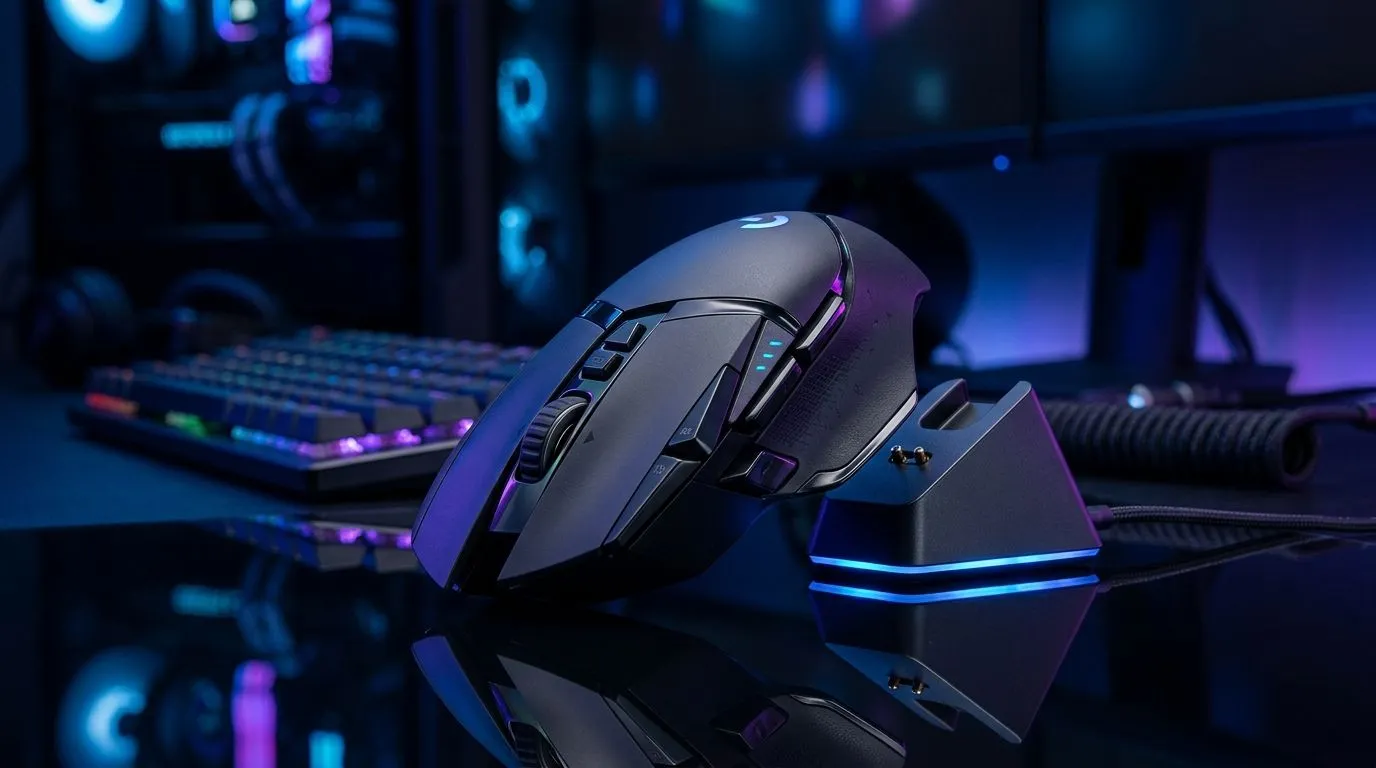
Wireless Gaming Mouse with Charging Dock: Start With Your Real Play Style 🎮
If you’re tired of battery anxiety mid-match, a wireless gaming mouse with a charging dock can be a real quality-of-life upgrade. But the “best” dock isn’t the same for everyone in South Africa… whether you play FPS on a tight mouse mat, or you’re grinding MMOs with long sessions.
This guide walks you through what actually matters, so you don’t pay extra for features you’ll never use. ⚡
Wireless Gaming Mouse with Charging Dock: Dock Design and Charging Basics 🔋
A charging dock should feel effortless, not fiddly. Look for:
- Stable alignment: when you drop the mouse on the dock, it should seat consistently.
- Good battery indicators: many users prefer clear LED status or dock feedback.
- Charging speed expectations: some docks support faster charging, but check the product details before assuming.
Why? If your dock requires precise placement, you’ll avoid using it. That defeats the point.
Dock Setup Pro Tip ✨
"Place the dock where your mouse naturally rests between matches (near your keyboard side). Then test it for 2 days of real use. If you ever miss alignment or your cable blocks movement, it’s too annoying. A smooth routine beats a “theoretical” advantage."
Wireless Gaming Mouse with Charging Dock: Sensor, DPI, and Feel on South African Mats 🎯
Wireless isn’t only about charging. The sensor and tracking quality decide whether you hit shots you swear you should’ve landed.
When choosing, focus on:
- Consistent tracking across your mouse pad and desk surface.
- Adjustable DPI so you can switch between hip-fire and precision.
- Weight balance: docks add bulk to your setup, so you’ll want a mouse that still feels right.
If you’re considering switching mouse categories, compare options directly:
- If you want accessories and add-ons, browse mouse accessories here: Mouse accessories at Evetech
- If you’re tempted by a low-latency wired approach for competitive play, check: Wired gaming mice at Evetech
Wireless Gaming Mouse with Charging Dock: Battery Life, Latency, and Daily Reliability ⚡
Wireless performance has come a long way. Still, the best buyers check how they’ll use it:
- Short sessions: faster charging and quick top-ups matter.
- Long sessions: prioritize mice designed for longer runtime.
- Dock vs cable charging: docks reduce downtime… but only if the mouse actually charges reliably.
For the broad wireless selection (including docked styles and related options), start here: Wireless gaming mouse range at Evetech
Wireless Gaming Mouse with Charging Dock: Avoid Common Buyer Mistakes 🔧
Here are mistakes South African gamers often make:
- Paying for “RGB docking” when you don’t need it. If you never notice it, don’t fund it.
- Overlooking surface fit. Some docks sit awkwardly on desk layouts.
- Buying without comparing value. Prices move, and specials can flip the decision.
To shop smart around budget, compare current options and bundles:
- See best gaming mouse deals here: Best gaming mouse deals
- If you’re narrowing down specific mouse models and tech needs, use the category landing page: Gaming mouse components at Evetech
Wireless Gaming Mouse with Charging Dock: Quick Checklist Before You Buy ✅
Before you order, ask yourself:
- Does the dock seating feel effortless?
- Is runtime and charging behaviour described clearly in the product details?
- Does the mouse still match your grip and weight preference?
- Are you getting real value compared to current deals in ZAR?
Do the boring checklist now, and you’ll enjoy the fun part later.
Ready to Find Your Perfect Match? The Mac vs Windows debate is complex, but for maximum power, choice, and value in South Africa, Windows is hard to beat. Explore our massive range of laptop specials and find the perfect machine to conquer your world.











