

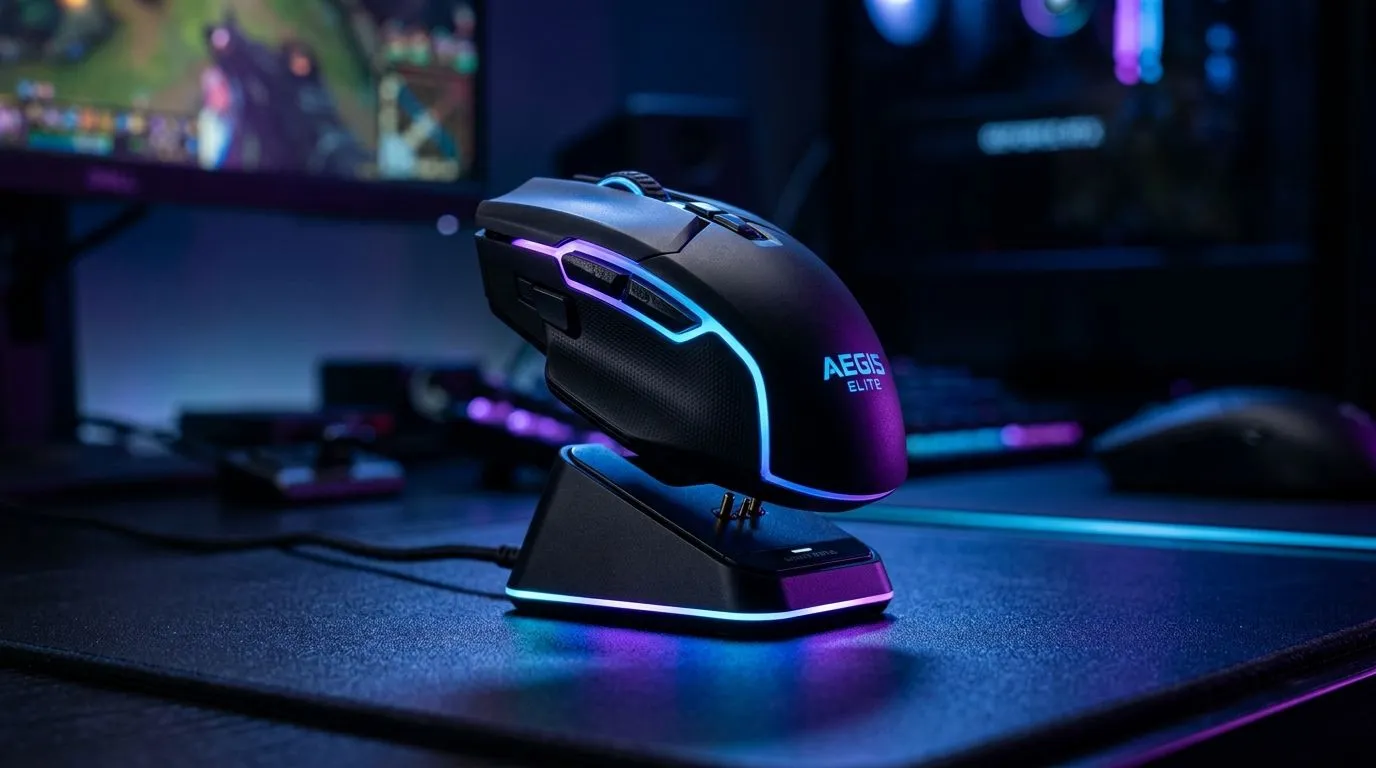
Wireless Gaming Mouse Charging Docks Explained: Why They Matter for SA Gamers 🔋
If you’ve ever muted discord… only to realize your mouse is dying mid-fight… you already get it. In South Africa, where load shedding and long gaming sessions are real, convenience counts. A wireless gaming mouse charging dock is basically the “set-and-forget” solution: place the mouse on the stand, and you’re back in action when the match starts again ⚡
This guide breaks down what charging docks do, how to choose one, and what to watch for so you don’t waste money.
Wireless Gaming Mouse Charging Docks Explained: How they work (and what’s actually happening) ✨
Most modern wireless gaming mice use either:
- A dock + proprietary contact points (common with gaming mice)
- A USB charging dock that syncs to power delivery (varies by brand)
- Charging via a cable while you game (not the same experience, but sometimes the most affordable)
A charging dock works by aligning metal charging contacts on the mouse with matching contacts on the dock. Power flows, and the mouse charges until the battery is full. The big benefit? You don’t have to open compartments or hunt for micro-USB or USB-C cables during busy weeks.
Evetech stocks the ecosystem around your setup too, including mouse accessories and wireless gaming options:
- Shop mouse accessories here: mouse accessories
- If you’re still comparing setups, see wireless gaming mouse models
Wireless Gaming Mouse Charging Docks Explained: What to look for before you buy 🚀
Not all docks are created equal. When you’re spending your hard-earned ZAR, focus on these points:
1) Compatibility (the non-negotiable)
Docks are usually mouse-specific. If the dock listing doesn’t explicitly say it’s compatible with your model, don’t assume.
2) Charging style and placement
Some docks are low-profile and sit flush, while others swivel or dock with magnets. Magnetic placement is usually smoother, but it still needs correct alignment.
3) Power convenience during long sessions
A dock is most useful if it lives where you already place your mouse between rounds. If it’s across the room, you’ll forget it. Keep it on the same side as your keyboard, where you can drop the mouse naturally.
4) Battery health habits
Lithium-ion batteries do best when you avoid leaving devices at extreme charge levels for days. Many modern mice manage this internally, but your habits still matter. If your dock allows it, unplugging overnight can help psychologically… and sometimes practically.
Productivity Pro Tip ⚡
On Windows, use the PowerToys FancyZones utility to create custom snap layouts for your windows. It's a lifesaver for managing multiple apps on an ultrawide monitor, letting you organise your timeline, preview window, and asset folders perfectly for video editing.
Wireless Gaming Mouse Charging Docks Explained: Wired vs Wireless if you’re on a budget
Let’s be honest: wireless is often worth it for comfort and desk freedom, but not always worth the premium. If you’re shopping smart, compare value first.
- If you want the flexibility of wired reliability, browse wired gaming mice here
- For straight-up pricing power, check best gaming mouse deals
Also, when you’re choosing components for the best feel, take a look at the broader gaming mouse category to match your grip, sensor feel, and overall setup.
Wireless Gaming Mouse Charging Docks Explained: Quick buying checklist before checkout ✅
Use this mini checklist:
- Confirm mouse model compatibility
- Check whether the dock is included or sold separately
- Place the dock where you already “pause” between matches
- Consider your charging routine during outages and weekends
- Compare total cost in ZAR against wired options
If you want fewer surprises, treat the dock like part of the mouse purchase, not an optional accessory.
Ready to Find Your Perfect Match? Wireless charging docks can be amazing… but only when they fit your exact mouse and your desk life. Jump into Evetech now and compare compatible wireless gaming mice and accessories in one place: Explore our massive range of laptop specials and get the tech that suits how you actually game in South Africa.











