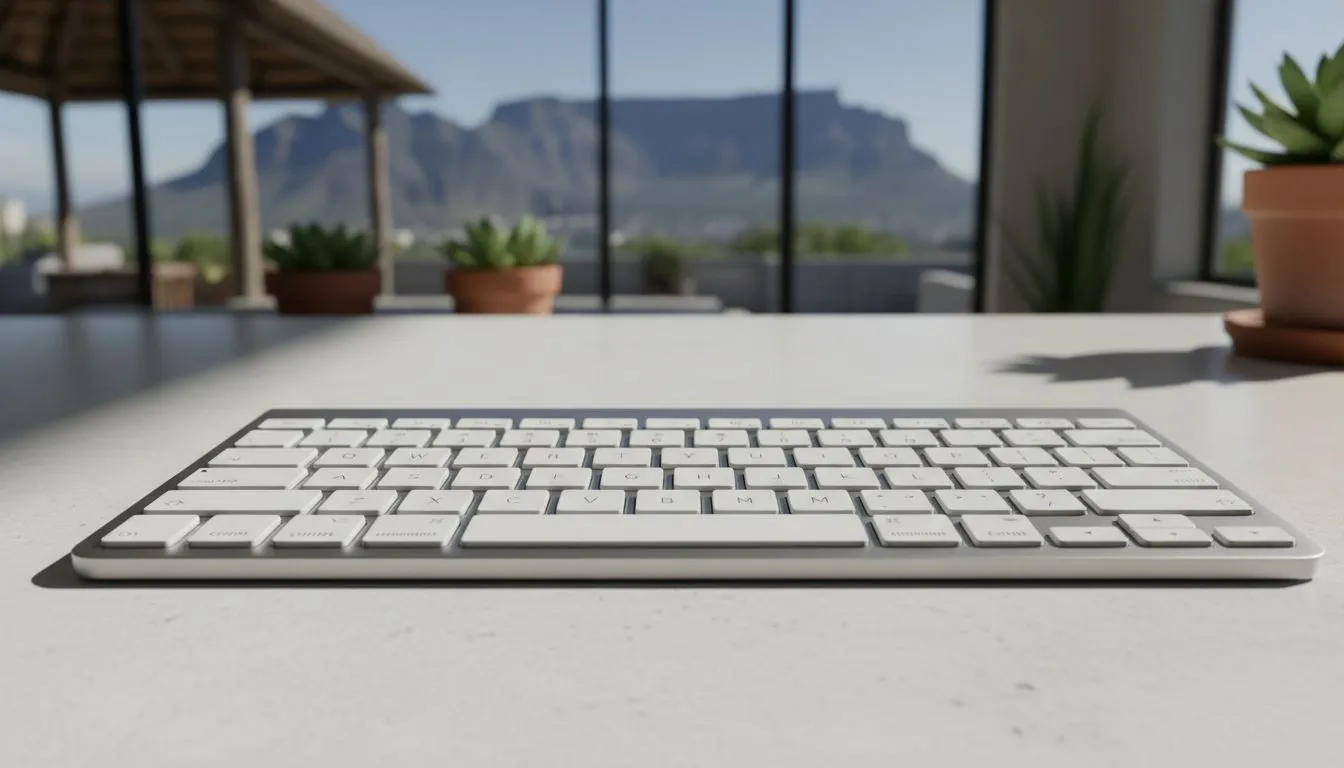
Why Your Wireless Keyboard Keeps Disconnecting
Nothing kills a clutch moment in a 1v1 like your peripherals failing. If your wireless keyboard keeps disconnecting during a heated match, you know the frustration. Whether you are using a budget setup or a premium rig, signal drops are a nightmare. We will help you fix Bluetooth and 2.4GHz issues so you can get back to winning without the lag. 🔧
Managing 2.4GHz Signal Interference
Most gaming peripherals use a 2.4GHz USB dongle for low latency. However, this frequency is incredibly crowded in South African homes. Your Wi-Fi router, microwave, and even certain light fittings can cause dropouts. If your signal is weak, consider upgrading to high-performance wireless keyboards that feature improved shielding.
USB 3.0 ports are also notorious for emitting radio frequency noise. Try moving your receiver to a USB 2.0 port or using a USB extension cable. This simple change moves the receiver away from the motherboard's electrical noise... often solving the "wireless keyboard keeps disconnecting" headache instantly.
Fixing Bluetooth Connectivity Issues
Bluetooth is convenient but prone to power-saving glitches. Windows often tries to save battery by turning off your Bluetooth radio. To fix this, head to Device Manager and find your Bluetooth adapter. Right-click it, select properties, and untick "Allow the computer to turn off this device to save power".
If you are using a high-end Razer Gaming Keyboard, ensure your Synapse software is fully updated. Firmware updates often contain patches for stability issues that standard Windows drivers might miss. ⚡
Power Management Pro Tip ⚡
check your Windows Power Plan settings. Set your USB settings to 'USB selective suspend: Disabled'. This prevents the OS from cutting power to your dongle during idle moments, which is a common cause for wireless keyboards disconnecting unexpectedly when you start typing again.
Hardware Checks and Firmware Updates
Sometimes the problem is physical. Dust in the USB port or a dying battery can cause intermittent signals. If your battery level is below 20%, the voltage might drop enough to weaken the transmitter. For those who love customisation, Glorious Keyboards often provide dedicated firmware tools on their site to recalibrate the wireless polling rate.
If you find that your local environment has too much interference, it might be time to look for the cheapest gaming keyboard in South Africa that offers a dual-mode connection. Having the option to plug in during a competitive tournament ensures zero latency when it matters most.
When to Switch Back to a Cable
While wireless tech has come a long way, some environments are just too noisy for a stable signal. If you have tried every fix and your wireless keyboard keeps disconnecting, switching to wired gaming keyboards is the only way to guarantee 100% uptime. You can find excellent mechanical options starting from under R1,000 that offer incredible tactile feedback without the battery anxiety. 🚀
Ready to Upgrade Your Setup?
Don't let a dodgy connection ruin your K/D ratio. Whether you want the freedom of wireless or the rock-solid reliability of a cable, we have the best deals in ZAR. Explore our massive range of gaming keyboards and find your perfect match at Evetech today.