


AIO Liquid 240mm Setup and Configuration: Complete Tutorial
AIO Liquid 240mm Setup and Configuration. Clear setup instructions with SA-specific considerations, troubleshooting tips & recommended components.
Read moreConfused by WUXGA vs FHD vs QHD? 💻 Discover which laptop resolution suits your workflow, gaming needs, or creative projects in our complete display breakdown. Find the perfect screen for your setup today! 🚀
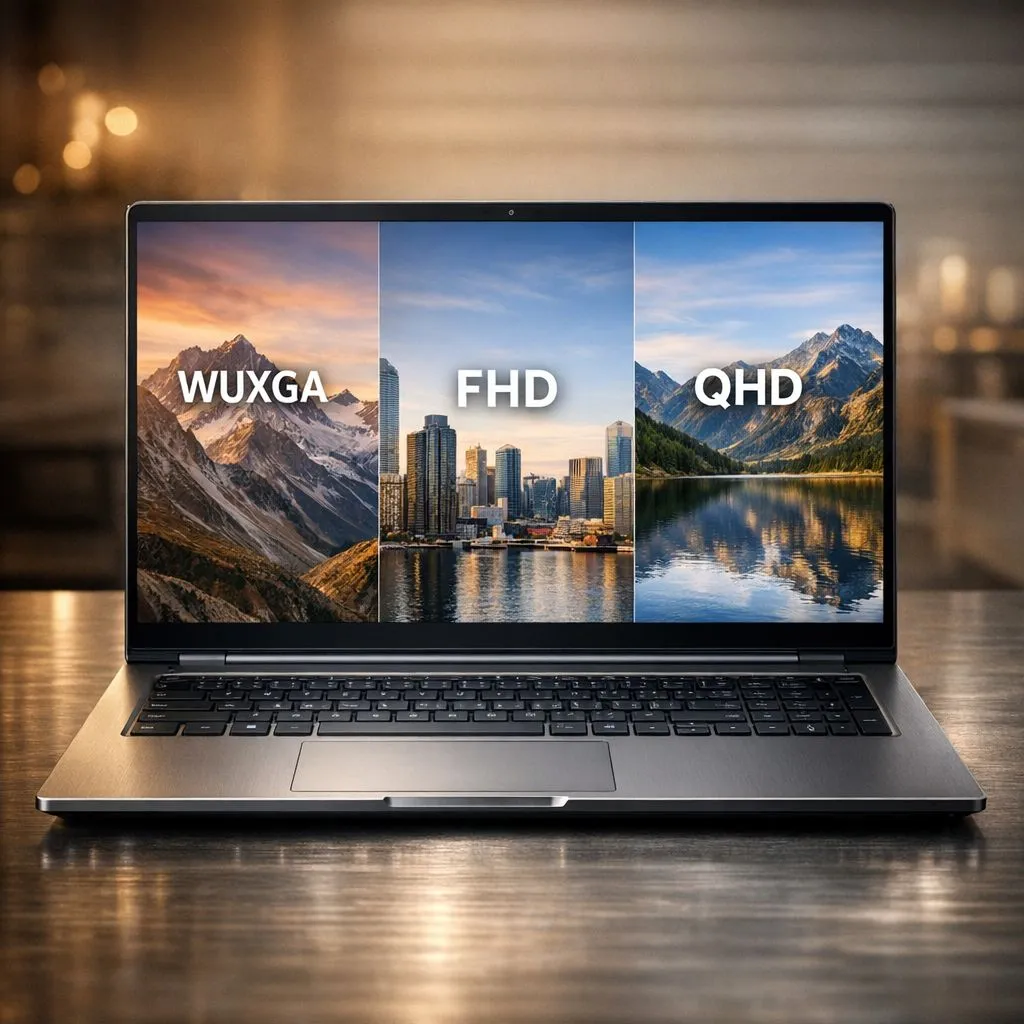
Game in the living room, edit on the go, and still need text to be crisp at 1am before load shedding… that’s the reality for South African buyers. The problem? Laptop resolution specs can feel like alphabet soup. Should you pay for QHD, settle for FHD, or hunt for WUXGA deals? The best choice depends on screen size, battery life, and what you actually do on your laptop every day. Let’s break it down properly. ✨
Resolution is simply how many pixels your screen displays. More pixels usually means sharper text and finer detail… but it can also mean your laptop has to work harder to render games and apps.
Here’s the practical cheat sheet:
Because South African gamers often alternate between productivity and play, the aspect ratio matters. WUXGA’s extra vertical space is great for scrolling, reading, and keeping toolbars visible while you work. That’s why you’ll see many modern business and creator laptops land on 16:10.
Evetech stocks plenty of laptops across Intel and Ryzen platforms, so it’s worth pairing resolution with the right CPU and GPU tier rather than chasing a number. If you’re browsing Intel deals, start here: https://www.evetech.co.za/intel-laptops-on-special/l/866
Resolution doesn’t exist in isolation. Your gaming performance depends on how many pixels you’re asking your GPU to push. As resolution rises, GPU load rises too. That’s not a theory, it’s basic rendering math.
So how do you choose?
FHD is often the best value when you want higher FPS, especially with mid-range GPUs. If you’re playing esports titles, FHD can keep frame rates more stable while still looking decent on smaller screens.
Good when:
WUXGA (1920 × 1200) is a strong middle ground. It’s essentially FHD width with extra height. That’s brilliant for people who do coursework, spreadsheets, coding, and creative tasks too.
Good when:
QHD offers noticeably more screen detail, which helps for editing timelines, reading fine UI elements, and experiencing game textures with more clarity.
But here’s the trade:
If you’re shopping Ryzen laptop deals in South Africa, have a look here and compare models with similar cooling and GPU wattage: https://www.evetech.co.za/ryzen-laptop-deals/l/682
Many buyers pick resolution first… then realise their laptop can’t hit the FPS they expected.
Use these checks before you commit:
If you’re aiming for QHD, prioritise a laptop with a capable discrete GPU and good cooling. A QHD screen with a weaker GPU can become an expensive “looks nice, plays stressed” situation.
If you want a curated place to compare gaming laptops, start with these deals and filter by GPU and display options: https://www.evetech.co.za/best-gaming-laptop-deals/l/1468
A high refresh rate is wasted if the laptop can’t sustain frames at your chosen resolution. Sometimes the smarter move is:
A 13–14 inch QHD panel can be overkill depending on viewing distance and your workload. At the same time, a 15–17 inch QHD panel can feel truly crisp for reading and editing.
On Windows, use the PowerToys FancyZones utility to create custom snap layouts for your windows. It's a lifesaver for managing multiple apps on an ultrawide monitor, letting you organise your timeline, preview window, and asset folders perfectly for video editing.
Let’s ground this in typical SA buying behaviour. A lot of people shop under R20k first, especially around Black Friday and school holiday deals.
For under R20k, a realistic strategy is:
Here’s a starting point for gaming laptop options under R20k: https://www.evetech.co.za/buy-gaming-laptops-under-r20k/l/1559
And if you’re focused on NVIDIA GeForce RTX gaming laptops, compare models and look specifically for display resolution + GPU tier together: https://www.evetech.co.za/geforce-rtx-gaming-laptops-on-special/l/1633
If you want a fast “pick one” guide:
No matter what you pick, resolution is only part of the story. Also check GPU, RAM, and whether the laptop supports fast memory configurations that match the platform.
If you’re ready to upgrade, shop with a plan. Resolution regret is real… and it’s avoidable.
Ready to Find Your Perfect Match? The Mac vs Windows debate is complex, but for maximum power, choice, and value in South Africa, Windows is hard to beat. Explore our massive range of laptop specials and find the perfect machine to conquer your world.
FHD is 1920x1080, while WUXGA is 1920x1200. WUXGA provides a slightly taller 16:10 aspect ratio, offering more vertical screen space for productivity tasks.
QHD offers sharper visuals and more detail than FHD, but it requires a more powerful GPU to maintain high frame rates in modern games.
Yes, higher resolutions like QHD require more processing power and have more pixels to light up, which can lead to faster battery drain compared to standard FHD.
WUXGA is excellent for office work because the 16:10 aspect ratio provides extra vertical space, making it easier to read documents and view spreadsheets.
If you are a creative professional, graphic designer, or competitive gamer, the increased pixel density of QHD is generally worth the investment for visual fidelity.
Yes, you can scale games down to 1080p on a QHD screen, though they may appear slightly softer due to non-native pixel mapping.
AIO Liquid 240mm Setup and Configuration. Clear setup instructions with SA-specific considerations, troubleshooting tips & recommended components.
Read more
Setting Up DDR5 64GB Kit. Tested & verified settings for best FPS and visual quality on SA hardware budgets.
Read more
Overwatch 2 Setup Guide Gamers. Clear setup instructions with SA-specific considerations, troubleshooting tips & recommended components.
Read more
R and RStudio on Mac: Data Science Setup Guide. Clear setup instructions with SA-specific considerations, troubleshooting tips & recommended components.
Read more
NVIDIA Broadcast Setup with GPU: Streamer Guide. Clear setup instructions with SA-specific considerations, troubleshooting tips & recommended components.
Read more
Core Ultra 7 265K Temperature Guide: Normal Range. Complete product range with SA pricing, key specs & recommendations for different budgets.
Read more
AMD RX 9050 XT: Rumoured Specs, Price & Release. SA-focused analysis with local pricing data, real-world insights & actionable buying advice.

Can RTX 4080 Super Run AI Workloads for SA Developers Detailed answer with SA data, expert analysis & practical recommendations for local buyers.

Can RTX 4090 Run AI Workloads for SA Developers Detailed answer with SA data, expert analysis & practical recommendations for local buyers.

Top Settings for Intel Arc B580 at Ultrawide 1440p picks evaluated on performance, value & SA availability with current Rand pricing from Evetech.

RTX 4060 CS2 Low Settings at 1080p: FPS Results. Real-world benchmark data, FPS numbers & performance analysis. What SA gamers can actually expect.

Visual Artifacts: Possible GPU Issue Issue #1. Diagnosis steps, proven fixes & when to seek professional help. SA-specific support info included.

Can the RTX 4090 Handle 1440p 144Hz Gaming. Performance testing verdict with real data & practical recommendations for SA buyers.

Top ASUS GPU Under R15000 picks evaluated on performance, value & SA availability with current Rand pricing from Evetech.

GTA 6 Max Settings on RTX 5070. Tested & verified settings for best FPS and visual quality on SA hardware budgets.

Cyberpunk 2077 Max Settings on RTX 5080. Tested & verified settings for best FPS and visual quality on SA hardware budgets.

Starfield Max Settings on RTX 5070 Ti. Tested & verified settings for best FPS and visual quality on SA hardware budgets.

Top RTX 5090 Under R5000 picks evaluated on performance, value & SA availability with current Rand pricing from Evetech.