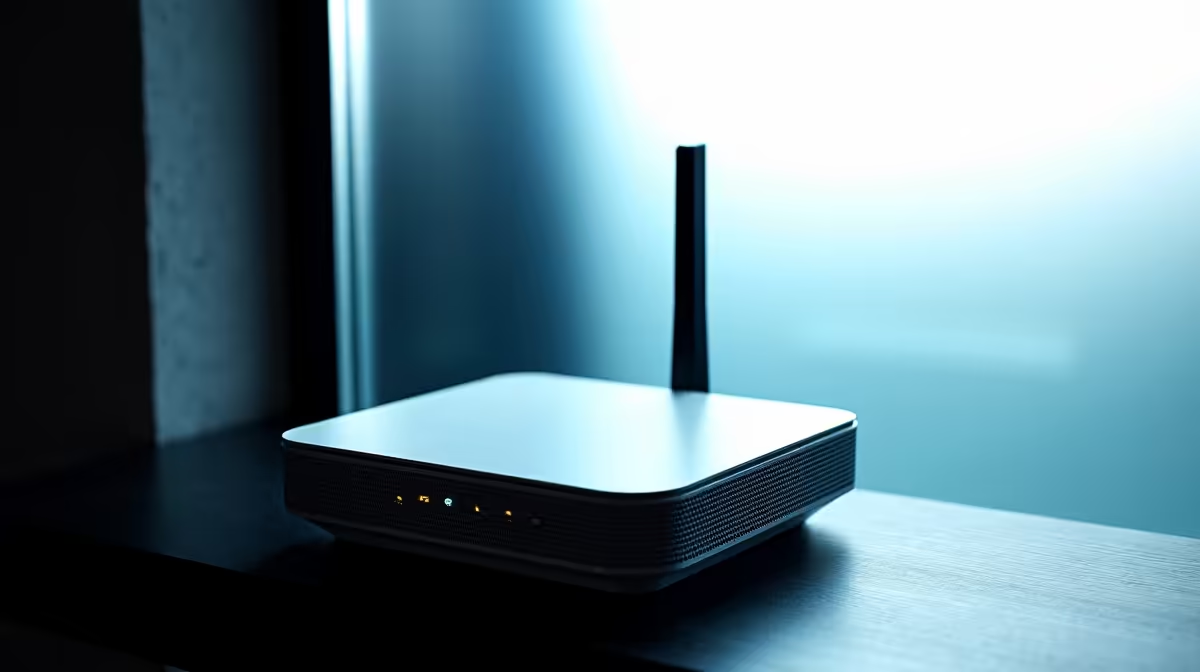
Switching a home onto 5G where fibre has not yet reached the street can deliver genuinely fast internet, but only if the three pieces of hardware behind it are chosen and placed properly. Get the 5G home internet setup right and a single connection covers a whole house; get it wrong and you fight weak signal and patchy coverage. This checklist walks through the router, the antenna and the mesh, in the order a first-time setup should tackle them.
Quick Answer
A complete 5G home setup can combine three things: a 5G CPE router that takes a SIM and shares the connection, an external MIMO antenna to strengthen the incoming signal where reception is weak, and mesh nodes to spread coverage through a larger home. Start with the router, add the antenna only if you need it, and use mesh for whole-home reach.
Step one: the 5G CPE router
The router is the heart of the setup. A 5G CPE unit takes a data SIM, connects to the cellular network, and shares that connection over Wi-Fi and Ethernet to everything in the house. This is the one component you cannot skip, so it is where the planning starts.
Look for a WiFi 6 model for efficient handling of many devices, dual-band operation so near and far devices do not compete, and built-in antennas rated for the bands your provider uses. Some units carry several internal antennas and intelligently select the strongest, which helps in areas with variable signal. Match the router to how many devices your home runs at once rather than to the highest headline speed. The current 5G and home-networking gear sits in the networking range, which is where to compare CPE options.
Step two: placement, then an external antenna if needed
Before buying anything extra, place the router well. A 5G CPE unit pulls in the cellular signal, so position matters as much as the hardware. Put it near a window facing the direction of the nearest tower and up high rather than tucked behind furniture. Many homes get a strong, stable connection from placement alone, with no further kit required.
If reception is still weak, that is when an external antenna earns its place. A directional or MIMO antenna mounted outside, aimed at the tower, can meaningfully lift a marginal signal, and units with multiple antenna elements improve reliability in fringe areas. Look for a router with an external antenna port if you suspect you will need this, since not every model offers one. Rural and edge-of-coverage homes benefit most, while strong metro signal often makes the antenna unnecessary.
Reading your signal
Most CPE routers report signal quality in their app or web interface. Use those readings to compare positions before drilling anything for an external antenna. Move the router around, note where the signal is strongest and steadiest, and only commit to an outdoor antenna if the best indoor position still falls short. This saves you buying hardware you may not need.
Step three: mesh for whole-home coverage
A 5G router solves the connection, but on its own it may not cover a large or multi-storey home. The cellular signal can be strong while the Wi-Fi fades down a long passage or upstairs. Mesh nodes solve the indoor coverage half of the equation, extending the network so every room gets a usable signal.
Choose a router that supports a mesh standard, then add nodes sized to your home: one or two for a typical house, more for a sprawling or double-storey layout. Place nodes within good range of the main router so each one relays a strong signal onward rather than struggling at the edge of coverage. The antennas, cables and mesh nodes that complete these setups often appear among the popular add-ons, worth checking as you finalise the parts list.
Wiring the stationary devices
One more step quietly lifts the whole setup, and it costs almost nothing. Any device that stays in one place, a smart TV, a desktop, a games console, can run on a cable from the router's Ethernet ports instead of competing on Wi-Fi. Every device you wire is one fewer demanding airtime, which leaves the wireless side freer for the phones and tablets that actually need to move around the house. A CPE router with several gigabit ports makes this easy.
It also helps the mesh. Where the layout allows, connecting a mesh node back to the main router with a cable, rather than relying on a wireless link between them, gives that node a stronger, more stable feed to share onward. Not every home can run cable between floors, but where it is practical it is the single most reliable way to extend coverage, and it pairs naturally with the antenna and placement work already done.
Putting the checklist together
Work in the right order and the setup is straightforward. First, buy and place the 5G CPE router, then test the signal from the best indoor position. Second, add an external antenna only if that best position still leaves reception weak, aiming it at the nearest tower. Third, add mesh nodes if a single router cannot cover your floor area, sizing them to the home.
That sequence stops you over-buying. Plenty of homes need only the router, some add an antenna, and larger homes add mesh on top. Spend on each piece only once the previous one has proven it cannot do the job alone, and you end up with a setup that fits the property rather than a pile of hardware you did not need.
Frequently Asked Questions
What hardware do I need for a 5G home internet setup?
At minimum a 5G CPE router that takes a SIM. Add an external MIMO antenna if reception is weak, and mesh nodes if a single router cannot cover your whole home. Many setups need only the router and good placement.
Do I always need an external antenna for 5G?
No. Good placement near a window facing the nearest tower gives many homes a strong signal without one. An external antenna helps mainly in rural or fringe areas where the indoor signal stays weak after you have tried the best position.
How do I know where to place the 5G router?
Use the signal readings in the router's app or interface. Try several positions, favouring a high spot near a window facing the nearest tower, and pick the one with the strongest, steadiest reading before considering an external antenna.
When do I need mesh nodes with a 5G router?
When a single router cannot cover your floor area, typically in large or multi-storey homes where the Wi-Fi fades even though the cellular signal is strong. Add nodes sized to the home and placed within good range of the router.
Will a 5G setup work where there is no fibre?
That is exactly its purpose. A 5G fixed-wireless setup brings fast home internet to addresses fibre has not reached, as long as there is decent cellular coverage, which the antenna and placement steps help you secure.
Moving your home onto 5G is a three-step build: router first, antenna if needed, mesh for reach. Start with the right CPE unit in the Evetech networking range and add only the pieces your property actually needs.