


Complete Guide: Setting Up AIO Liquid 420mm
Setting Up AIO Liquid 420mm. Tested & verified settings for best FPS and visual quality on SA hardware budgets.
Read moreA head-to-head look at Z890: real-world performance, ZAR pricing and which option delivers better value for SA builders. The clear answer — no fluff.
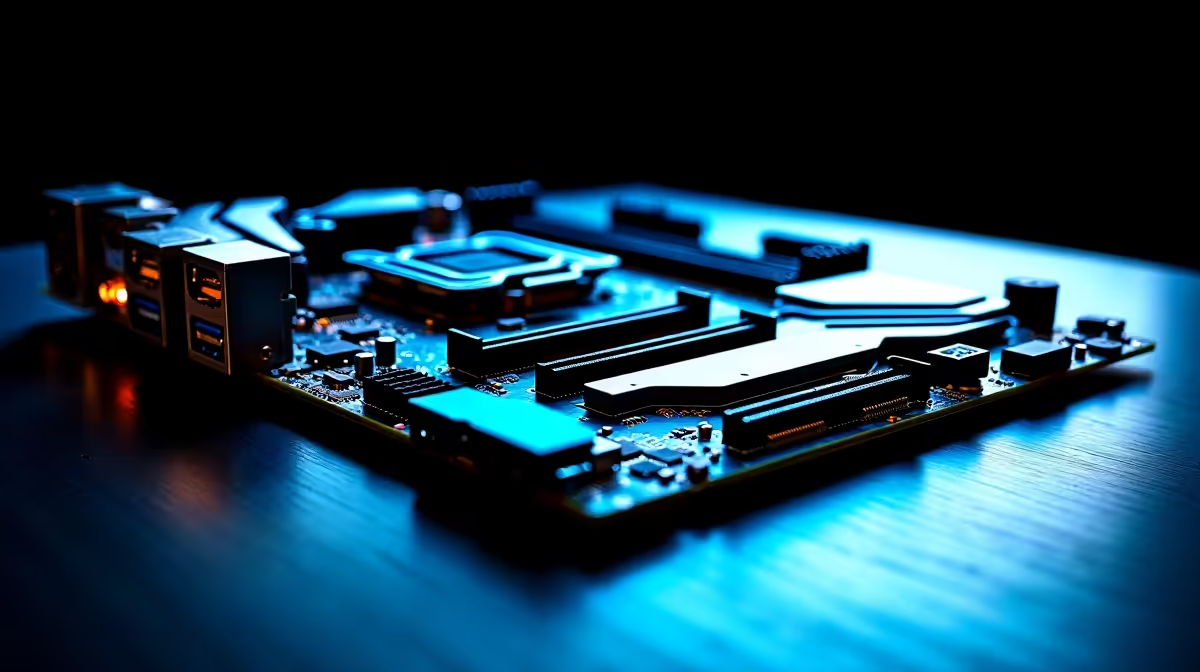
Building a new rig in South Africa means making tough choices with your hard-earned ZAR. You have picked out a killer CPU and GPU... but now you are staring at a massive price gap between premium and budget boards. When comparing Z890 vs entry-level Intel motherboards, the sheer number of specs can be overwhelming. Do you actually need those pricey features to get high frame rates? Let us find out.
The motherboard chipset dictates exactly what your PC can and cannot do. A flagship Z890 board is built purely for enthusiasts. It unlocks full CPU overclocking capabilities and offers massive bandwidth for next-generation hardware. Entry-level options strip away these luxuries to keep manufacturing costs down. If you just want to plug in and play without tweaking BIOS settings, you might wonder if it is time to upgrade your motherboard to a high-end model or simply save that cash for a better graphics card.
High-end processors require clean and incredibly stable power to boost correctly. Z890 boards feature robust VRM (Voltage Regulator Module) designs with massive heatsinks to handle intense electrical loads. This is crucial if you plan to push your unlocked processor to its absolute limits. Many premium ASUS Intel boards excel in this specific department, ensuring your system remains stable during heavy gaming sessions.
Entry-level boards feature basic power delivery. This is perfectly fine for locked CPUs with lower power draws, helping you optimise your budget. However, if you drop a flagship chip into a budget board, the VRMs will overheat and throttle your performance. (Side note: If you are team Red, the exact same power delivery rules apply to high-end ASUS AMD motherboards).
Always check the QVL (Qualified Vendor List) before buying. High-end Z890 boards support much faster DDR5 speeds than budget alternatives. If you invest in ultra-fast memory, ensure your motherboard can actually run it at those advertised speeds without crashing!
The Z890 platform truly shines with native PCIe 5.0 support for both your graphics card and NVMe SSDs. This bandwidth future-proofs your system for years to come... especially as game assets become larger and more demanding. Entry-level boards usually stick to PCIe 4.0. For modern gaming right now, PCIe 4.0 is still incredibly fast and will not bottleneck current GPUs. Content creators transferring massive 4K video files will also appreciate the extra Thunderbolt ports and faster USB connectivity found almost exclusively on the Z890 platform.
However, memory is where you feel a real difference in gaming. Z890 boards allow you to push premium DDR5 memory kits to blistering speeds. Faster RAM gives you a noticeable bump in your 1% low frame rates, meaning smoother gameplay with far fewer stutters during chaotic firefights.
If you are buying a mid-range CPU and have absolutely no interest in overclocking, an entry-level board offers fantastic value. It frees up your budget for more storage space or a stronger GPU. But if you are investing in a top-tier processor, pairing it with a cheap board is a massive mistake. You will instantly lose out on performance, stability, and high-speed connectivity.
Balancing a build takes careful planning. Sometimes, grabbing one of the best pre-built gaming PC deals takes the guesswork out of matching these components entirely.
Ready to Build Your Dream Intel Rig? Choosing the right foundation for your PC is critical for long-term performance. Whether you need a feature-packed Z890 or a solid budget option, we have the best prices in South Africa. Browse our massive range of motherboards and start your ultimate build today.
Z890 is available at Evetech.co.za with local SA warranty, Rand pricing and nationwide delivery. Stock and pricing is updated in real time on the product page.
It depends on your workload and budget. We break down the key performance differences, SA pricing gap and the scenarios where each one is the smarter buy.
Real-world gaming performance varies by title and settings. The article covers head-to-head FPS benchmarks and the resolutions where the gap actually shows up.
We compare current Rand pricing from trusted SA retailers and show which option delivers more performance per Rand for your build tier.
Each option has clear wins and compromises covered in the article — from power draw and thermals to platform cost, upgrade path and feature set.
Setting Up AIO Liquid 420mm. Tested & verified settings for best FPS and visual quality on SA hardware budgets.
Read more
Intel XTU Download & Setup Guide: Intel CPU. Clear setup instructions with SA-specific considerations, troubleshooting tips & recommended components.
Read more
Cyberpunk 2077 Max Settings on RTX 4090. Tested & verified settings for best FPS and visual quality on SA hardware budgets.
Read more
The Complete Guide to GPU. Everything you need to know with SA pricing, step-by-step instructions & expert recommendations.
Read more
NVCleanstall Download & Setup Guide: NVIDIA. Clear setup instructions with SA-specific considerations, troubleshooting tips & recommended components.
Read more
to Driver Installation for Beginners. Everything you need to know with SA pricing, step-by-step instructions & expert recommendations.
Read more
AMD RX 9050 XT: Rumoured Specs, Price & Release. SA-focused analysis with local pricing data, real-world insights & actionable buying advice.

Can RTX 4080 Super Run AI Workloads for SA Developers Detailed answer with SA data, expert analysis & practical recommendations for local buyers.

Can RTX 4090 Run AI Workloads for SA Developers Detailed answer with SA data, expert analysis & practical recommendations for local buyers.

Top Settings for Intel Arc B580 at Ultrawide 1440p picks evaluated on performance, value & SA availability with current Rand pricing from Evetech.

RTX 4060 CS2 Low Settings at 1080p: FPS Results. Real-world benchmark data, FPS numbers & performance analysis. What SA gamers can actually expect.

Visual Artifacts: Possible GPU Issue Issue #1. Diagnosis steps, proven fixes & when to seek professional help. SA-specific support info included.

Can the RTX 4090 Handle 1440p 144Hz Gaming. Performance testing verdict with real data & practical recommendations for SA buyers.

Top ASUS GPU Under R15000 picks evaluated on performance, value & SA availability with current Rand pricing from Evetech.

GTA 6 Max Settings on RTX 5070. Tested & verified settings for best FPS and visual quality on SA hardware budgets.

Cyberpunk 2077 Max Settings on RTX 5080. Tested & verified settings for best FPS and visual quality on SA hardware budgets.

Starfield Max Settings on RTX 5070 Ti. Tested & verified settings for best FPS and visual quality on SA hardware budgets.

Top RTX 5090 Under R5000 picks evaluated on performance, value & SA availability with current Rand pricing from Evetech.