Quick Answer
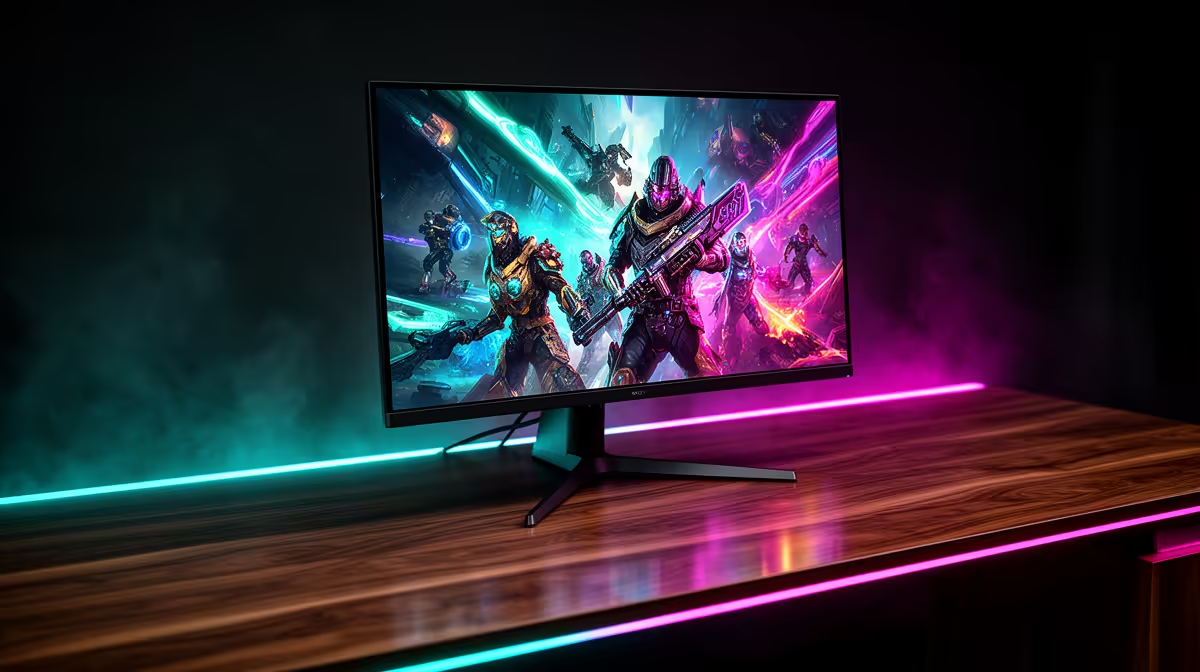
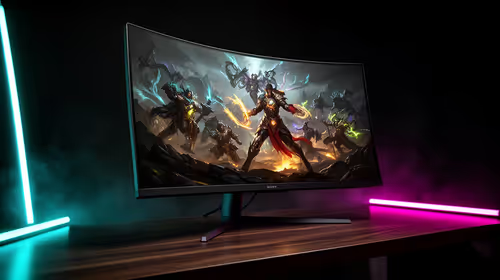
For South African buyers spending R18,000 to R30,000 on a premium OLED monitor, the features that deliver the most tangible return are panel type (QD-OLED vs WOLED), refresh rate ceiling, and port complement. Fancy extras like proximity sensors and built-in KVM switches are genuinely useful but secondary to getting those three fundamentals right.
QD-OLED vs WOLED: The Feature That Matters Most 🌈
Two OLED technologies dominate the premium monitor market right now. QD-OLED (used in panels like the Samsung Odyssey OLED G8 and Alienware displays) combines a blue OLED emitter with quantum dot colour conversion, delivering near-100% DCI-P3 coverage and outstanding peak brightness in small highlight windows, typically 450 to 1,000 nits depending on the area measured. WOLED (used in LG's UltraGear and Asus range) uses a white OLED emitter with a colour filter, offering slightly lower colour volume but more consistent brightness uniformity across the full panel.
For gaming in South Africa where rooms often get afternoon sun, the brighter peak highlights of QD-OLED panels help HDR content pop even when ambient light is present. For WFH and design work where accurate, even brightness across the whole screen matters more, WOLED's uniformity advantage is meaningful. Both deliver 0.03ms GtG response and true black, so neither disappoints on the core OLED promise.
Refresh Rate: Where the ZAR Sweet Spot Sits 💰
Premium 4K OLED monitors currently come in 144Hz and 240Hz variants.
For WFH buyers, the difference between 144Hz and 240Hz is imperceptible in document and browser scrolling. Here, spending the saved R4,000 to R8,000 on a better CPU or NVMe drive will impact productivity more visibly.
Ports, KVM and Ergonomics: Underrated Value Drivers 🔧
At R18,000-plus, a premium OLED monitor should come with a full port complement: at least one DisplayPort 2.1, two HDMI 2.1, and a USB-C with video input. USB-C with 65W or 90W Power Delivery is a genuine quality-of-life feature for South African professionals who connect a laptop during the day and a desktop gaming PC in the evening, removing the need for a separate charger on the desk.
KVM (keyboard-video-mouse) switching, offered on selected models, lets you share one keyboard and mouse between two connected machines via a single button press. For a dual-computer desk (gaming PC plus work laptop), that eliminates a second mouse and keyboard entirely, saving desk space and roughly R500 to R1,500 on a KVM switch accessory.
Match Refresh Rate to Your GPU, Not Your Wish List ⚡
Before committing to a 240Hz 4K OLED, run a benchmark of your favourite game at 4K on your current GPU. If you are consistently below 144 fps, the 144Hz model gives identical real-world motion and saves you thousands of rand better spent elsewhere in your build.
FAQ
Does OLED make sense for South African buyers given the price premium?
At R18,000 to R30,000, the cost is significant, but OLED monitors typically hold resale value better than LCD panels because the technology gap is still wide. Over a five-year ownership period the per-year cost is comparable to replacing a mid-tier IPS panel twice.
Is QD-OLED better for gaming and WOLED better for work?
That is the general rule of thumb. QD-OLED's higher peak brightness and colour volume favour HDR gaming, while WOLED's more even full-screen brightness suits productivity tasks. Both are excellent for either use case, so the choice is about where you spend the majority of your time.
Should I worry about OLED burn-in for a dual-use monitor?
Modern OLED monitors include pixel shift, proximity-activated sleep, and scheduled refresh cycles that make burn-in unlikely under normal mixed-use conditions. Using dark mode in your OS and varying on-screen content reduces static element exposure further.
Want help narrowing down the right OLED monitor for your budget?
Evetech stocks a curated selection of premium OLED displays with local warranty cover. Visit the monitor section to compare models side by side.