



12VHPWR cable management with extensions
12VHPWR cable management starts with choosing the right extensions, routing, and strain relief for cleaner airflow and safety 🔌✨ Quick, practical steps inside.

So, you’ve finally got your hands on a beastly new NVIDIA RTX 40-series GPU. The power is immense, the performance is mind-blowing, but there’s one small problem… that chunky 12VHPWR power adapter. It’s stiff, awkward, and probably pressing against your case’s side panel right now. Don’t stress, boet. Taming this cable is easier than you think, and proper 12VHPWR cable management with extensions is the key to a clean, safe, and envy-inducing build. ✨

Mad Catz F.R.E.Q. DAC-L Digital-to-Analog Audio Converter - USB Type-C to 3.5 mm - AF00W3INBL001-0
R299.00In Stock

HP DHC-CT201 USB-C to VGA 1080P Adapter - Stable picture Quality Without Flickering - notebook Connection Tv, Projector And More Display Device - Aluminum Finish / DHC-CT201
R499.00In Stock

HP DHC-CT202 USB-C 3.1 to HDMI Adapter - Stable Picture Quality No Splash Screen - Notebook Connection Tv, Projector And More Display Device - Support 4K Resolution - Clear And Realistic Picture / DHC-CT202HP
R399.00In Stock
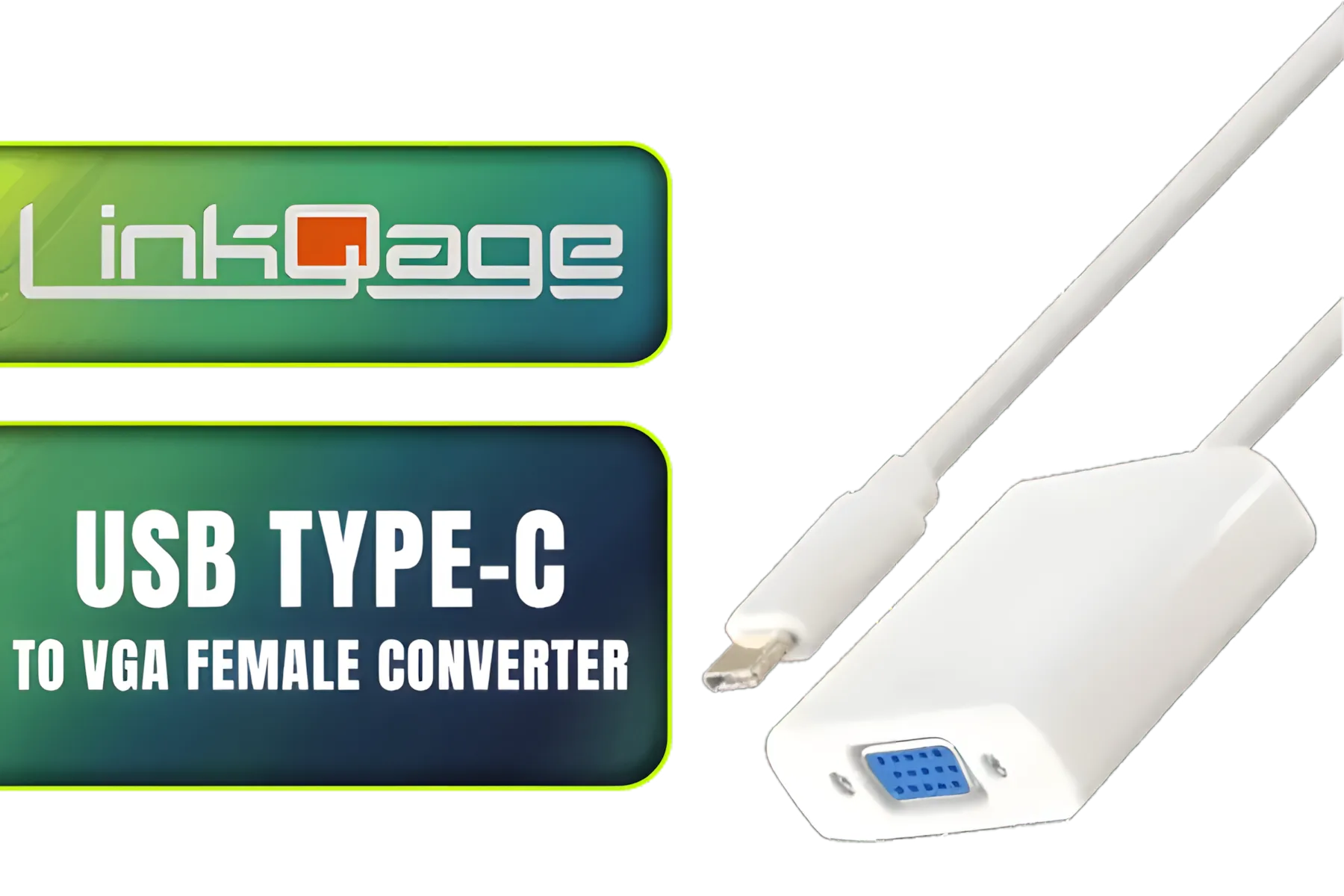
LinkQnet USB Type-C to VGA Female Converter / CNV-USBC-VGA-LQ
R299.00In Stock

Gizzu 4K HDMI 2.0 Cable 10m Poly / Supports 4K at 60Hz Resolution / Up to 18Gbps Bandwidth / 3D and HDR for Vivid Colours / GCPHH10
R399.00In Stock
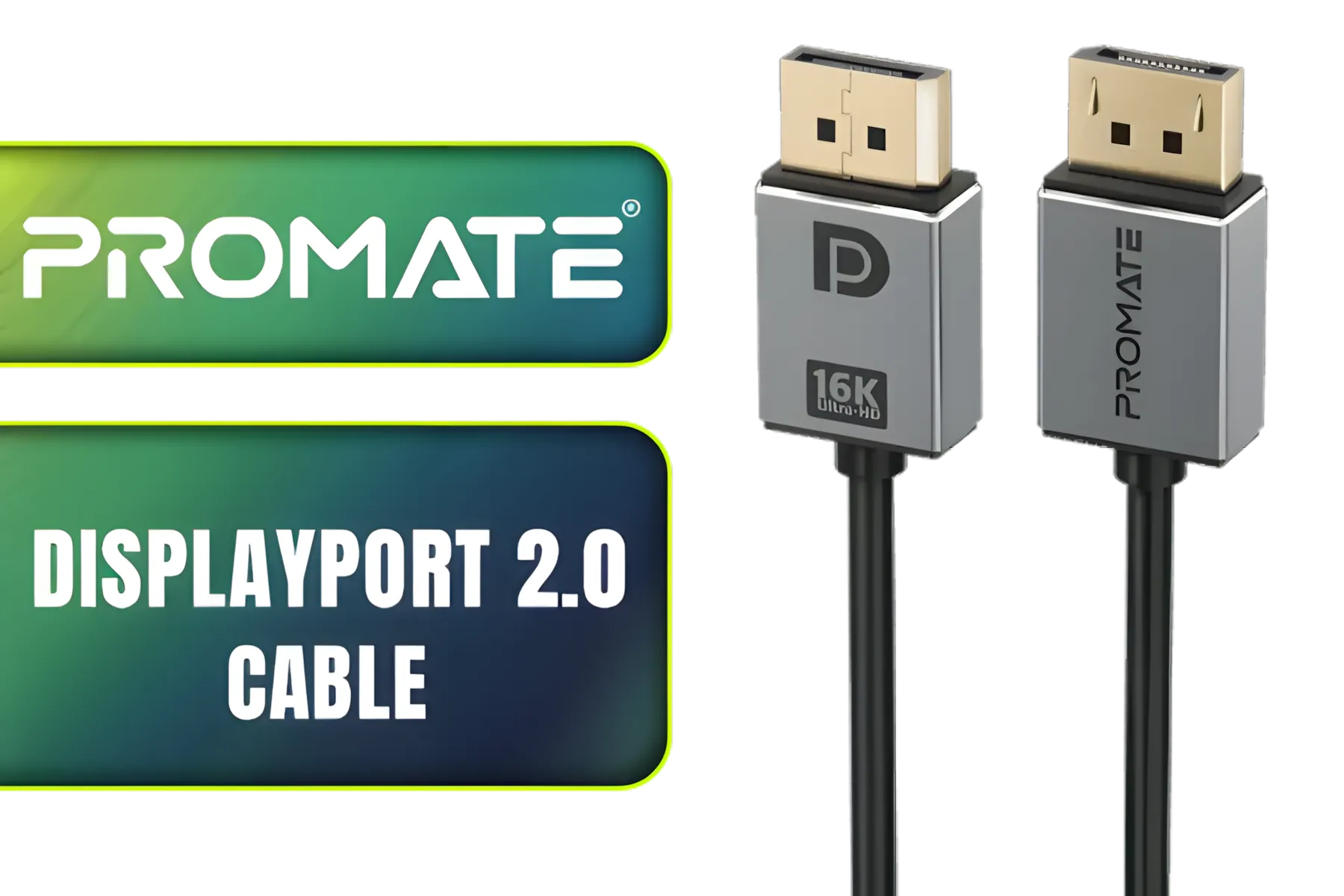
Promate High Definition Display Port 2.0 Cable / 16K @ 60Hz / 2M Cable / 80Gbps Transfer Rate / DPLINK-16K
R299.00In Stock
The Problem with the Stock 12VHPWR Cable
Let's be honest, the standard adapter that comes with most new GPUs isn't built for aesthetics or tight spaces. It's a functional, but often clumsy, solution. The main issues are:
- Stiffness: The cables are thick and rigid, making them incredibly difficult to bend cleanly.
- Bending Radius: Forcing a sharp bend too close to the connector can put stress on the terminals, potentially leading to connection issues or, in worst-case scenarios, overheating.
- Aesthetics: It just looks… messy. It can ruin the entire vibe of a meticulously planned build, turning a masterpiece into a mess of black plastic.
This isn't just about looks; good cable management is crucial for optimal airflow and component longevity. A poorly managed 12VHPWR cable can obstruct fans and create hot spots inside your case.
The Smart Fix: 12VHPWR Cable Extensions
This is where the magic happens. A dedicated 12VHPWR cable extension is a short, flexible cable that plugs into your power supply's standard PCIe cables on one end and directly into your GPU on the other. This simple addition completely changes the game for your build.
The primary benefit is flexibility. Instead of wrestling with a rigid adapter, you get a pliable, high-quality cable that you can route gracefully. This makes achieving that pro-level look for your 12VHPWR cable management with extensions not just possible, but easy.
Gizzu 4K HDMI 2.0 Cable 10m Poly / Supports 4K at 60Hz Resolution / Up to 18Gbps Bandwidth / 3D and HDR for Vivid Colours / GCPHH10
R399.00In Stock
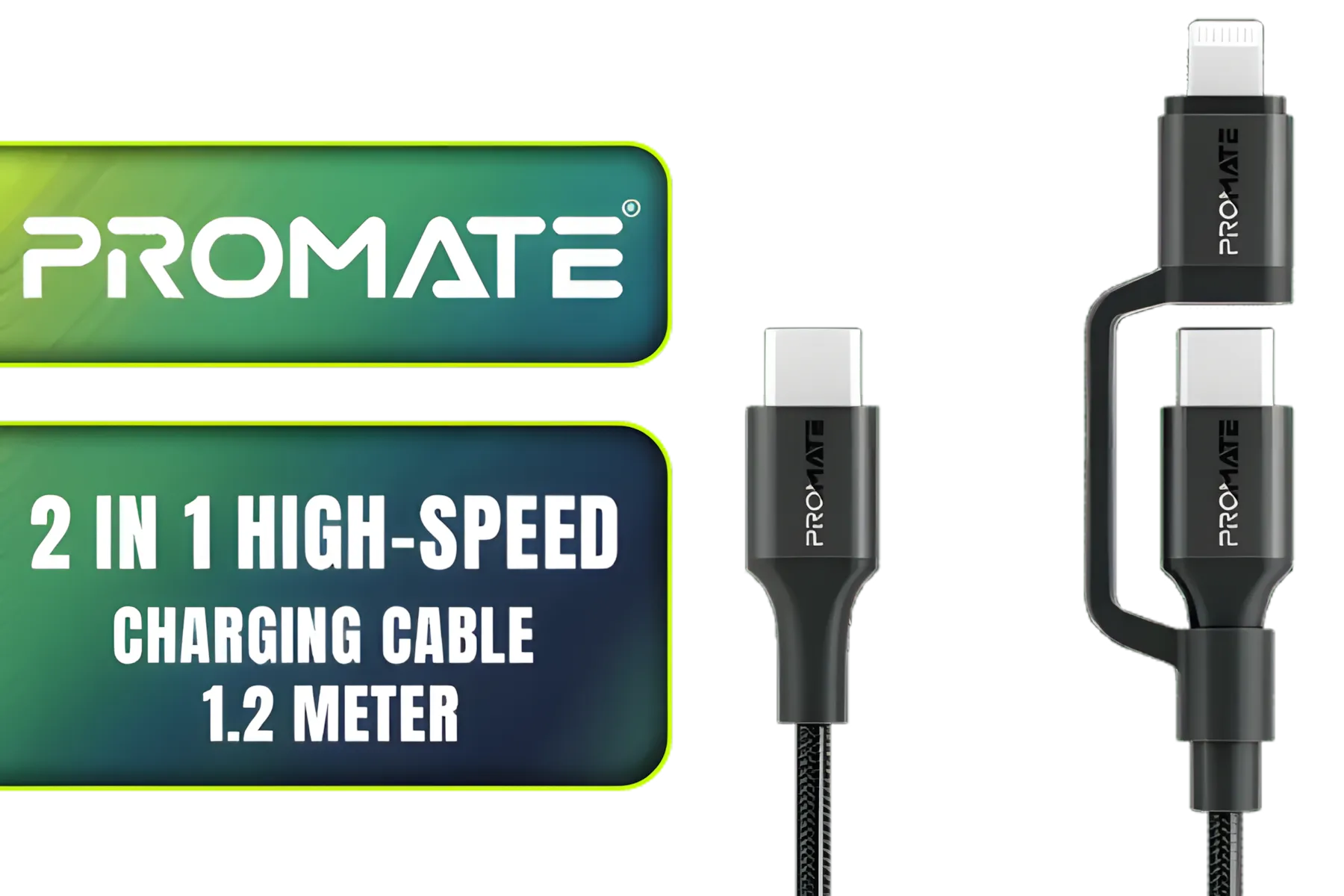
Promate 2 in 1 High-Speed Charging Cable - 1.2 Meter / 60W Power Delivery / High Tensile Strength Cable / MFi Certified / Data and Charge / 1.2 Meter Cable Length / 25000+ Bend Tested / PowerLink-CCi.Black
R249.00In Stock
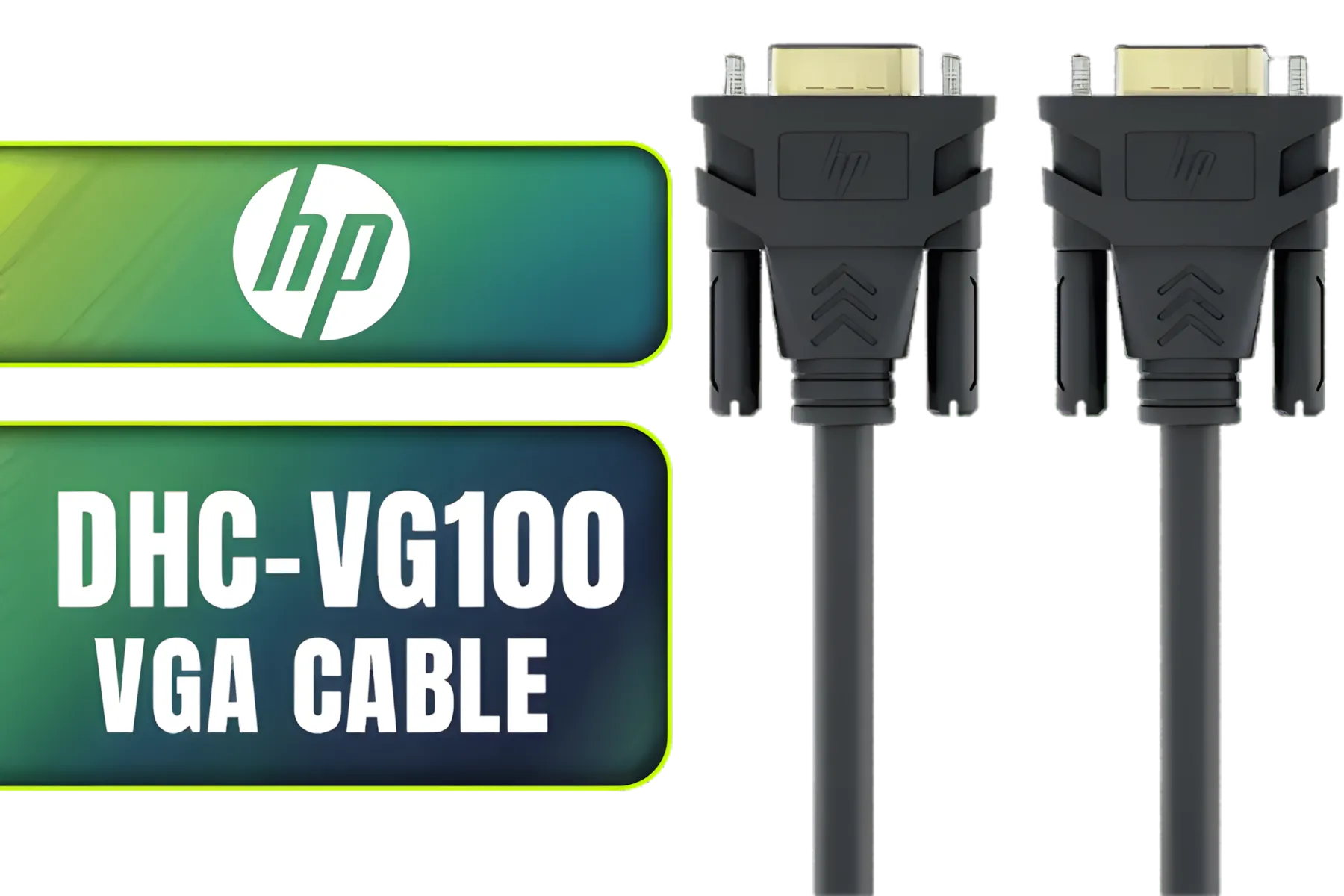
HP DHC-VG100 VGA Cable Black 2 Meters SVGA BK - monitor, Smart TV, 1080p resolution / DHC-VG100-2M
R199.00In Stock

RCT ADP-MDPHDMI Mini-DisplayPort to HDMI Adapter / RCT-ADP-MDPHDMI
R249.00In Stock
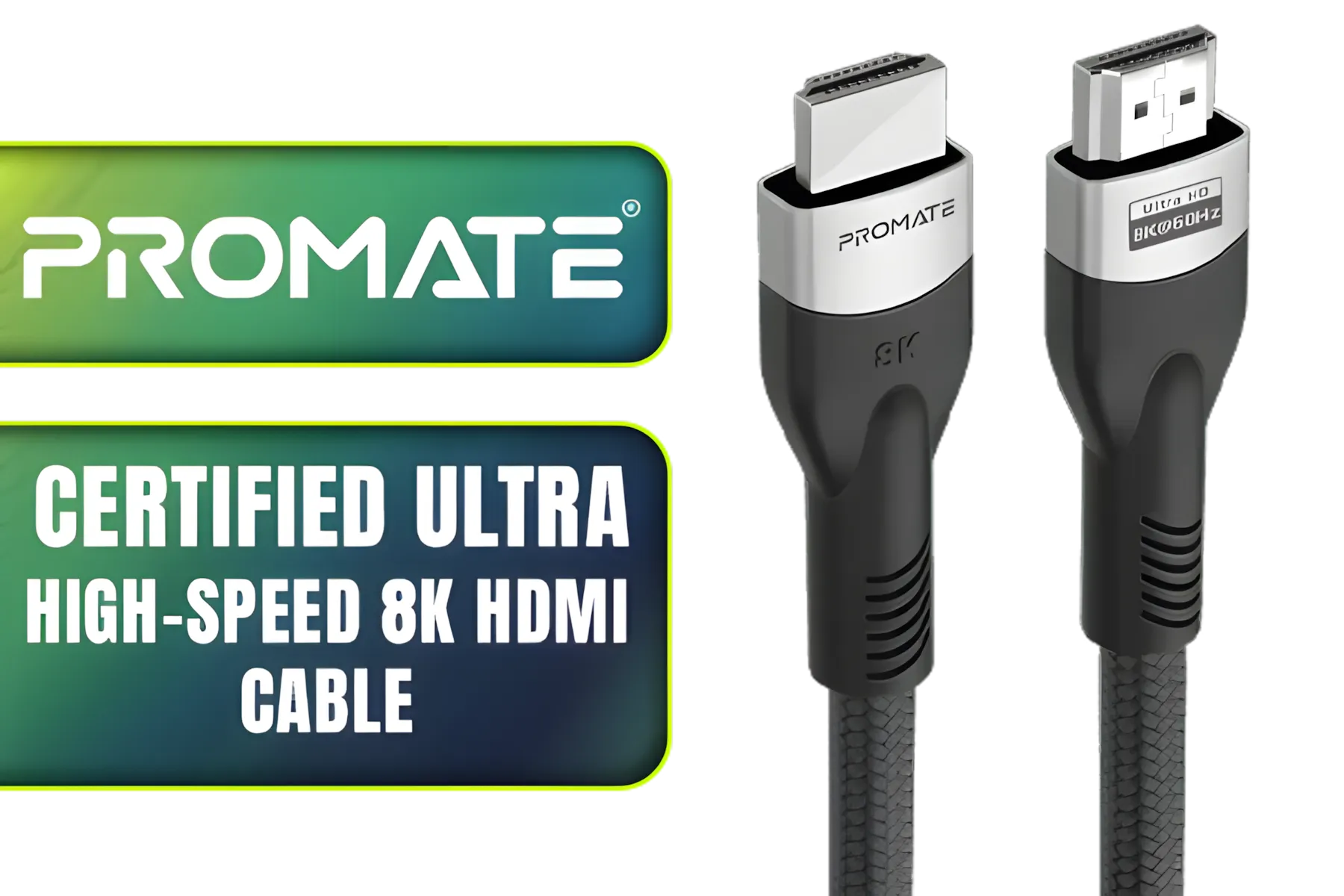
Promate Certified Ultra-High-Speed 8K HDMI® Cable / 8k @ 60Hz HDMI / 5M Cable / 48Gbps Transfer Rate / PRIMELINK8K-500
R349.00In Stock
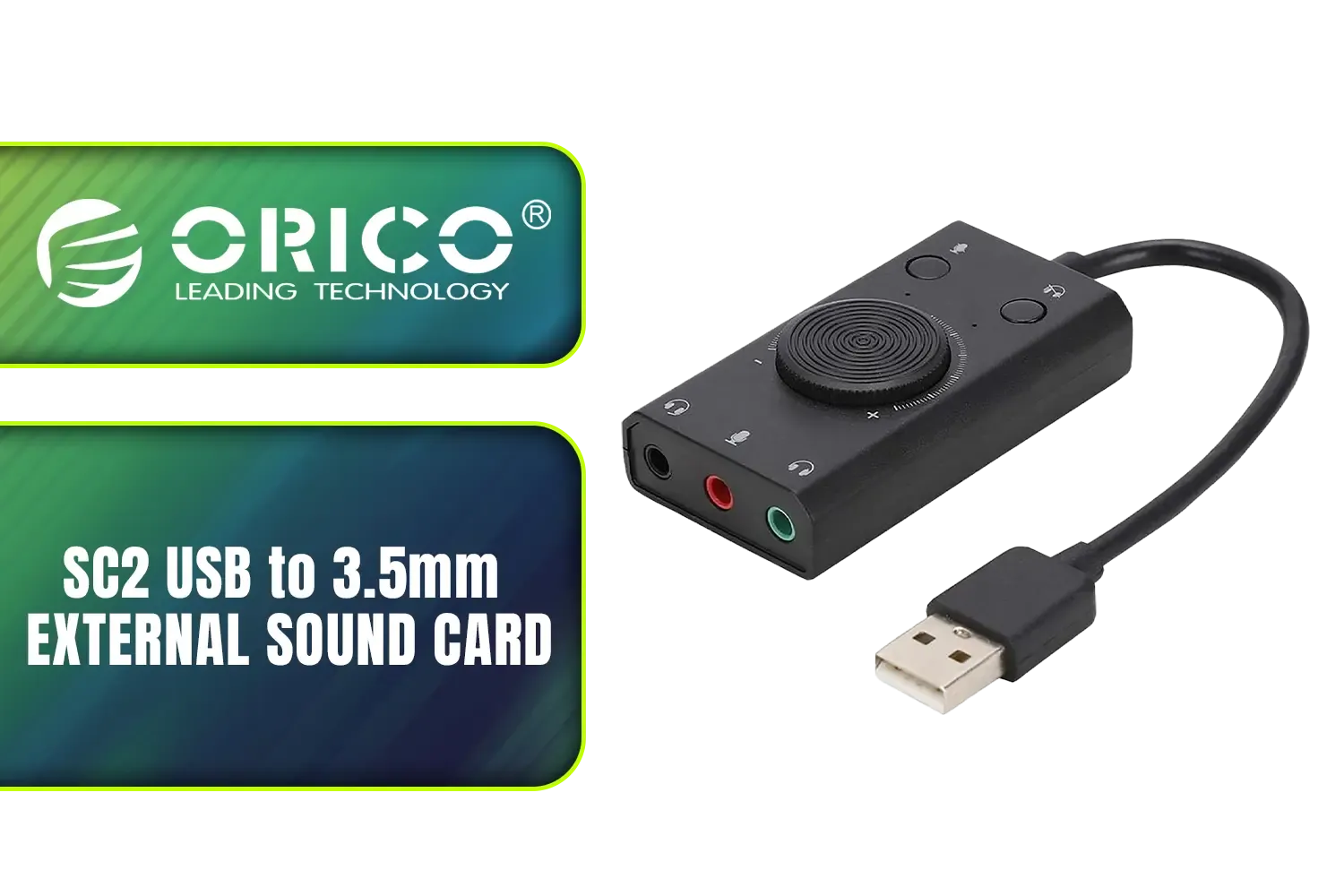
Orico SC2 USB to 3.5mm External Sound Card / High Fidelity: ≥80dB SNR, 15Hz–25kHz Response / Three Outputs: Headset + Headphones / ORICO-SC2-BK-BP
R249.00In Stock
Key Benefits for Your Build
- Safer Connections: Extensions are designed to be routed. They reduce the physical strain on your GPU's power connector, ensuring a secure and stable connection without dangerous bends.
- Massively Improved Aesthetics: Swap out the ugly adapter for a sleek, sleeved cable. You can even add some flair with awesome options like the GameMax 12VHPWR ARGB Extension to sync up your lighting and make your GPU the true centrepiece.
- Better Airflow: A cleanly routed cable means less obstruction for your case fans. This allows air to move more freely, helping to keep your powerful new graphics card cool under pressure.
Mastering Your GPU Cable Management 🔧
Ready to get it sorted? Proper 12VHPWR cable management with extensions is straightforward. Follow these steps for a perfect result every time.
First, plan your route. Before connecting the extension, visualise the cleanest path from your power supply to the GPU. The goal is a gentle, sweeping curve rather than a sharp, abrupt turn. Most modern cases have excellent cable routing channels and tie-down points behind the motherboard tray—use them!
TIP FOR YOU
Pro Build Tip ⚡
For that ultra-clean, professional look, use cable combs. These small plastic clips slide over your sleeved extension, holding the individual wires perfectly parallel. It’s a small detail that makes a huge difference in how organised and impressive your final build looks.
Next, choose quality. Not all extensions are created equal. You're powering one of the most expensive components in your rig, so this isn't the place to cut corners. Look for extensions with a good wire gauge (16AWG is a solid standard) and high-quality sleeving. Investing in a set from brands known for quality, like these NZXT individually sleeved premium cables, ensures reliability and peace of mind.
ORICO Lightning ChargSync Cable Black 1M / N201-10-BK-PRO
R99.00In Stock

WINX LINK Simple Type-C & USB Adapter Combo / WX-AD105
R179.00In Stock
HP DHC-CT201 USB-C to VGA 1080P Adapter - Stable picture Quality Without Flickering - notebook Connection Tv, Projector And More Display Device - Aluminum Finish / DHC-CT201
R499.00In Stock
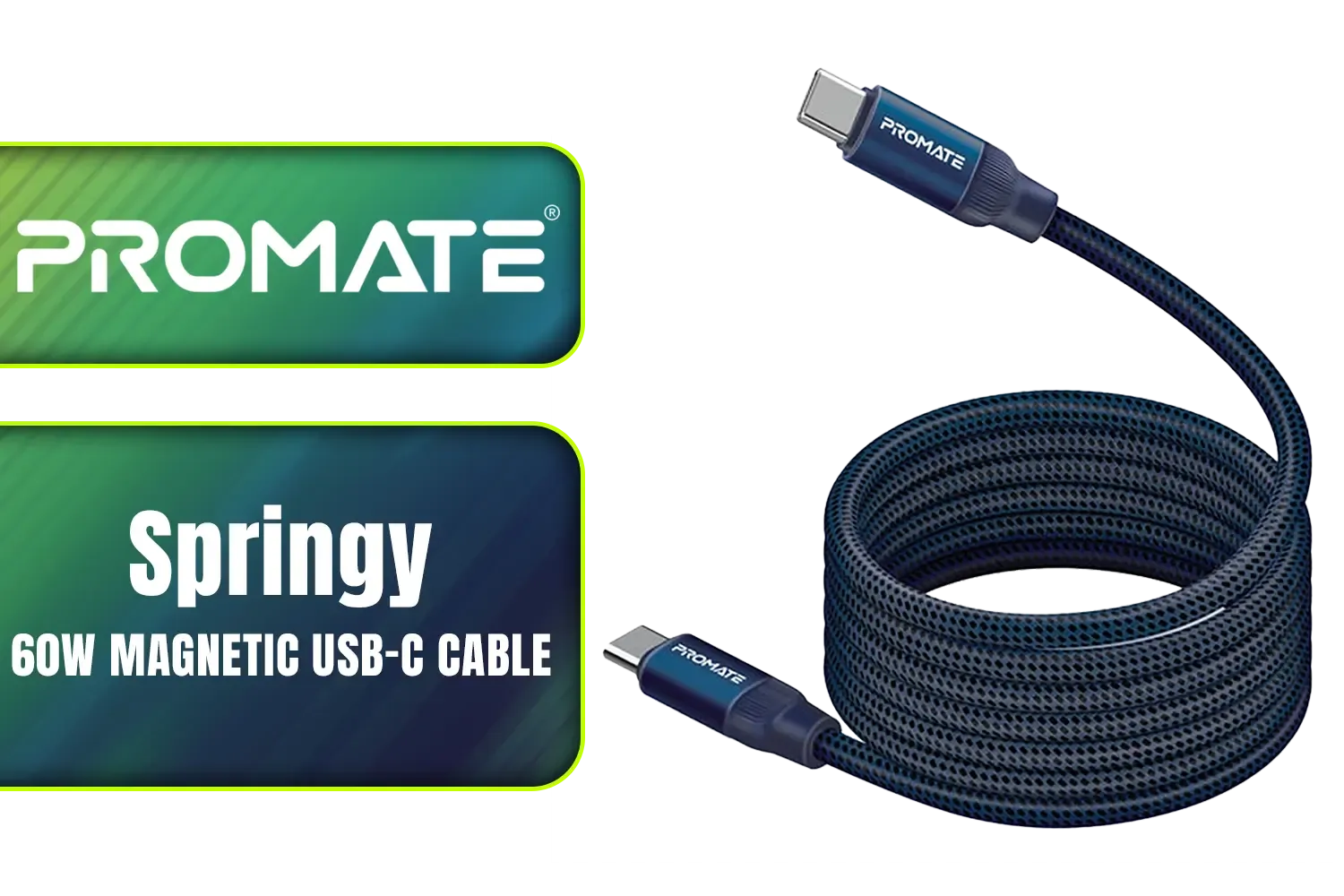
Promate Springy 60W Self-Organizing Magnetic USB-C Cable - Blue / Durable nylon braided thick copper core /480Mbps Data sync and charge / Springy.Blue
R199.00In Stock
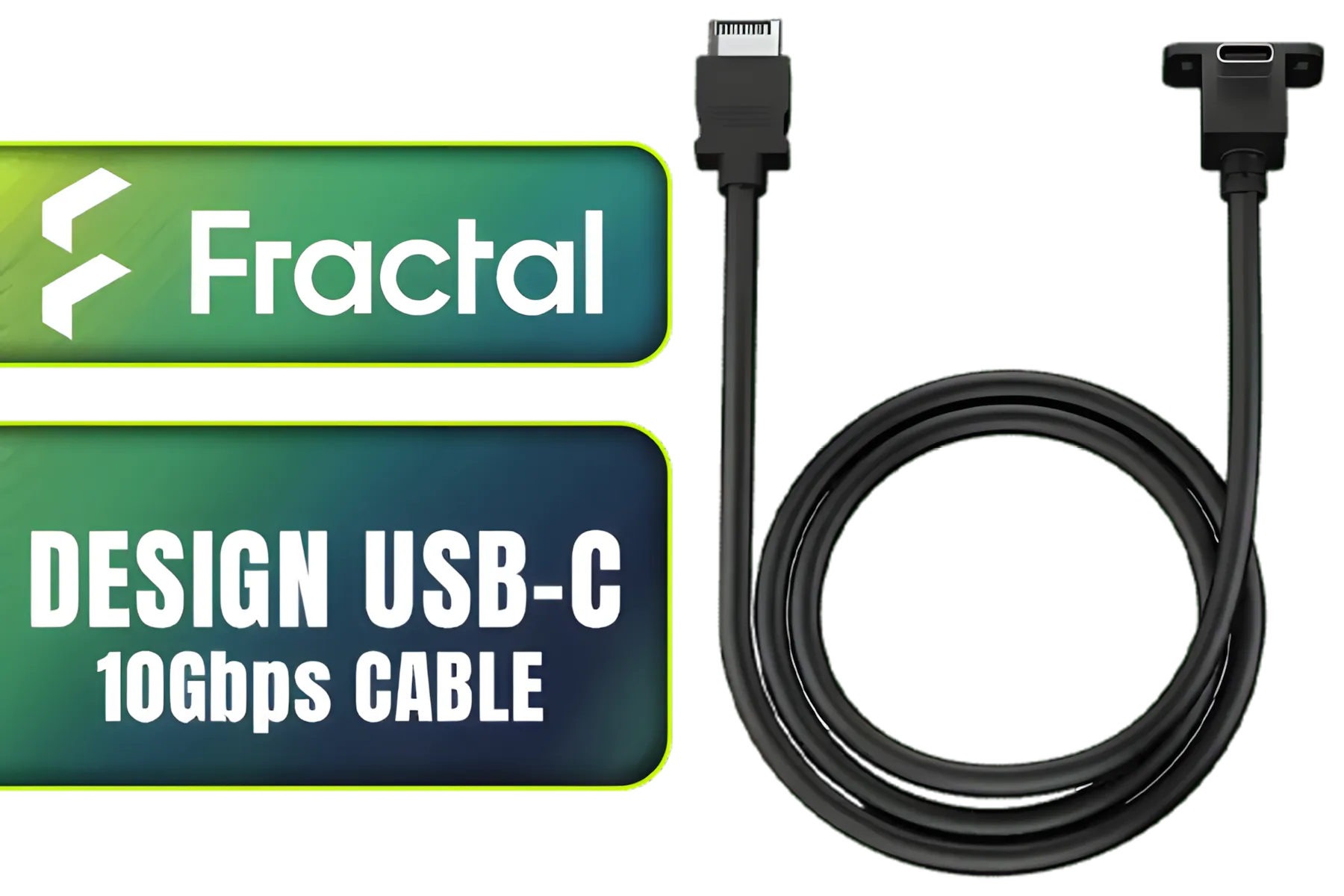
Fractal Design USB-C 10Gbps Cable – Model E / FD-A-USBC-002
R289.00In Stock
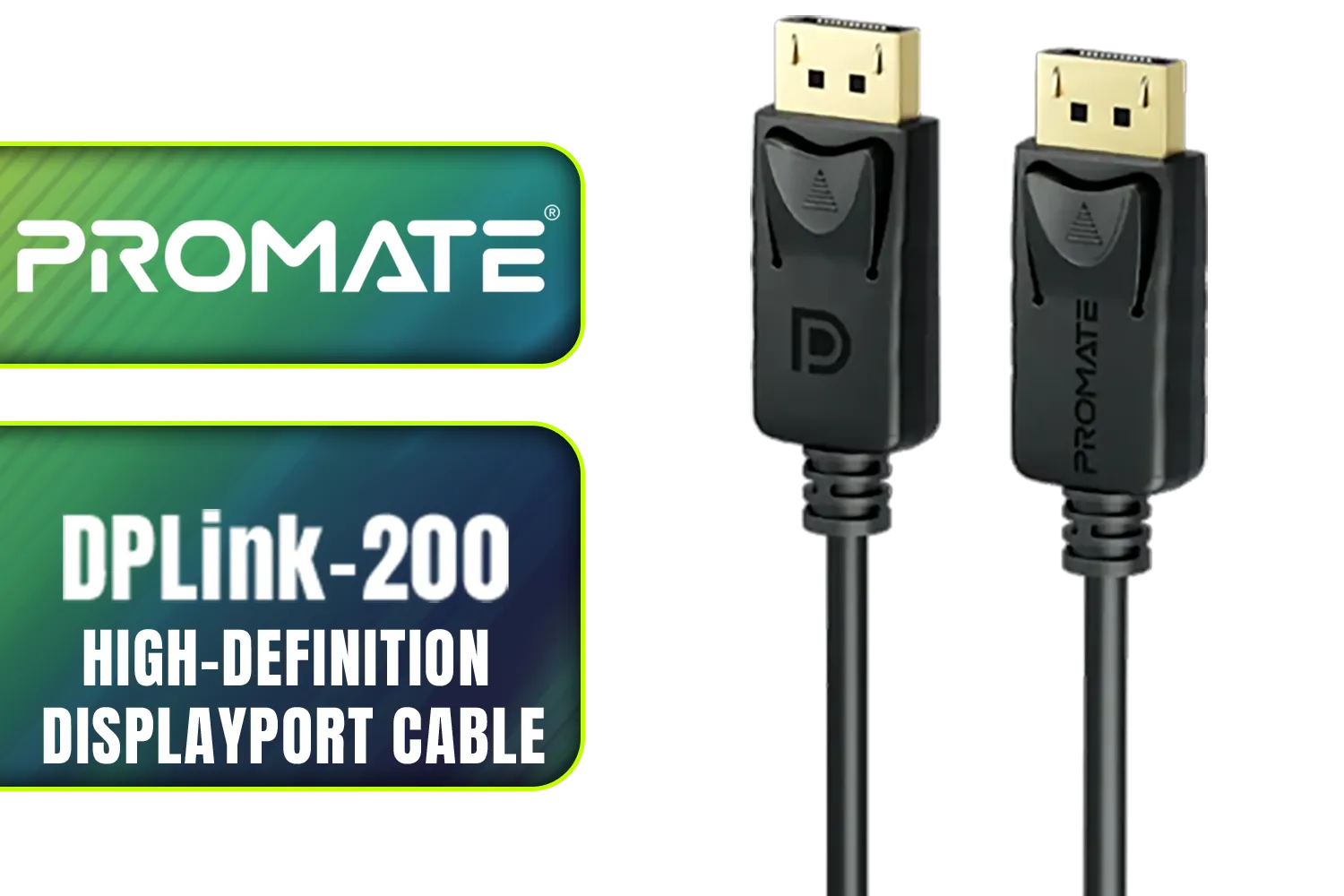
Promate DPLink-200 8K@60Hz High-Definition DisplayPort Cable / Display Port 1.4 / 2M Cable / Supports up to 8K UHD / DPLink-200
R299.00In Stock
Finally, secure everything. Once you've routed the extension, use zip ties or velcro straps on the back of the motherboard tray to lock it in place. This prevents it from sagging or shifting over time. The result is a rock-solid, clean installation that looks fantastic and performs flawlessly. 💪
Ready to Tame That Cable? A clean build is a cool build. Don't let a clumsy cable ruin your masterpiece. Explore our range of high-quality cable extensions and PC components and give your rig the clean, professional look it deserves.
Related Products
HP DHC-CT201 USB-C to VGA 1080P Adapter - Stable picture Quality Without Flickering - notebook Connection Tv, Projector And More Display Device - Aluminum Finish / DHC-CT201
R499.00In Stock
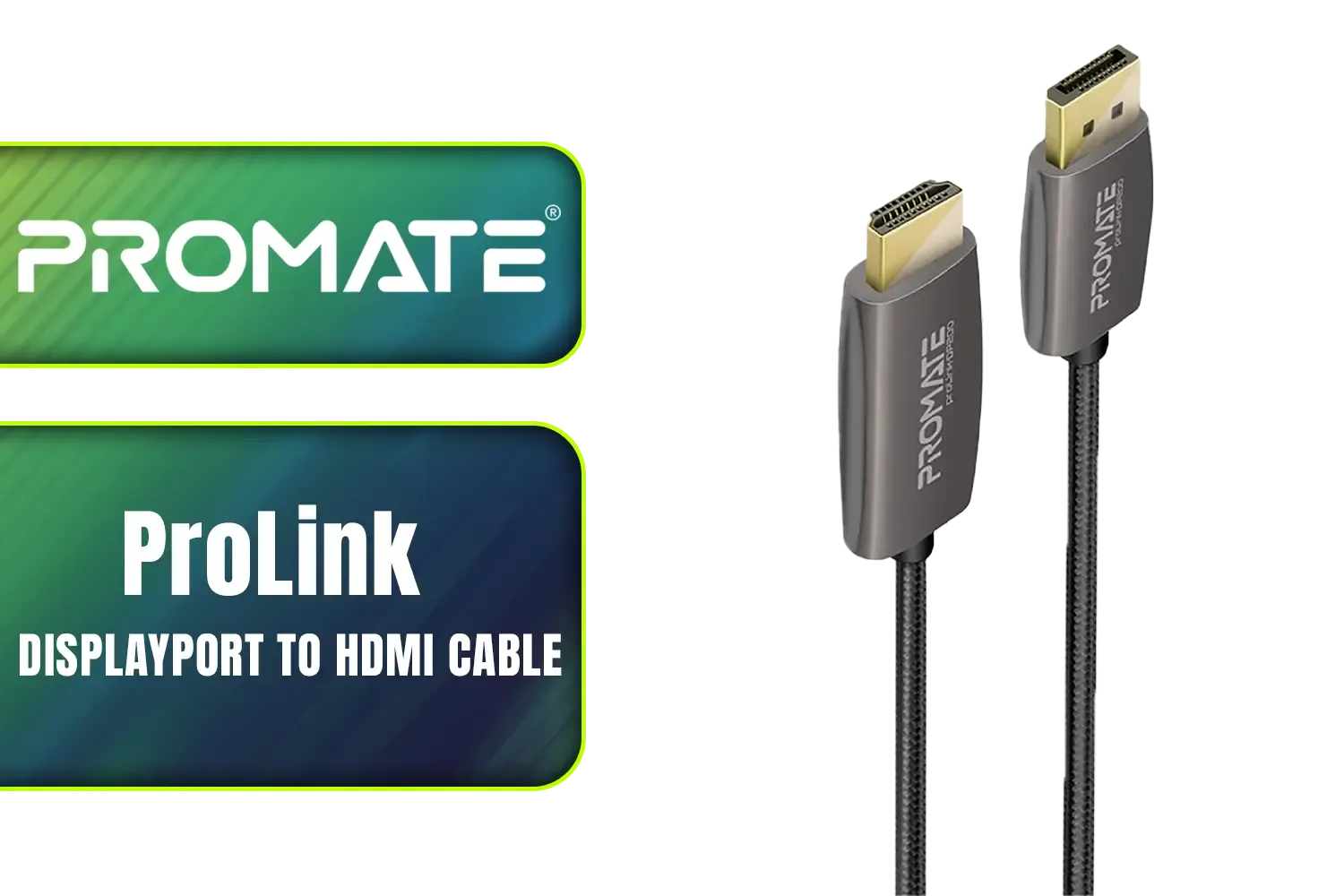
Promate ProLink 2 Meter DisplayPort to HDMI® Cable / 4K UHD Output at 60Hz / Stable Signal with Advanced IC Chip / Durable, Corrosion-Resistant Construction / ProLink-DP200
R399.00In Stock
HP DHC-VG100 VGA Cable Black 2 Meters SVGA BK - monitor, Smart TV, 1080p resolution / DHC-VG100-2M
R199.00In Stock
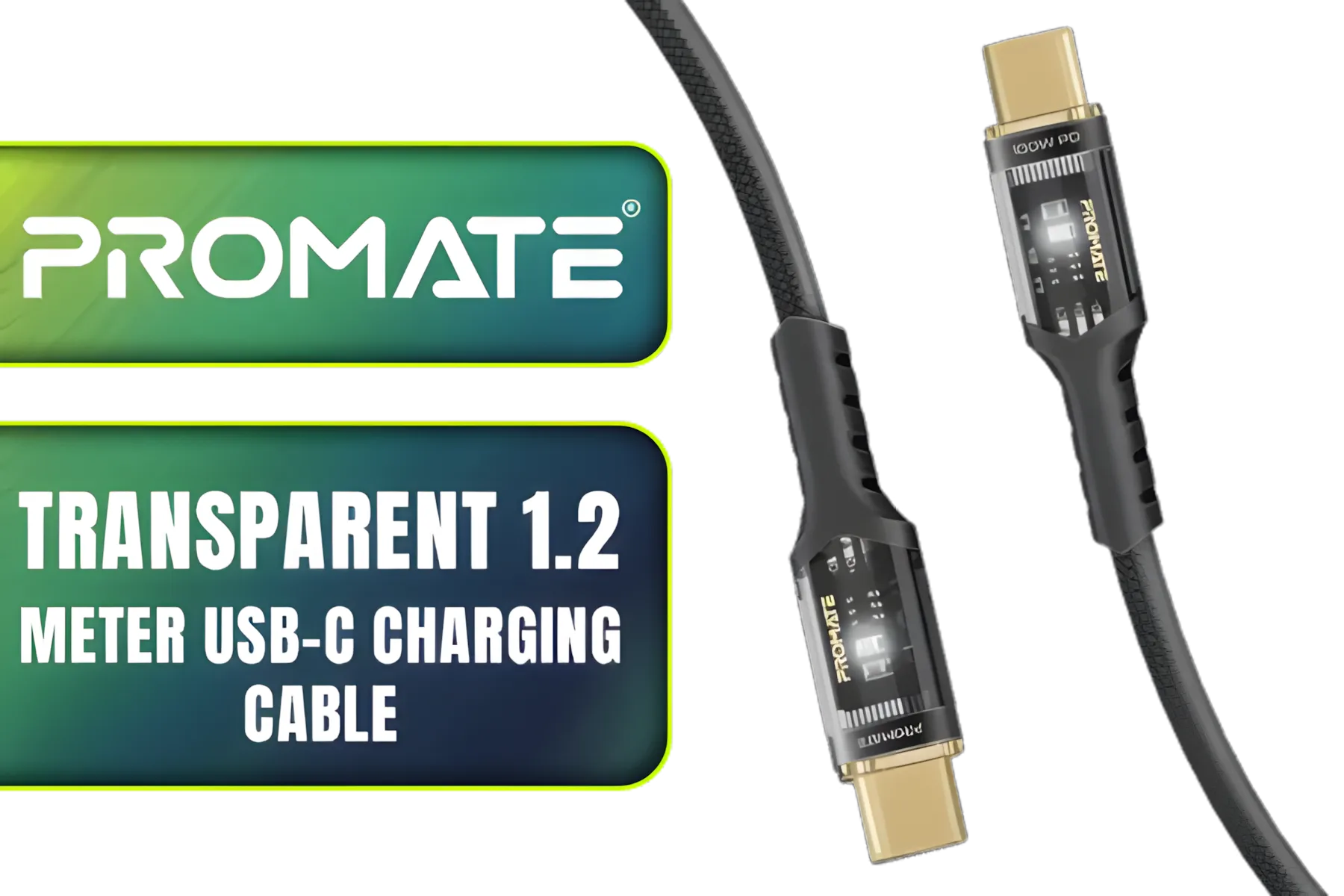
Promate Transparent 1.2 Meter Charging Cable with LED Light - Black / Rapid 100W Laptop & Phone Charging / Transparent LED Connectors / 480Mbps Data Transfer & Charging / Reinforced Nylon-Braided Durable Design / LUCIDLINE-CC120.BLACK
R129.00In Stock
Promate DPLink-200 8K@60Hz High-Definition DisplayPort Cable / Display Port 1.4 / 2M Cable / Supports up to 8K UHD / DPLink-200
R299.00In Stock
Promate Springy 60W Self-Organizing Magnetic USB-C Cable - Blue / Durable nylon braided thick copper core /480Mbps Data sync and charge / Springy.Blue
R199.00In Stock
Use gentle curves, secure with Velcro or clamps, and follow 12VHPWR extension cable routing tips to avoid kinks and reduce strain.
Yes — choose certified 12VHPWR extensions rated for PCIe 5.0 power and follow PCIe 5.0 12VHPWR cable organization guidelines.
Use the shortest 12VHPWR extension that reaches comfortably; a short 12VHPWR extension guide prevents excess cable clutter and improves airflow.
Yes. 12VHPWR cable sleeving and clamps tidy bundles, protect insulation, and give a cleaner appearance while aiding routing.
Add strain relief solutions: secure the cable near the connector, use routing anchors, and follow 12VHPWR cable strain relief solutions for longevity.
Modular power supplies let you use only necessary leads; modular power supply 12VHPWR management cuts clutter and simplifies routing.
Use cable combs, Velcro straps, adhesive anchors, and a short 12VHPWR extension guide to organize and secure cables during installation.











