1ms Response Time Explained: Why It Matters for FPS Games
Achieving a true 1ms response time is vital for competitive FPS players looking to eliminate ghosting. 🎯 Discover how faster pixel transitions improve target tracking and why GtG metrics define your victory. 🚀 Clear up motion blur today!
|
Loading tags...

You’ve lined up the perfect shot in Apex Legends. Your crosshair is locked on. You click… but the enemy zips away, and you’re the one staring at a respawn timer. Sound familiar? While it could be your aim, it might just be your monitor. For fast-paced shooters, that tiny "1ms" spec on the box isn't just marketing fluff; it's a critical component for competitive play, and understanding what a 1ms response time really means is key.
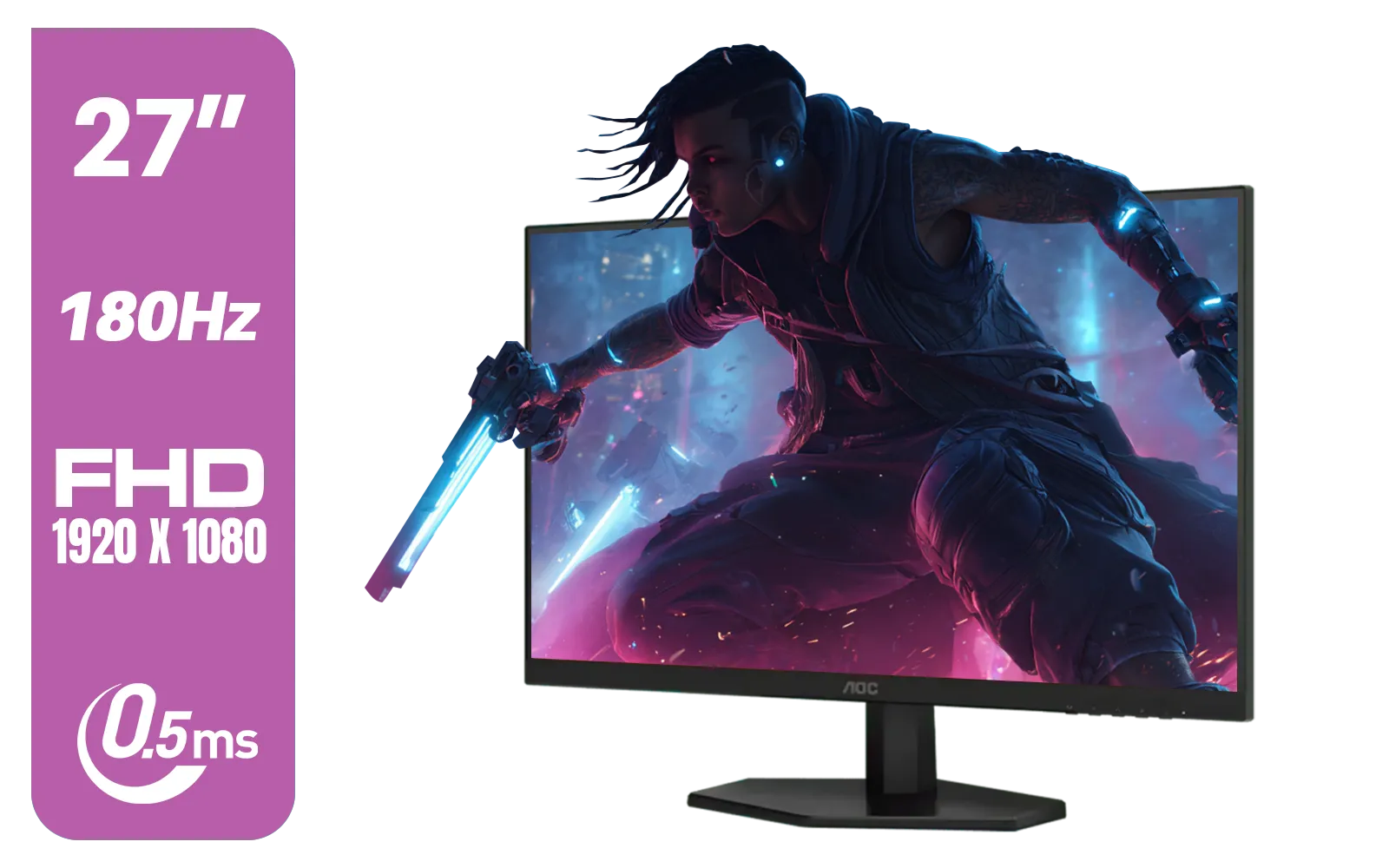
AOC 27G42E 27" 180Hz Ultra-Fast Gaming Monitor, 1920 × 1080 (FHD), 0.5ms, Fast IPS, Adaptive Sync, 3-Sided Frameless Design, Black / 27G42E
R3199.00In Stock
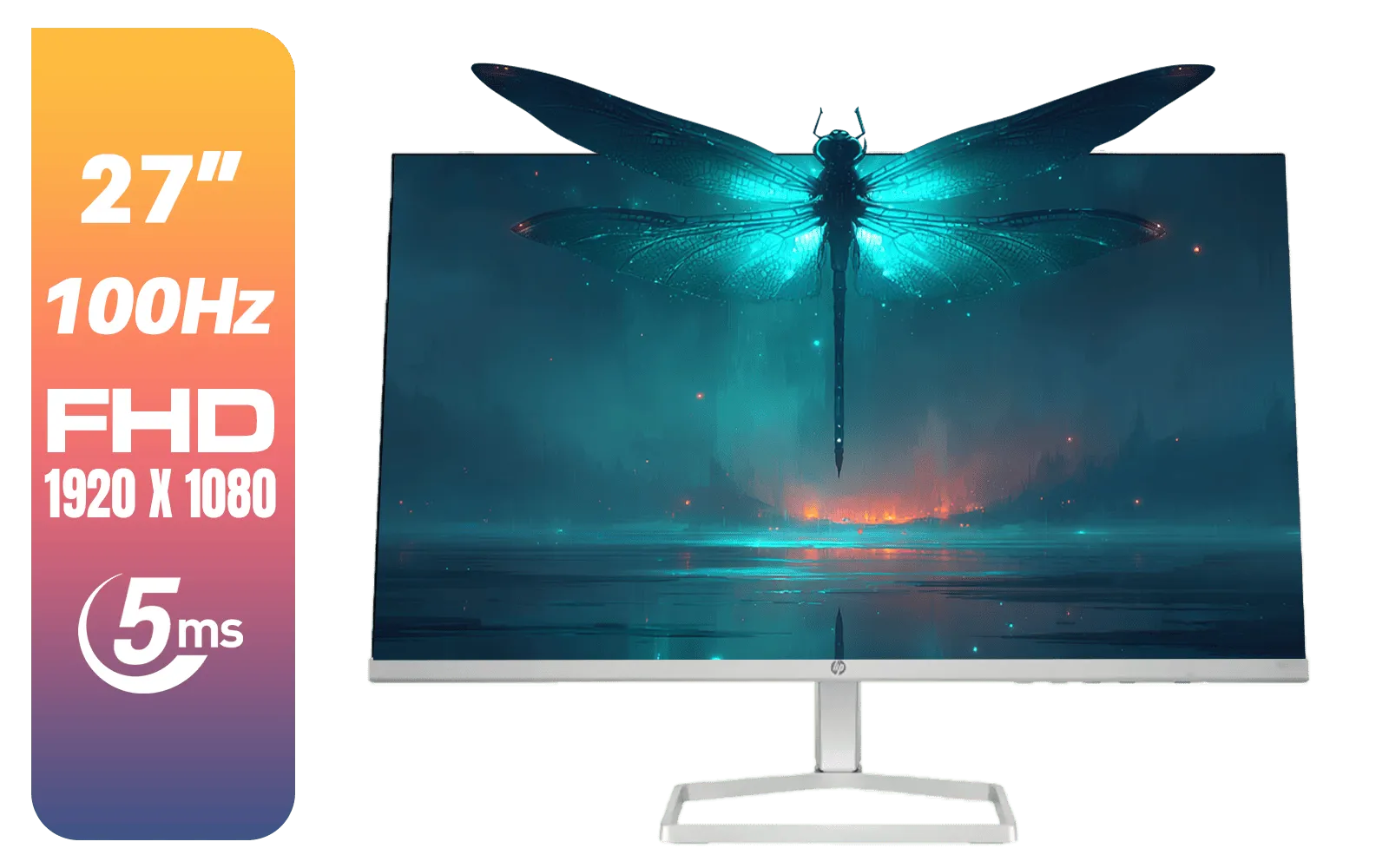
HP 527SF G5 FHD Gaming Monitor - Black/Silver / 27" FHD (1920 x 1080) / Anti-glare / 1x HDMI 1.4, 1x VGA / -5 to +25 degrees Adjustable Tilt / 94F44AS
R4499.00In Stock

AOC 22B2HN, 21.5 Inch (54.6 cm) LED 1920 x 1080 Pixels Ultra Slim Monitor with 3 Sided Frameless Design, Va Panel, Hdmi/Vga Port, Full Hd, 7 Ms Response Time, 75 Hz Refresh Rate, Flicker Free, Black / AOC-22B2HN
R2099.00In Stock
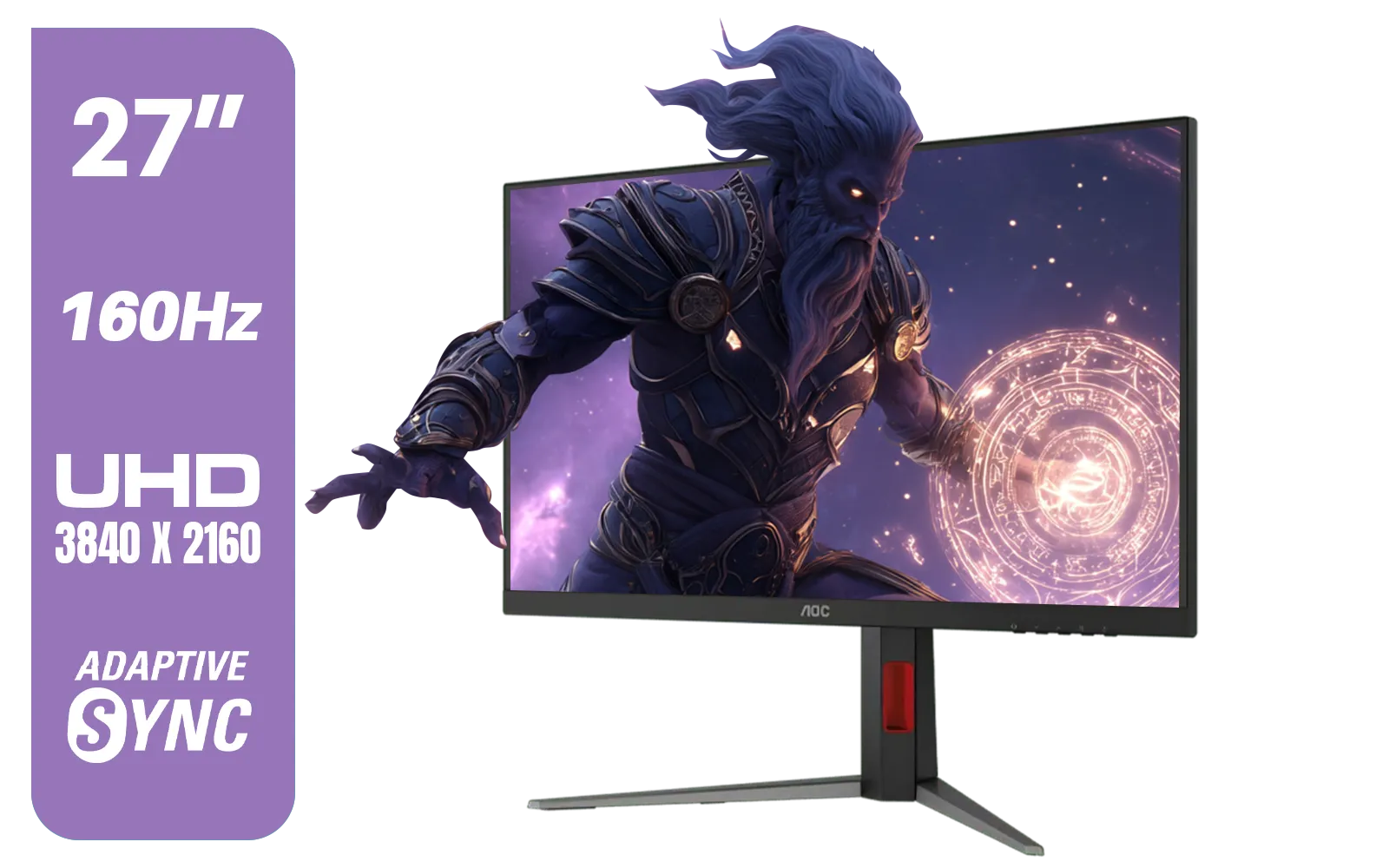
AOC U27G42 27" 160Hz Ultra-Fast Gaming Monitor, 3840 x 2160 (UHD), 0.5ms, Fast IPS, Adaptive Sync, 3-Sided Frameless Design, Black / U27G42
R9599.00In Stock
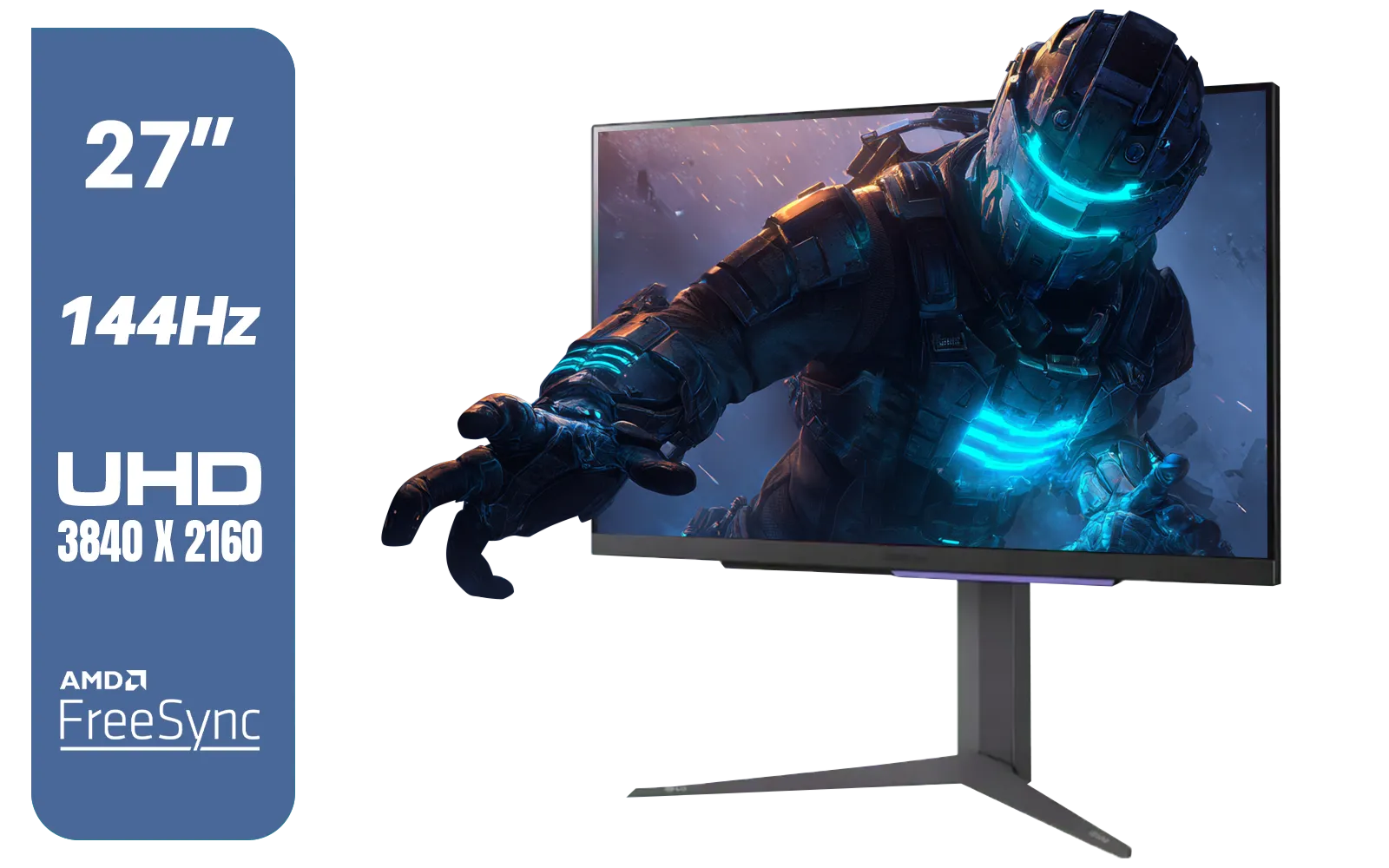
LG 27" UltraGear 4K UHD (3840x2160) Gaming Monitor, 144Hz, 1ms, VESA DisplayHDR 400, G-SYNC and AMD FreeSync Premium, HDMI 2.1, DisplayPort, 4-Pole HP Out DTS HP:X, Tilt/Height/Pivot Stand, Black / 27GR93U
R9999.00In Stock
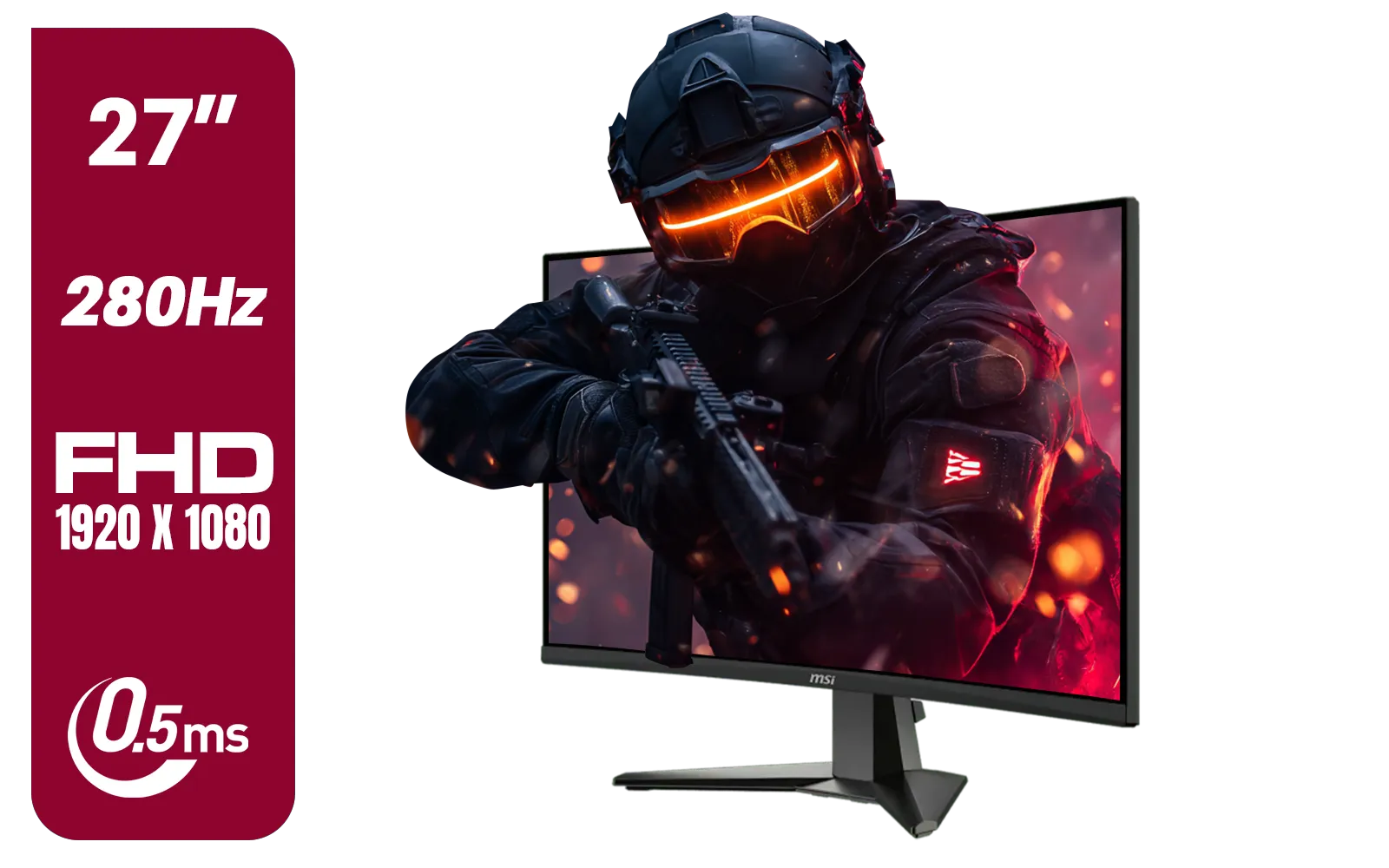
MSI MAG 276CXF 27-inch 1920 x 1080 (FHD) Curved Monitor, 280Hz, HDMI, DisplayPort, VGA Port, VESA Mountable, Tilt, Slim Bezel, 0.5ms, Black / 9S6-3CE01M-037
R4799.00In Stock
What is Monitor Response Time, Really?
Let's cut through the jargon. Response time measures how quickly a single pixel on your screen can change from one colour to another, usually from one shade of grey to another (this is called "Grey-to-Grey" or GtG). Think of it like a light switch. A lower response time means that switch can flick on and off almost instantly. A higher one... well, there's a noticeable delay.
It's crucial not to confuse this with input lag. Input lag is the delay between you moving your mouse and seeing that action on screen. While related, 1ms response time specifically targets the clarity of the image itself. A fast response time ensures the pixels can keep up with the action, which is vital for all kinds of modern PC monitors designed for performance.
Why a 1ms Response Time is Crucial for FPS Titles
So, why does this matter when you’re trying to clutch a round in Valorant? It all comes down to eliminating visual noise that can cost you a fraction of a second... and the match. 🚀
Smashing Ghosting and Motion Blur
When a monitor's pixels can't change colour fast enough to keep up with a moving object, you get ugly visual artefacts. The most common one is "ghosting," where a faint trail or blur follows the object. In an FPS, this means a strafing enemy becomes a blurry mess instead of a crisp target. A monitor with a 1ms response time drastically reduces this effect, giving you a sharper, clearer picture where every movement is precise. This clarity is a core feature across the best all gaming monitors available today.
LG 27" UltraGear 4K UHD (3840x2160) Gaming Monitor, 144Hz, 1ms, VESA DisplayHDR 400, G-SYNC and AMD FreeSync Premium, HDMI 2.1, DisplayPort, 4-Pole HP Out DTS HP:X, Tilt/Height/Pivot Stand, Black / 27GR93U
R9999.00In Stock
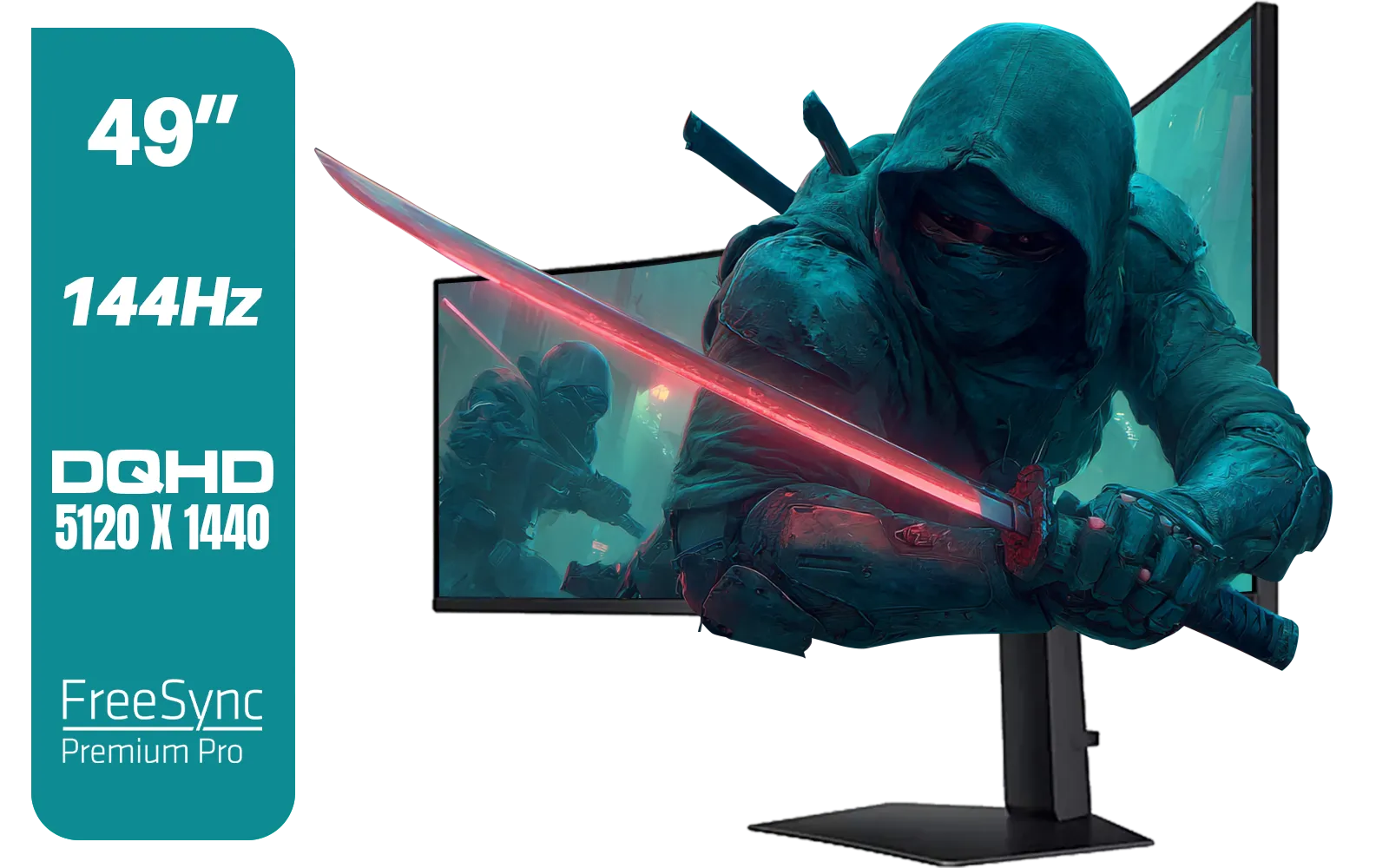
SAMSUNG Odyssey G9 Gaming 49" Monitor / DQHD (5120 x 1440) / 144Hz / GtG 1ms / FreeSync Premium Pro / LS49FG910EUXEN
R30899.00In Stock

Dahua 27" QHD Gaming Monitor - E331 / 1000:1 Contrast ratio / 16.7M Colors / 2560x1440 / 180Hz Refresh Rate / 1ms Response Time / DHI-LM27-E331
R3199.00In Stock
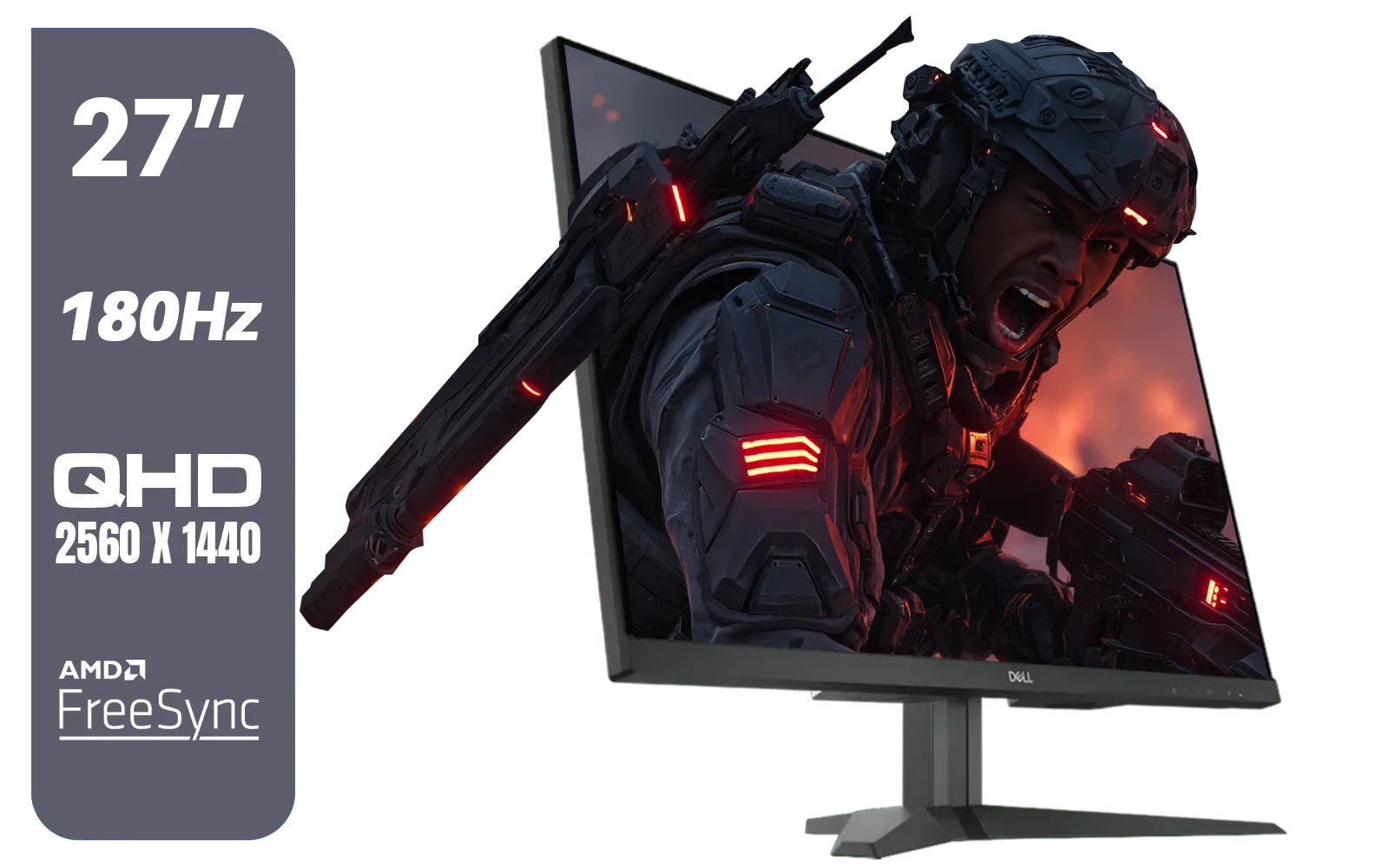
Dell G2725D 27" Gaming Monitor / QHD 2560 x 1440 / 180Hz Refresh Rate / AMD Freesync / 1ms Response Time / G2725D
R4299.00In Stock

VIEWSONIC VX3218C-2K 32" QHD Curved Gaming Monitor / 180Hz Refresh Rate / 1ms MPRT Response Time / 1500R Curvature / AMD FreeSync™ Premium / QHD 1440p Resolution / VX3218C-2K
R4999.00In Stock
AOC 27G42E 27" 180Hz Ultra-Fast Gaming Monitor, 1920 × 1080 (FHD), 0.5ms, Fast IPS, Adaptive Sync, 3-Sided Frameless Design, Black / 27G42E
R3199.00In Stock
Gaining That Competitive Edge
In the high-stakes world of competitive gaming, every millisecond counts. Having a cleaner image means you can track targets more effectively, react faster to peeking enemies, and land shots more consistently. It’s not about cheating the system; it’s about ensuring your hardware isn't holding your skills back. A fast monitor gives you the visual data you need, exactly when you need it.
TIP FOR YOU
Pro Tip: Check Your Overdrive Settings 🔧
Most monitors with a 1ms response time achieve it using an 'Overdrive' or 'Response Time' setting in the on-screen menu. Setting this too high can cause 'inverse ghosting' (a bright halo). Try the medium or 'Fast' setting first for the best balance of speed and visual quality!
Beyond 1ms: What Else Should Gamers Look For?
A 1ms response time is a fantastic starting point, but it's part of a bigger picture. To build the ultimate display setup, you need to consider how it pairs with other features.
- Refresh Rate (Hz): This is how many times your screen updates per second. A 144Hz or 240Hz monitor combined with a 1ms response time delivers buttery-smooth motion.
- Resolution and Immersion: While speed is king for FPS, higher resolutions provide stunning detail. Pairing speed with the immersive quality of today's 5K and 4K monitors creates an incredible experience. For ultimate immersion, nothing beats the wrap-around view of modern curved monitors, which pull you right into the game world.
- Gaming on the Go: Need that performance away from your desk? Even today's powerful portable monitors are packing faster response times for a lag-free experience anywhere.
SAMSUNG Odyssey G9 Gaming 49" Monitor / DQHD (5120 x 1440) / 144Hz / GtG 1ms / FreeSync Premium Pro / LS49FG910EUXEN
R30899.00In Stock
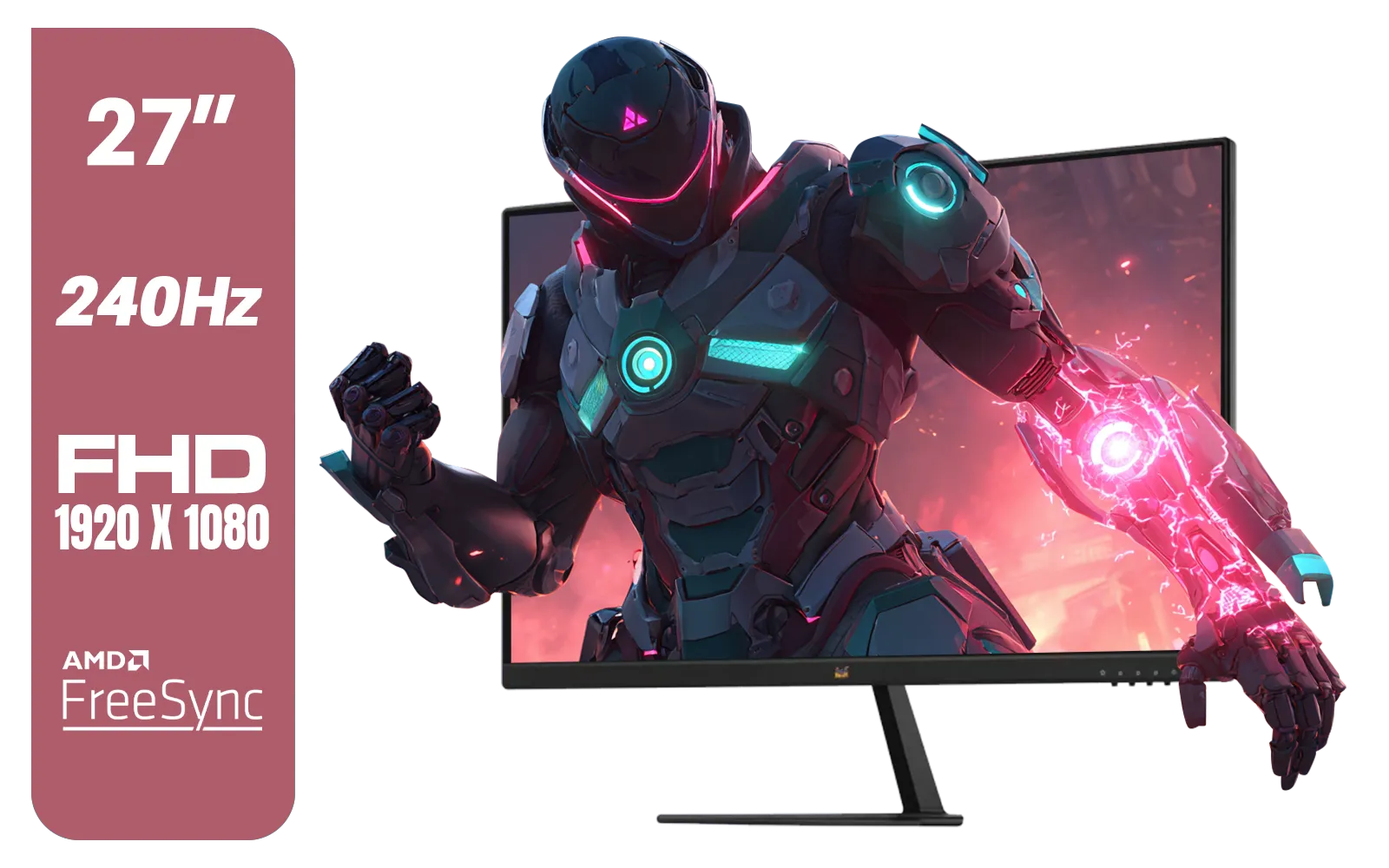
ViewSonic VX2779A-HD-PRO 27" Gaming Monitor / IPS-Level Display / 240Hz Refresh Rate / 1ms MPRT / AMD FreeSync / HDR10 / VX2779A-HD-PRO
R4099.00In Stock
Dahua 27" QHD Gaming Monitor - E331 / 1000:1 Contrast ratio / 16.7M Colors / 2560x1440 / 180Hz Refresh Rate / 1ms Response Time / DHI-LM27-E331
R3199.00In Stock
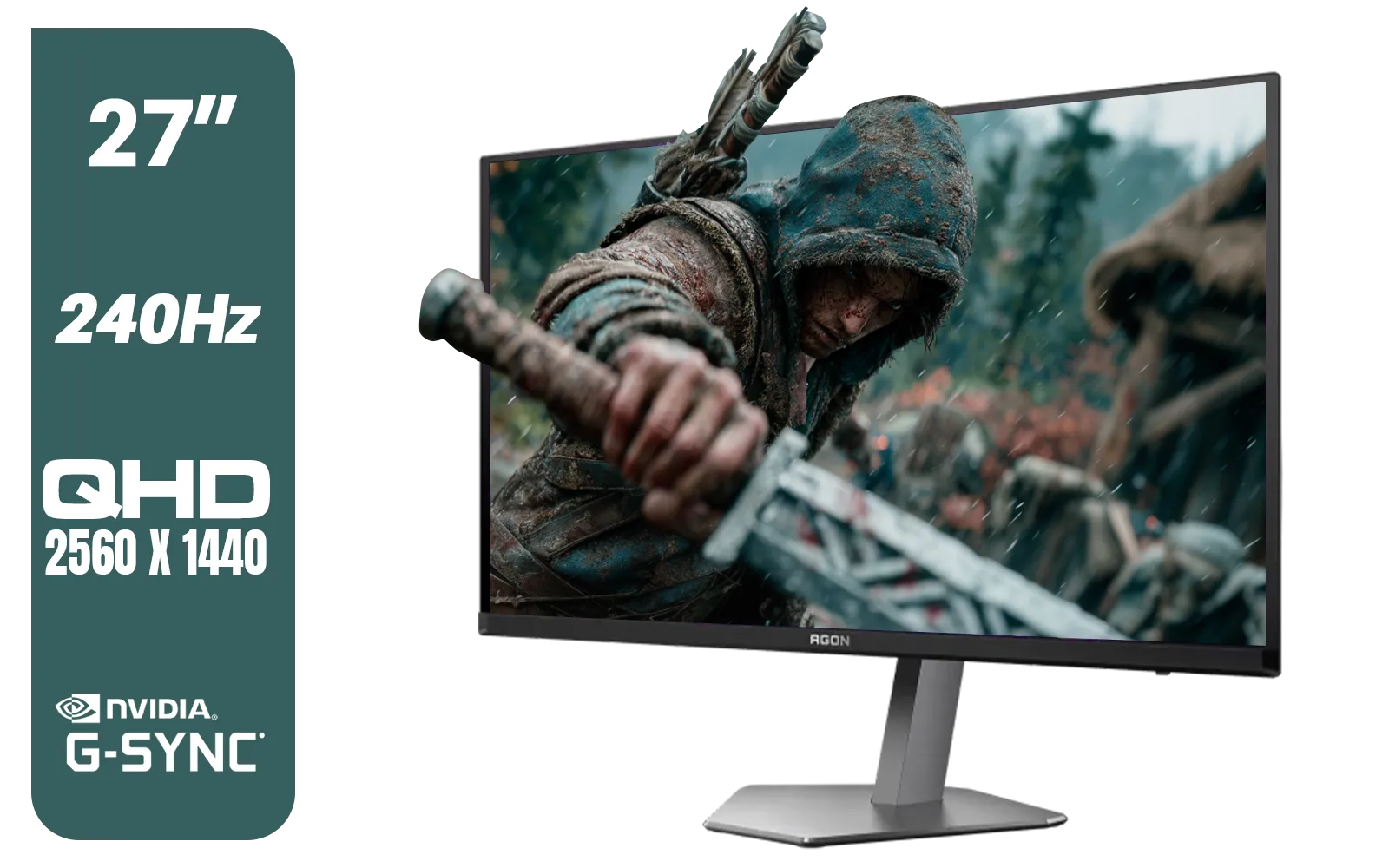
AOC Agon Pro AG276QZD2 27" 240Hz Gaming Monitor / QHD (2560x1440) OLED Display / 0.03 ms Response Time / G-SYNC Compatible / USB 3.2 Gen 1, USB Hub, USB Downstream / AG276QZD2
R15499.00In Stock
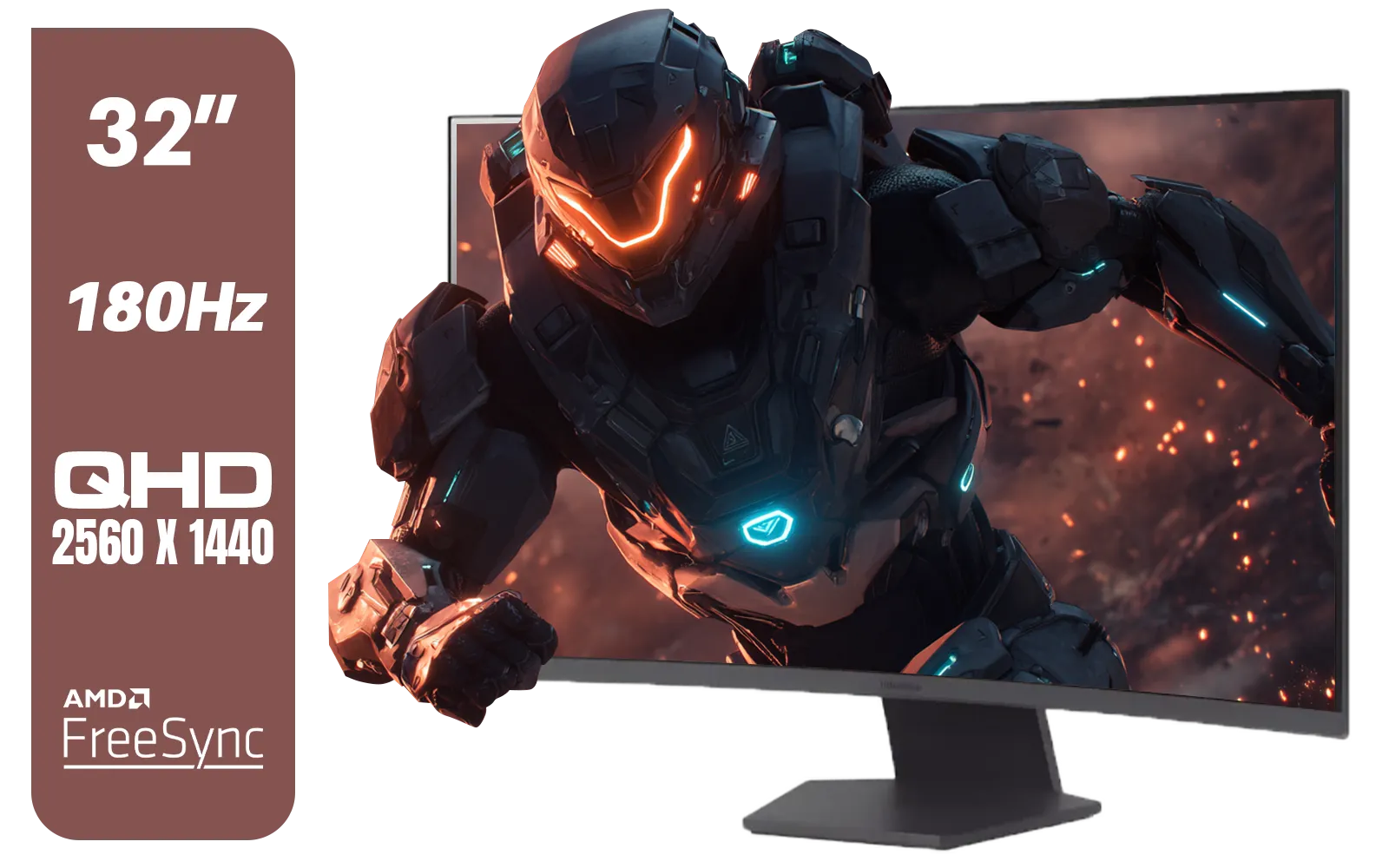
LG UltraGear 32" 32GS60QC QHD Gaming Monitor / QHD (2560 x 1440) Resolution / 180Hz Refresh Rate / 1ms GtG / 1000R Curved Screen / AMD FreeSync / 2x HDMI, 1x DisplayPort / Tilt Adjustable / HDR10 Support / AMD FreeSync™ / 32GS60QC
R4999.00In Stock
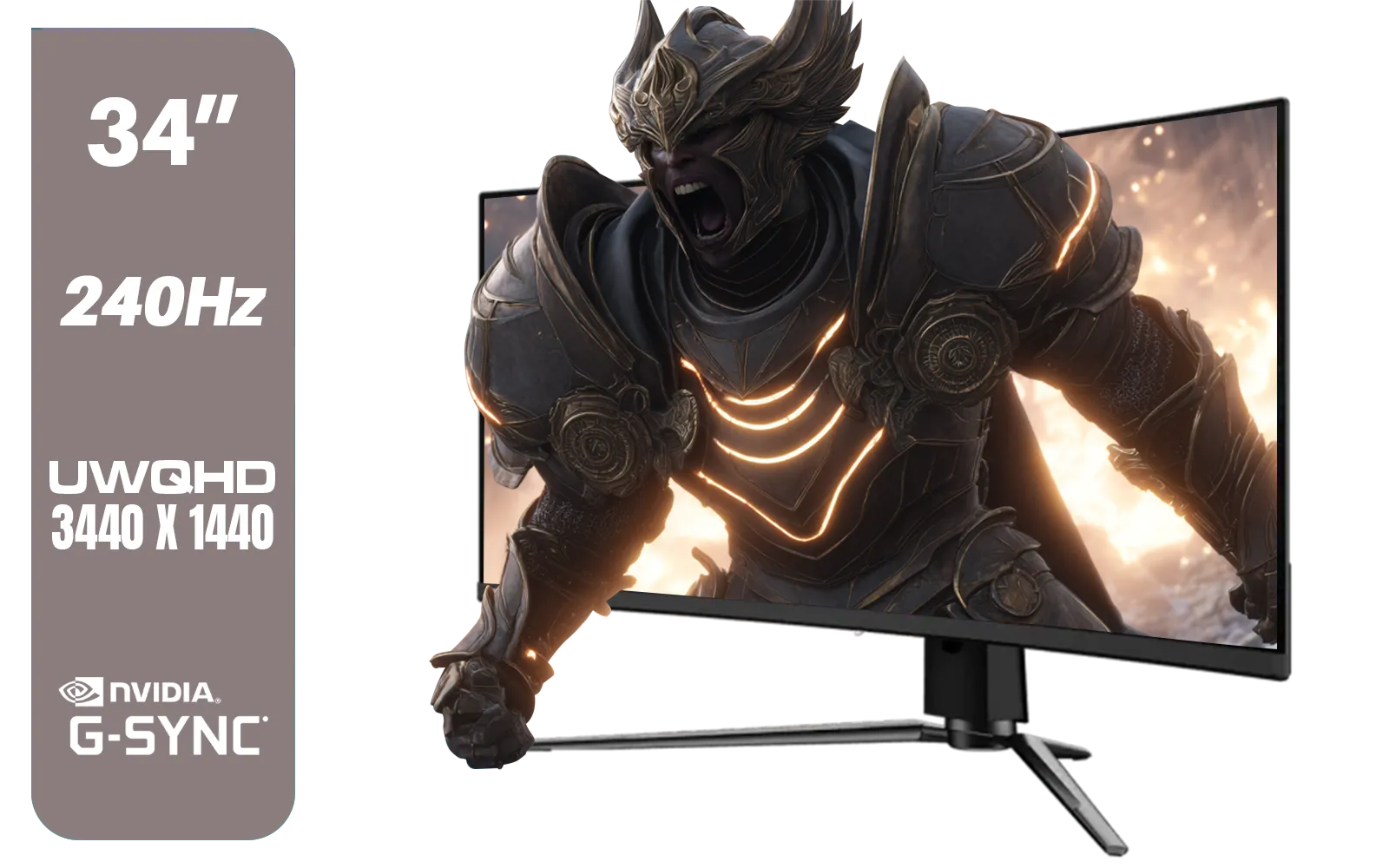
MSI MPG 341CQPX 34" 3440 x 1440 (UWQHD) Gaming Monitor / 240Hz Refresh Rate / 0.03ms Response Time / QD-OLED Panel / G-Sync Compatible / HDR True Black 400 / 9S6-3DD04T-041
R19999.00In Stock
Ultimately, the perfect setup is a symphony of parts working together. From your monitor to your desk mount, having the right monitor accessories can help you create the ideal gaming environment. ✨
Ready to See the Difference? A fast response time isn't just a number on a spec sheet; it's a real competitive edge. Stop letting motion blur and ghosting cost you the win. Explore our massive range of gaming monitors and find the perfect display to dominate the lobby.
Related Products
Dahua LM25-E231BN 24.5" Monitor / FHD 1920 x 1080 / 200Hz Refresh Rate / 0.5ms Response Time / DHI-LM25-E231BN
R2199.00In Stock
LG 32" UltraGear™ Dual-Mode OLED gaming monitor / 4K UHD / 0.03ms (GtG) / HDR Display True Black 400 / 32GS95UV-B.AFB
R27499.00In Stock

ViewSonic 27” Full HD Monitor / Fast 1ms Response Time / 100Hz Refresh rate / IPS Panel / VA270-H
R2349.00In Stock
MSI MPG 341CQPX 34" 3440 x 1440 (UWQHD) Gaming Monitor / 240Hz Refresh Rate / 0.03ms Response Time / QD-OLED Panel / G-Sync Compatible / HDR True Black 400 / 9S6-3DD04T-041
R19999.00In Stock
ViewSonic VX2779A-HD-PRO 27" Gaming Monitor / IPS-Level Display / 240Hz Refresh Rate / 1ms MPRT / AMD FreeSync / HDR10 / VX2779A-HD-PRO
R4099.00In Stock

VIEWSONIC TD1630-3 15.6" 10-Pont Touch Screen Monitor / HD 768p Resolution / Projected Capacitive Touch / HDMI & VGA Inputs / Dual Integrated Speakers / Durable Scratch-Resistant Screen / TD1630-3
R4499.00In Stock
It means a pixel takes just one millisecond to change color, typically measured Grey-to-Grey (GtG). This speed is crucial for reducing ghosting in fast-paced games.
Not strictly. While 1ms offers the clearest motion, casual gamers playing RPGs or strategy games may find 4ms or 5ms IPS panels perfectly adequate.
Yes, especially in fast motion. Competitive gamers will notice less trailing and sharper visuals on a 1ms monitor compared to a 5ms screen during rapid turns.
No, response time dictates motion clarity, not the number of frames your GPU produces. However, it ensures those high frames look sharp rather than blurry.
GtG measures pixel color transition speed, while MPRT measures pixel visibility duration. GtG is the standard for raw panel performance, while MPRT relates to strobe backlights.
Technically yes, but with diminishing returns. The jump from 5ms to 1ms is noticeable, but 1ms to 0.5ms is harder to perceive without professional training.
Indirectly. While response time is about pixel changes, low response time monitors are usually engineered with low input lag to support competitive play.