24 vs 27 Inch Monitor for 1080p Gaming: Which Size Wins?
Choosing a 24 vs 27 inch monitor for 1080p gaming comes down to pixel density. 🎮 We compare PPI, visual clarity, and immersion to help you decide. Discover why 24-inch screens often rule 1080p while 27-inch models offer size but trade sharpness. 🖥️
|
Loading tags...

So, you’ve built a lekker gaming rig, your components are humming, but now you face the final boss... the monitor. It’s a classic showdown in the 1080p arena: the nimble 24-inch versus the immersive 27-inch. With Full HD still being the performance king for most South African gamers, this choice is crucial. Bigger isn't always better, especially when pixels are involved. Let's settle the 24 vs 27 inch monitor for 1080p gaming debate once and for all.

VIEWSONIC 24" FHD Led Backlit Display / 120Hz Refresh Rate / Windows Hello–Certified 5MP Webcam With privacy cover / Dual Mics & Stereo Speakers / USB-C for Audio, Video & Data / USB 3.2 Hub with HDMI & DisplayPort / Ergonomic Adjustable Stand / VG2441V
R3699.00In Stock

ViewSonic TD1655 15.6" Full HD (1920 x 1080) Portable Touchscreen Monitor / Ultra-portable Design / Advanced in-cell Capacitive Touchscreen / 2-Way Power With USB Type-C / Frameless Design / Portrait and Landscape Modes / dual integrated speakers / TD1655
R5199.00In Stock
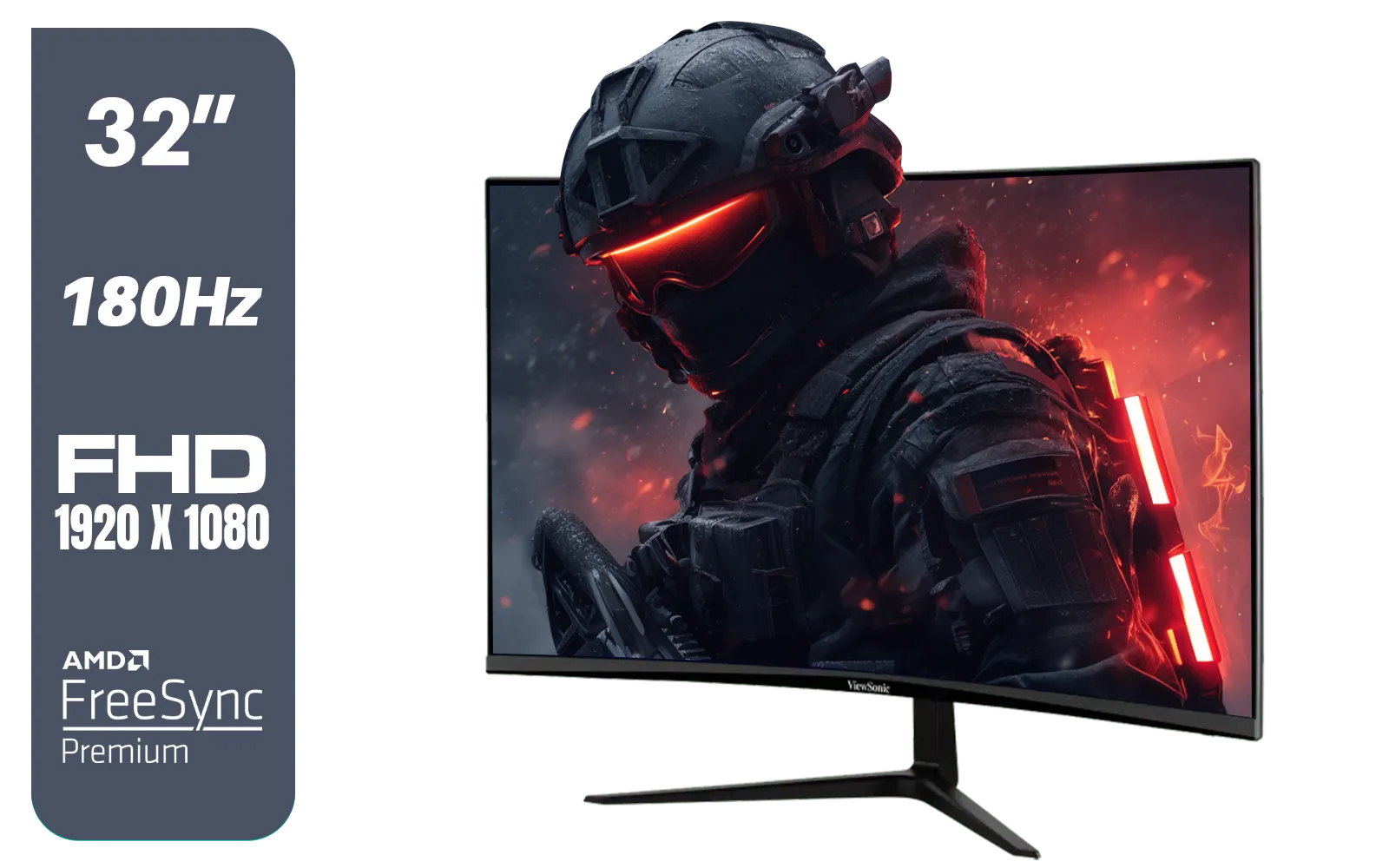
ViewSonic VX3218-PC-MHD 32" Full HD (1920 x 1080) 180Hz Curved Gaming Monitor / 180Hz Refresh Rate / 1ms MPRT Response Time / AMD Adaptive Sync Prevents Screen Tearing / 1500R Curve Ultimate Immersion / VX3218PCMHD
R3499.00In Stock
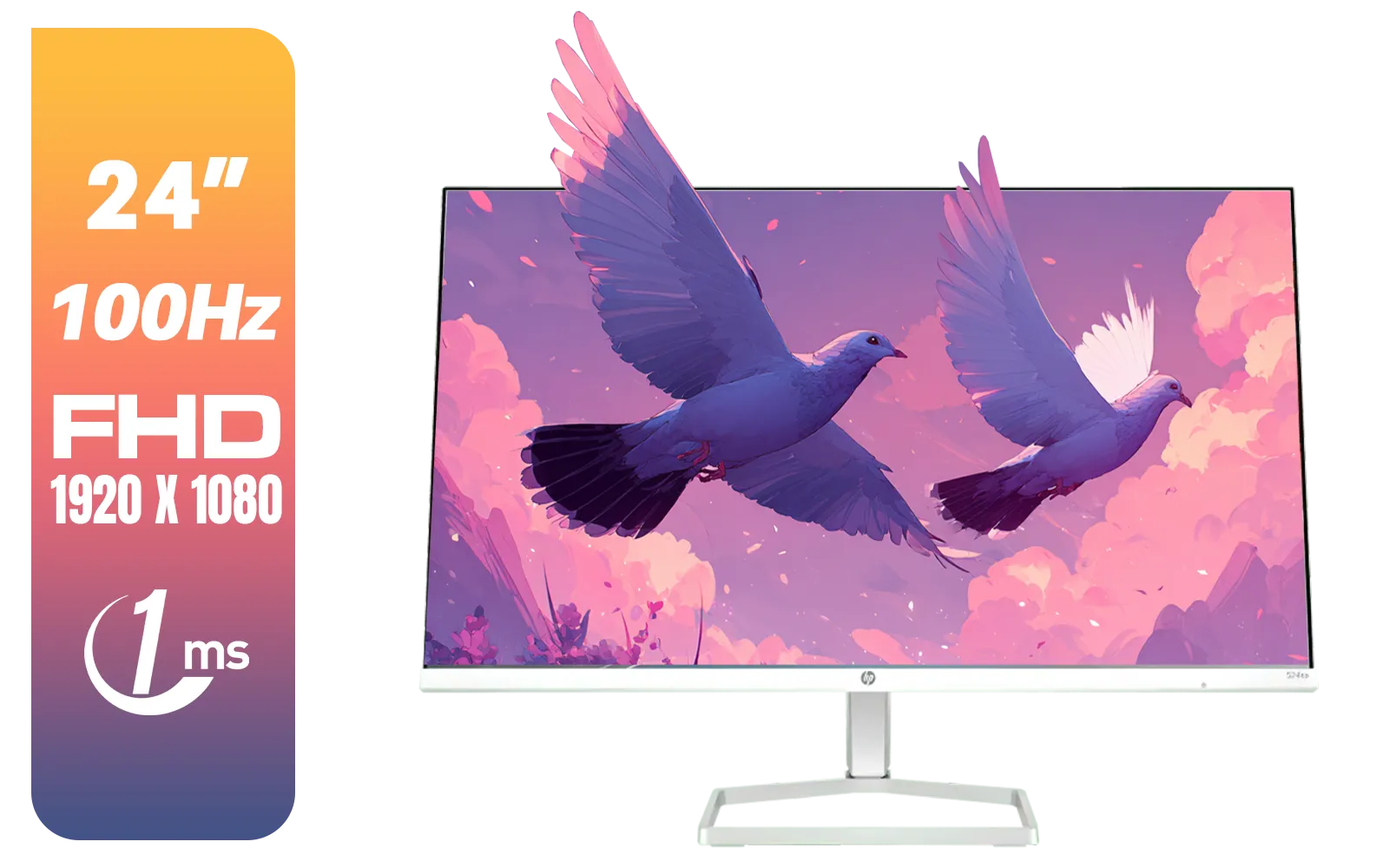
HP 527SA G5 FHD Gaming Monitor - White/Silver / 27" FHD (1920 x 1080) / IPS Panel / 1x HDMI 1.4, 1x VGA / Eye Ease with Eyesafe Certification / 94F48AS
R4999.00In Stock
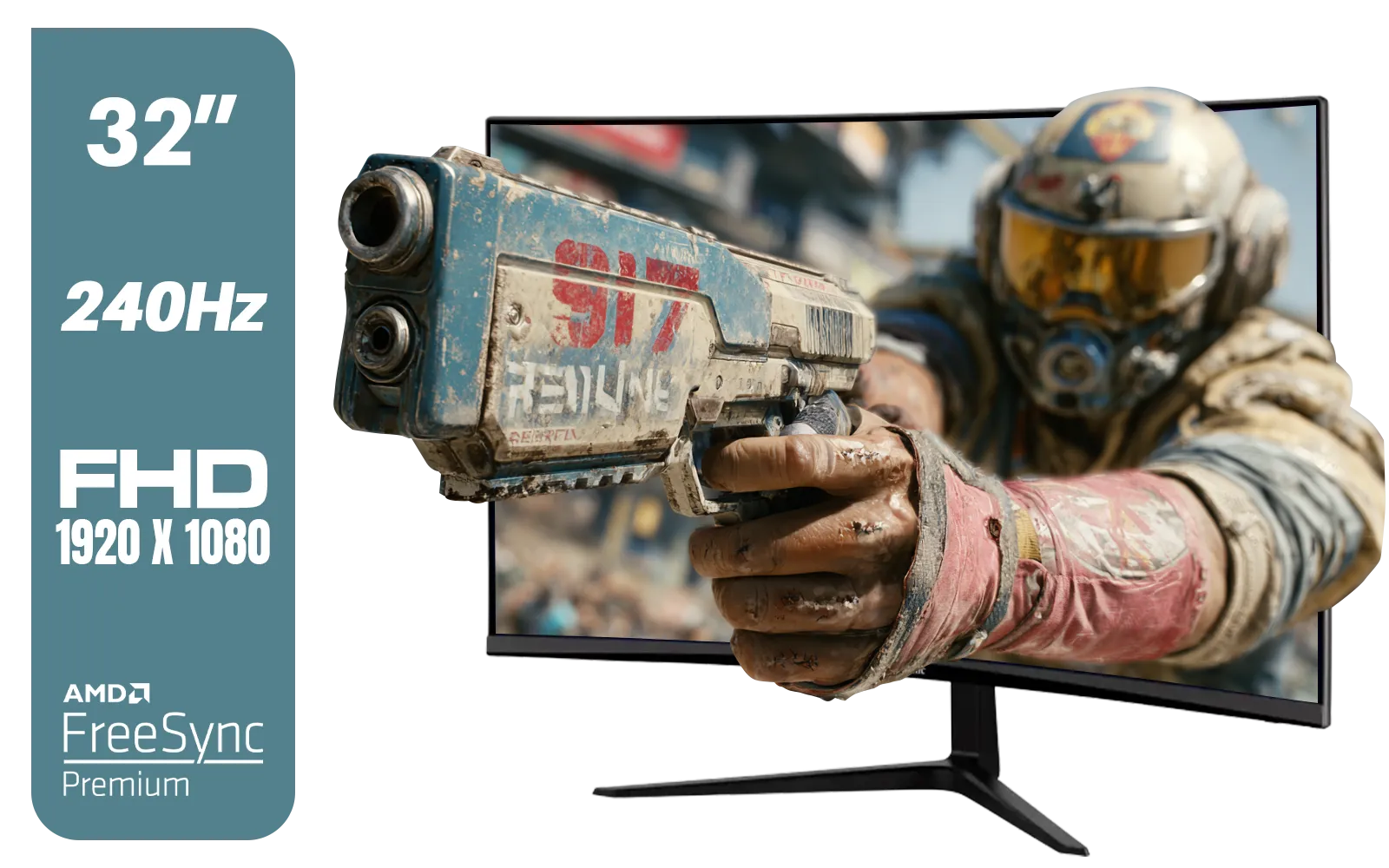
ViewSonic VX3219 32" Curved Gaming Monitor / Full HD (1920 x 1080) / 240Hz Refresh Rate / 1ms MPRT Response Time / Adaptive Sync Prevents Screen Tearing / 1500R Curve Ultimate Immersion / VX3219-PC-MHD-SN
R4899.00In Stock
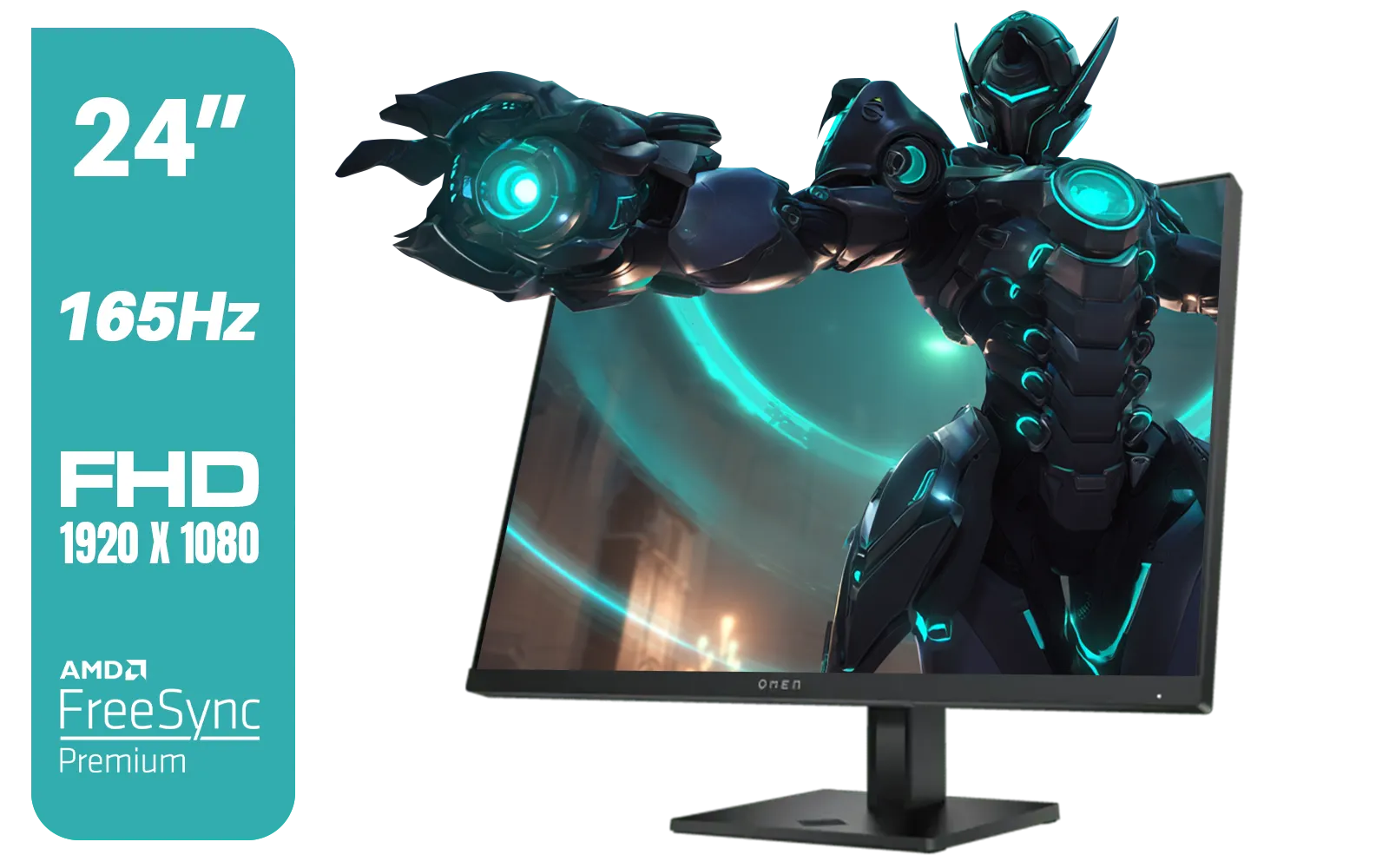
HP OMEN 24 FHD 165Hz Gaming Monitor - Black / 24" FHD (1920 x 1080) Anti-glare Display / AMD FreeSync Premium / Pivot Rotation and Height Adjustable / 780D9AS
R5199.00In Stock
Why Size vs. Resolution is a Big Deal
The core of this debate comes down to one simple concept: Pixel Density, or PPI (Pixels Per Inch). Think of your screen as a grid of tiny lights (pixels). For a 1080p resolution, that grid is always 1920 pixels wide by 1080 pixels high.
When you stretch that same number of pixels across a larger 27-inch screen versus a compact 24-inch one, the pixels have to be bigger and more spread out.
- 24-inch 1080p Monitor: ~92 PPI
- 27-inch 1080p Monitor: ~82 PPI
A lower PPI on a 27-inch screen can make text and fine details in games look slightly fuzzy or "blocky," especially if you sit close. It’s the key factor when choosing a monitor for 1080p gaming, and it's why this isn't just a simple size preference. Whether you're a beginner or a pro, you'll find a massive selection of PC monitors to fit any budget and resolution need.
The 24-Inch Champion: Crispness and Competitive Edge 🎯
For many, the 24-inch 1080p monitor is the undisputed sweet spot, and for good reason. That higher pixel density translates directly into a sharper, cleaner image. Text is easier to read, and textures in games appear more detailed.
In fast-paced games like Valorant or Apex Legends, every millisecond and pixel counts. A 24-inch screen keeps the entire battlefield within your field of view... no need to frantically scan your eyes across a massive panel just to check the minimap or your ammo count. This focus and clarity make the 24-inch monitor a top choice for 1080p gaming, especially in the esports scene. This size is a staple across our entire range of gaming monitors.

HP Z27q G3 QHD Gaming Monitor - 27" QHD (2560 x 1440) - Ergonomic Adjustable and VESA Compatible - Versatile HDMI, DisplayPort, USB Ports - Flat IPS Edge-Lit Technology Display /1C4Z7AA
R11199.00In Stock

MSI G321Q 31.5" WQHD IPS 2K Flat Monitor, 170Hz Refresh Rate, 1ms MPRT Response Time, 1.07B Display Colors, 16:9 Aspect Ratio, 1200:1 Contrast Ratio, G-Sync / AMD Freesync, HDR, Black / 9S6-3DB91A-041
R6999.00In Stock
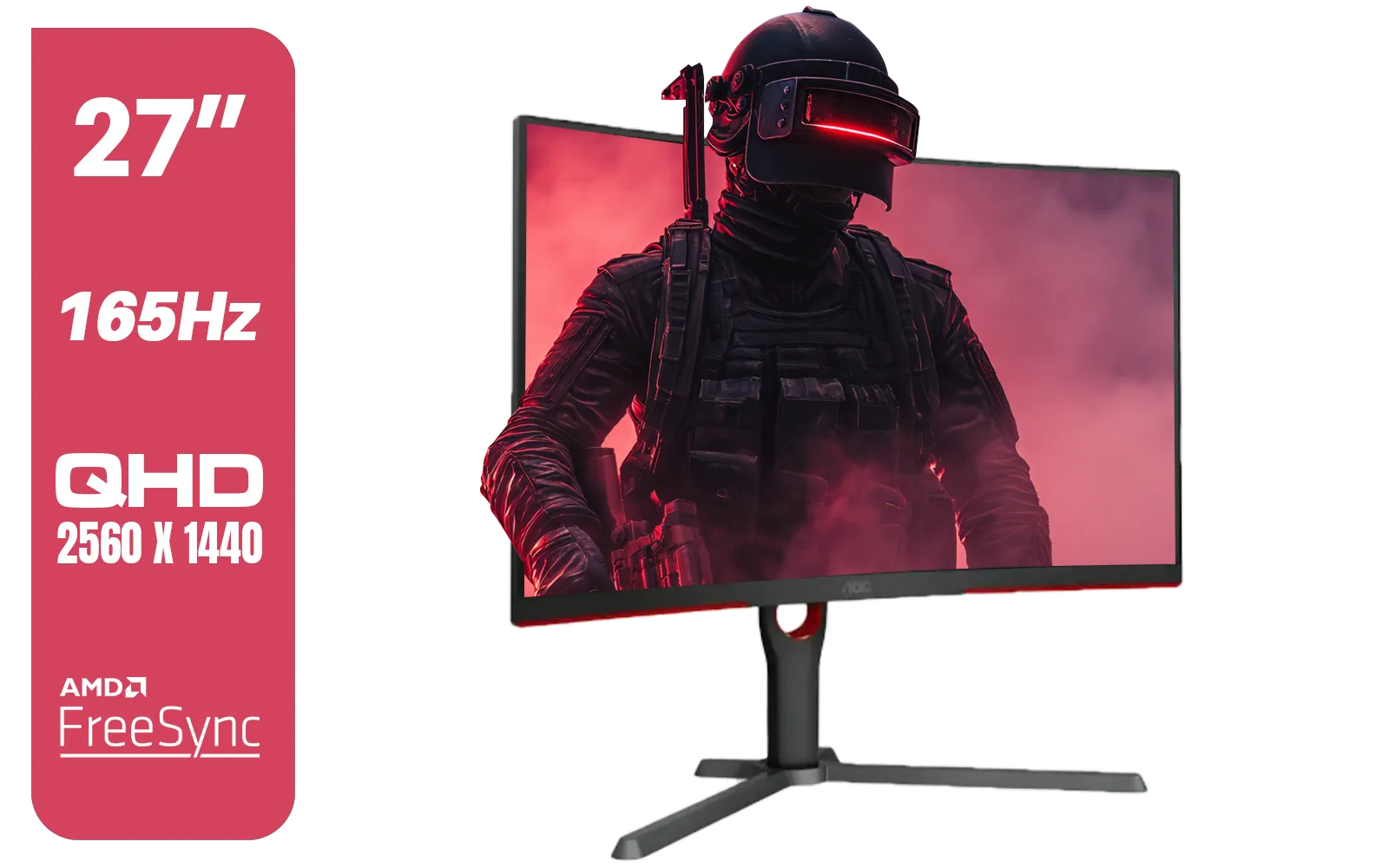
AOC CQ27G3S 27" QHD (2560x1440) 165Hz 1ms VA Curved FreeSync HDR Gaming Monitor / Superior High Quality Viewing / Ultra-smooth Tear-free Gaming / Enjoy top-tier Gaming Performance / Instant Response Times / Illuminate Your Visuals / Reducing Shortwave Blue Light / CQ27G3S
R6399.00In Stock
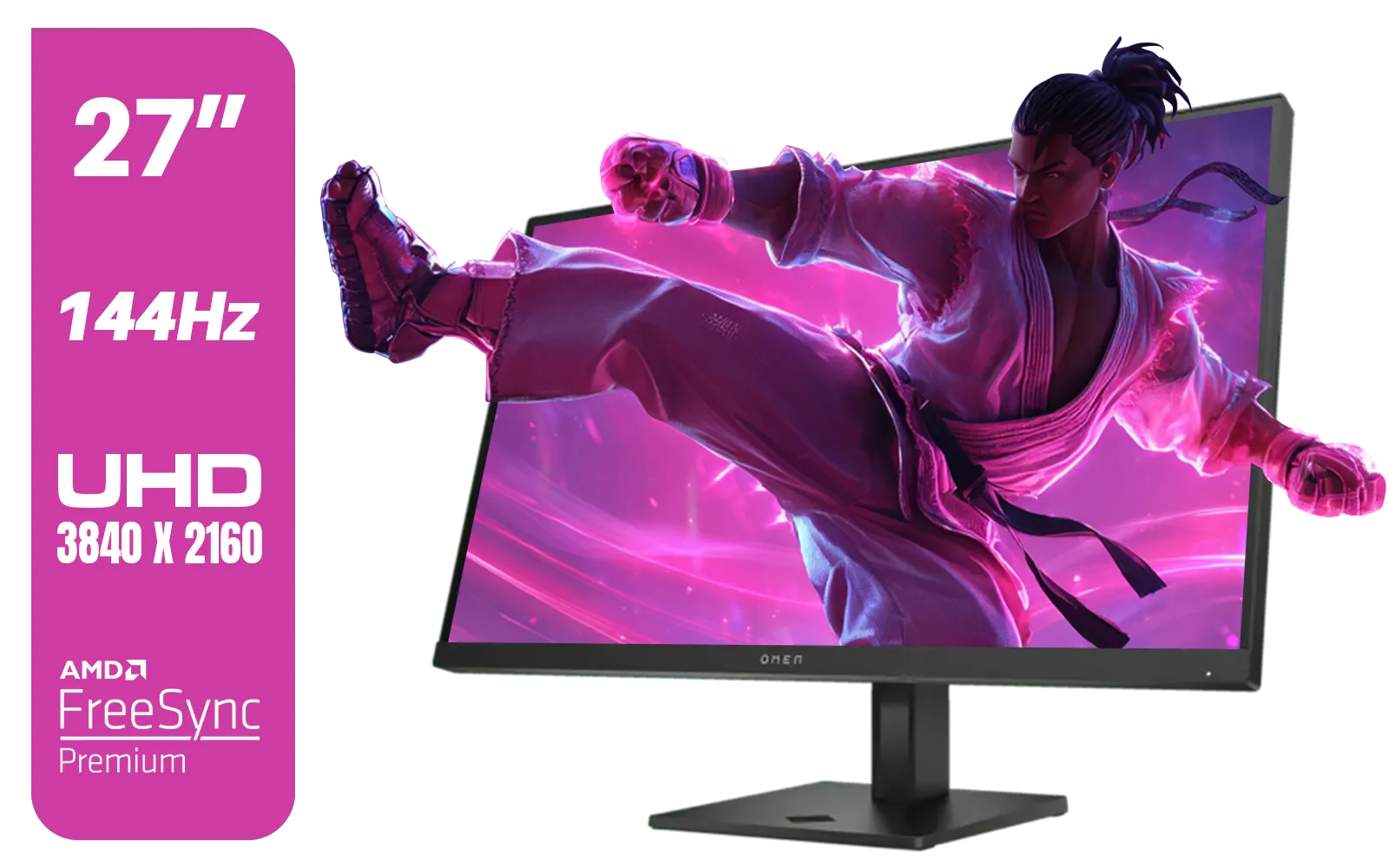
HP OMEN 27k UHD 144Hz Gaming Monitor - Black / 1ms / 27" 4K UHD (3840 x 2160) Anti-glare Display / AMD Freesync™ Premium / Integrated Speakers / Pivot Rotation and Height Adjustable / 780G8AS
R16499.00In Stock

HP OMEN 27 FHD 165Hz Gaming Monitor / AMD FreeSync™ Premium / Eyesafe® certified / Height adjustable for personalized comfort / Pivot rotation for flexible viewing angles / 780F9AS
R5999.00In Stock

Dahua 27" QHD Gaming Monitor - E331 / 1000:1 Contrast ratio / 16.7M Colors / 2560x1440 / 180Hz Refresh Rate / 1ms Response Time / DHI-LM27-E331
R3199.00In Stock
The 27-Inch Challenger: Immersion and Wow-Factor ✨
But what if you're not trying to go pro? What if you want to get lost in the beautiful, sprawling world of Cyberpunk 2077 or The Witcher 3? This is where the 27-inch monitor shines.
A 27-inch monitor for 1080p gaming pulls you into the action. The larger screen fills your peripheral vision, making cinematic single-player games feel truly epic and breathtaking. The lower pixel density is less of an issue if you sit a bit further back from your desk, or if your monitor doubles as a screen for watching movies from your couch. The immersive effect is even more pronounced on curved monitors, which wrap the image around you for a cockpit-like feel.
TIP FOR YOU
The Goldilocks Zone 📏
For a 24-inch monitor, the ideal viewing distance is around 60-80cm. For a 27-inch 1080p screen, try sitting a bit further back, around 80-100cm. This helps the individual pixels blend together, giving you a smoother, sharper-looking image and making the 27-inch 1080p experience much better.
Beyond the 1080p Battlefield
While the 24 vs 27 inch 1080p debate is important, it's not the only one. If your heart is set on a 27-inch screen and you have a powerful GPU (like an NVIDIA RTX 3060 or better), stepping up to a 1440p (QHD) resolution is the ultimate upgrade. You get the big screen and incredible sharpness.
For the ultimate visual fidelity, nothing beats the detail you'll find on crisp 4K monitors, perfect for creative work and high-end gaming. And for the gamer who's always on the move, a handy portable monitor can be a lifesaver for LANs or working from a coffee shop. No matter your choice, don't forget to perfect your setup with the right monitor accessories, like an adjustable arm to get that perfect viewing angle.
So, 24-Inch or 27-Inch for 1080p Gaming in SA?
Let's bring it home. The winner in the 24 vs 27 inch monitor for 1080p gaming battle depends entirely on you and your playstyle. There’s no single right answer, only the right fit.
Choose a 24-Inch 1080p Monitor If...
- You primarily play competitive esports titles.
- You value image sharpness and clarity above all.
- You have a smaller desk and sit closer to your screen.
HP Z27q G3 QHD Gaming Monitor - 27" QHD (2560 x 1440) - Ergonomic Adjustable and VESA Compatible - Versatile HDMI, DisplayPort, USB Ports - Flat IPS Edge-Lit Technology Display /1C4Z7AA
R11199.00In Stock
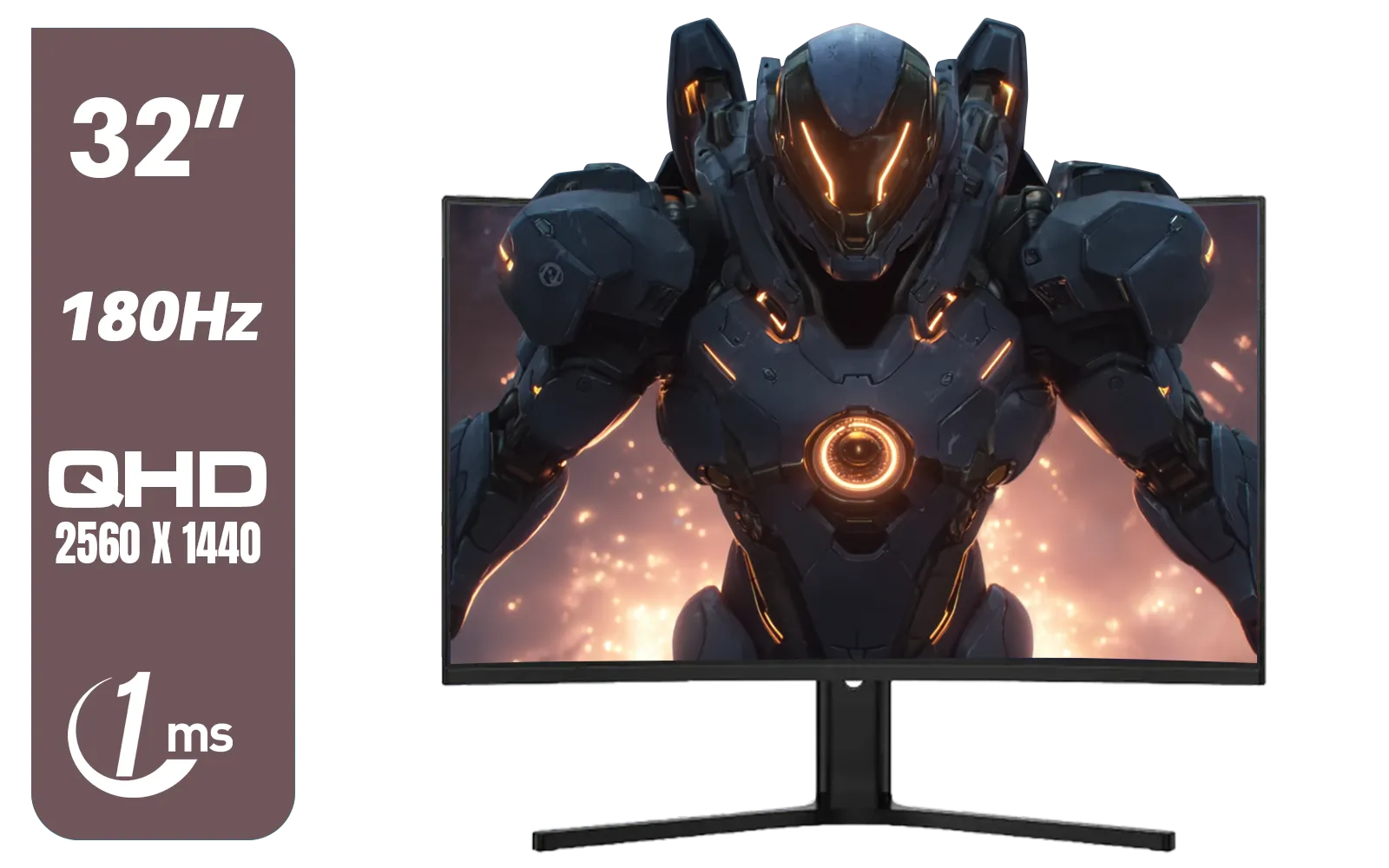
Dahua LM32-E330CA 32" 180Hz LED Monitor / Adaptive-Sync Technology / 1ms Response Time / QHD 2560x1440 / 180Hz Refresh Rate / DHI-LM32-E330CA
R3999.00In Stock
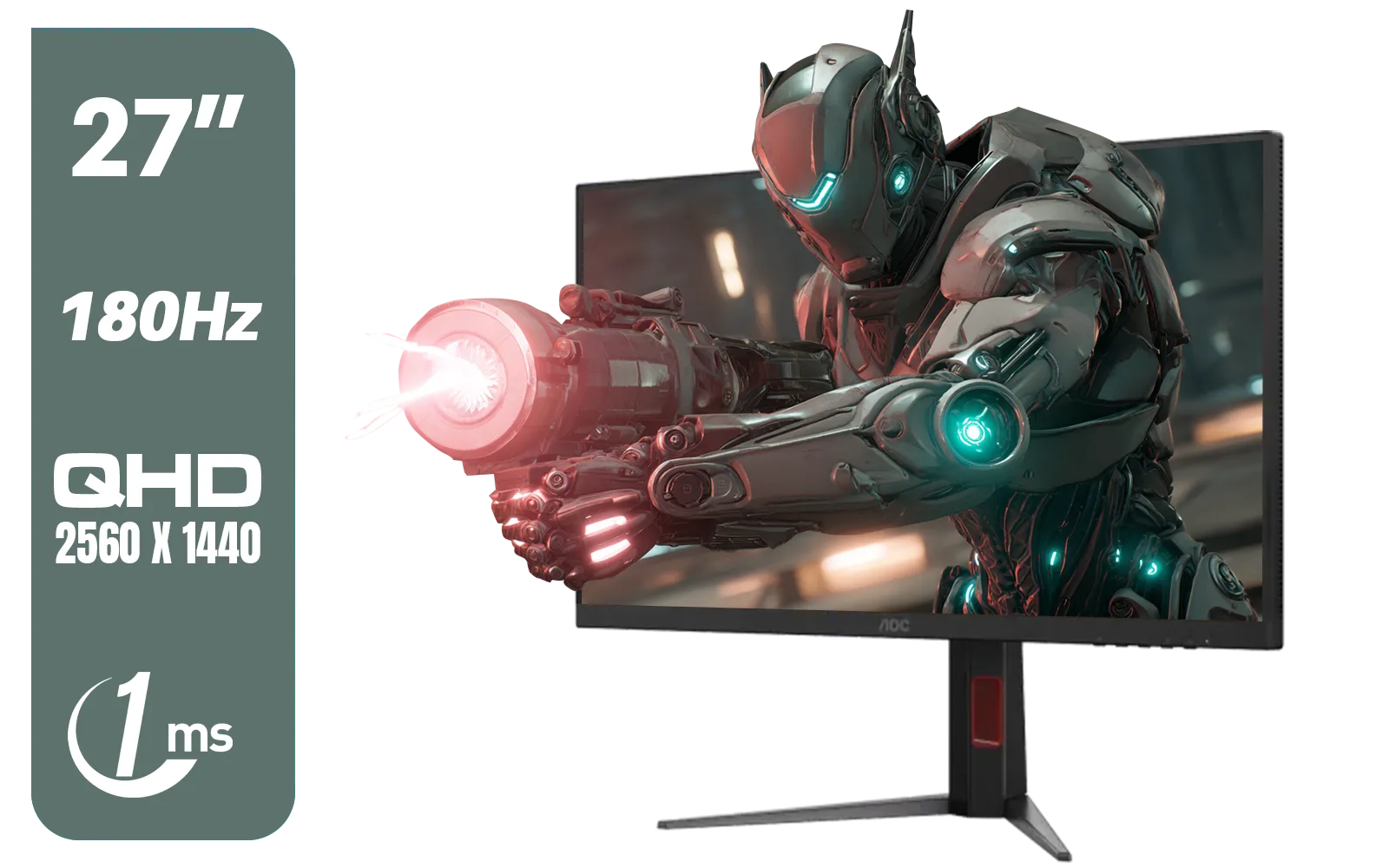
AOC Q27G4XM 27" Mini-LED Gaming Monitor / QHD (2560 × 1440) Resolution / 180Hz Refresh Rate / 1ms Response Time / Fast IPS Panel / Display HDR 1000 / Q27G4XM
R10799.00In Stock

Dell 22 Monitor SE2225HM, Full HD (1920x1080), 100Hz, VA, 5ms, VESA (100x100mm), HDMI, VGA, Black / SE2225HM
R1699.00In Stock
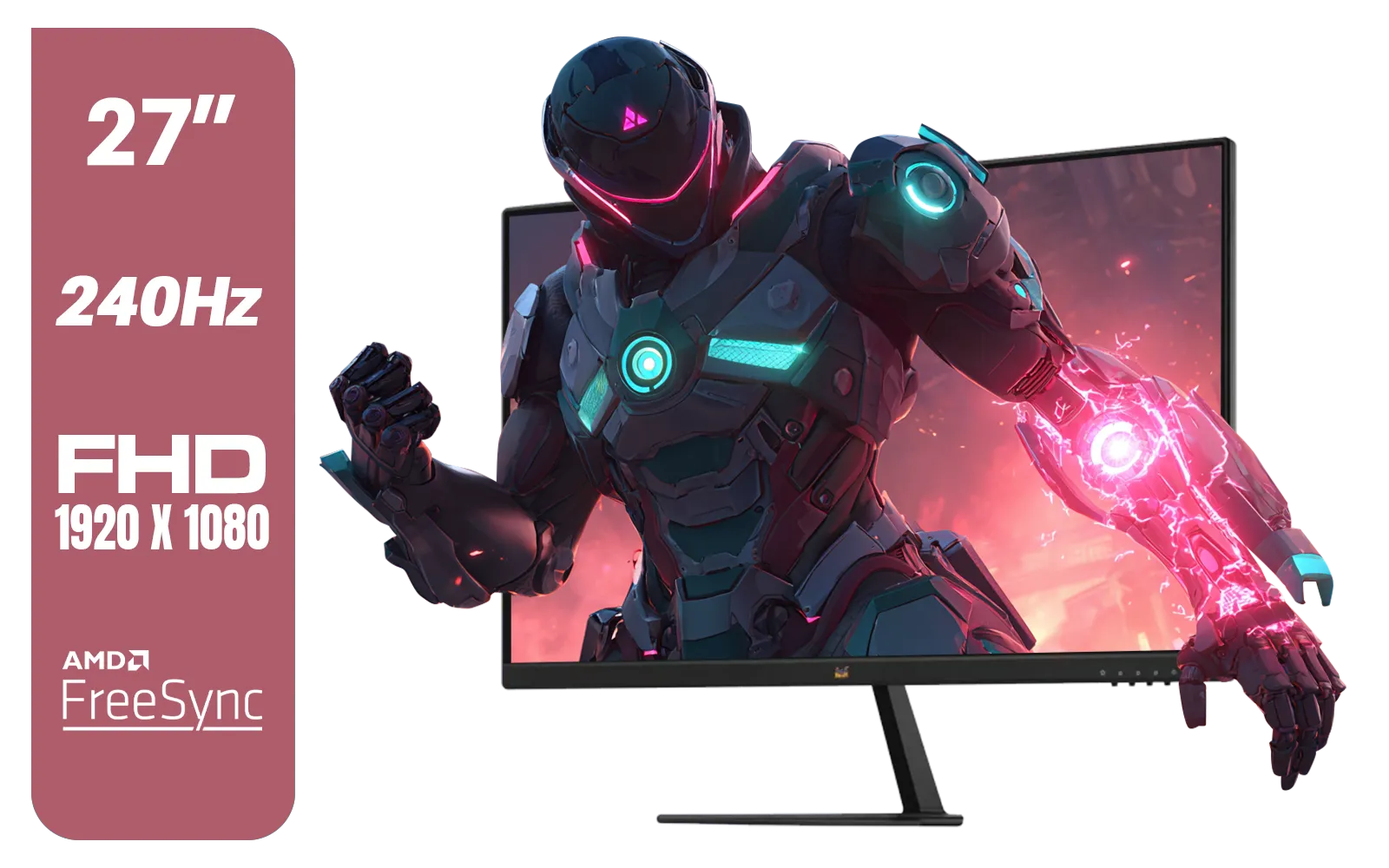
ViewSonic VX2779A-HD-PRO 27" Gaming Monitor / IPS-Level Display / 240Hz Refresh Rate / 1ms MPRT / AMD FreeSync / HDR10 / VX2779A-HD-PRO
R4099.00In Stock
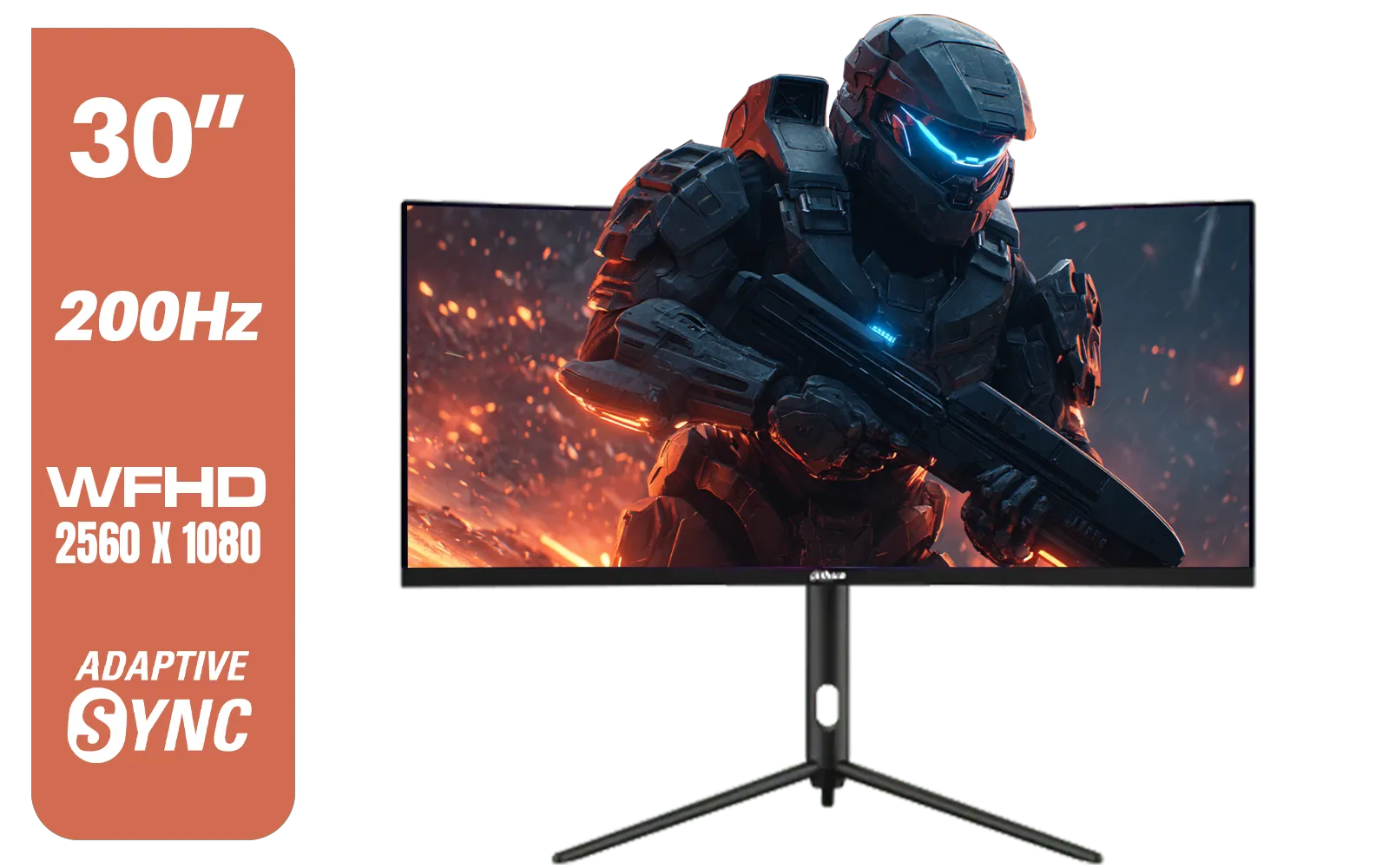
Dahua 30" Ultrawide WFHD 200Hz 1MS DCR Intelligent Adaptive-Sync HDMI DP VA Gaming Monitor Black / DHI-LM30-E330CA
R3999.00In Stock
Choose a 27-Inch 1080p Monitor If...
- You love immersive, single-player adventures.
- Your monitor is also used for watching movies or series.
- You sit further away from your desk, allowing the pixels to blend.
Both sizes offer a fantastic 1080p gaming experience; the best choice is the one that fits your games, your space, and how you play.
Ready to Find Your Perfect Match? The 24-inch vs. 27-inch debate is personal, but the perfect monitor for your setup is waiting. Whether you need razor-sharp clarity for competitive play or an immersive screen for epic adventures, we've got you covered. Explore our massive range of gaming monitors and find the perfect display to conquer your world.
Related Products
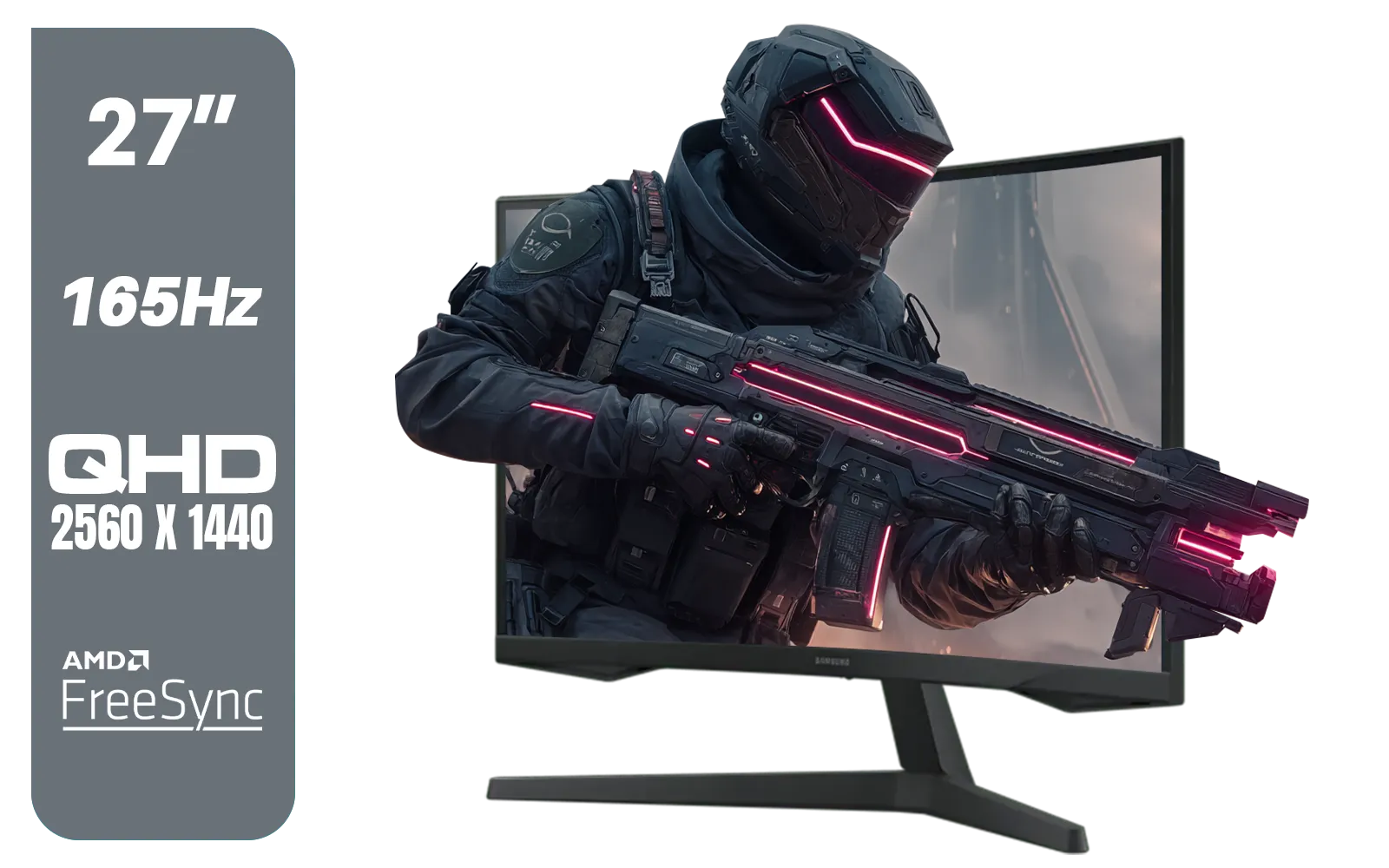
Samsung Odyssey G55C 27″ Curved Gaming Monitor / QHD resolution / 1000R curvature / 165Hz refresh rate / 1ms response time / AMD FreeSync / LS27CG552EAXXA
R4999.00In Stock
HP OMEN 27k UHD 144Hz Gaming Monitor - Black / 1ms / 27" 4K UHD (3840 x 2160) Anti-glare Display / AMD Freesync™ Premium / Integrated Speakers / Pivot Rotation and Height Adjustable / 780G8AS
R16499.00In Stock

VIEWSONIC 23.6" Active Matrix Type LCD Touch Monitor / IR 10-Point Touch Monitor / Finger, Stylus & Glove Touch Compatible / Magnetic Pen Placeholder / Adjustable Back Tilt up to 40° / Scratch-Resistant 7H Hardness Screen / FHD 1920×1080 Resolution / TD2423
R5199.00In Stock

Dell SE2425HM Monitor 210-BQZT / FHD (1920 x 1080) Resolution / 5ms Response Time / IPS level Display / 178° Horizontal and Vertical Viewing Angles / SE2425HM
R1899.00In Stock

HP 527SH G5 FHD Gaming Monitor - Black/Silver / 27" FHD (1920 x 1080) / IPS Panel / 1x HDMI 1.4, 1x VGA / Eye Ease with Eyesafe Certification / 94C50AS
R4799.00In Stock

AOC 22B2HN, 21.5 Inch (54.6 cm) LED 1920 x 1080 Pixels Ultra Slim Monitor with 3 Sided Frameless Design, Va Panel, Hdmi/Vga Port, Full Hd, 7 Ms Response Time, 75 Hz Refresh Rate, Flicker Free, Black / AOC-22B2HN
R2099.00In Stock
For many, yes. At 27 inches, 1080p has a lower pixel density (81 PPI), which can make text and edges look pixelated compared to the sharper 92 PPI on a 24-inch.
Pros prefer 24-inch monitors for 1080p competitive gaming. The smaller field of view lets you see the whole screen without moving your eyes, allowing faster reactions.
It can look slightly blurry or soft because the pixels are stretched over a larger area. If you sit close to your desk, the screen door effect is more visible.
The sweet spot for a 27-inch monitor is 1440p (QHD). This resolution provides sharp visuals and ample screen real estate without the pixelation seen at 1080p.
Yes, especially for desk setups. A 24-inch screen fills your central vision at normal viewing distances, keeping the image crisp without overwhelming your eyes.
Generally, 24-inch 1080p panels offer the highest refresh rates (up to 360Hz+) at affordable prices, making them the gold standard for esports titles.