FreeSync vs G-Sync Compatibility: Do You Need Both Technologies?
Confused about FreeSync vs G-Sync compatibility? 🖥️ We break down whether you need a monitor that supports both AMD and NVIDIA tech for tear-free gaming. Discover how cross-compatibility works and save money on your next upgrade! 🚀
|
Loading tags...

You’re in the final circle in Warzone, the tension is thick, and you’ve got the enemy dead to rights. You line up the shot… and your screen rips in half for a split second. It’s called screen tearing, and it’s a classic joy-killer for South African gamers. The fix lies in adaptive sync technology, but that opens a new debate: FreeSync vs G-Sync Compatibility. Which one do you actually need for buttery-smooth gameplay?

AOC AGON AG275QXR 27" QHD 2K 170Hz Gaming Monitor - Pink - 2022 Edition ,IPS, Flicker-free technology, AMD FreeSync Premium, G-SYNC Compatible / AOC-AG275QXR
R6999.00In Stock
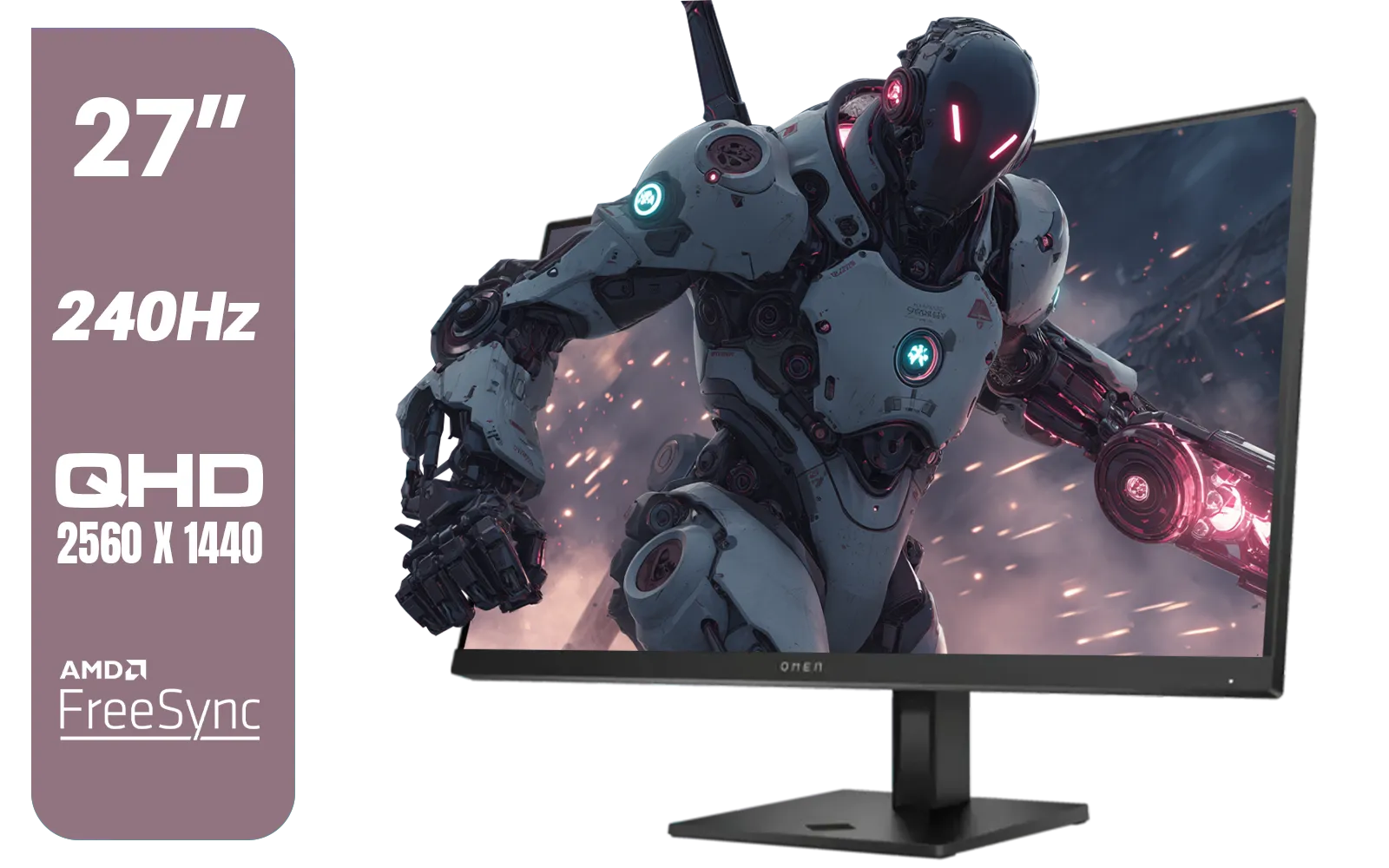
HP OMEN 27qs QHD 240Hz Gaming Monitor / QHD Resolution (2560 x 1440) / AMD FreeSync™ Premium / Eyesafe® certified / Height Adjustable Stand / Pivot Rotation Functionality / 780J4AS
R13499.00In Stock
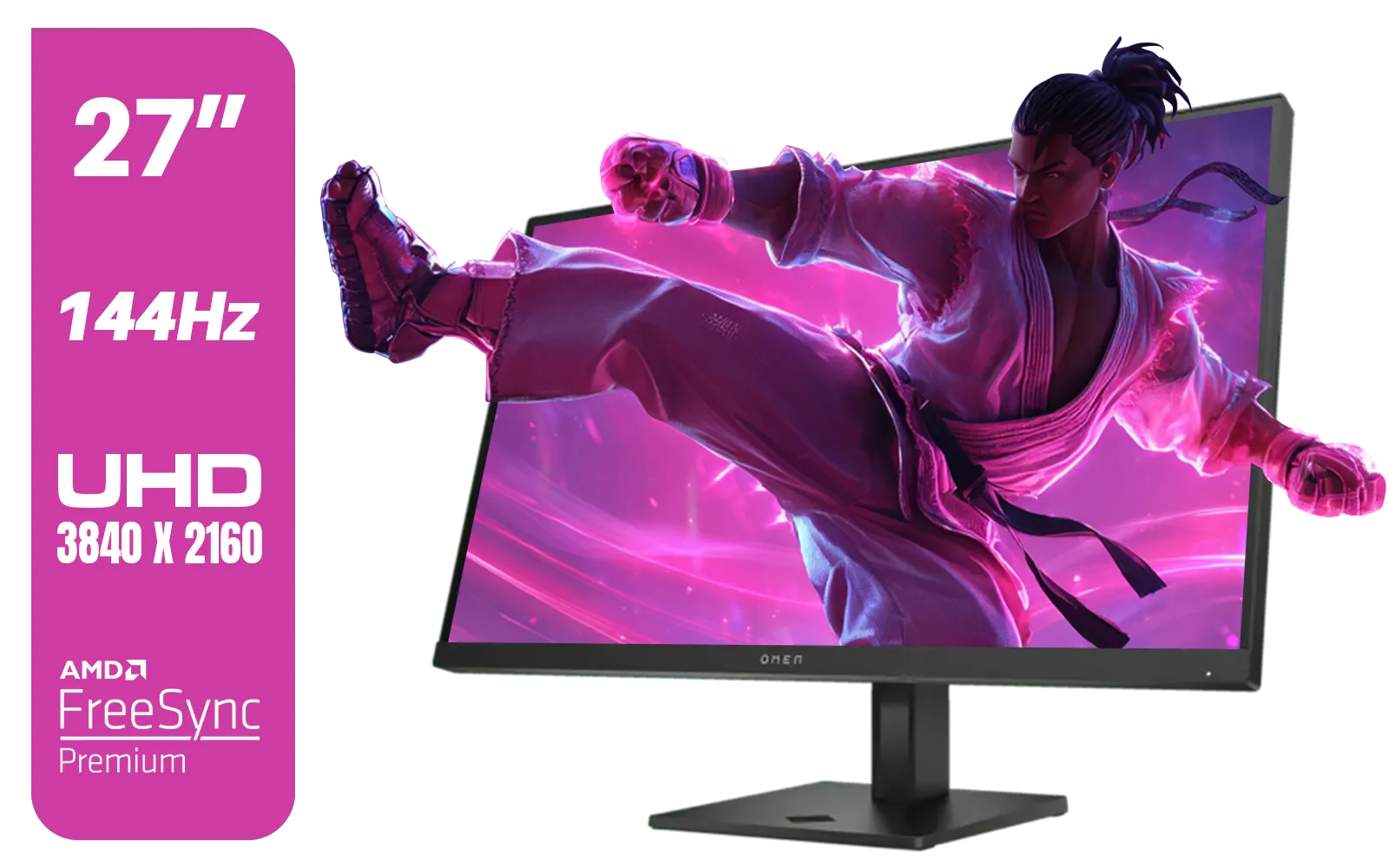
HP OMEN 27k UHD 144Hz Gaming Monitor - Black / 1ms / 27" 4K UHD (3840 x 2160) Anti-glare Display / AMD Freesync™ Premium / Integrated Speakers / Pivot Rotation and Height Adjustable / 780G8AS
R16499.00In Stock

AOC 22B2HN, 21.5 Inch (54.6 cm) LED 1920 x 1080 Pixels Ultra Slim Monitor with 3 Sided Frameless Design, Va Panel, Hdmi/Vga Port, Full Hd, 7 Ms Response Time, 75 Hz Refresh Rate, Flicker Free, Black / AOC-22B2HN
R2099.00In Stock
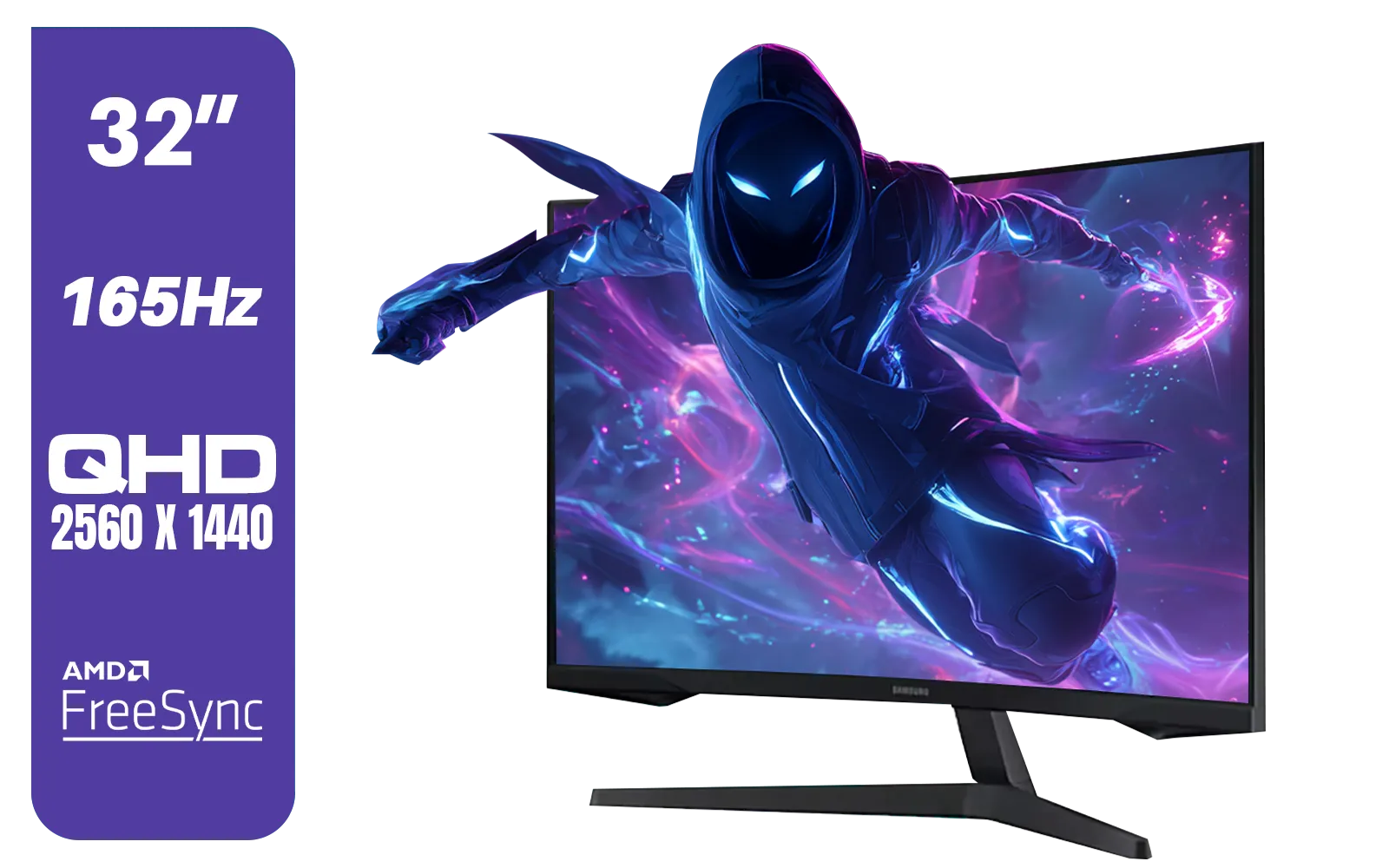
Samsung 32" Odyssey G55C QHD (2560 x 1440) Curved Gaming Monitor / 165Hz refresh rate & 1ms response time (MPRT) / 1000R Curved Screen / AMD FreeSync / LS32CG552EAXXA
R5999.00In Stock
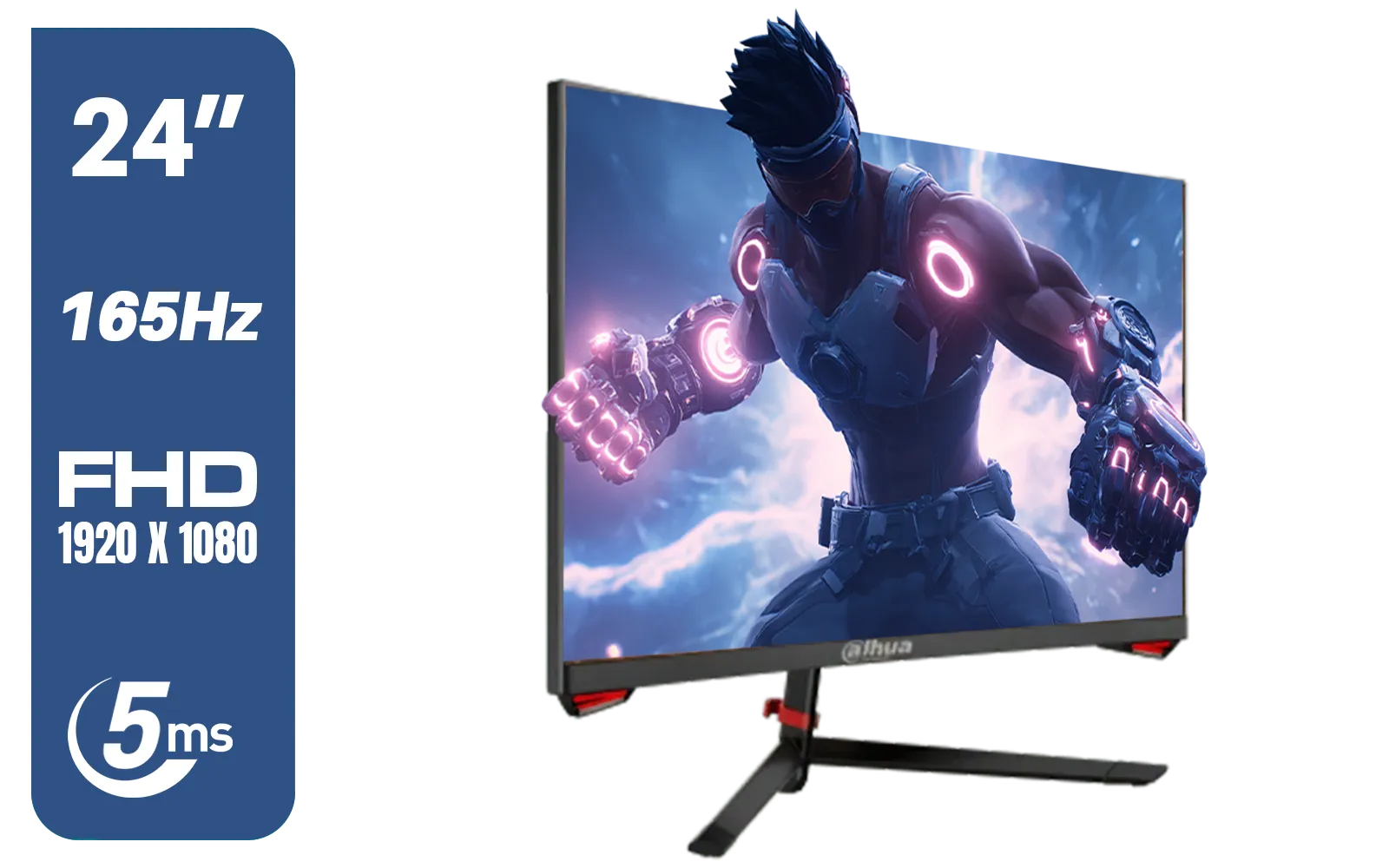
DAHUA LM24-E230C 24" FHD Gaming Monitor / Ultra-narrow Bezel / 165Hz / Adaptive sync / VA Panel / DHI-LM24-E230C
R2799.00In Stock
What's the Big Deal with Adaptive Sync Anyway?
Picture your graphics card (GPU) and your monitor as two musicians trying to play the same song. Your GPU renders frames as fast as it can, while your monitor refreshes its picture at a fixed rate (e.g., 144 times per second, or 144Hz).
When the GPU sends a new frame while the monitor is only halfway through drawing the last one, you get screen tearing—a nasty horizontal line across your display. Stuttering happens when the monitor is ready for a new frame, but the GPU hasn't finished rendering it yet.
Adaptive sync tech like FreeSync and G-Sync acts as the conductor, forcing the monitor to refresh exactly when the GPU sends a new frame. The result? Flawless, tear-free visuals. ✨

HP 527SW G5 FHD Gaming Monitor - White/Silver / 27" FHD (1920 x 1080) / IPS Panel / 1x HDMI 1.4, 1x VGA / Eye Ease with Eyesafe Certification / 94F46AS
R4499.00In Stock

LG UltraGear Gaming Monitor 27GS75Q, 27 inch, 1440p, 200Hz, 1ms GtG, IPS Display, HDR 10, NVIDIA G-Sync & AMD FreeSync compatible / 27GS75Q
R5999.00In Stock

HP 527SH G5 FHD Gaming Monitor - Black/Silver / 27" FHD (1920 x 1080) / IPS Panel / 1x HDMI 1.4, 1x VGA / Eye Ease with Eyesafe Certification / 94C50AS
R4799.00In Stock

HP 524SH G5 FHD Gaming Monitor - Black/Silver / 24" FHD (1920 x 1080) / IPS Panel / 1x HDMI 1.4, 1x VGA / Eye Ease with Eyesafe Certification / 94C19AS
R4299.00In Stock
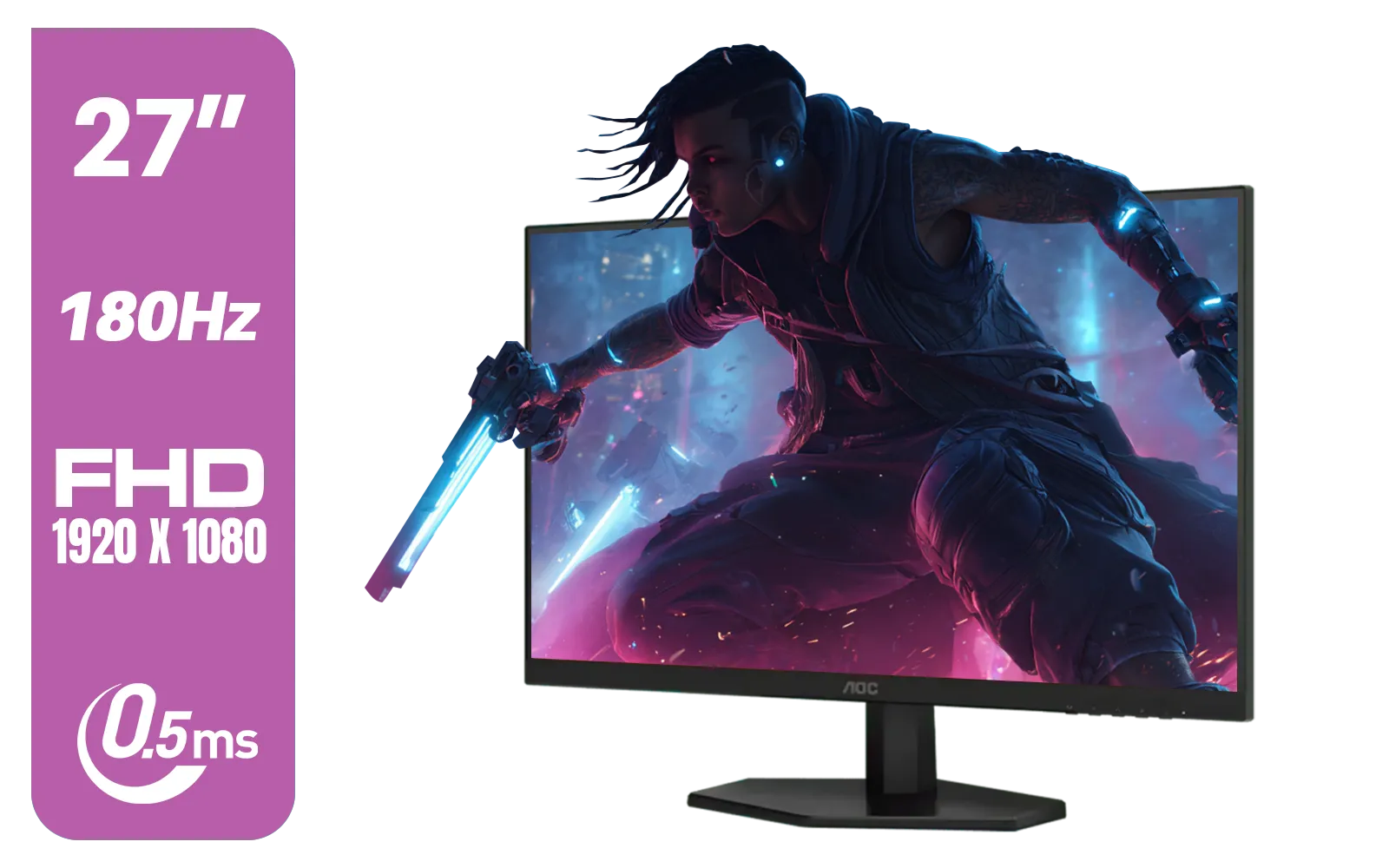
AOC 27G42E 27" 180Hz Ultra-Fast Gaming Monitor, 1920 × 1080 (FHD), 0.5ms, Fast IPS, Adaptive Sync, 3-Sided Frameless Design, Black / 27G42E
R3199.00In Stock
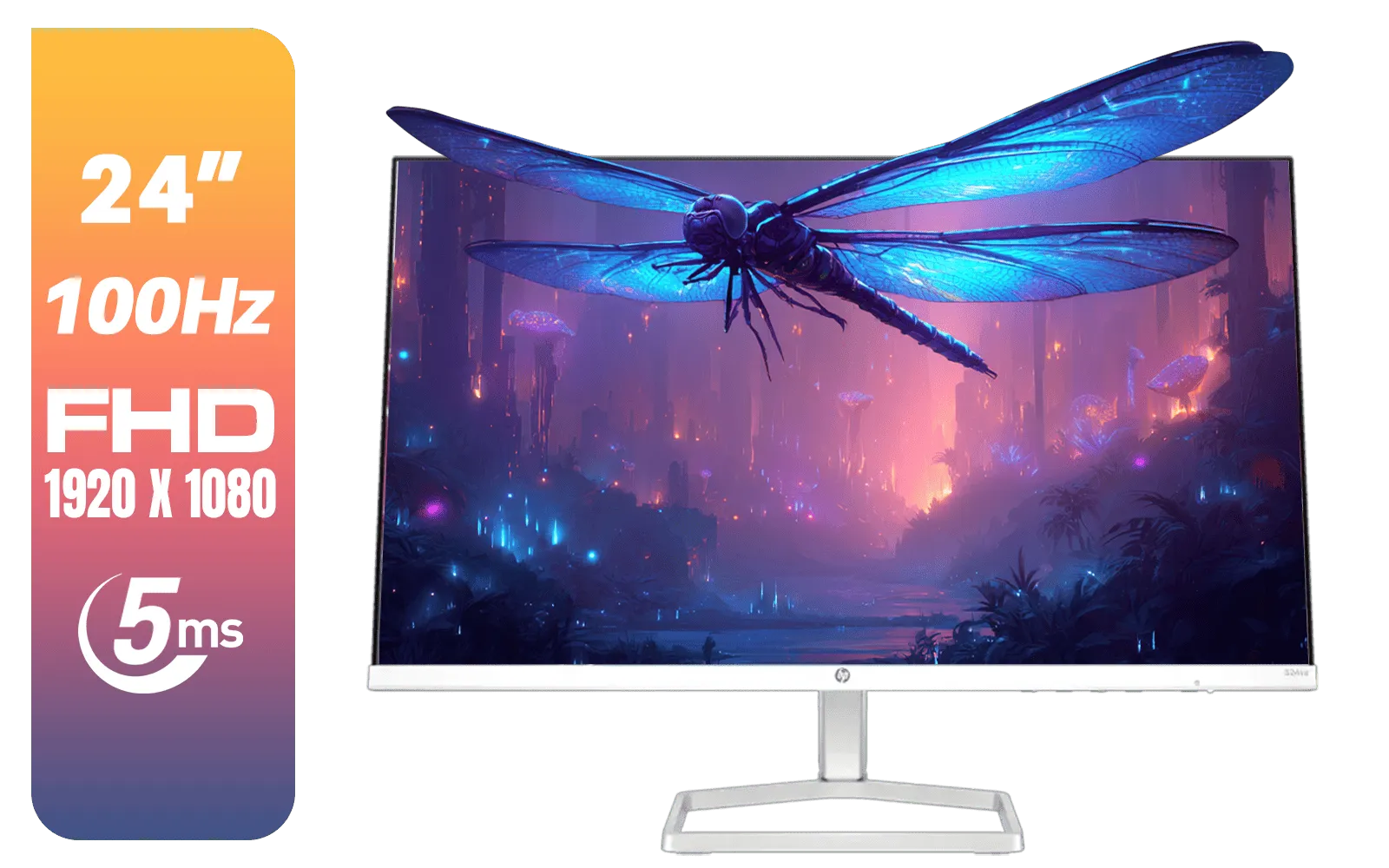
HP 524SA G5 FHD Gaming Monitor - White/Silver / 24" FHD (1920 x 1080) / IPS Panel / 1x HDMI 1.4, 1x VGA / Eye Ease with Eyesafe Certification / 94C36AS
R4199.00In Stock
NVIDIA G-Sync: The Premium, Hardware-Powered Approach
For years, NVIDIA's G-Sync was the gold standard. It uses a dedicated hardware module built directly into the monitor to manage the sync process. This proprietary chip ensures a premium, rigorously tested experience with minimal input lag and no visual artifacts.
This hardware-first approach means G-Sync monitors often come with a higher price tag, but you're paying for guaranteed performance. It's a top-tier choice, especially when you're investing in high-end stunning 4K monitors where every pixel counts.
There are different tiers, like G-Sync Ultimate, which adds HDR support and other high-end features, but the core principle remains the same: a dedicated chip for perfect sync.
AMD FreeSync: The Open-Standard Champion
On the other side of the ring is AMD's FreeSync. Instead of a special chip, FreeSync uses an open standard called VESA Adaptive-Sync, which is built into the DisplayPort 1.2a protocol. This means any monitor manufacturer can implement it without paying licensing fees to AMD.
What does that mean for you? More choice and better prices. 🚀
FreeSync has become incredibly popular, and you'll find it on a massive range of displays, from budget-friendly 1080p screens to massive, immersive curved monitors. Like G-Sync, it also has tiers (FreeSync, FreeSync Premium, and FreeSync Premium Pro) that certify different levels of performance, like low framerate compensation (LFC) and HDR capabilities.
Samsung 32" Odyssey G55C QHD (2560 x 1440) Curved Gaming Monitor / 165Hz refresh rate & 1ms response time (MPRT) / 1000R Curved Screen / AMD FreeSync / LS32CG552EAXXA
R5999.00In Stock
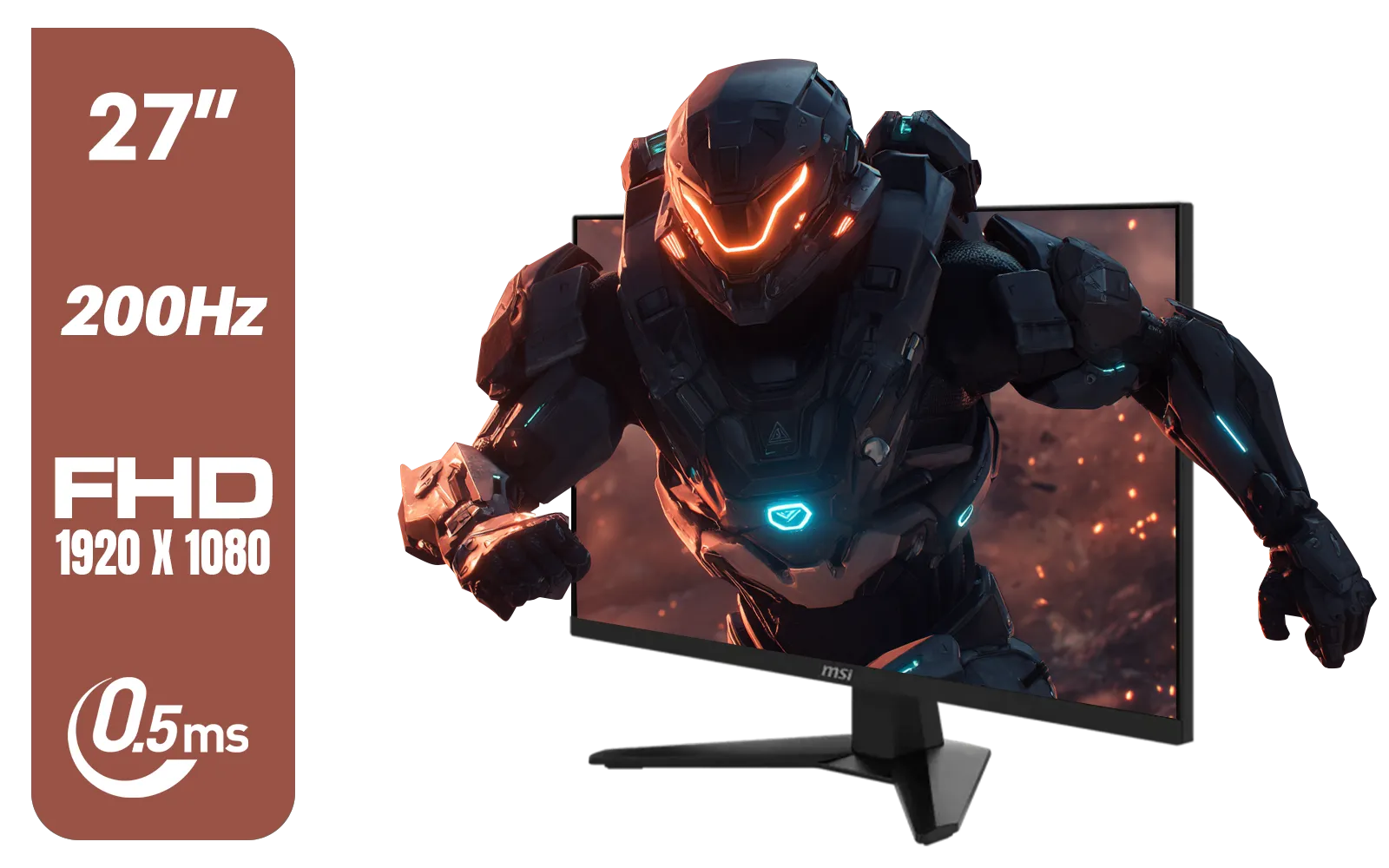
MSI MAG 274F 27" FHD (1920 x 1080) Monitor / 200Hz Refresh Rate / Rapid IPS Panel / 0.5ms Response Time / AI Vision Enhances Brightness, Colors / 9S6-3CE41H-062
R3699.00In Stock
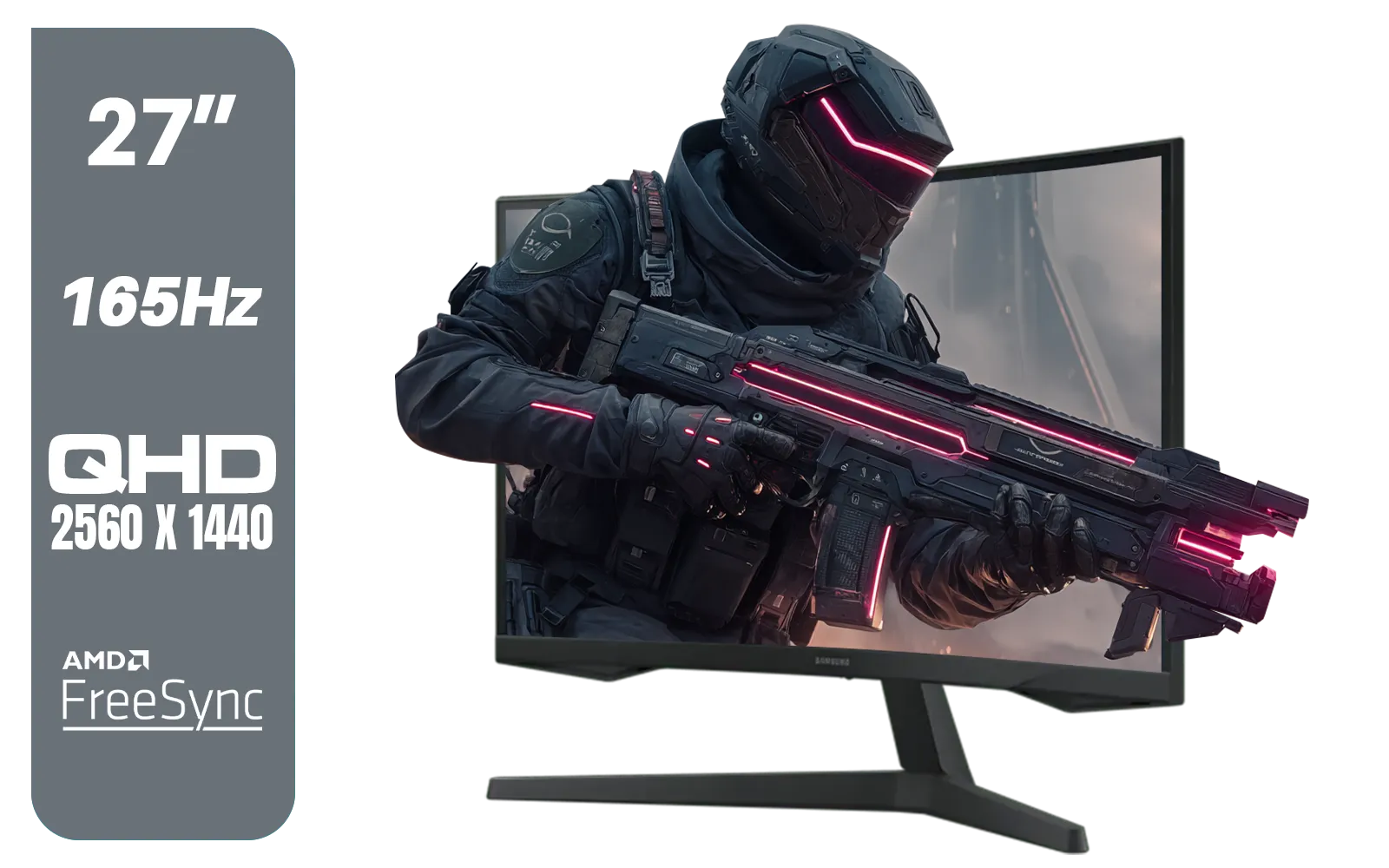
Samsung Odyssey G55C 27″ Curved Gaming Monitor / QHD resolution / 1000R curvature / 165Hz refresh rate / 1ms response time / AMD FreeSync / LS27CG552EAXXA
R4999.00In Stock
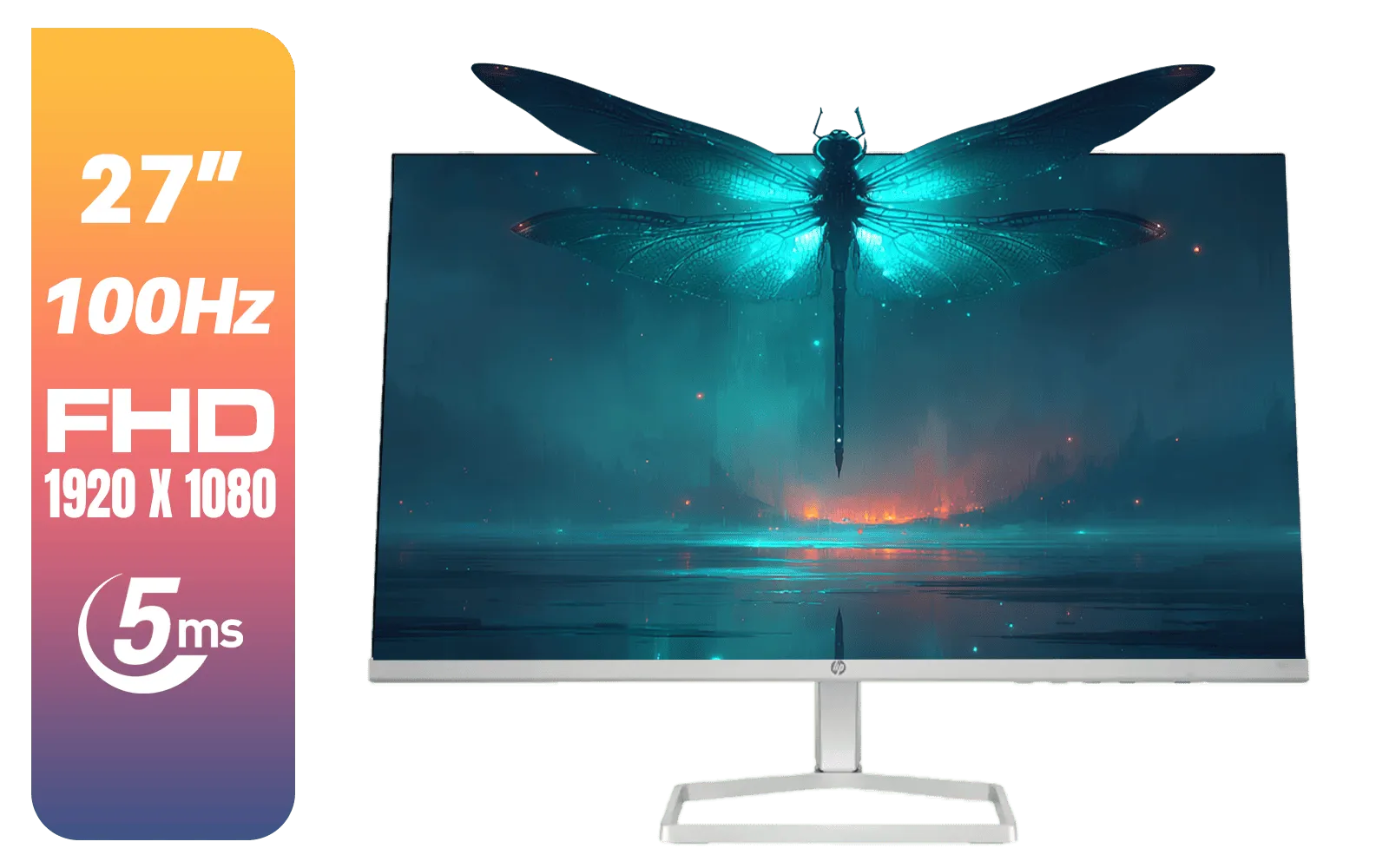
HP 527SF G5 FHD Gaming Monitor - Black/Silver / 27" FHD (1920 x 1080) / Anti-glare / 1x HDMI 1.4, 1x VGA / -5 to +25 degrees Adjustable Tilt / 94F44AS
R4499.00In Stock
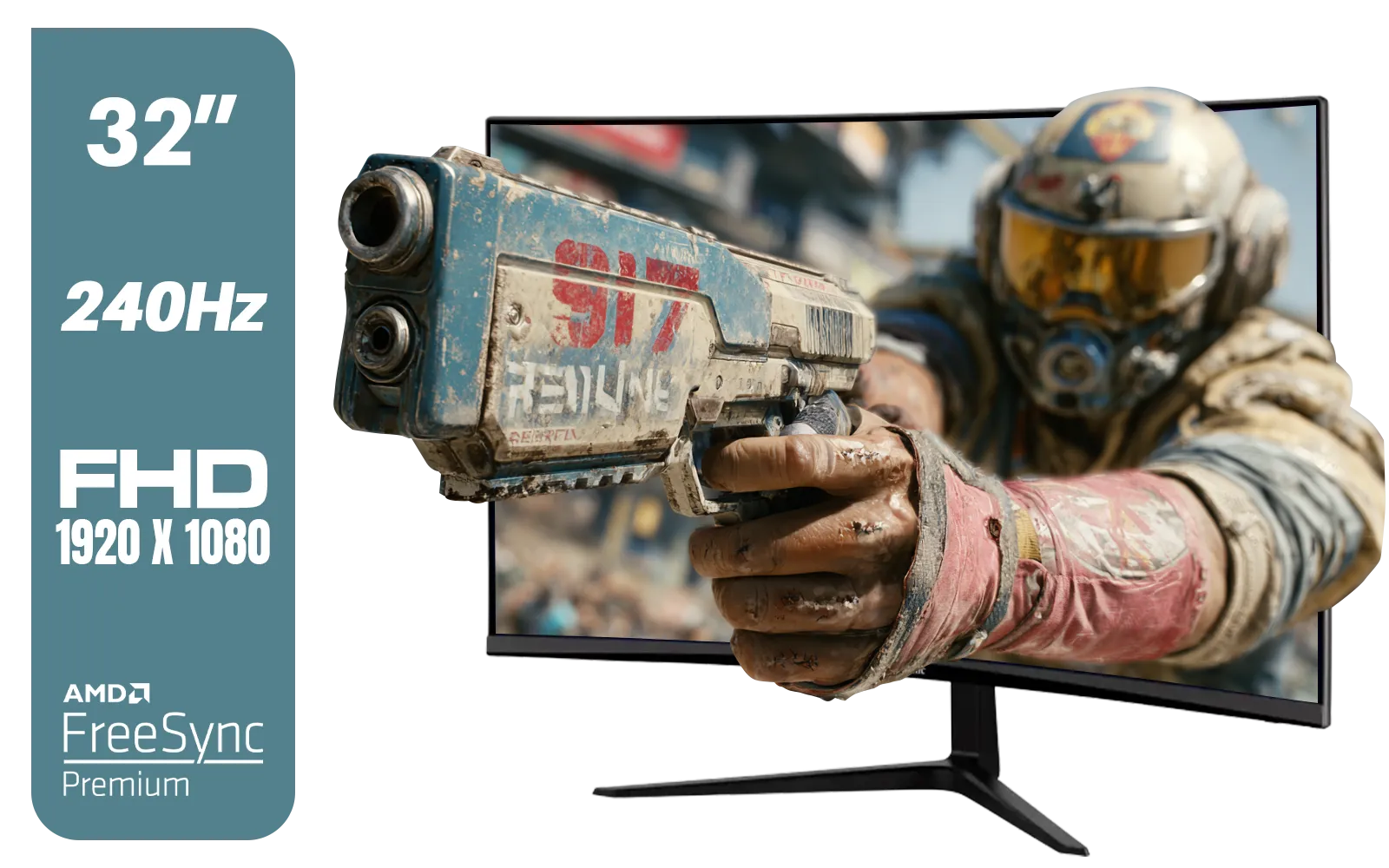
ViewSonic VX3219 32" Curved Gaming Monitor / Full HD (1920 x 1080) / 240Hz Refresh Rate / 1ms MPRT Response Time / Adaptive Sync Prevents Screen Tearing / 1500R Curve Ultimate Immersion / VX3219-PC-MHD-SN
R4899.00In Stock
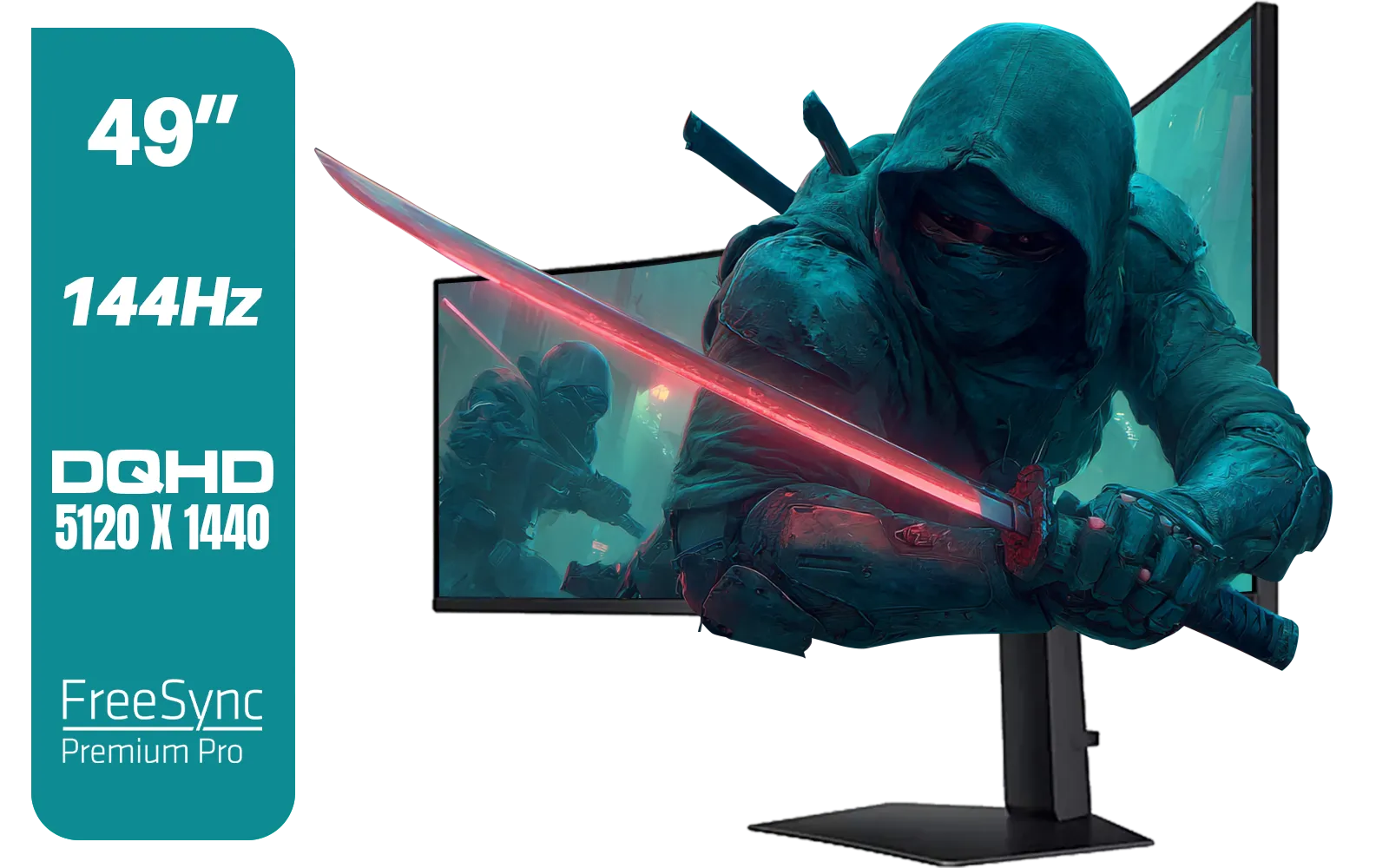
SAMSUNG Odyssey G9 Gaming 49" Monitor / DQHD (5120 x 1440) / 144Hz / GtG 1ms / FreeSync Premium Pro / LS49FG910EUXEN
R30899.00In Stock
The Bridge: Understanding G-Sync Compatibility
For a long time, the choice was simple: NVIDIA GPU? You needed a G-Sync monitor. AMD GPU? You needed a FreeSync monitor. But that's all changed, and this is where the FreeSync vs G-Sync Compatibility discussion gets interesting.
NVIDIA realised it was missing out and created the "G-Sync Compatible" program. Essentially, NVIDIA tests and certifies high-quality FreeSync monitors that deliver a great adaptive sync experience with their GeForce graphics cards. A G-Sync Compatible monitor is a FreeSync monitor that has passed NVIDIA's strict tests.
This is brilliant news for gamers. It means if you have an NVIDIA card, you're no longer locked into the more expensive G-Sync ecosystem. You can now choose from a huge selection of excellent and affordable PC monitors that are certified to work flawlessly.
TIP FOR YOU
Pro Tip: Enabling G-Sync Compatibility 🔧
If you have a G-Sync Compatible (FreeSync) monitor and an NVIDIA GPU (10-series or newer), you might need to enable it manually. Make sure you're connected via DisplayPort. Then, open the NVIDIA Control Panel, go to "Set up G-SYNC," check the "Enable G-SYNC, G-SYNC Compatible" box, and select your monitor. Finally, check "Enable settings for the selected display model" and hit Apply.
So, Which One is Right for Your Rig?
Let’s cut through the noise. The choice boils down to your graphics card and your budget.
- If you have an AMD Radeon GPU: Your choice is simple—you'll be looking for a FreeSync monitor.
- If you have an NVIDIA GeForce GPU: You have options! You can go for a premium G-Sync monitor with its dedicated hardware, or you can get incredible value and performance from a G-Sync Compatible monitor.
For most South African gamers with NVIDIA cards, a G-Sync Compatible monitor hits the sweet spot, offering a tear-free experience without the premium price. This frees up some cash for other critical parts of your setup, like a solid mechanical keyboard or some essential monitor accessories to perfect your battle station. You can browse our full range of gaming monitors to see just how many G-Sync Compatible options are available. Even some modern portable monitors now feature adaptive sync for gaming on the go.
ViewSonic VX3219 32" Curved Gaming Monitor / Full HD (1920 x 1080) / 240Hz Refresh Rate / 1ms MPRT Response Time / Adaptive Sync Prevents Screen Tearing / 1500R Curve Ultimate Immersion / VX3219-PC-MHD-SN
R4899.00In Stock
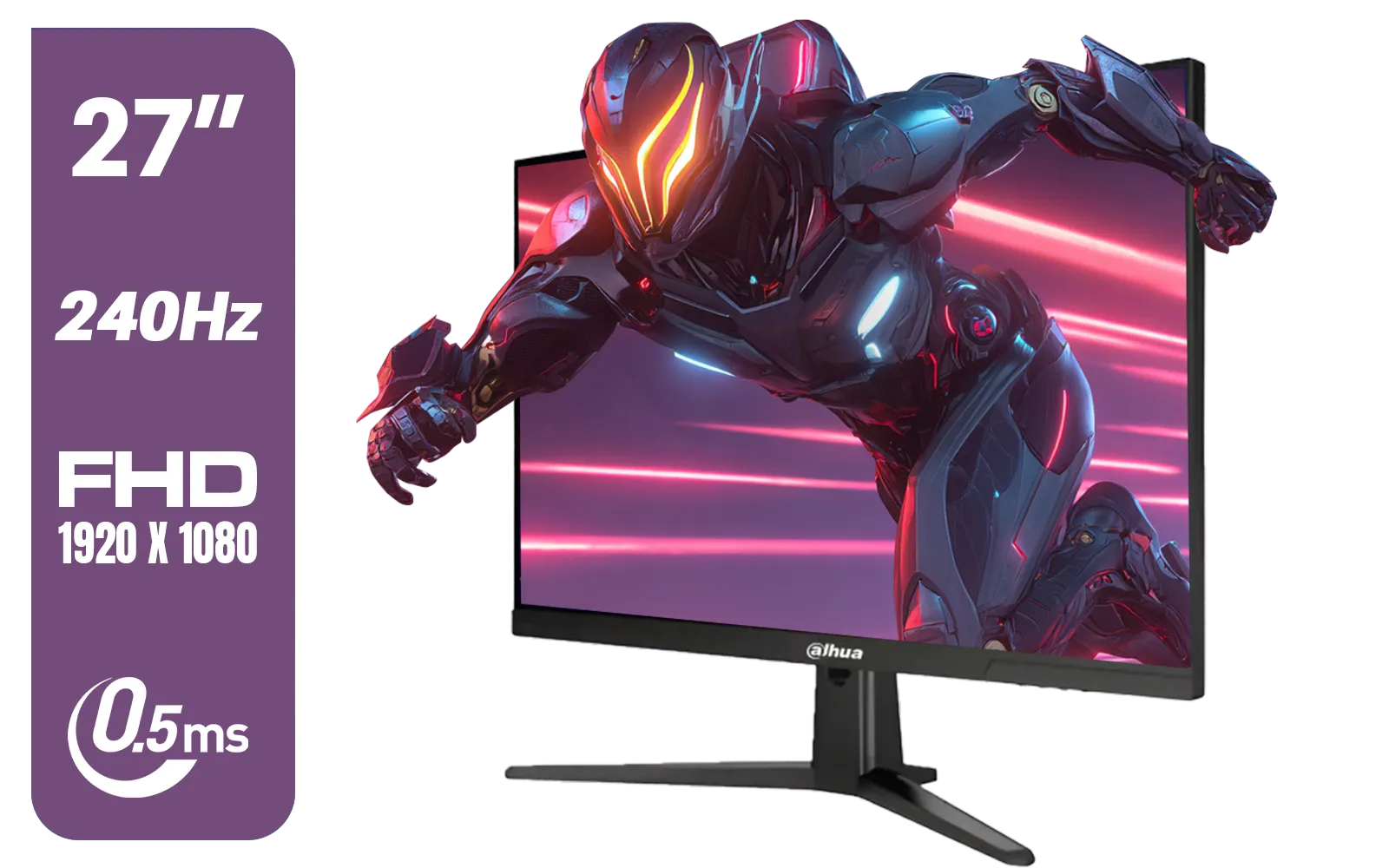
Dahua LM27-E241B 27" Gaming Monitor / FHD 1920 x 1080 / 240Hz Refresh Rate / 0.5ms Response Time / DHI-LM27-E241B
R2499.00In Stock
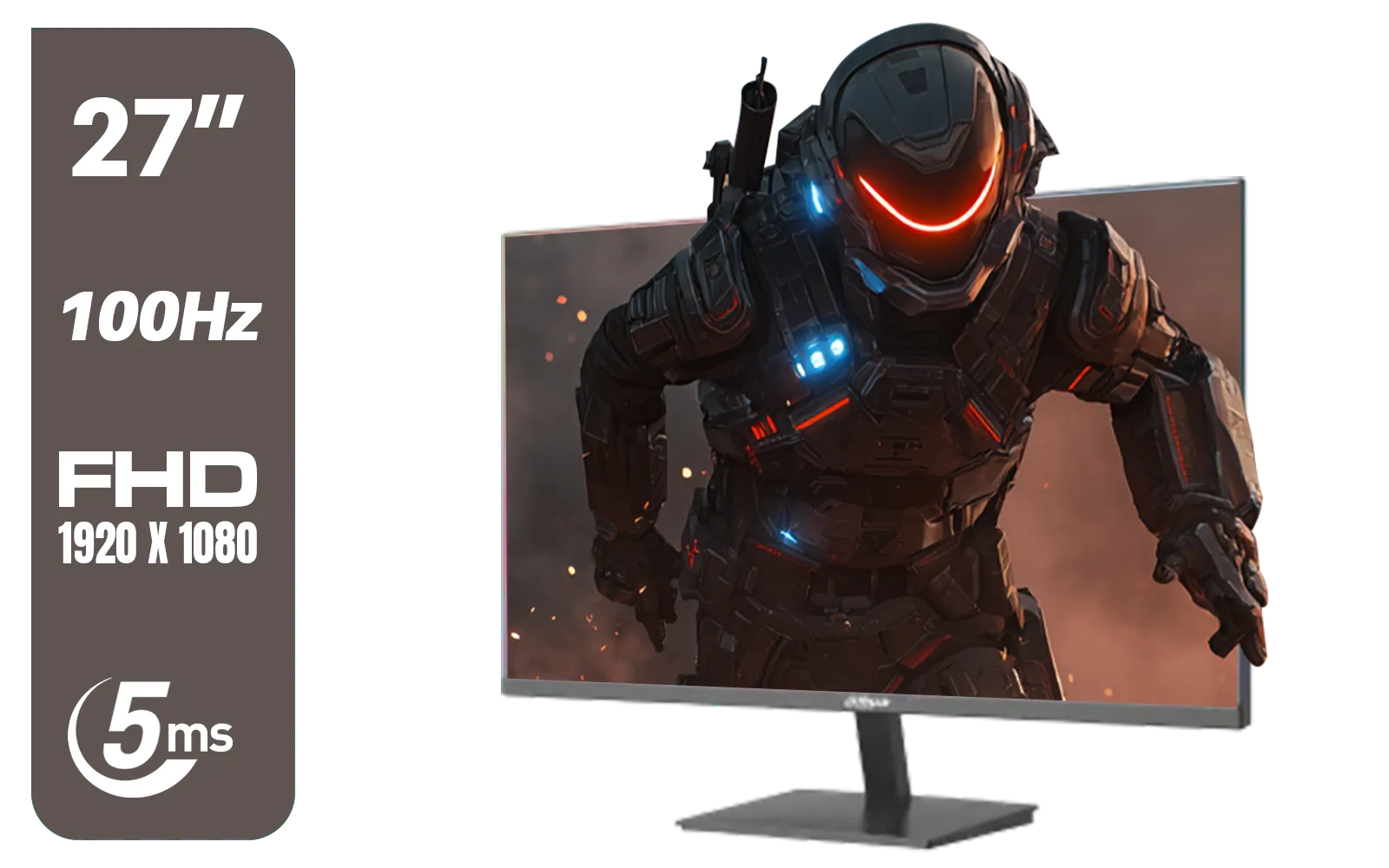
DAHUA DHI-LM27-A201X 27" LED Monitor / Ultra-narrow bezel / IPS Level-Display / 5ms Response Time / FHD 1920x1080 / 100Hz Refresh Rate / Low Blue Light / DHI-LM27-A201X
R2399.00In Stock
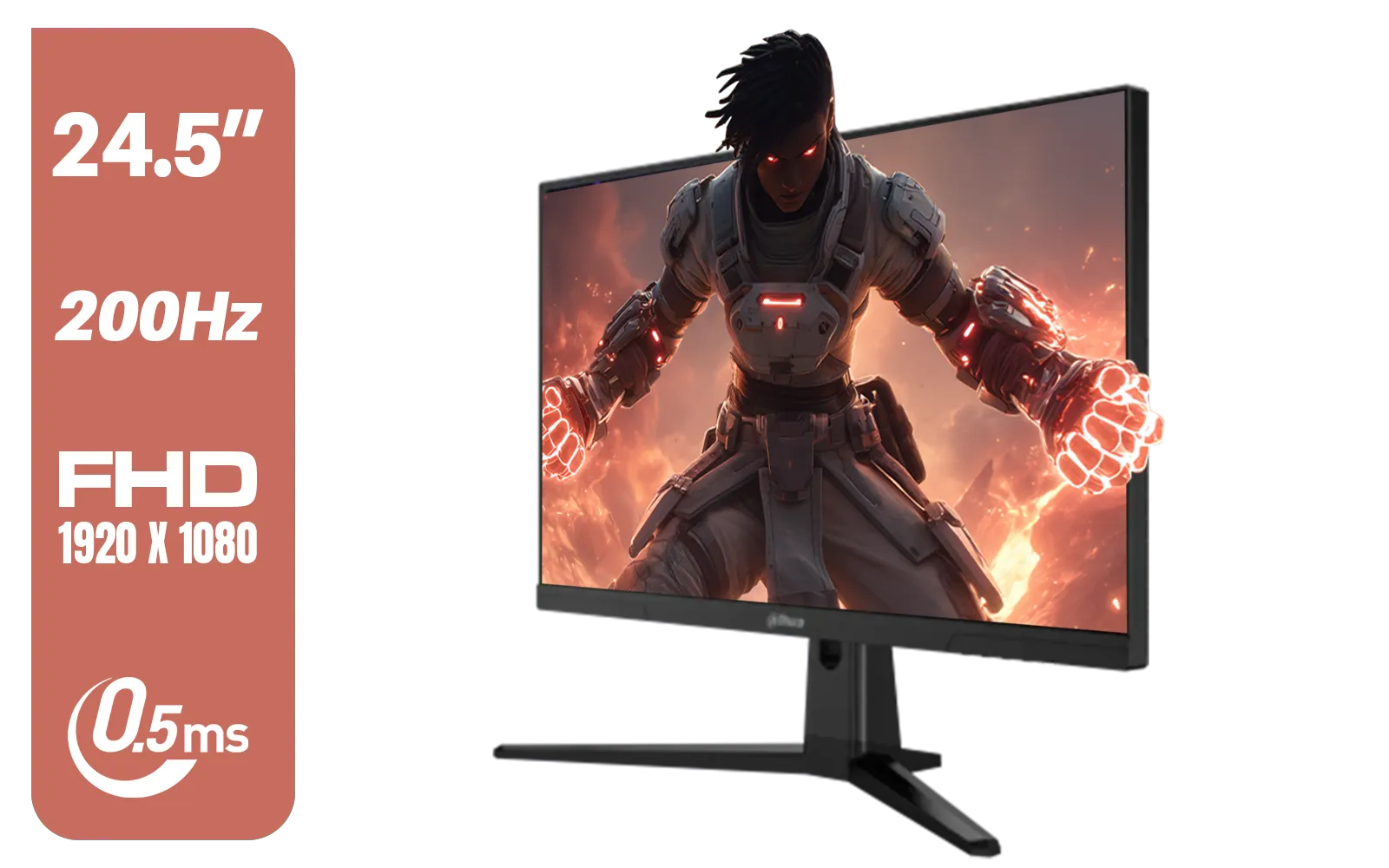
Dahua LM25-E231BN 24.5" Monitor / FHD 1920 x 1080 / 200Hz Refresh Rate / 0.5ms Response Time / DHI-LM25-E231BN
R2199.00In Stock

Dahua 27" QHD Gaming Monitor - E331 / 1000:1 Contrast ratio / 16.7M Colors / 2560x1440 / 180Hz Refresh Rate / 1ms Response Time / DHI-LM27-E331
R3199.00In Stock

VIEWSONIC TD1630-3 15.6" 10-Pont Touch Screen Monitor / HD 768p Resolution / Projected Capacitive Touch / HDMI & VGA Inputs / Dual Integrated Speakers / Durable Scratch-Resistant Screen / TD1630-3
R4499.00In Stock
The Final Verdict: Do You Need Both Technologies?
No, you absolutely do not need both. You only need one technology that is compatible with your graphics card.
The real takeaway from the FreeSync vs G-Sync Compatibility debate isn't about which is technically "better," but about the freedom of choice you now have. G-Sync Compatibility has blurred the lines, creating a competitive market that benefits every single gamer. You can now build a top-tier, stutter-free gaming rig that perfectly matches your budget and performance needs.
Ready for a Tear-Free Gaming Future? The world of adaptive sync is easier to navigate than ever. Now that you know what to look for, you can find the perfect display to match your GPU and your budget. Explore our massive range of gaming monitors and find the perfect screen to conquer your world.
Related Products
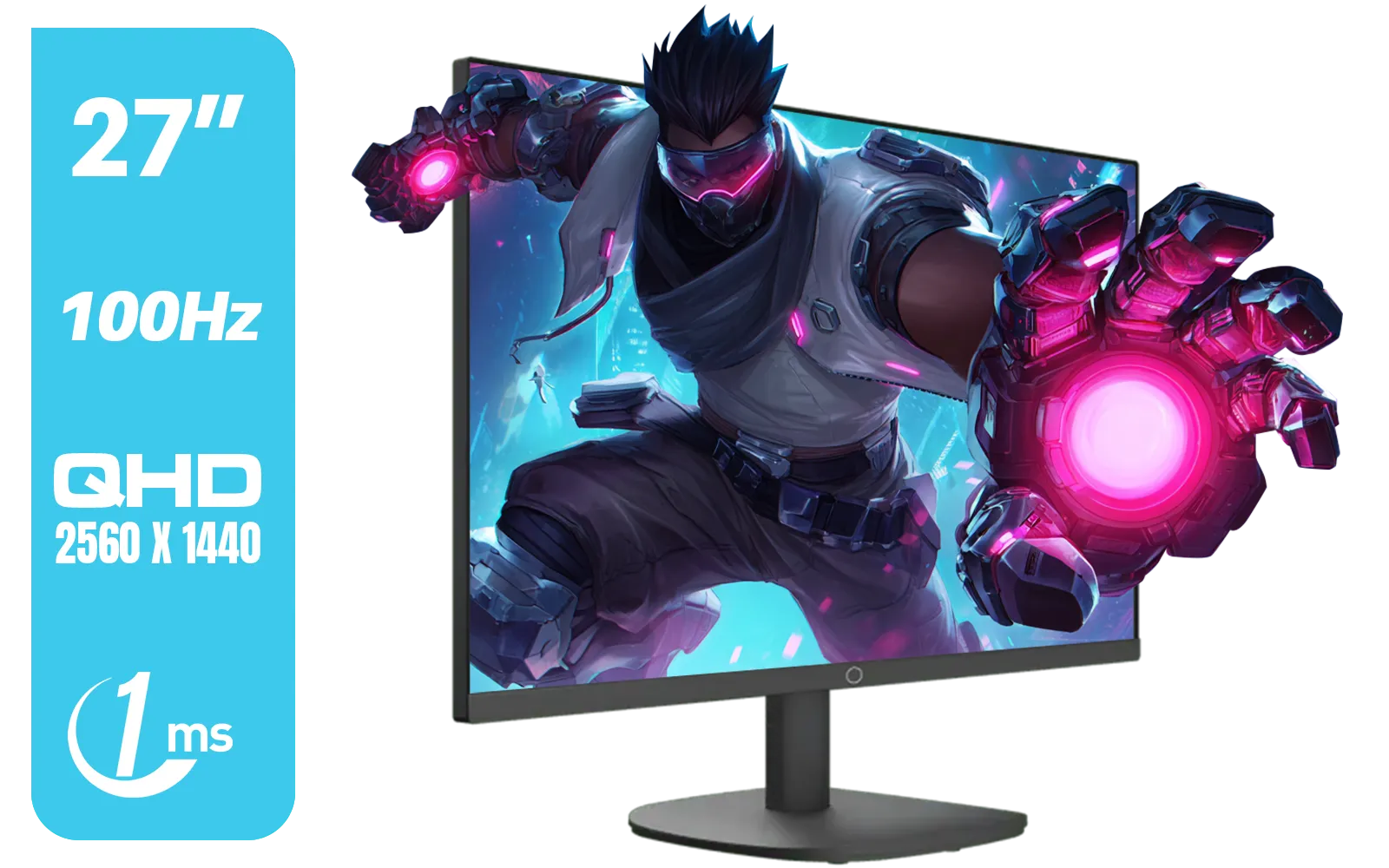
Cooler Master GA2711 27" IPS Gaming Monitor / 2K QHD 2560 x 1440 / 100Hz Refresh Rate / 1ms Response Time / HDR10 / CMI-GA2711-UK
R2999.00In Stock
Dahua LM25-E231BN 24.5" Monitor / FHD 1920 x 1080 / 200Hz Refresh Rate / 0.5ms Response Time / DHI-LM25-E231BN
R2199.00In Stock
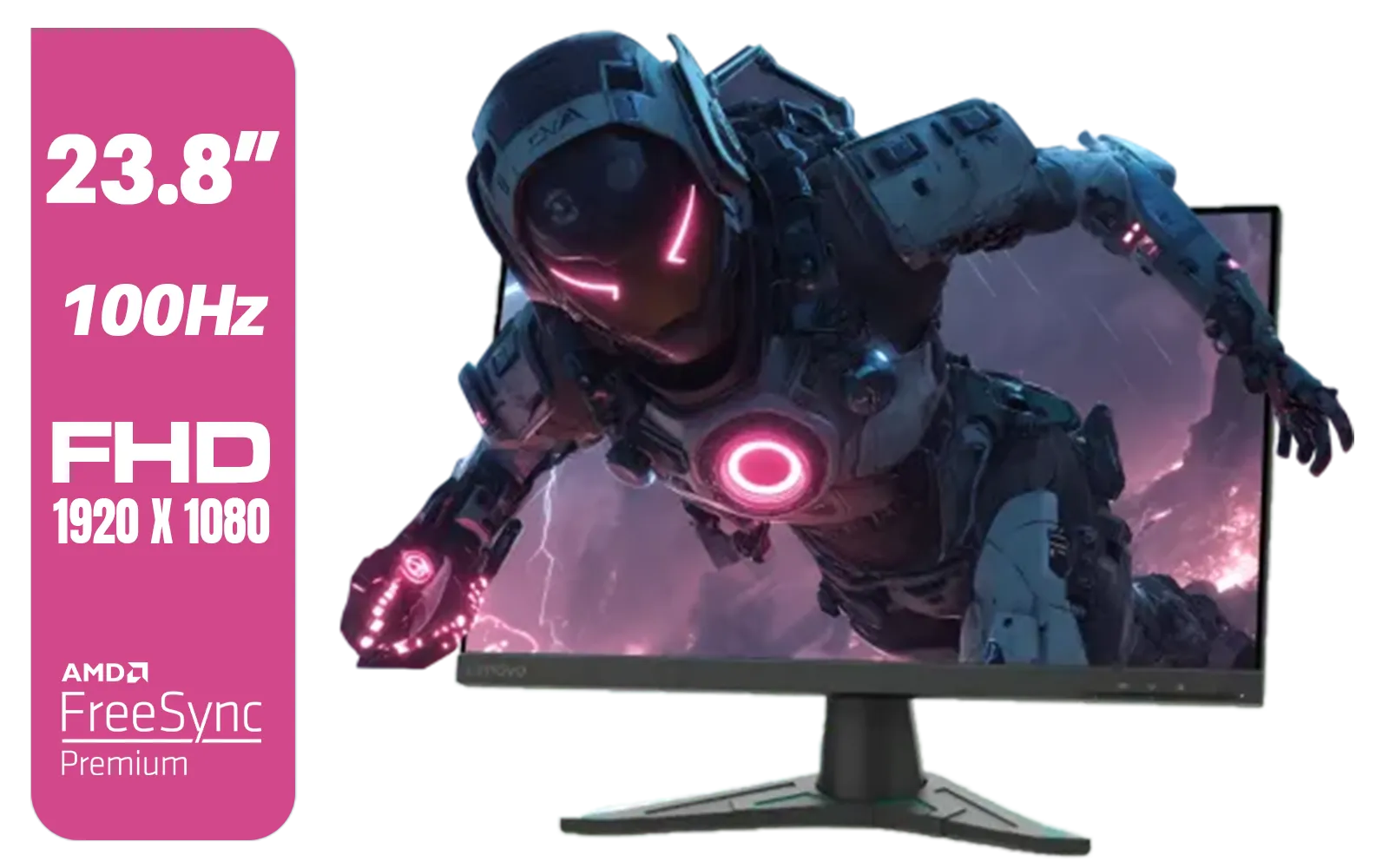
Lenovo G24e-20 23.8" 100Hz FHD WLED Gaming LCD Monitor - 16:9 - Black / 66D7GAR1SA
R1999.00In Stock
HP OMEN 27qs QHD 240Hz Gaming Monitor / QHD Resolution (2560 x 1440) / AMD FreeSync™ Premium / Eyesafe® certified / Height Adjustable Stand / Pivot Rotation Functionality / 780J4AS
R13499.00In Stock
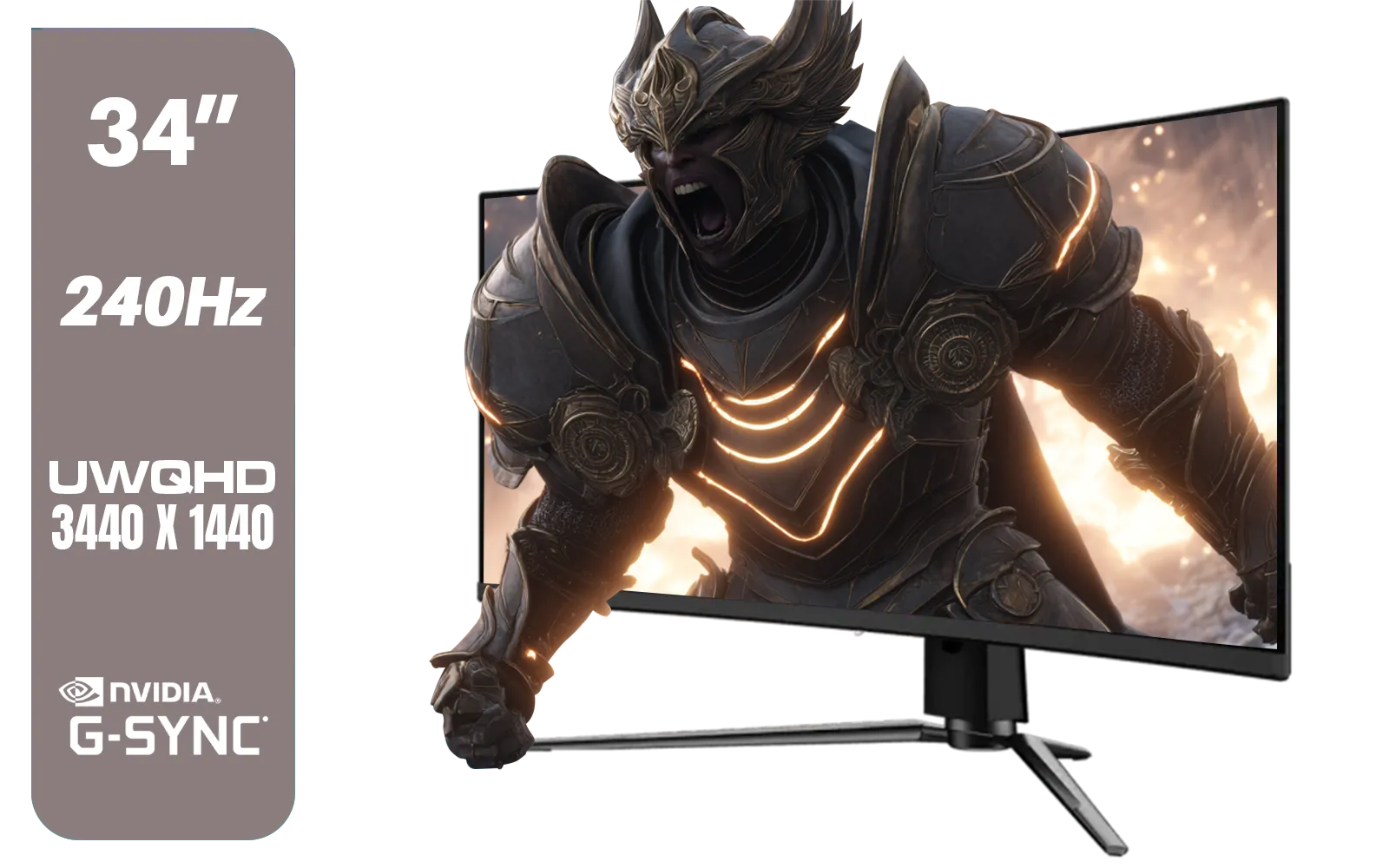
MSI MPG 341CQPX 34" 3440 x 1440 (UWQHD) Gaming Monitor / 240Hz Refresh Rate / 0.03ms Response Time / QD-OLED Panel / G-Sync Compatible / HDR True Black 400 / 9S6-3DD04T-041
R19999.00In Stock
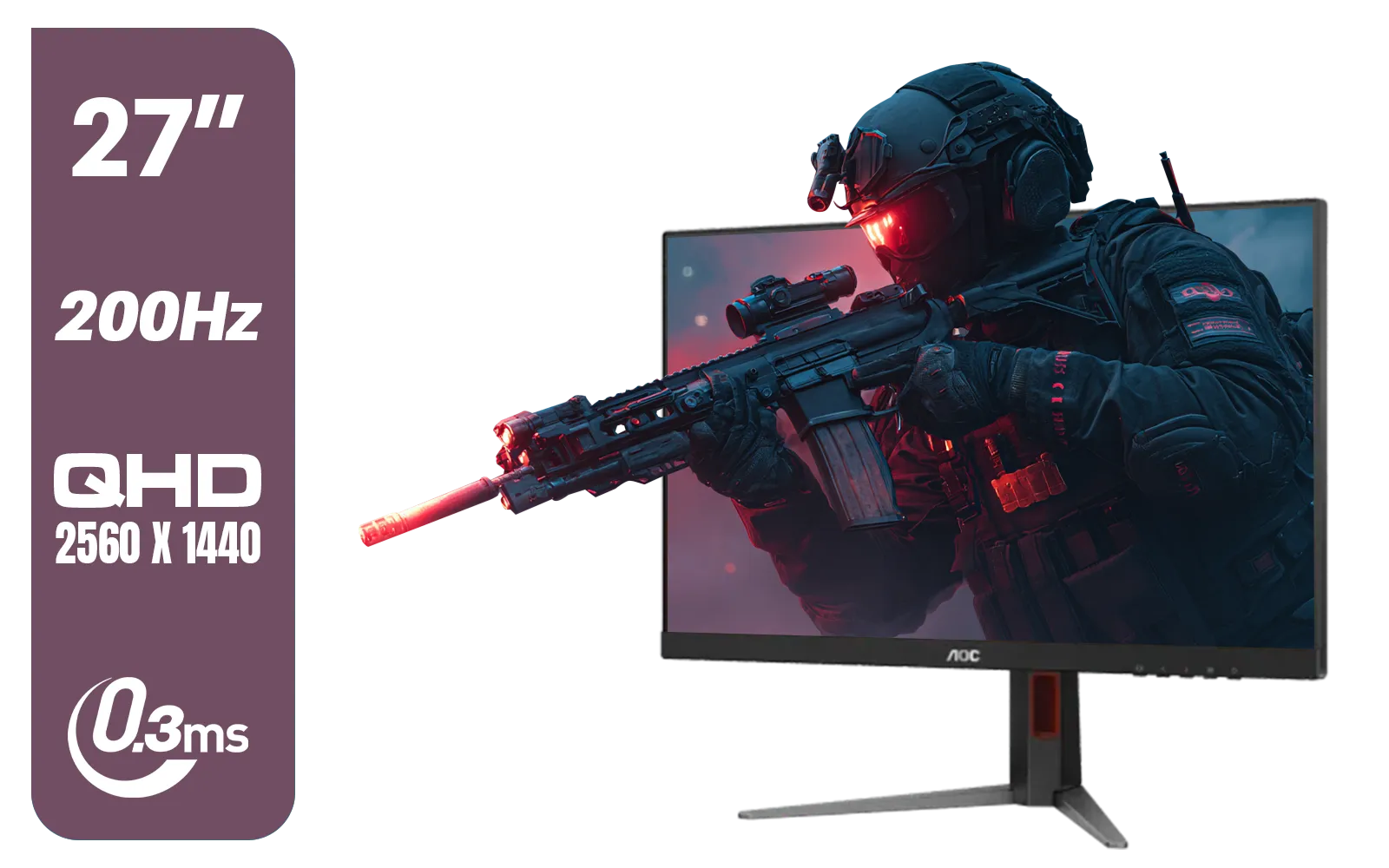
AOC Q27G4/D 27" Gaming Monitor / QHD (2560 × 1440) / 200Hz Refresh Rate / 0.3ms Response Time / IPS-Level Display / Certified HDR400 / Support Adaptive Sync / Q27G4/D
R3899.00In Stock
Yes, most modern FreeSync monitors are G-Sync Compatible via DisplayPort on NVIDIA GTX 10-series or newer GPUs.
Not necessarily. A G-Sync Compatible FreeSync monitor offers similar tear-free performance at a significantly lower price point.
G-Sync traditionally uses proprietary NVIDIA hardware for premium control, while FreeSync is an open standard based on VESA Adaptive Sync.
G-Sync Ultimate generally offers tighter quality control and high-end HDR, but FreeSync Premium Pro is very competitive and often more affordable.
Generally no. G-Sync Compatibility on FreeSync monitors usually requires a DisplayPort connection, whereas HDMI 2.1 supports generic VRR.
Adaptive Sync is the VESA standard that allows the monitor's refresh rate to sync dynamically with the GPU's frame rate to eliminate screen tearing.