



Best Mechanical Keyboards for Typing & Gaming
🚀 Unlock elite typing accuracy with our 2024 guide to mechanical keyboards. Discover gaming-grade builds that boost productivity and comfort. #1 choice for hybrid workers.
|
Loading tags...
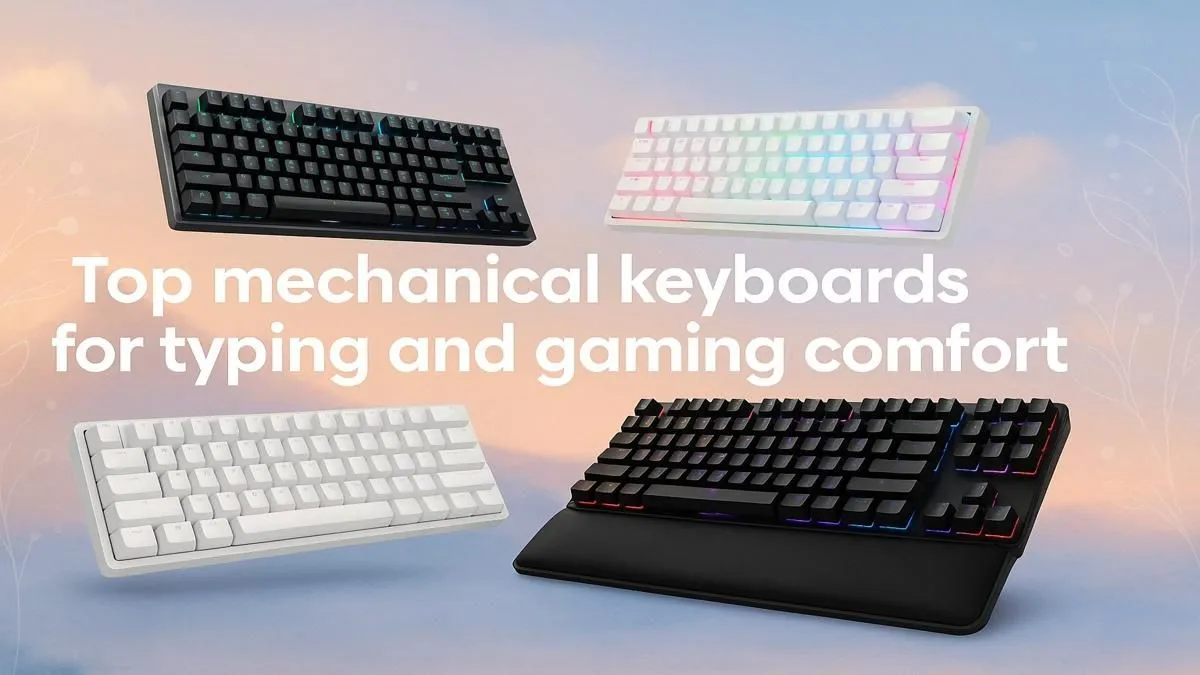
Best Mechanical Keyboards for Typing & Gaming in South Africa
Tired of your keyboard holding you back in both emails and Apex Legends? Whether you're typing out reports or calling shots mid-clutch, your keys should keep up. 🧠 South African gamers and power users alike are switching to mechanical keyboards for the perfect blend of tactile feedback, speed, and long-term comfort. Let’s unpack the best picks that balance both work and play.
Why Mechanical Keyboards Are Ideal for Gaming and Typing
Most membrane keyboards feel soft and slow. Mechanical keyboards, on the other hand, give you faster response, longer durability, and switch options tailored to your needs.
- Typists love tactile switches for their precise, bumpy feedback.
- Gamers tend to lean toward linear switches for ultra-fast actuation.
- Hybrids? They want a board that can seamlessly handle both.
Mechanical keyboards also reduce fatigue—perfect for long grind sessions or those days you’re hammering out spreadsheets at home. And you don’t need to spend a fortune to upgrade. There are excellent mechanical keyboard options under R2,500 on the SA market right now—check out these budget-friendly deals.

Steelseries APEX 5 Mechanical Gaming Keyboard - Hybrid Mechanical RGB Switches / OLED Smart Display / Dynamic Per-Key RGB Illumination / Premium Magnetic Wrist Rest / Dedicated Multimedia Controls / Three-Way Cable Routing / 64532-SN
R1699.00In Stock

Gamdias Hermes E3 Gaming Keyboard Brown Switch--Black / GAMDIAS Certified Mechanical Switches / 61Key Mechanical Keyboard / Ergonomic design / HERMES-E3-BRN
R129.00In Stock
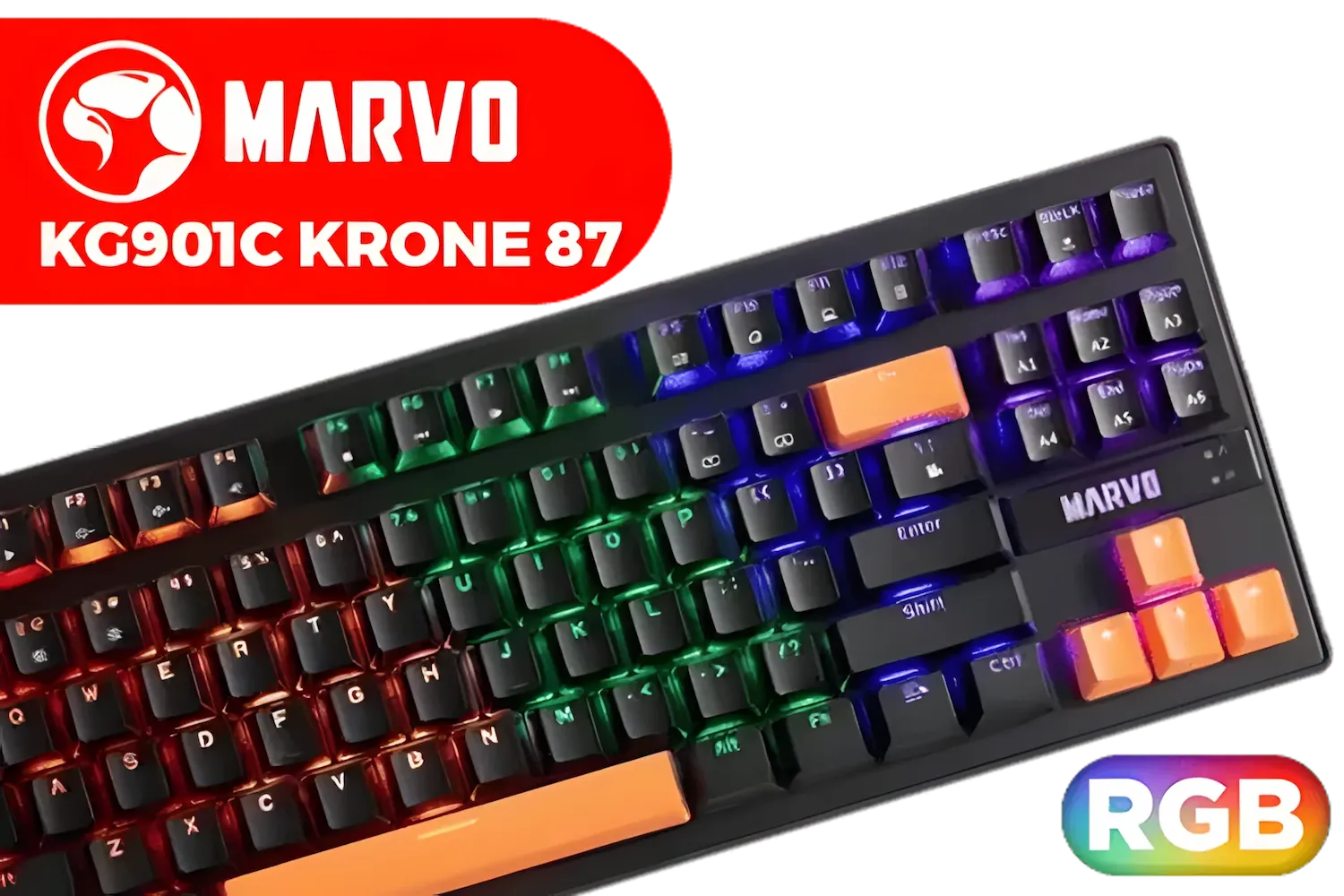
MARVO KG901C Krone 87 Mechanical Gaming Keyboard - Blue Switch / Switch rating: 50 million presses / Backlight: 21 kinds of backlight / Anti-ghosting Support / KG901C
R299.00In Stock
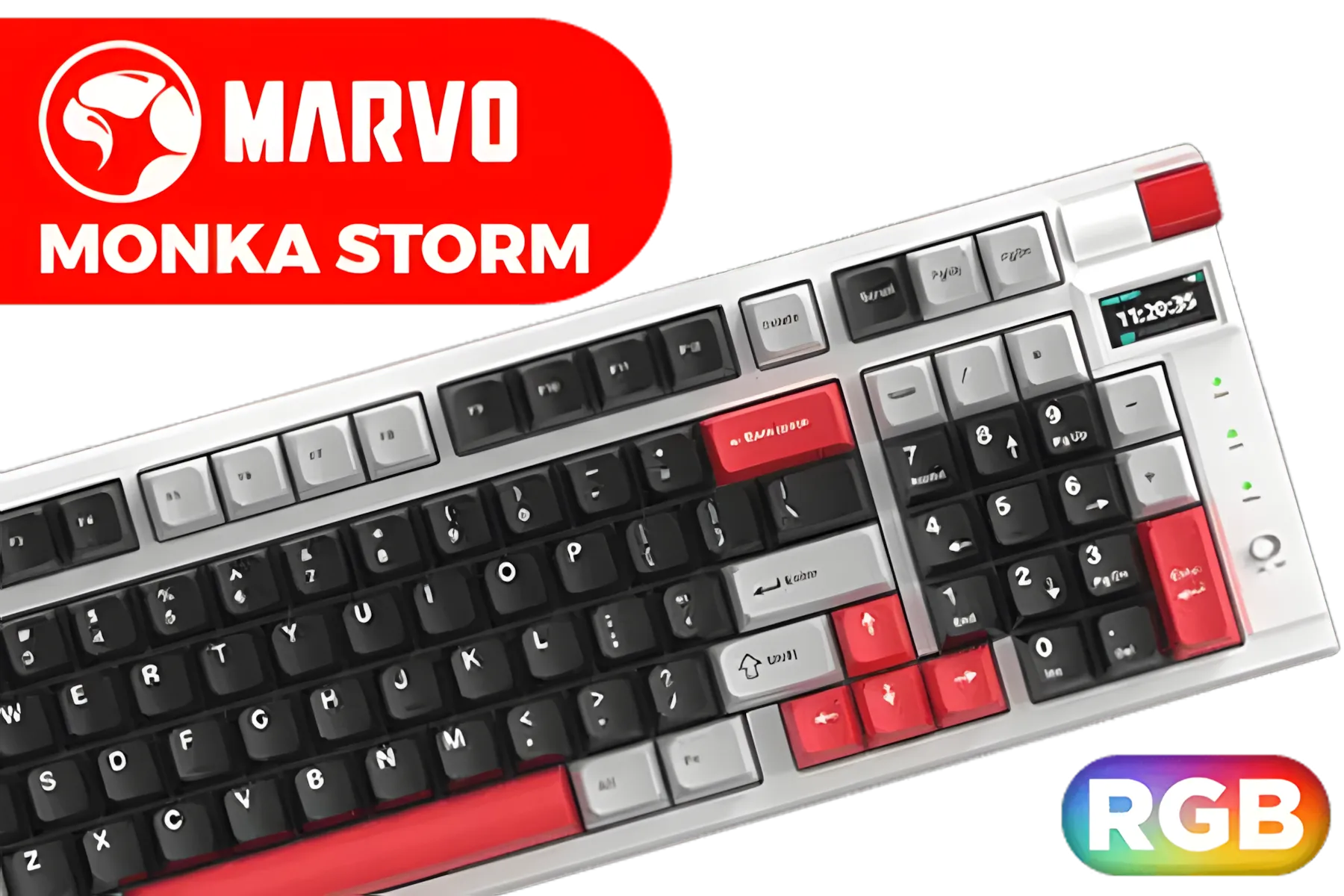
Marvo KG991W Monka Storm mechanical keyboard / 4000mAh Large Battery / RGB Backlight / 98% Layout / Hot Swappable / KG991W
R699.00In Stock
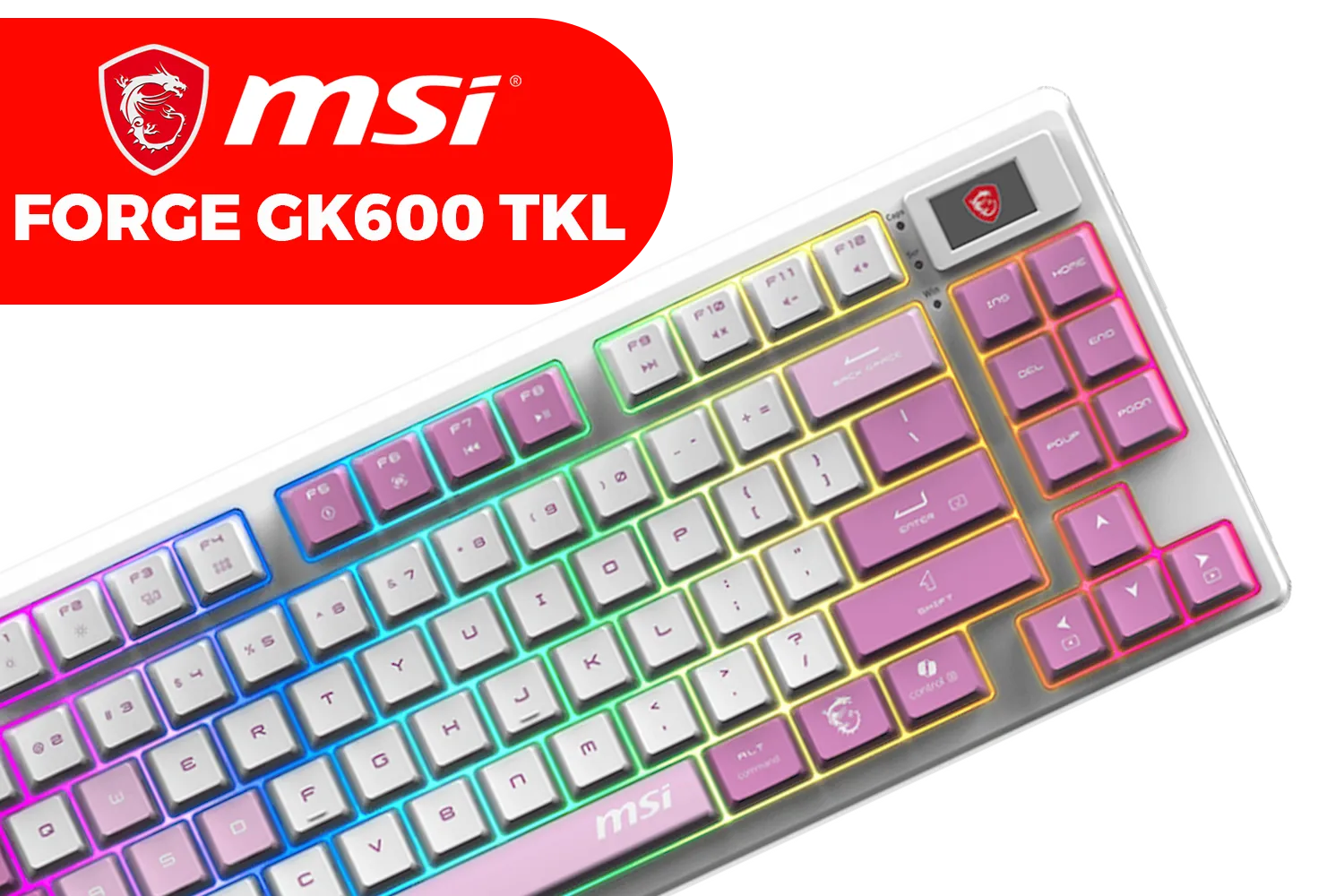
MSI Forge GK600 TKL Wireless - Violet / 20-Mode RGB Backlight / 2.4 GHz Wireless, Bluetooth, USB 2.0 Connectivity / Mechanical Linear Switch Type / Full Keys Anti-Ghosting / S11-43CEQ01-HH9
R1199.00In Stock

Glorious TKL Wrist Rest - Brown Wooden Wrist Rest - Mechanical Keyboard Wood Ergonomic Palm Rest - 14x4 inches/19mm Thick (GV-87-BROWN)
R499.00In Stock
What to Look for in a Dual-Purpose Keyboard
A solid board should be responsive for gaming and accurate for typing. Here’s what actually matters:
✅ Switch Type
- Brown switches are tactile with light resistance—ideal for both typing and controlled gaming.
- Red switches are smooth and linear—great for fast inputs.
- Blue switches are clicky—satisfying for typists, less ideal for shared spaces.
✅ Polling Rate
Look for 1000Hz for low-latency gaming. Even casual players will feel the difference.
✅ Layout
Tenkeyless (TKL) saves space but drops the numpad. 65% layouts are compact but may require remapping.
✅ Build Quality
Aluminium top plates add durability. Double-shot keycaps don’t fade. USB-C ports are a plus.
TIP FOR YOU
Match Your Keyboard to Your Desk
If you're tight on space, 65% or TKL keyboards offer better ergonomics and mouse movement room—especially useful for FPS gamers.
Top Picks for Typing and Gaming in One Keyboard
1. Tecware Phantom+ (Brown Switch, TKL)
A favourite among hybrid users, the Phantom+ offers a tactile typing experience with excellent gaming chops. The brown Outemu switches are satisfying yet quiet—perfect for dual-purpose setups.
- Layout: Tenkeyless
- Switches: Outemu Brown
- Features: RGB, hot-swappable switches, floating keys
- Price: ~R1,299–R1,599
This one’s a workhorse. It handled everything from Dota 2 to email marathons. And the typing feel? Just right for all-day comfort.
2. Cooler Master CK552 (Gateron Red)
If you want a board that leans into gaming but still feels great under your fingers for typing, this is it. Gateron Reds are smooth, fast, and less stiff than Cherry equivalents.
- Layout: Full-size
- Build: Brushed aluminium top, floating keys
- RGB: Per-key
- Price: ~R2,399
With full N-key rollover, a robust software suite, and gorgeous RGB, it's one of the best mid-tier mechanical keyboards for all-round use.

Glorious Gaming Wrist Pad/Rest - Compact - Mechanical Keyboards, Stitched Edges, Ergonomic | 12x4 inches/ (0.7in/17mm) Thickness (GSW-75)
R349.00In Stock
Marvo KG991W Monka Storm mechanical keyboard / 4000mAh Large Battery / RGB Backlight / 98% Layout / Hot Swappable / KG991W
R699.00In Stock
MSI Forge GK600 TKL Wireless - Violet / 20-Mode RGB Backlight / 2.4 GHz Wireless, Bluetooth, USB 2.0 Connectivity / Mechanical Linear Switch Type / Full Keys Anti-Ghosting / S11-43CEQ01-HH9
R1199.00In Stock

Logitech G915 TKL Tenkeyless Lightspeed Wireless RGB Mechanical Gaming Keyboard, Low Profile Switch Options, LIGHTSYNC RGB, Advanced Wireless and Bluetooth Support - Tactile, Black / 920-009503
R4499.00In Stock

Razer PBT Keycap Upgrade Set - Green / Fits all Razer Mechanical and Optical Keyboards / Shine-resistant PBT Material / Backlight Compatible / Fits all Cross-shaped / Includes Stabilizers / RC21-01490400-R3M1
R799.00In Stock
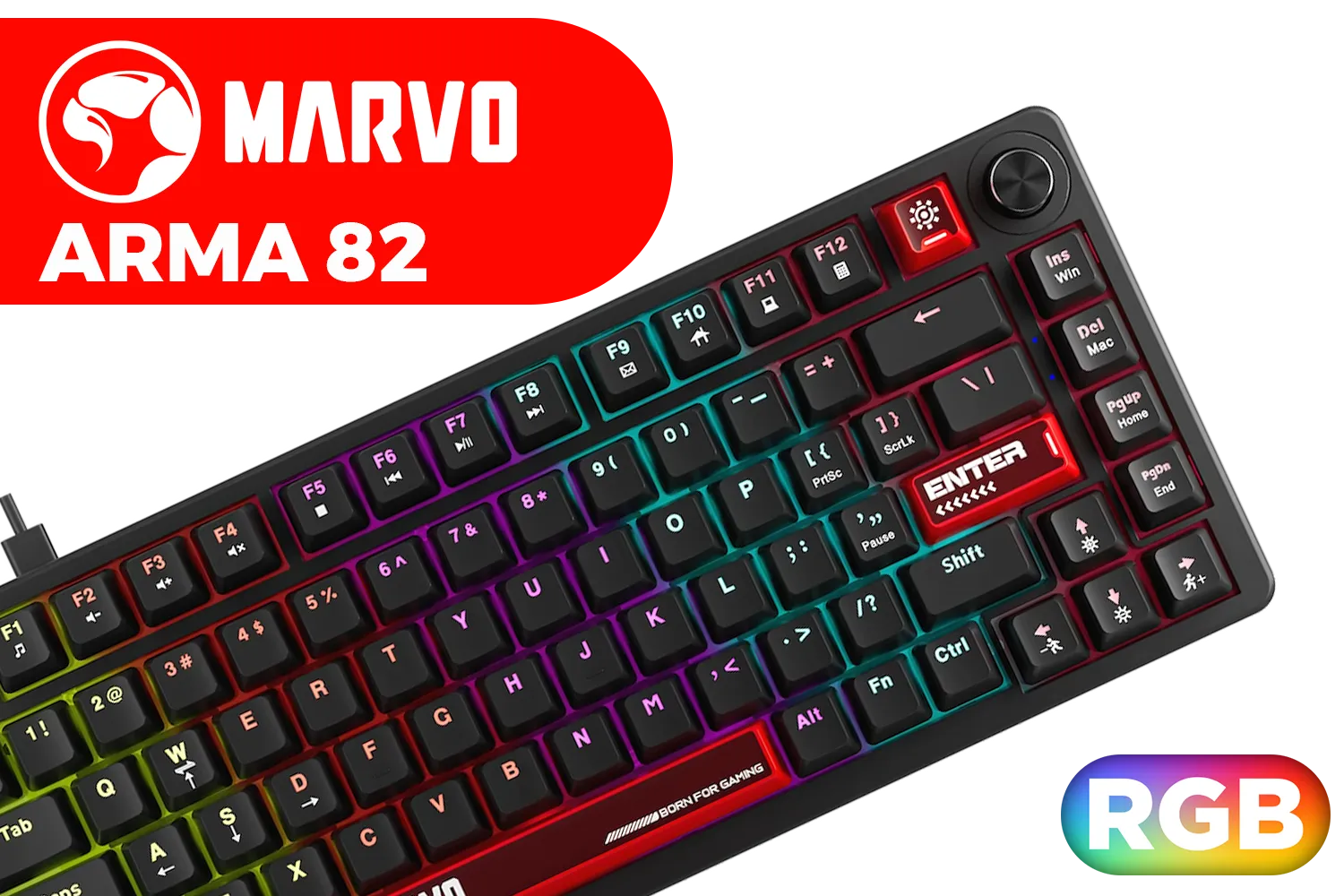
Marvo Arma 82 Compact Mechanical Keyboard / Hot-Swappable Switches / 82-Key Layout + Scroll Wheel / Dynamic Rainbow Backlighting / Full-Key Anti-Ghosting / KG936
R599.00In Stock
3. Keychron K8 Wireless (Hot-Swappable, Gateron Brown)
If you're big on wireless, macOS compatibility, or just want flexibility, the K8 is a top-tier hybrid pick. Gateron Brown switches strike that balance between feel and speed.
- Layout: Tenkeyless
- Modes: Wired (USB-C) or Bluetooth 5.1
- Battery: 4000mAh (~200 hours)
- Price: ~R2,799
It works seamlessly across platforms and feels premium to the touch. Typing on it is smooth, and it never lagged during fast-paced games—even over Bluetooth.
Work Hard, Play Harder: Your Keyboard Should Too
We tested all our picks in real-world South African conditions: loadshedding setups, lag spikes, cramped desks. These boards didn’t just survive—they excelled. Whether you’re smashing through To-Do lists or hitting top frag, a proper mechanical keyboard helps you flow.
Also worth noting: quality doesn’t always mean premium price. Many well-rounded mechanical boards perform like high-end units without draining your wallet.
TIP FOR YOU
Your Fingers Know Best
Typing and gaming comfort is personal. Try different switch types if possible—don’t just follow what the pros use.
Final Thoughts: Invest in What You Use Daily
Think about it: your keyboard is probably the most-used part of your setup. If you game a little and type a lot—or vice versa—investing in a board that’s built for both is one of the smartest gear moves you can make.
No more rubbery keys. No more input lag. No more excuses.
Level Up Work & Play Stop compromising—Shop now at Evetech for performance that leaves lag in the dust.
Related Products

Glorious Panda Mechanical Keyboard Switches - Tactile / Compatible with all GMMK Models / 36 switches per pack / SMD RGB light hole for RGB compatibility / GLO-SWT-HPANDA
R499.00In Stock
Razer PBT Keycap Upgrade Set - Green / Fits all Razer Mechanical and Optical Keyboards / Shine-resistant PBT Material / Backlight Compatible / Fits all Cross-shaped / Includes Stabilizers / RC21-01490400-R3M1
R799.00In Stock
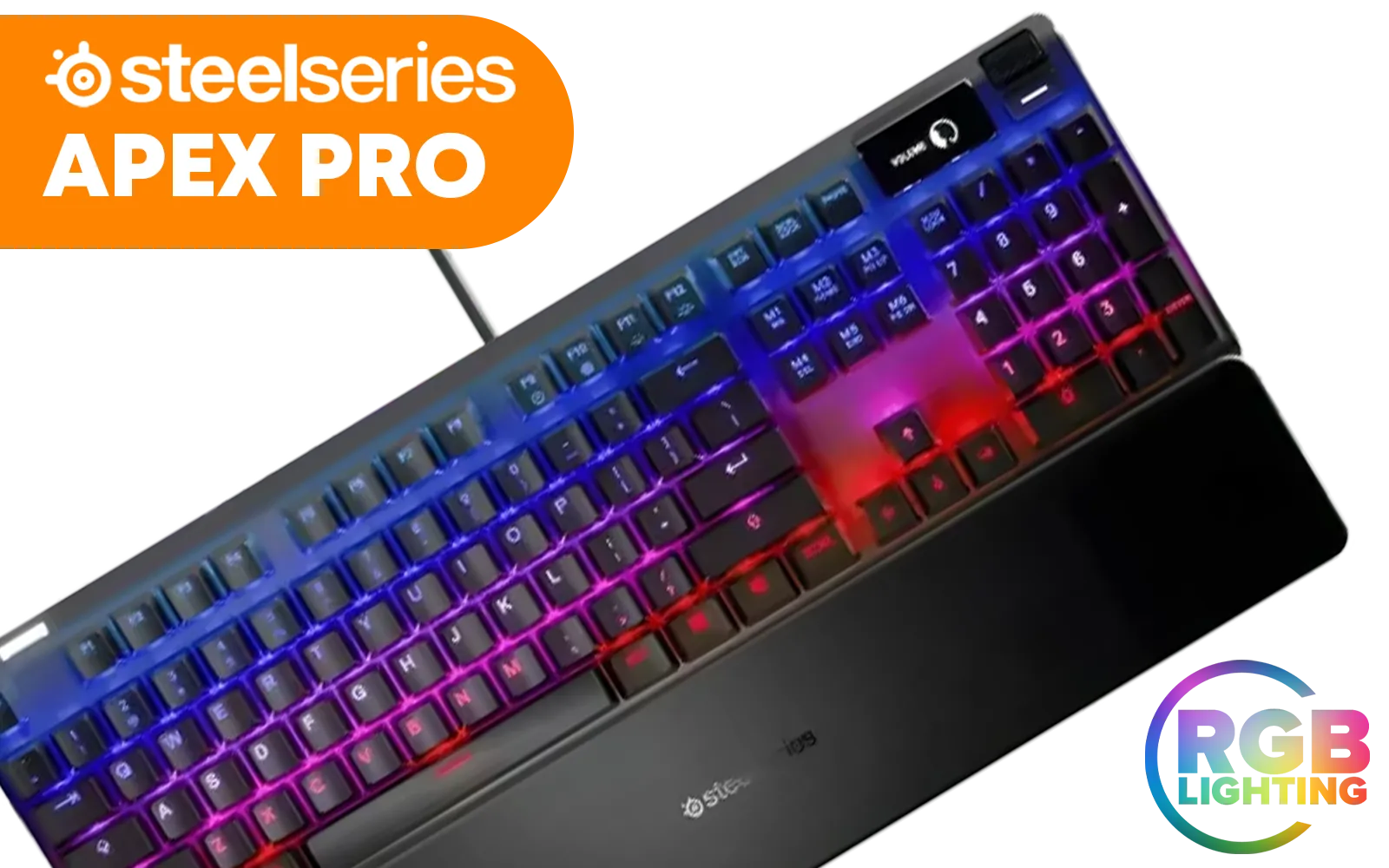
Steelseries Apex Pro RGB Mechanical Gaming Keyboard - OmniPoint Switch / OLED Smart Display / 8x Faster Response / 5x Faster Actuation / 2x Durability / Dynamic Per-Key RGB Illumination / Adjustable Mechanical Switches / Detachable soft-touch Magnetic wrist rest / SS64626
R4999.00In Stock

Razer DeathStalker V2 Pro Wireless Gaming Keyboard: Low-Profile Optical Switches - Linear Red - HyperSpeed Wireless & Bluetooth 5.0-40 Hr Battery - Ultra-Durable Coated Keycaps - Chroma RGB / RZ03-04360100-R3M1
R5599.00In Stock

Razer Ornata V3 TKL Gaming Keyboard: Low-Profile Keys - Mecha-Membrane Switches - UV-Coated Keycaps - Backlit Media Keys - 8-Zone RGB Lighting - Spill-Resistant - Magnetic Wrist Wrest - Classic Black / RZ03-04880100-R3M1
R1799.00In Stock

Glorious Kailh COPPER Mechanical Keyboard Switches / 120 Pack / Compatible with the GMMK & GMMK PRO / Compatible with Cherry/Gateron/Kailh based keyboards / Plate Mounted / Transparent Switch Housing / SMD Led Compatible / KAI-COPPER
R849.00In Stock
Mechanical keyboards feature individual switches under each key for tactile feedback and durability.
Yes, they offer better tactile response, durability, and customizable switch options for enhanced comfort.
Linear switches like Red or Yellow provide smooth keystrokes ideal for gaming performance.
Proper switch design and feedback can increase typing speed and reduce errors for experienced users.
Wireless keyboards offer convenience with low latency tech, while wired models ensure zero input lag.
Tenkeyless designs remove the number pad for a compact layout, ideal for space-conscious setups.
Regular dust removal with compressed air and occasional keycap cleaning preserve performance longevity.











