



Best Mechanical Keyboards for Wrist Strain Relief in Gaming
Suffering from wrist fatigue while gaming? Discover the top mechanical keyboards that prioritize wrist comfort without sacrificing performance. 🎮✨ Upgrade your setup today!
|
Loading tags...
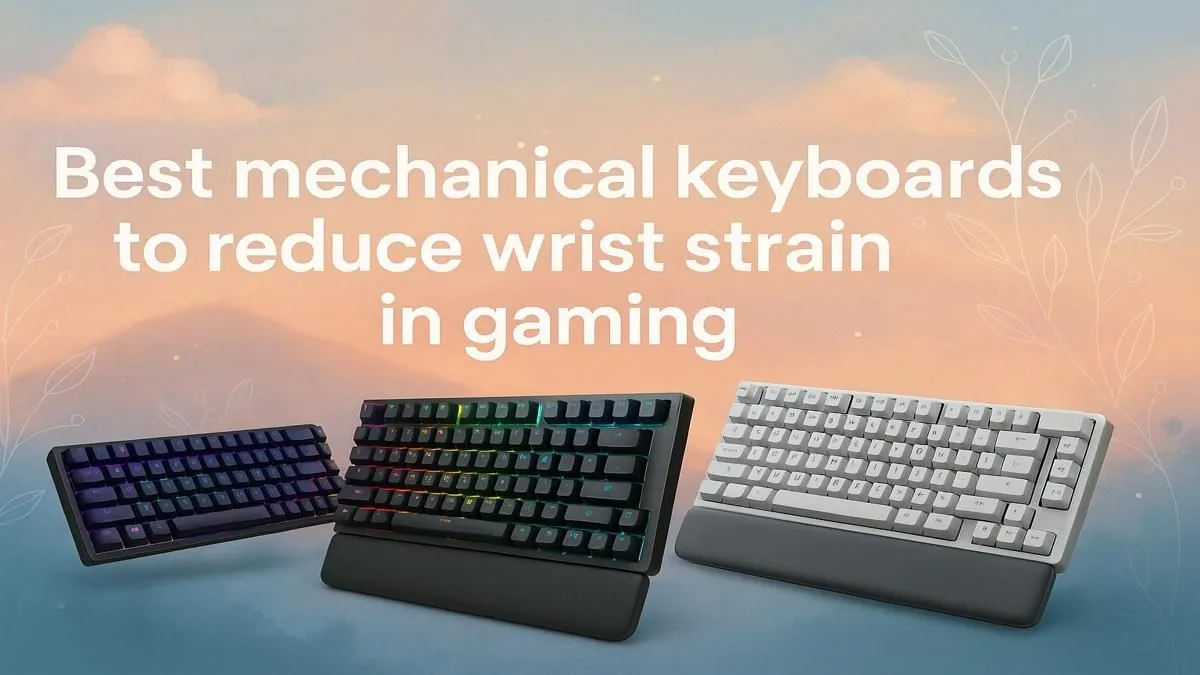
Long gaming sessions can be epic, but they often come with a nagging side effect: wrist strain. For South African gamers pushing for diamond ranks or just enjoying a weekend raid, discomfort can seriously mess with your performance and fun. Choosing the right mechanical keyboard isn't just about speed; it's about sustainability and comfort. This Q&A tackles the top questions on how ergonomic design and specific features can help keep your wrists happy and your aim true. 🚀
Your Questions on Wrist Strain & Keyboards Answered
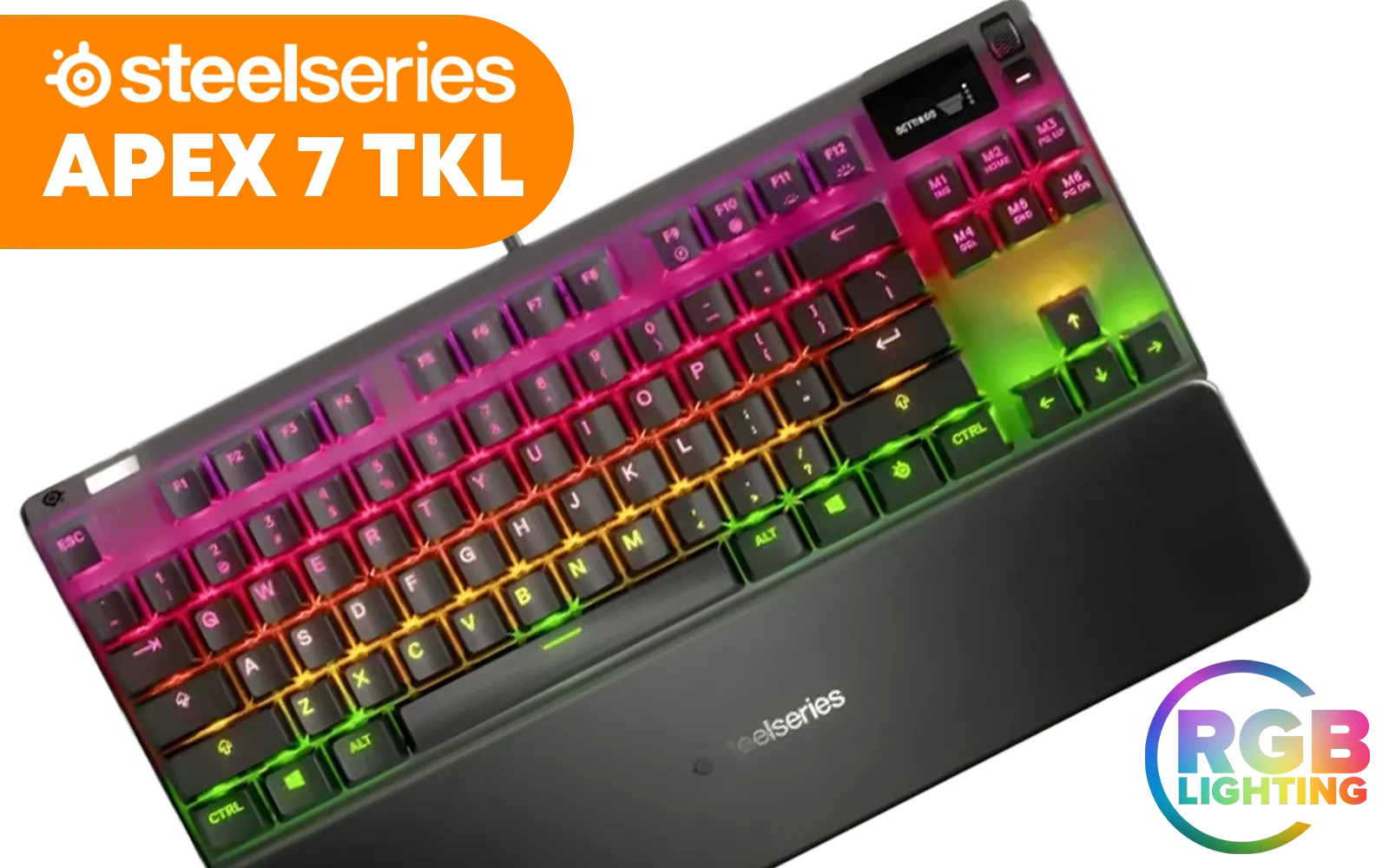
SteelSeries Apex 7 TKL Mechanical RGB Gaming Keyboard - Red Switch / Dynamic Per-Key RGB Illumination / OLED Smart Display / Durable Mechanical Gaming Switches / Aircraft Grade Aluminum Alloy / Premium Magnetic Wrist Rest / Dedicated Multimedia Controls / USB Passthrough Port / Three-Way Cable Routing / SS64646-SN
R2999.00In Stock

Razer PBT Keycap Upgrade Set - Green / Fits all Razer Mechanical and Optical Keyboards / Shine-resistant PBT Material / Backlight Compatible / Fits all Cross-shaped / Includes Stabilizers / RC21-01490400-R3M1
R799.00In Stock
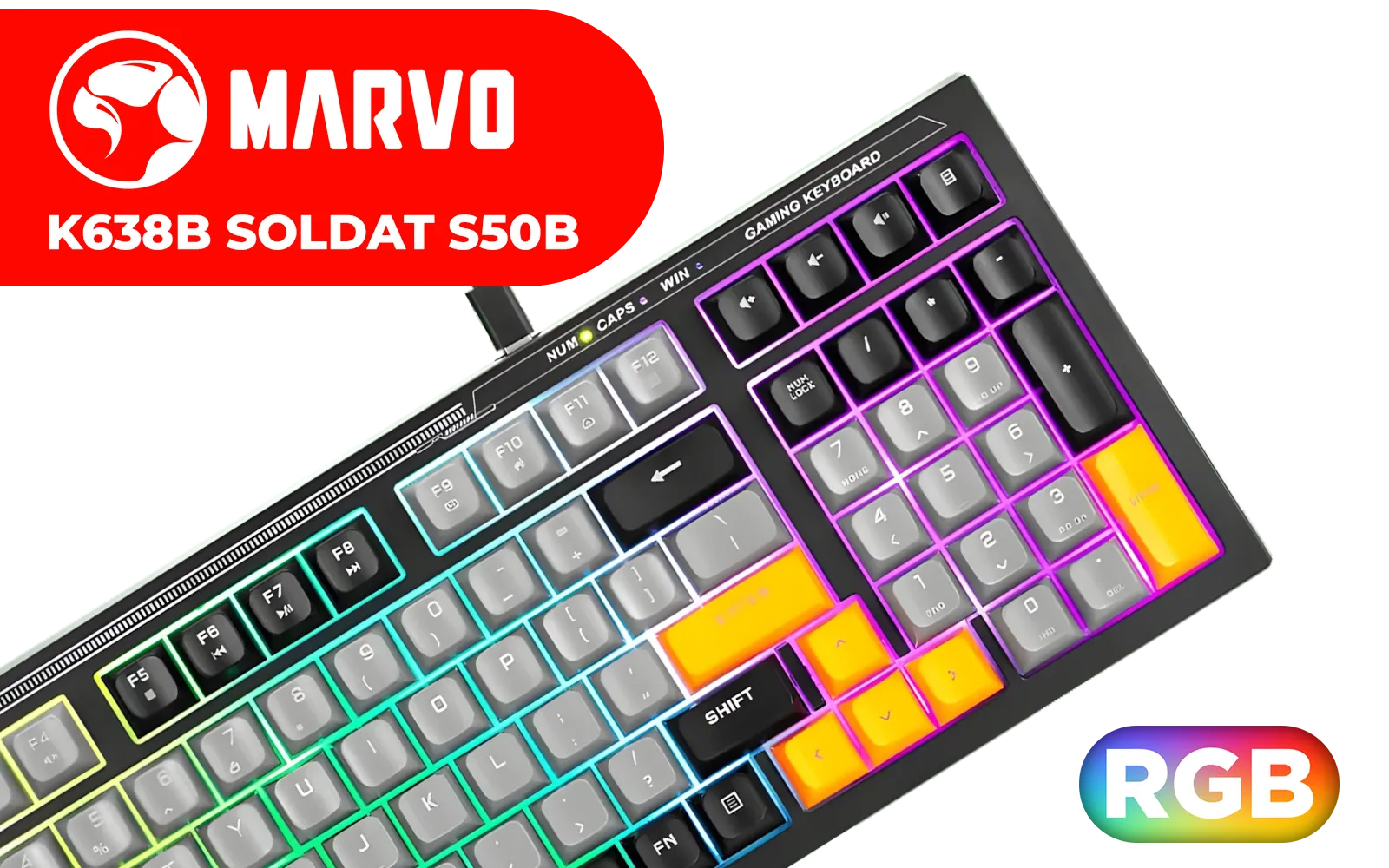
MARVO K638B Soldat S50B Membrane Gaming Keyboard / Rainbow Backlit / ABS Keycaps / Detachable USB Type-C Cable / K638B
R499.00In Stock
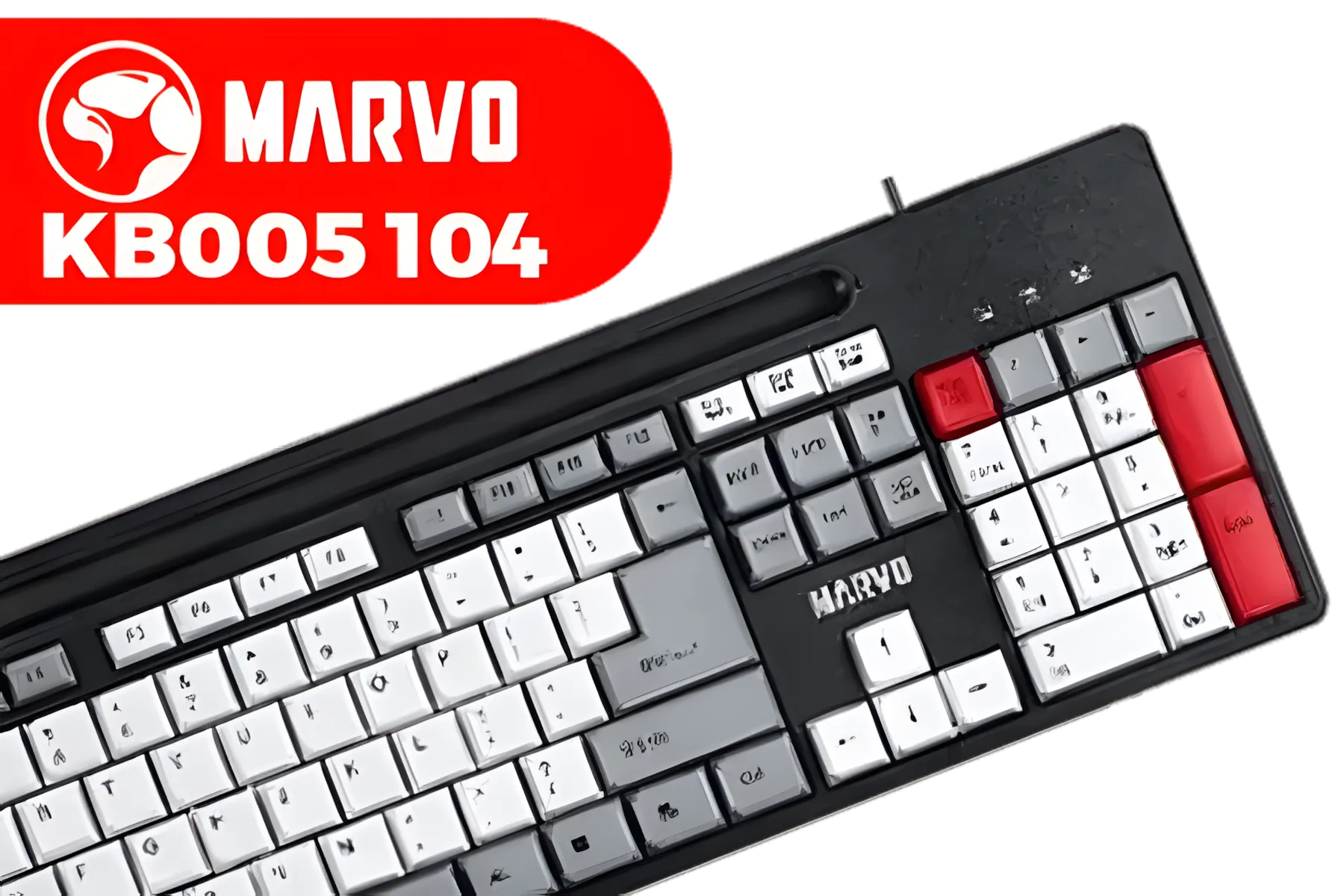
Marvo KB005 104 Keys Office Keyboard (Red-Black) / Cable length 1.5M / 12 multimedia shortcut / KB005
R299.00In Stock
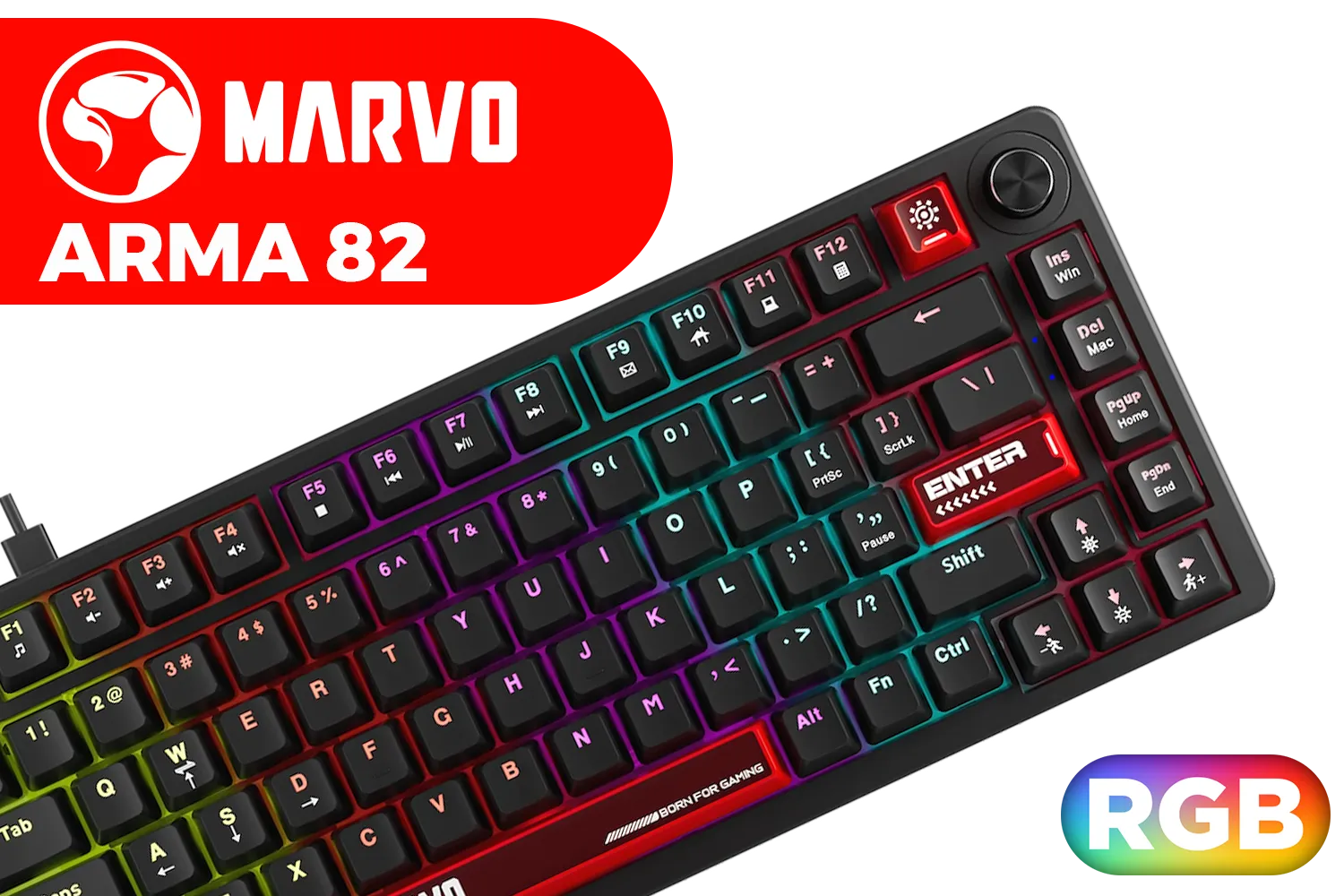
Marvo Arma 82 Compact Mechanical Keyboard / Hot-Swappable Switches / 82-Key Layout + Scroll Wheel / Dynamic Rainbow Backlighting / Full-Key Anti-Ghosting / KG936
R599.00In Stock

Razer BlackWidow V4 X Wired Mechanical Gaming Keyboard - Green Switches Tactile & Clicky / 6 Dedicated Macro Keys / Chroma RGB / Doubleshot ABS Keycaps / Media Controls / Sound Dampening & Stabilizers / RZ03-04700100-R3M1
R3099.00In Stock
Q: What actually causes wrist strain from gaming? A: Wrist strain, or repetitive strain injury (RSI), often comes from two things: an unnatural wrist angle and repetitive, forceful finger movements. When your wrist is bent upwards (extension) for long periods, it puts stress on the tendons. Standard keyboards can force this position. Add the constant, rapid key presses of a heated match, and you've got a recipe for pain, fatigue, and even long-term injury.
Q: How do mechanical keyboards help reduce this strain? A: Mechanical keyboards offer features that directly combat the causes of RSI. Firstly, the variety of switch types allows you to choose a lower actuation force, meaning less effort is needed for each key press. Secondly, many are designed with ergonomics in mind, featuring sloped profiles or separate, adjustable halves. They provide better tactile feedback, so you know a key is pressed without "bottoming out" (mashing it all the way down), reducing impact on your fingers.
Q: Are certain keyboard layouts better for ergonomics? A: Absolutely. While the standard full-size layout is common, smaller form factors like "tenkeyless" (TKL) or 65% boards bring your mouse and keyboard closer together. This reduces shoulder abduction—that outward stretch of your arm—promoting a more natural posture. For ultimate ergonomics, "split" keyboards are fantastic, but for most gamers, a TKL or 75% layout is a great starting point for better alignment.
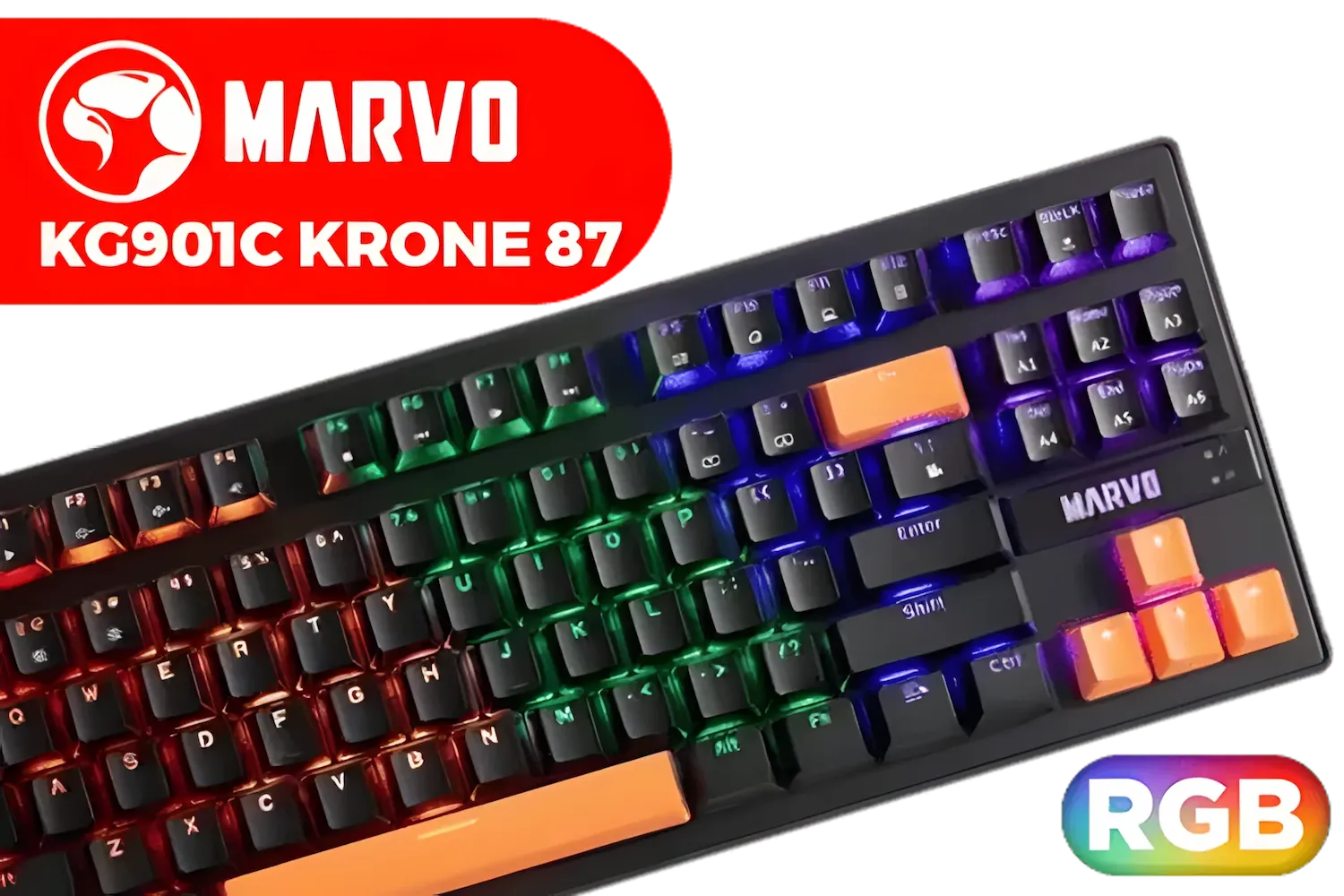
MARVO KG901C Krone 87 Mechanical Gaming Keyboard - Blue Switch / Switch rating: 50 million presses / Backlight: 21 kinds of backlight / Anti-ghosting Support / KG901C
R299.00In Stock

Gamdias Hermes E3 RGB Mechanical Gaming Keyboard - Black / Blue Switches / 16.8 million RGB Backlighting / N-key Rollover & Anti-Ghosting Functionality / Compact in Size & Easily Portable / LED Adjustment Hotkeys / HERMES-E3-Black
R499.00In Stock
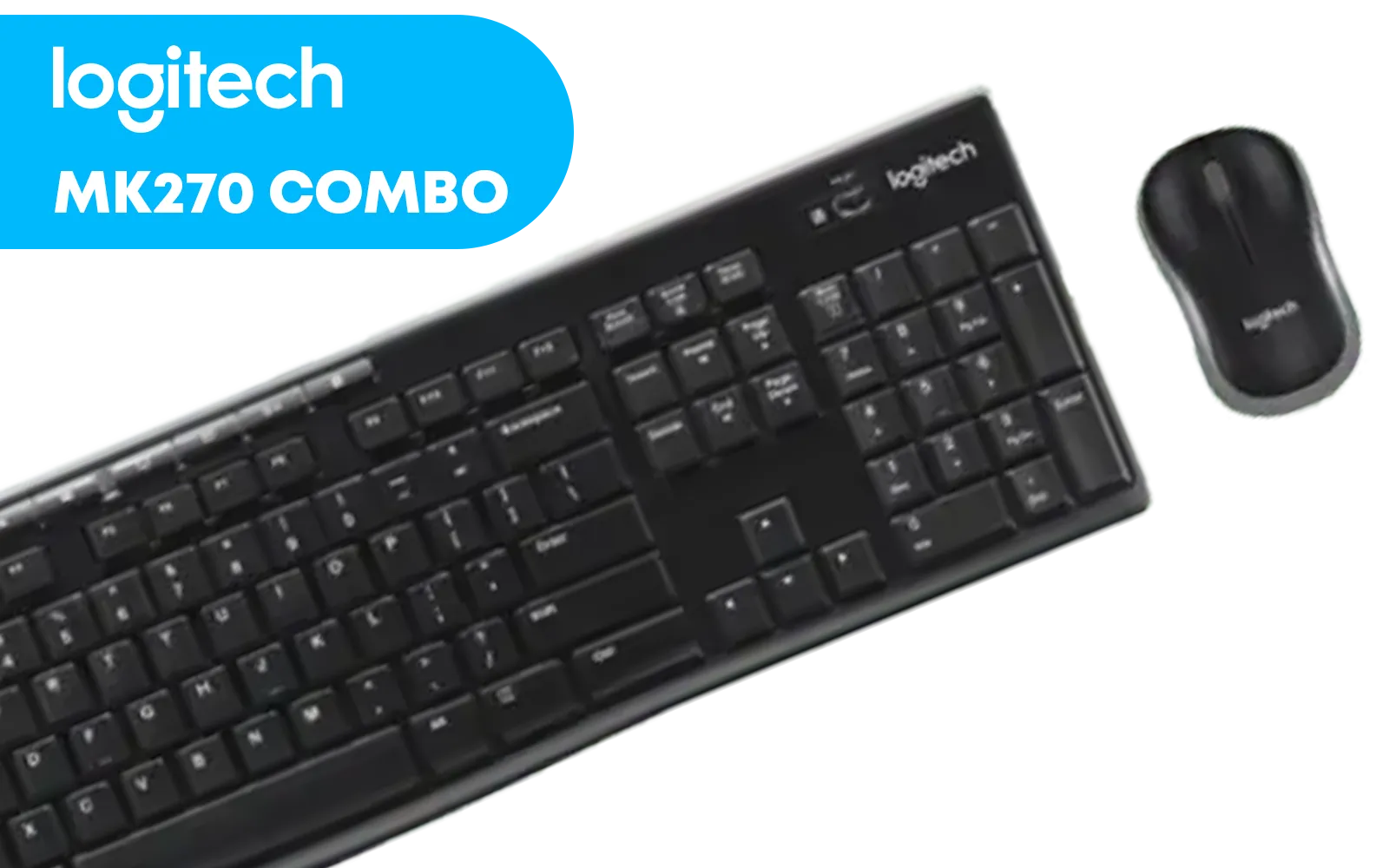
Logitech MK270 Wireless Keyboard And Mouse Combo / Long Battery Life / Eight hot keys / Full-size, spill-resistant keyboard / Instant media Access / Logitech Nano Receiver / 920-004509
R469.00In Stock
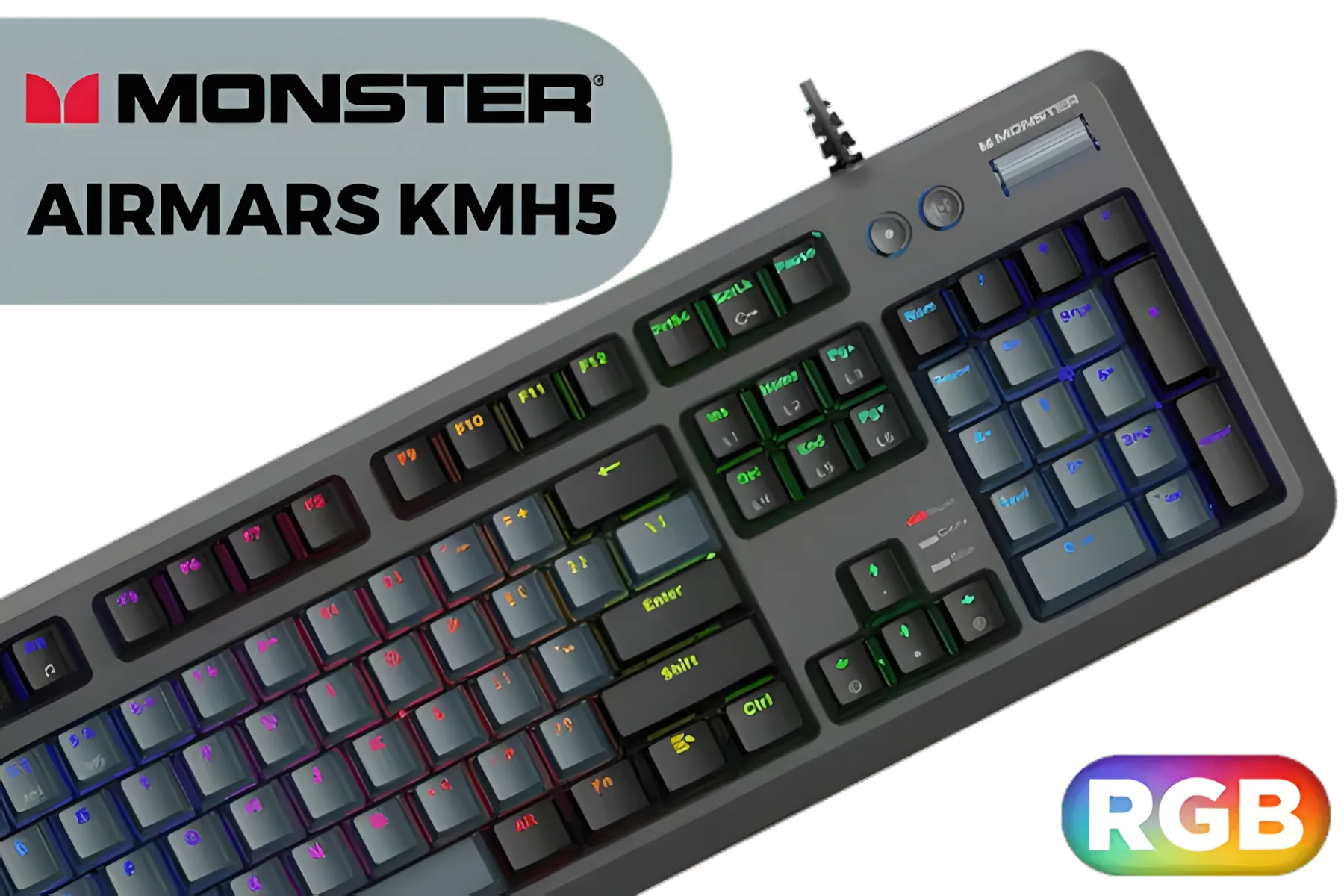
MONSTER Airmars KMH5 USB Mechanical Gaming Keyboard / Full key Without Conflict / Monster Optical Mechanical Axis / Waterproof Protect / Double Color Injection Molded Keycap / AIRMARS-KMH5-KB
R1199.00In Stock

MARVO KG955W Shogo 63 Wireless Mechanical Gaming Keyboard - Yellow Linear Pre-Lubed Switch / Classic 60% Compact Design / 63keys ,Tri-modes Wired, 2.4G and BT Mechanical / Full keys anti-ghosting keyboard / Detachable USB Type-C Cable / KG955W
R699.00In Stock

Glorious Gaming Wrist Pad/Rest - Slim TENKEYLESS - Black - Mechanical Keyboards,Stitched Edges,Ergonomic | 14x4 inches | 0.7in/17mm Thick (GSW-87) Slim TENKEYLESS (Black)
R349.00In Stock
Q: Do I really need a wrist rest? A: Yes, but it needs to be used correctly. A good wrist rest keeps your wrists in a neutral, straight position, preventing that harmful upward bend. It should be firm but cushioned and align perfectly with your keyboard's height. Some high-quality brands, like certain Razer gaming keyboards, often include a plush, magnetic wrist rest right in the box.
TIP FOR YOU
The Neutral Wrist Secret
this: let your arms hang loosely at your sides, then bring your hands up to your desk. That relaxed, straight-wrist position is what you want to maintain. Adjust your chair height and wrist rest until your setup matches this natural posture.
Q: What kind of key switch is best for tired hands? A: Lighter, linear switches are often recommended. Switches like Cherry MX Reds or their equivalents require less force to activate and don't have a "tactile bump," making for smoother, less fatiguing keystrokes over many hours. Some gamers prefer light tactile switches for the feedback, but if pure strain reduction is your goal, linear is usually the way to go. You’ll find great linear options across many brands, including some excellent Logitech gaming keyboards.
Q: Can customisable keyboards offer better ergonomics? A: They certainly can. Customisation is a huge plus for comfort. Modular keyboards, for instance, let you swap out switches to find the perfect feel for your fingers. The ability to remap keys means you can move frequently used commands to easier-to-reach spots, reducing awkward hand movements. Many of the best Glorious keyboards are built around this idea of modularity, giving you control over your comfort. ✨
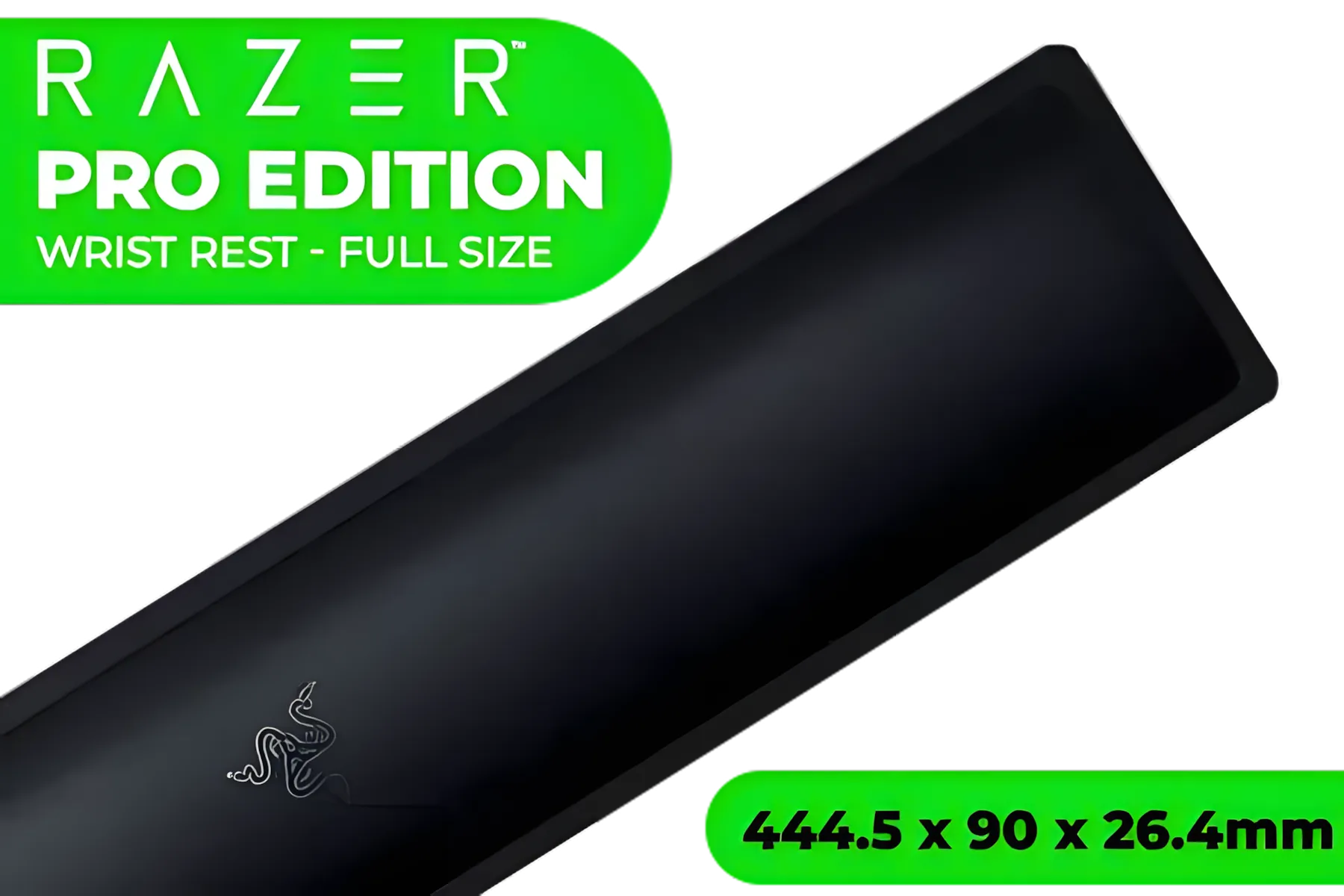
Razer Ergonomic Cooling Gel-Infused Wrist Rest Pro for Full-Sized Keyboards - Cooling Cushion for Gaming Comfort - Universal Compatibility with Full-Sized Keyboards - Anti-Slip Feet for Secure Play — Black / RC21-01470100-R3M1
R899.00In Stock

Glorious GPBT 114-Keys Premium PBT Mechanical Keyboard Keycaps - Arctic White / Compatible with GMMK PRO & GMMK 2 / Fits Most Full-size/TKL Compact Keyboards / Non-Transparent Keycaps / US Layout / <span style="color:red; font-size: 16px;">*Keyboard not Included*</span> / GLO-KC-GPBT-W
R799.00In Stock
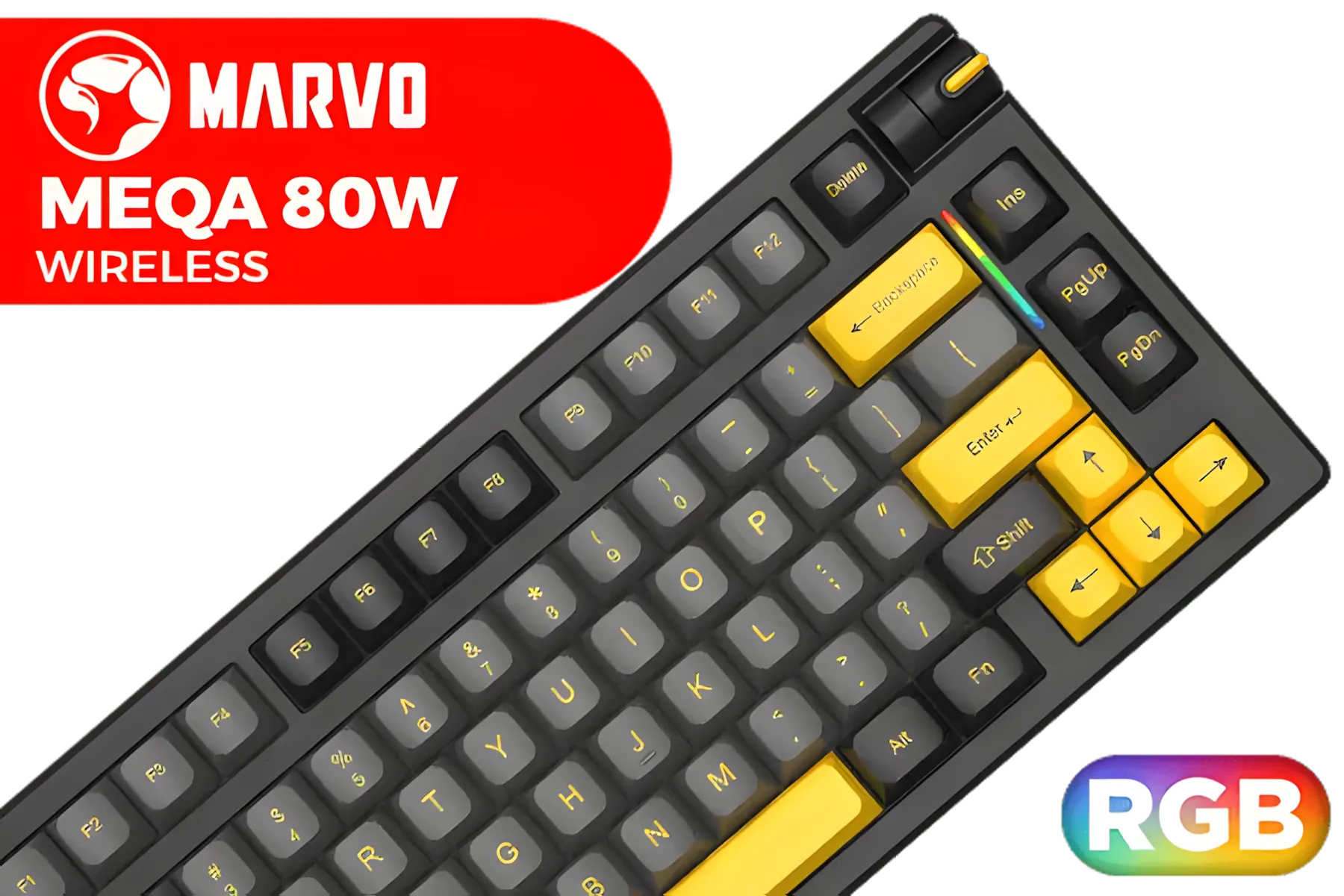
MARVO KG958W Meqa 80W Wireless Mechanical Gaming Keyboard - Yellow Linear Pre-Lubed Switch / 75% TKL Design / Tri-modes Wired, 2.4G and BT Mechanical / Hot-Swappable / Full keys anti-ghosting keyboard / Detachable USB Type-C Cable / KG958W
R599.00In Stock

Glorious Stealth Edition Padded Mechanical Keyboard Wrist Rest - TKL / Size: 360 x 100 x 25.4mm / Smooth Cloth Surface / Reinforced With Dual Locked / Anti-slip Rubber Base / GWR-87-STEALTH
R349.00In Stock

Glorious GMMK Pro Polycarbonate Switch Plate / Ideal for Tactile or Clicky Switches / 83 Keys / US Layout / GLO-ACC-P75-SP-PC
R349.00In Stock

Logitech K250 Compact Bluetooth Wireless Keyboard / Long Battery Life / Durable And Reliable / Full-Size, Spill-Resistant Design / 920-013451
R299.00In Stock
Key Takeaways
- Neutral Posture is King: The main goal is to keep your wrists straight. A wrist rest and proper chair height are crucial.
- Lighter Switches, Less Strain: Linear switches with low actuation force can significantly reduce finger fatigue during long gaming sessions.
- Smaller is Smarter: TKL or 65% keyboards allow for a more ergonomic setup by bringing your mouse closer to your centreline.
- Listen to Your Body: If you feel pain or numbness, take a break. No piece of gear can replace proper rest and stretching.
Ready to Upgrade Your Comfort? Don't let wrist pain get in the way of your victory. Explore our huge selection of ergonomic and high-performance gaming keyboards and find the perfect fit for your playstyle.
Related Products

Glorious Gateron BLUE Mechanical Keyboard Switches / 120 Pack / Compatible With MX Based Keyboards / Compatible With MX Keycaps / PLATE Mounted / Transparent Switch Housing / SMD Led Compatible / GAT-BLUE
R699.00In Stock

SteelSeries Apex 9 TKL – HotSwap Optical Mini Keyboard – TKL Esports Design – Optical Switches – RGB Customization – Aluminum Alloy Frame – Double Shot PBT Keycaps / 64847
R3999.00In Stock
Logitech MK270 Wireless Keyboard And Mouse Combo / Long Battery Life / Eight hot keys / Full-size, spill-resistant keyboard / Instant media Access / Logitech Nano Receiver / 920-004509
R469.00In Stock

Razer Huntsman Mini Gaming Keyboard - Clicky Optical Purple Switches - Classic Black / Aluminum Construction / Standard Bottom Row Layout / 100 Million Keystroke Lifespan / Razer Synapse 3 Enabled / Fully programmable Keys / 1000 Hz Ultrapolling / RZ03-03390100-R3M1
R1799.00In Stock
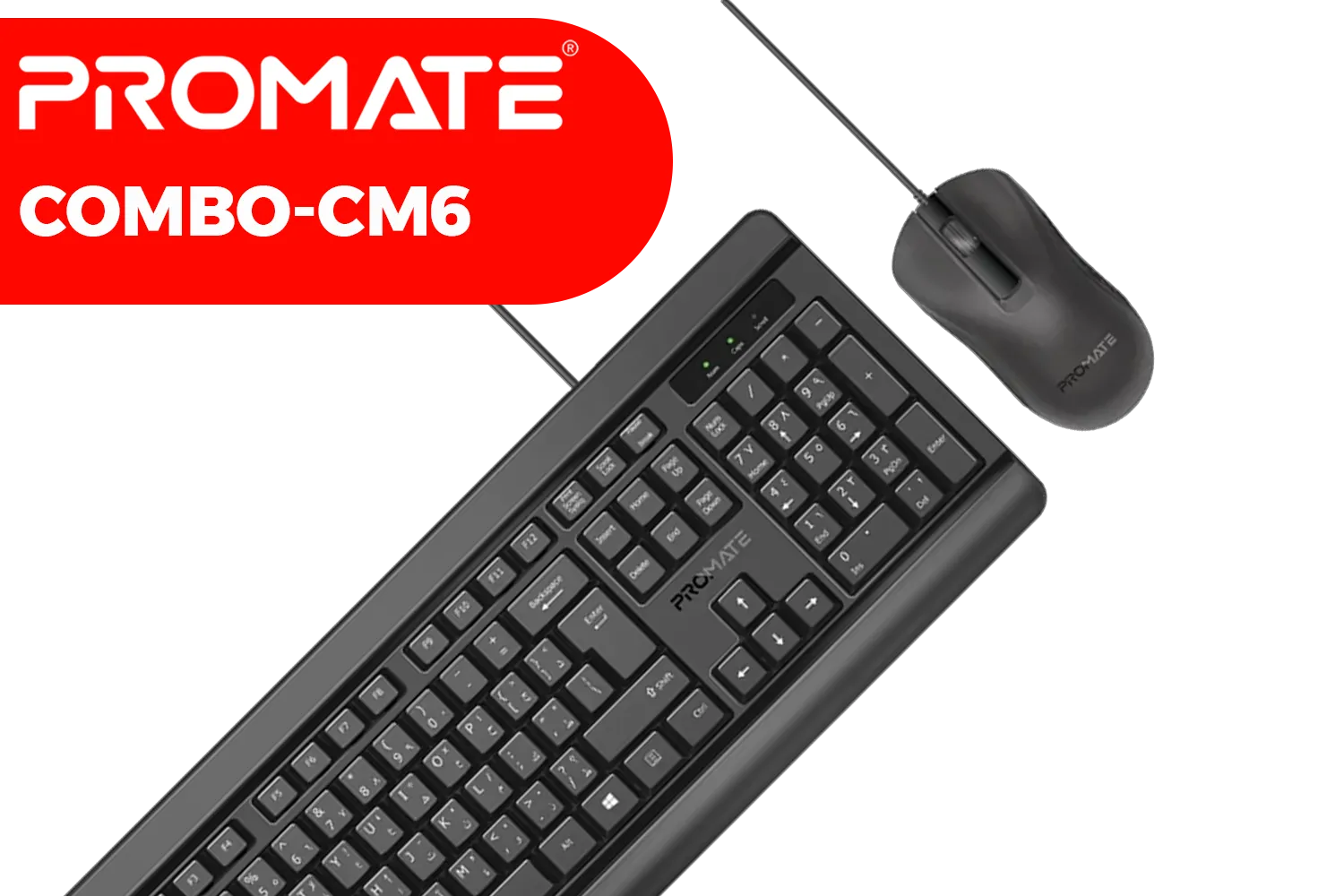
Promate Quiet Keys Wired Keyboard and Mouse / 1200 DPI Mouse / Quiet Keys Keyboard / Mac OS & Windows OS Compatible / Combo-CM6.EN
R499.00In Stock
SteelSeries Apex 7 TKL Mechanical RGB Gaming Keyboard - Red Switch / Dynamic Per-Key RGB Illumination / OLED Smart Display / Durable Mechanical Gaming Switches / Aircraft Grade Aluminum Alloy / Premium Magnetic Wrist Rest / Dedicated Multimedia Controls / USB Passthrough Port / Three-Way Cable Routing / SS64646-SN
R2999.00In Stock
Keyboards with ergonomic designs, wrist rests, and low-force switches reduce wrist strain effectively.
Yes! Ergonomic keyboards enhance comfort and performance by minimizing wrist fatigue during long gaming sessions.
Ergonomic gaming keyboards are specifically designed to alleviate wrist discomfort through tailored features.
Opt for split layouts, adjustable tilt, and memory foam wrist rests to support wrist health.
Not if they're designed ergonomically. Mechanical keyboards with proper switches and layouts ease strain.
Split keyboards promote natural hand positioning, reducing wrist strain during extended gaming use.
Adjust keyboard height, use a wrist rest, and ensure proper hand alignment for optimal comfort.











