



Gaming Mousepad Cleaning Tips: Dust-Free Secrets Revealed
Gaming Mousepad Cleaning Tips 🎮✨ Keep your mousepad spotless and boost performance! Prevent dust buildup, maintain precision, and extend lifespan. 🚀 Read now—clean, accurate clicks await! 😍
|
Loading tags...
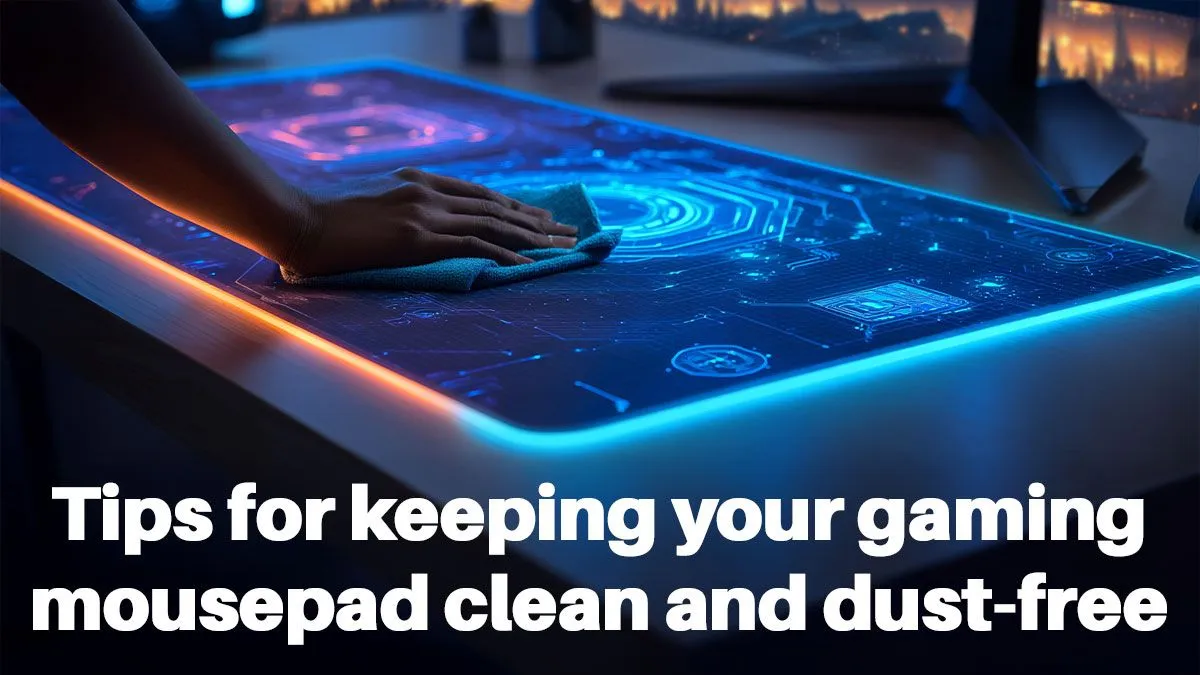
That smooth, predictable glide you loved when your mousepad was new? It doesn’t last forever. Over time, every South African gamer’s mousepad gets clogged with dust, sweat, and snack crumbs. This isn't just about looks; a dirty surface creates friction and can even interfere with your mouse sensor, leading to inconsistent aim. We asked our Evetech gear expert, Amahle, for her pro tips on safely cleaning your pad and keeping your aim true. 🧼
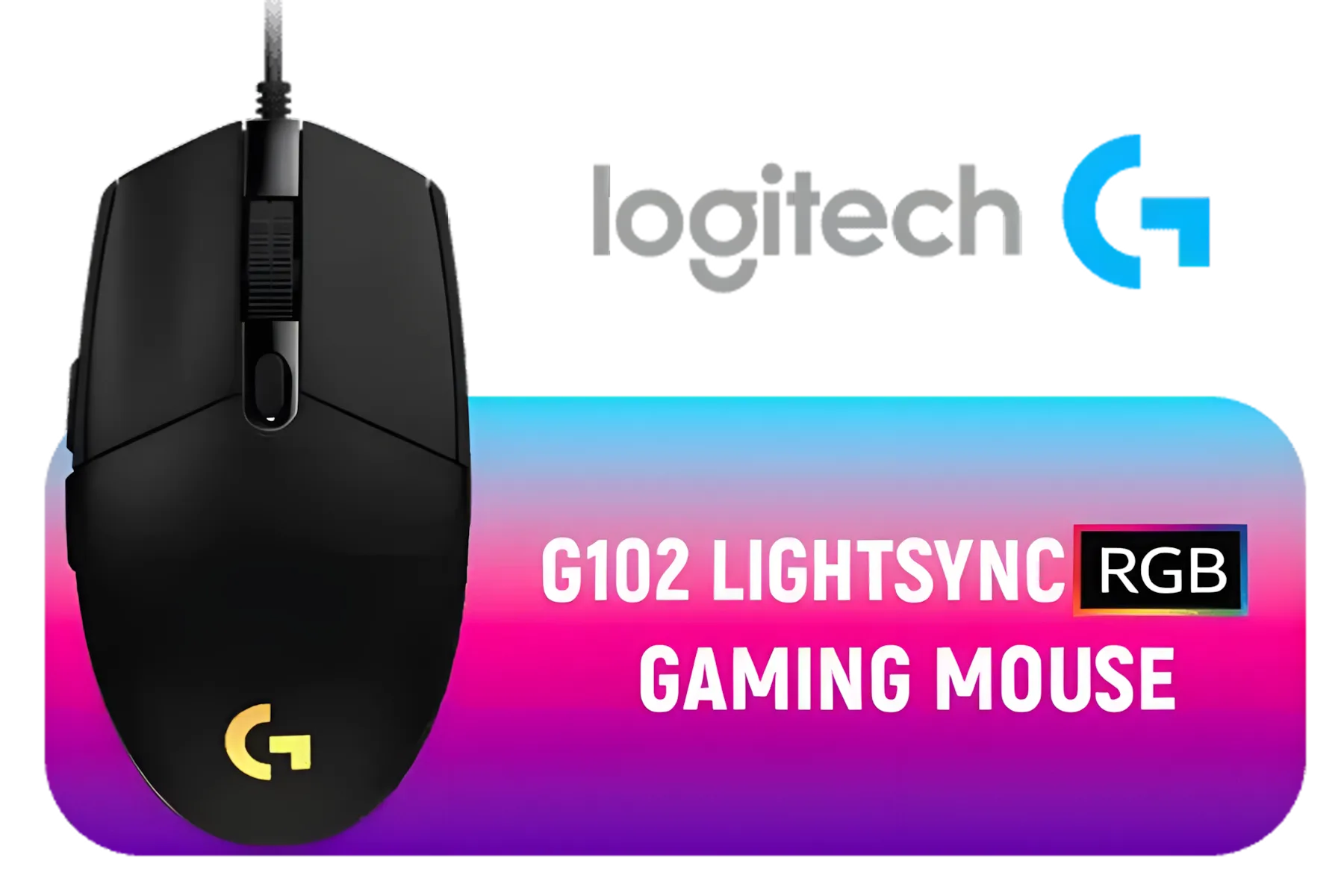
Logitech G102 Lightsync RGB Gaming Mouse - Black / 8,000 DPI Gaming-grade Sensor / Fully Customisable LIGHTSYNC RGB / 6 Programmable Buttons / Metal Spring Button / 910-005823
R449.00In Stock

Logitech M171 Wireless Mouse - Pink / Compatible With PC, Mac, Laptop / 2.4 GHz with USB Mini Receiver / Optical Tracking / 12-Months Battery Life / Ambidextrous / 910-006865
R179.00In Stock

SteelSeries Prime Mini Gaming Mouse - Black / 18000 CPI Increments / Prestige OM Optical Magnetic Switches / TrueMove Pro Gaming Sensor / Super Mesh USB-C Cable / 61g Ultra Lightweight / 62421
R1279.00In Stock

HP Z3700 Wireless Mouse - White / Up to 10m Wireless Range / 1200 DPI / 3 Buttons / V0L80AA
R399.00In Stock

Razer Cobra HyperSpeed Wireless Gaming Mouse / Triple Optical Precision / 9 Customizable Controls / 26K DPI Sensor / Razer™ Optical Gen-4 Switches / RZ01-05570100-R3G1
R2399.00In Stock

Gamdias ZEUS E3 Optical Gaming Mouse And NYX E1 Mousepad Combo / Multi-Color Breathing Lighting / 3600 DPI / Optical Sensor / Smart Keys / Double-Layer Fabrics / Speedy & Smooth / Non-Slip / ZEUS E3
R499.00In Stock
Your Gear Cleaning Questions, Answered
Q: Why does cleaning my mousepad even matter? It’s just a mat, right? A: It matters a lot! A dirty cloth mousepad develops ‘slow spots’ from built-up grime and oils from your skin. This creates inconsistent friction, meaning your mouse glides differently across the surface, which completely throws off muscle memory. For a hard pad, dust and debris can get under the sensor and cause your aim to skip or stutter at the worst possible moment.
Q: What’s the safest way to deep clean my cloth mousepad without ruining it? A: The best method is a simple hand wash. Fill a sink or tub with cold water and a small amount of mild hand soap or shampoo. Submerge the pad, and gently scrub the surface with your hands or a soft microfibre cloth. Rinse it thoroughly with cold water until all the soap is gone, then pat it with a towel and lay it flat to air dry completely. Never use hot water or a machine dryer!
Q: I have a hard plastic mousepad. Is the cleaning process different? A: Yes, and it’s much easier. For a hard pad, you just need a microfibre cloth and maybe a gentle all-purpose cleaner or a bit of isopropyl alcohol on the cloth. Just wipe it down, and you’re good to go. There’s no need for soaking since the surface isn't porous.

Logitech Signature M650 Wireless Mouse - For Small to Medium Sized Hands, 2-Year Battery, Silent Clicks, Customizable Side Buttons, Bluetooth, for PC/Mac/Multi-Device/Chromebook - Rose / 910-006254
R699.00In Stock

MONSTER Airmars KMH5 Professional Gaming Mouse / Monster Gaming Light System / 7 level Up To 5000 DPI / Ergonomic Design / AIRMARS-KMH5-Mouse
R399.00In Stock

Razer DeathAdder V3 Wired Gaming Mouse - Black / 59g Ultra Lightweight / Focus Pro 30K Optical Sensor / Fast Optical Switches Gen-3 / 8K Hz HyperPolling / 6 Programmable Buttons / Ergonomic / Speedflex Cable / RZ01-04640100-R3M1
R1599.00In Stock

Logitech Lift Vertical Ergonomic Wireless Mouse - Off White / Bluetooth or Logi Bolt USB receiver / Quiet clicks / 4 buttons / Compatible with Windows/macOS/iPadOS, Laptop, PC / 910-006475
R1299.00In Stock
HP Z3700 Wireless Mouse - White / Up to 10m Wireless Range / 1200 DPI / 3 Buttons / V0L80AA
R399.00In Stock

Logitech M196 Wireless Bluetooth Mouse, Compact and Portable Mouse for Laptops, Tablets and more, 12 Months Battery Life, Smooth Reading, Compatible with PC and Mac, Windows and macOS - Rose / 910-007461
R199.00In Stock
Q: I’ve noticed gunk building up on the feet of my mouse. What’s the fix? A: This is a crucial step! The little feet on your mouse, called skates, pick up everything. To clean them, unplug your mouse and gently wipe the skates with an alcohol wipe or a Q-tip dipped in isopropyl alcohol. A clean mouse on a clean pad is the goal for that perfect, smooth glide. Mentioned gear: Keeping your gear clean is essential for every type of gaming mouse.
Q: Does my mouse’s sensor affect how much a dirty pad impacts performance? A: Absolutely. A high-performance mouse sensor is incredibly precise, which also means it’s more sensitive to imperfections on the tracking surface. A spec of dust might not bother a basic office mouse, but on a high-end gaming sensor, it can cause a micro-stutter that costs you the match. Mentioned gear: This is especially true for mice with 20000 DPI and above, as their sensors are reading the surface in microscopic detail.
Q: My mouse has seen better days. Any tips on finding a good, affordable replacement? A: Of course. You don’t need to spend a fortune to get a great mouse these days. Look for a model with a proven sensor and good reviews. A clutter-free setup also helps keep things clean. Mentioned gear: Consider a wireless gaming mouse to reduce cable drag and dust traps. Value-focused brands like MARVO gaming mice offer amazing features for the price, and you can often find great gaming mouse deals under R1500.
Q: My mousepad is beyond saving… it’s a total disgrace. Where do I start looking for a new one? A: When a pad is permanently stained or the cloth is fraying, it’s time for a replacement. Look for one with stitched edges for better durability and a size that suits your sensitivity and desk space. If your aim feels off, sometimes a fresh surface is the best upgrade you can make. Mentioned gear: You can usually find a good selection alongside the best gaming mouse deals.
TIP FOR YOU
Amahle's Drying Pro Tip
Never hang a wet cloth mousepad with a peg or roll it up to dry. This can deform the surface and create permanent bumps. The best way is to lay it perfectly flat on a towel in a room with good air circulation, out of direct sunlight. Patience is key!

Razer Basilisk V3 X HyperSpeed Customizable Wireless Gaming Mouse: Mechanical Switches Gen-2-5G Advanced 18K Optical Sensor - Chroma RGB - 9 Programmable Controls - 535 Hr Battery - Classic Black /RZ01-04870100-R3G1
R1299.00In Stock
HP Z3700 Wireless Mouse - White / Up to 10m Wireless Range / 1200 DPI / 3 Buttons / V0L80AA
R399.00In Stock

Logitech G502 X PLUS LIGHTSPEED Wireless RGB Gaming Mouse - Optical Mouse with LIGHTFORCE Hybrid Switches, LIGHTSYNC RGB, HERO 25K Gaming Sensor, Compatible with PC - macOS/Windows - White / 910-006172
R2929.00In Stock

Logitech M171 Wireless Mouse - Black/ 3 Buttons / 910-004424
R299.00In Stock

Logitech® M240 Silent Bluetooth Mouse - Off-White / For Small-to-Medium Hands / 1x AA Battery (Pre-Installed) / 3 Buttons / 910-007120
R289.00In Stock

SteelSeries Rival 3 Gaming Mouse / 8500 CPI / 1ms Polling Rate / 35G Acceleration / SteelSeries TrueMove Sensor / Brilliant Prism lighting / 62513
R899.00In Stock
Key Takeaways
- Clean for Consistency: A clean mousepad provides a smooth, predictable glide, which is essential for building muscle memory.
- Cold & Gentle: For cloth pads, always use cold water, mild soap, and a soft cloth. Never use a machine dryer.
- Don’t Forget the Feet: Clean the skates on the bottom of your mouse with an alcohol wipe to remove built-up grime.
- Know When to Replace: If your pad is physically damaged, frayed, or has permanent slow spots, a new surface is your best bet. ✨
Restore That Brand-New Glide A clean setup is a high-performance setup. If your gear has seen better days, a new mouse can make all the difference. Shop the full range of gaming mice at Evetech and get your aim back on track.
Related Products

Gamdias ZEUS E2 Optical Gaming Mouse / FREE Included NYX E1 Gaming Mouse Mat / 3200DPI Optical Sensor and switch lifecycle of 3 million clicks / 125Hz Polling Rate / Multi-color breathing lighting / ZEUS E2
R199.00In Stock
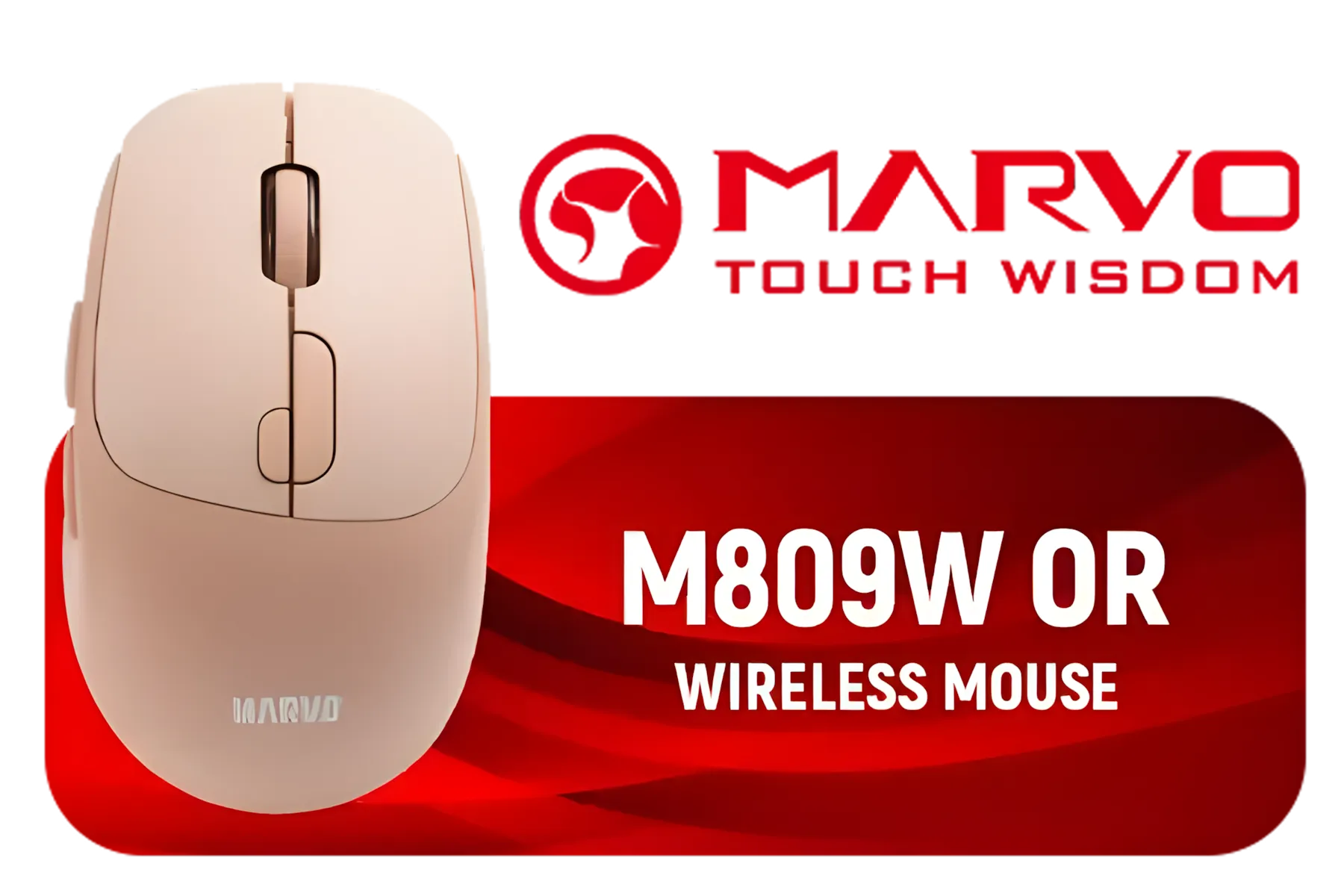
Marvo M809W OR Wireless Mouse / Ergonomic Design / Rechargeable Battery / Dual-Mode Connection / M809W-OR
R249.00In Stock

Razer DeathAdder Essential Gaming Mouse / True 6,400 DPI Optical Sensor / Ergonomic Form Factor / 5 Hyperesponse Buttons / 10 Million-click Life Cycle / RZ01-03850100-R3M1
R599.00In Stock
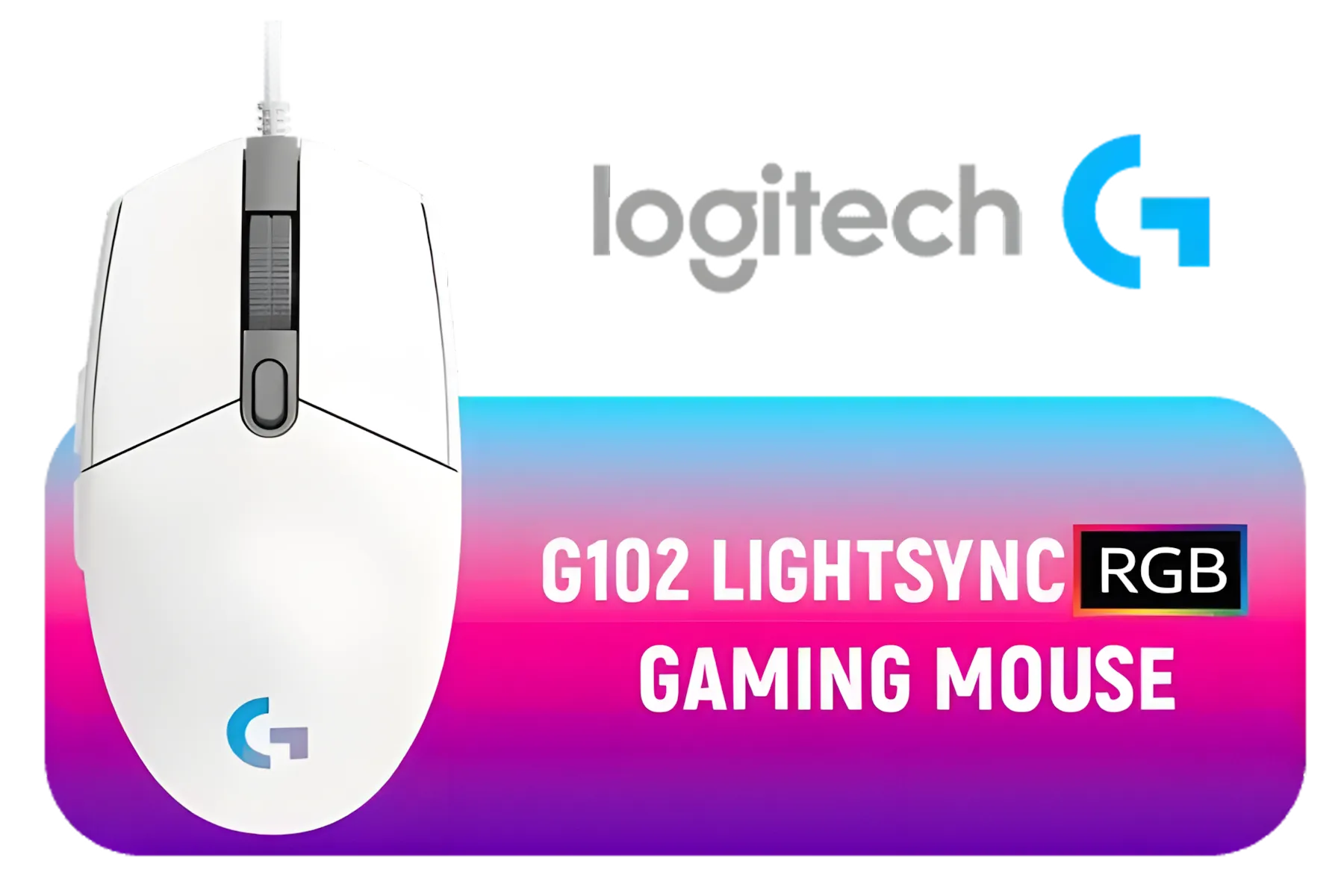
Logitech G102 Lightsync RGB Gaming Mouse - White / 8,000 DPI Gaming-grade Sensor / Fully Customisable LIGHTSYNC RGB / 6 Programmable Buttons / Metal Spring Button / 910-005824
R339.00In Stock

SteelSeries Rival 3 Wireless Gaming Mouse / 18000 CPI / 1ms Polling Rate / Battery Life Up To 400+ Hours / 40G Acceleration / SteelSeries TrueMove Air Sensor / Quantum 2.0 Wireless / Durable Smart Construction / 62521
R1299.00In Stock

SteelSeries Aerox 3 Wireless - Super Light Gaming Mouse - 18,000 CPI TrueMove Air Optical Sensor - Ultra-Lightweight 68g Water Resistant Design - 200 Hour Battery Life – Onyx / 62612
R2299.00In Stock
Use gaming desk cleaning tricks for weekly dusting. Spot clean with mild soap as needed. Avoid excessive water to maintain pad texture.
Opt for a clean mousepad no residue approach. Use rubbing alcohol on a cloth. Never harsh chemicals on your mousepad.
For maintain mousepad texture, disinfectant wipes are okay for quick cleans. Avoid heavy use to protect surface.
Use effective mousepad cleaning methods: vacuum debris, spot clean with soapy cloth, air dry. Keep track mousepad clean.
Use water cautiously. A clean mousepad without water method is ideal. Dry immediately with a microfiber cloth.
Try gaming desk cleaning tricks like cable management and enclosed storage. Prep surface to avoid dust hiding.
Rubbing alcohol (gaming mousepad dust solutions), baby wipes, or microfiber cloth work. Avoid abrasive sponges.











