



GPU power cable safety: Ensure reliable power to your GPU
GPU power cable safety matters: learn how to inspect, route, and secure cables to prevent power loss, overheating, and hardware damage. This guide covers connector types, amperage checks, sleeving, and troubleshooting for reliable GPU power delivery. 🔌🛡️
|
Loading tags...

You’ve just dropped a serious amount of ZAR on that beast of a new graphics card. The plastic is peeled off, it’s slotted into your motherboard, and the excitement is real. But wait… before you fire up your first game, there’s one critical step that’s often overlooked: your GPU power cable connection. Getting this wrong can lead to instability, or worse, damage. Let’s make sure you have reliable power to your GPU.

HP DHC-CT202 USB-C 3.1 to HDMI Adapter - Stable Picture Quality No Splash Screen - Notebook Connection Tv, Projector And More Display Device - Support 4K Resolution - Clear And Realistic Picture / DHC-CT202HP
R399.00In Stock

Gizzu 4K HDMI 2.0 Cable 10m Poly / Supports 4K at 60Hz Resolution / Up to 18Gbps Bandwidth / 3D and HDR for Vivid Colours / GCPHH10
R399.00In Stock

Gizzu 1080P VGA Cable 1.8m Poly / GCPVV18
R149.00In Stock
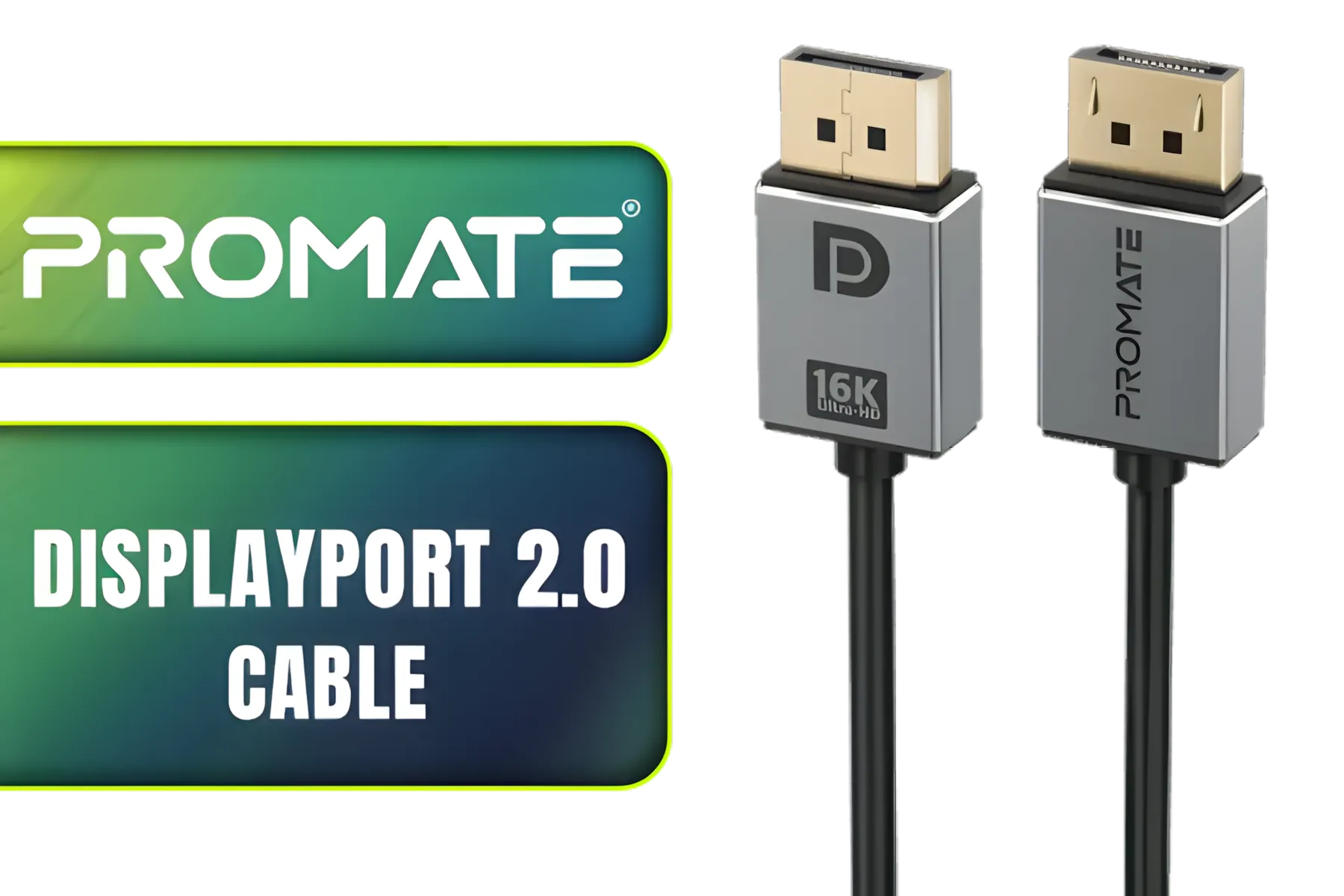
Promate High Definition Display Port 2.0 Cable / 16K @ 60Hz / 2M Cable / 80Gbps Transfer Rate / DPLINK-16K
R299.00In Stock
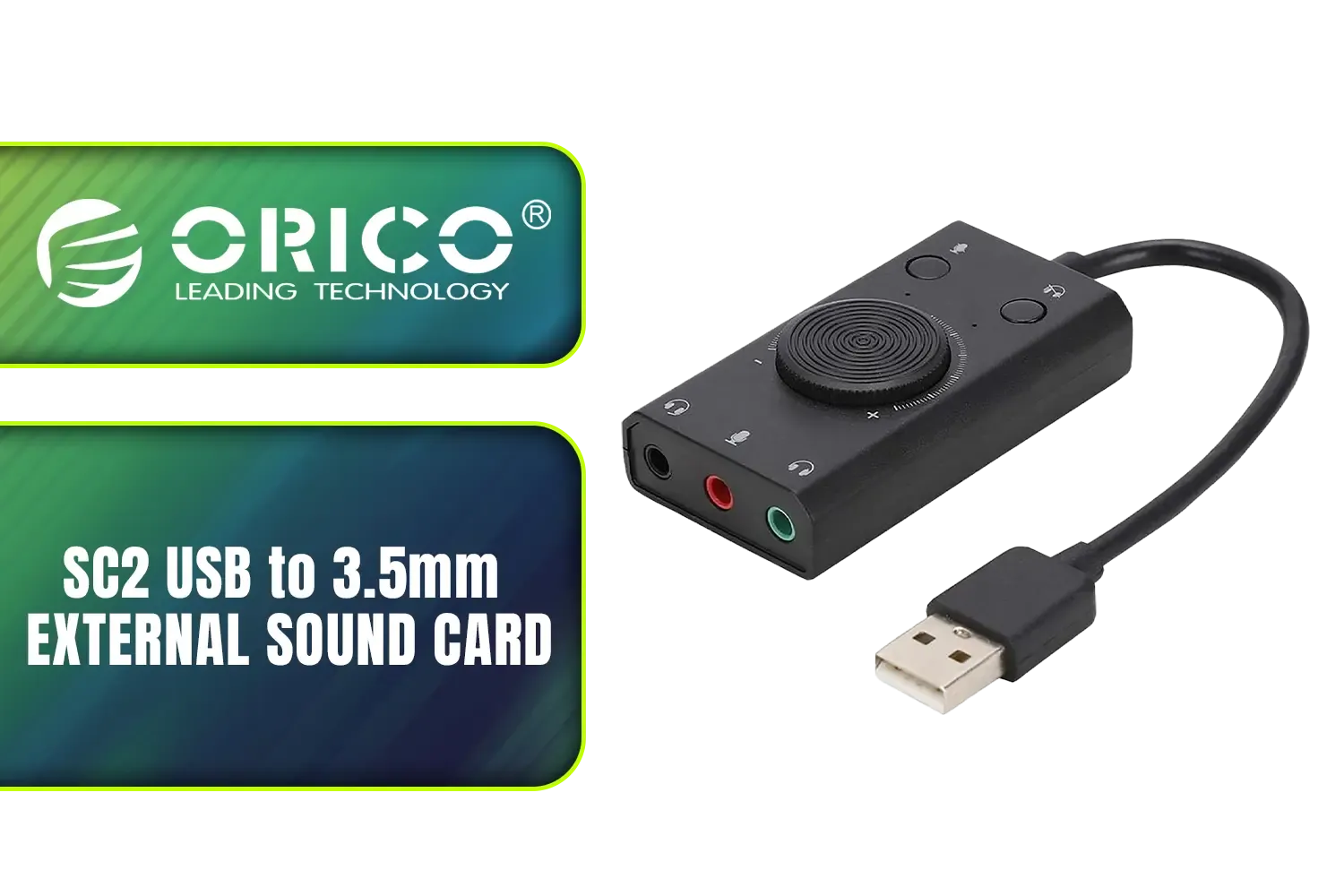
Orico SC2 USB to 3.5mm External Sound Card / High Fidelity: ≥80dB SNR, 15Hz–25kHz Response / Three Outputs: Headset + Headphones / ORICO-SC2-BK-BP
R249.00In Stock
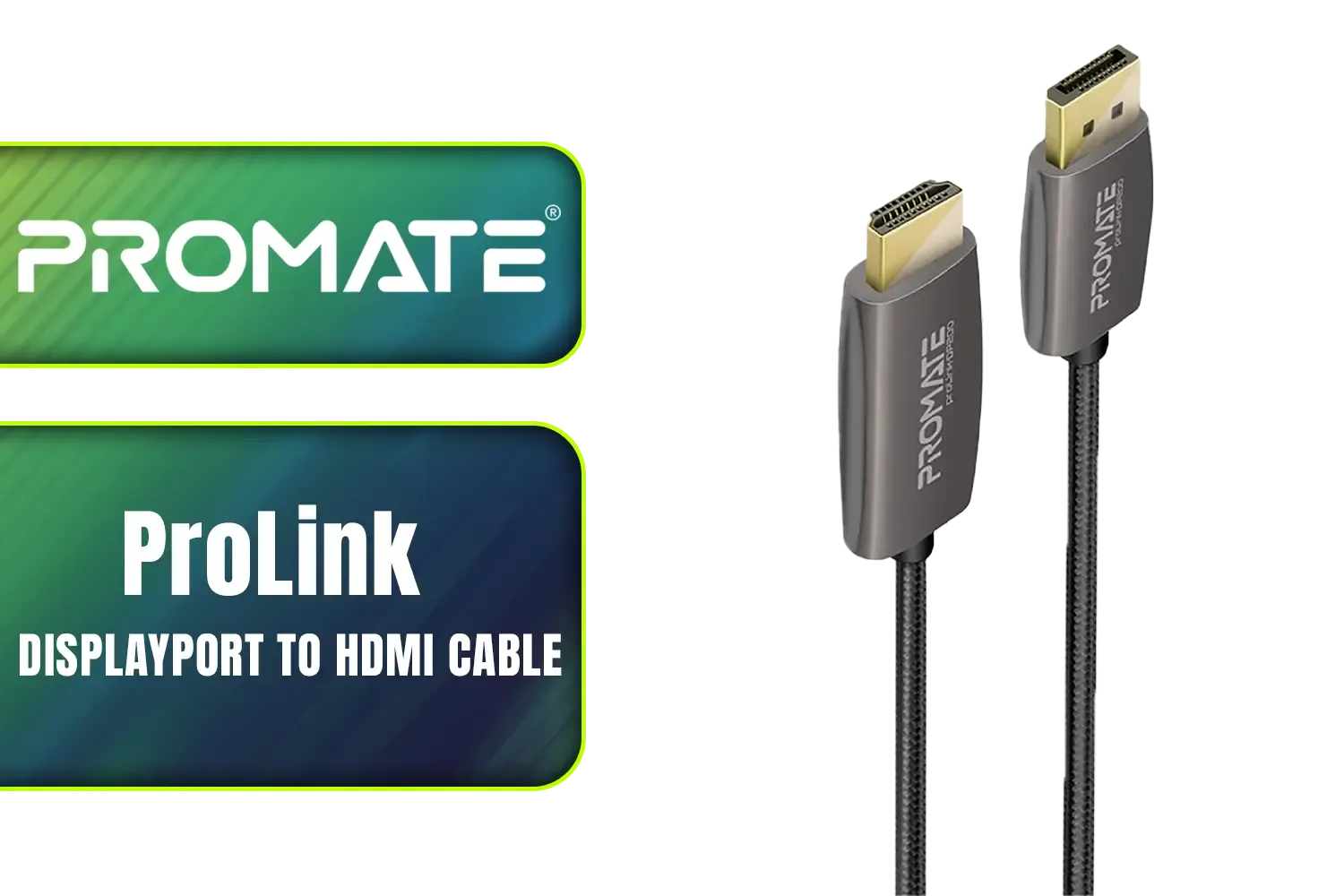
Promate ProLink 2 Meter DisplayPort to HDMI® Cable / 4K UHD Output at 60Hz / Stable Signal with Advanced IC Chip / Durable, Corrosion-Resistant Construction / ProLink-DP200
R399.00In Stock
Why GPU Power Cable Safety is a Hot Topic
Modern graphics cards, especially high-end models, are incredibly power-hungry. This increased demand puts more stress on every component in the power delivery chain, right down to the cables and connectors. You might have heard stories online about melting 12VHPWR connectors on some newer cards. While rare, these incidents highlight just how crucial GPU power cable safety has become.
A poor connection can create resistance, which generates heat. Too much heat in a small, high-power connector is a recipe for disaster. Ensuring a secure, stable connection isn't just about preventing damage; it's about getting the consistent performance you paid for.
The Essentials of a Safe GPU Power Connection
Getting this right isn't complicated, but it does require a bit of care. Think of it as the final, crucial step in your installation. Follow these simple rules to ensure you have reliable power to your GPU and complete peace of mind.
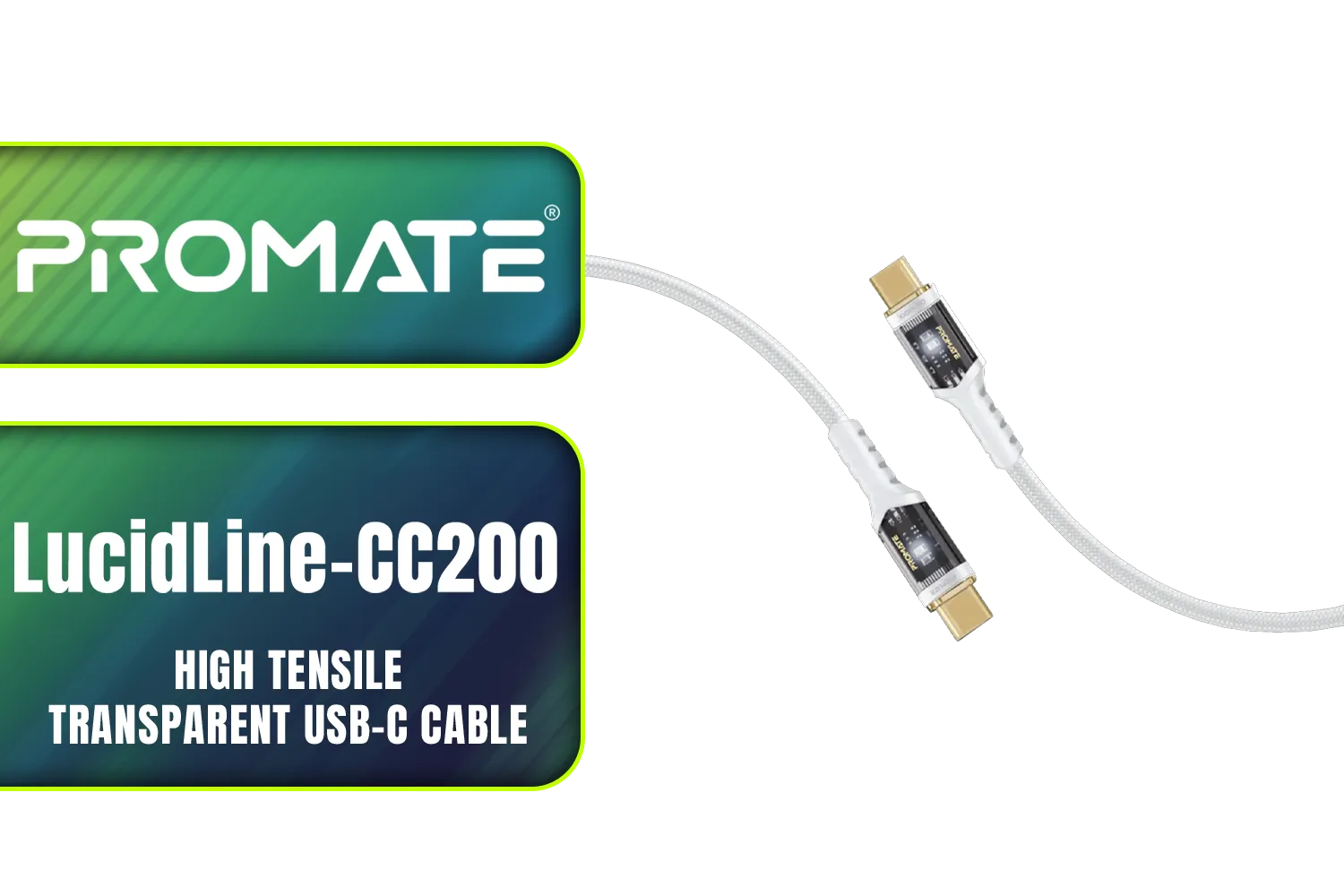
Promate LucidLine-CC200 High Tensile Transparent USB-C Cable with LED Light - White / Lightning-fast 100W Charging / Nylon Braided Exterior / LED lights / Speedy Data Transfers at 480Mbps / LucidLine-CC200.White
R199.00In Stock
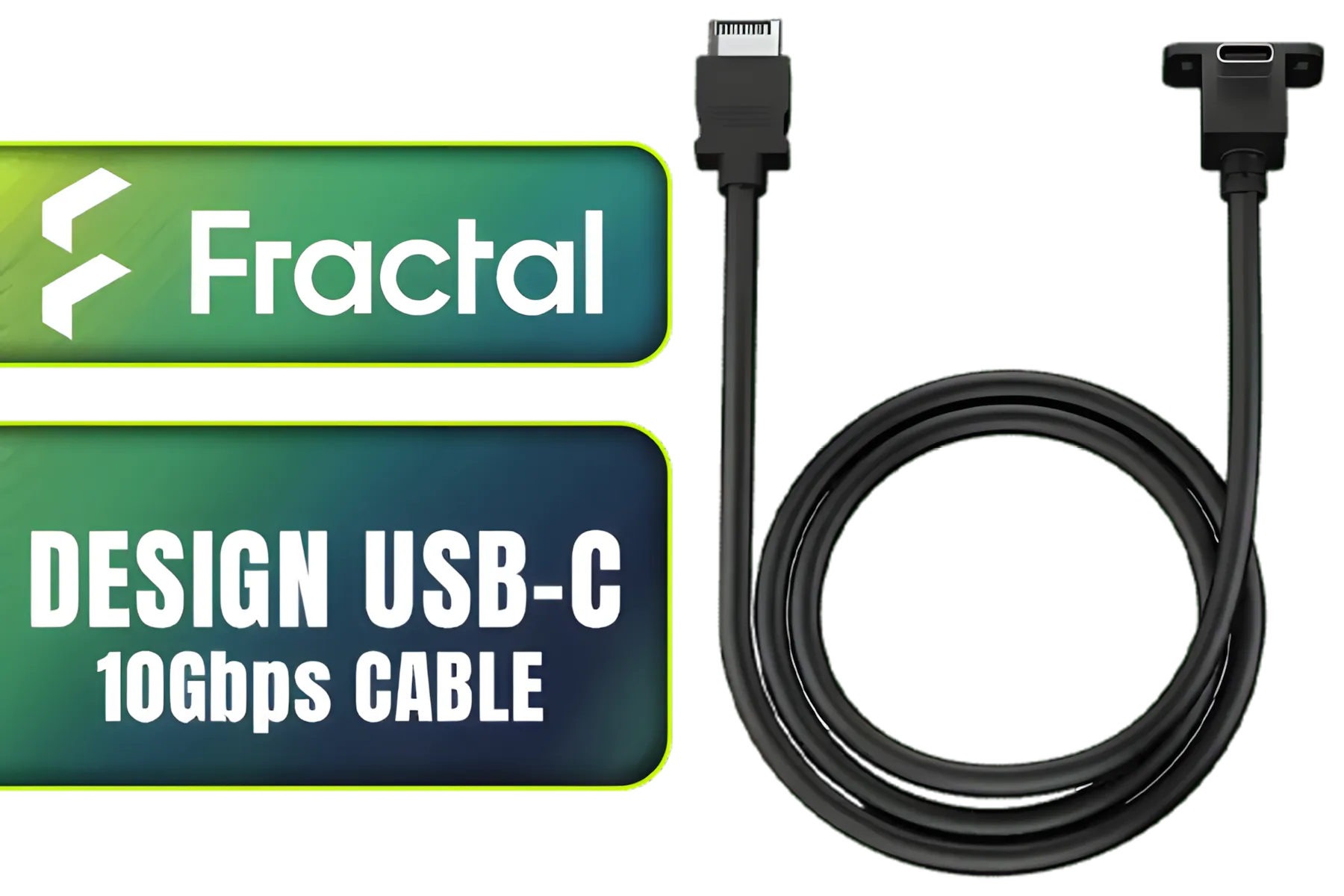
Fractal Design USB-C 10Gbps Cable – Model E / FD-A-USBC-002
R289.00In Stock
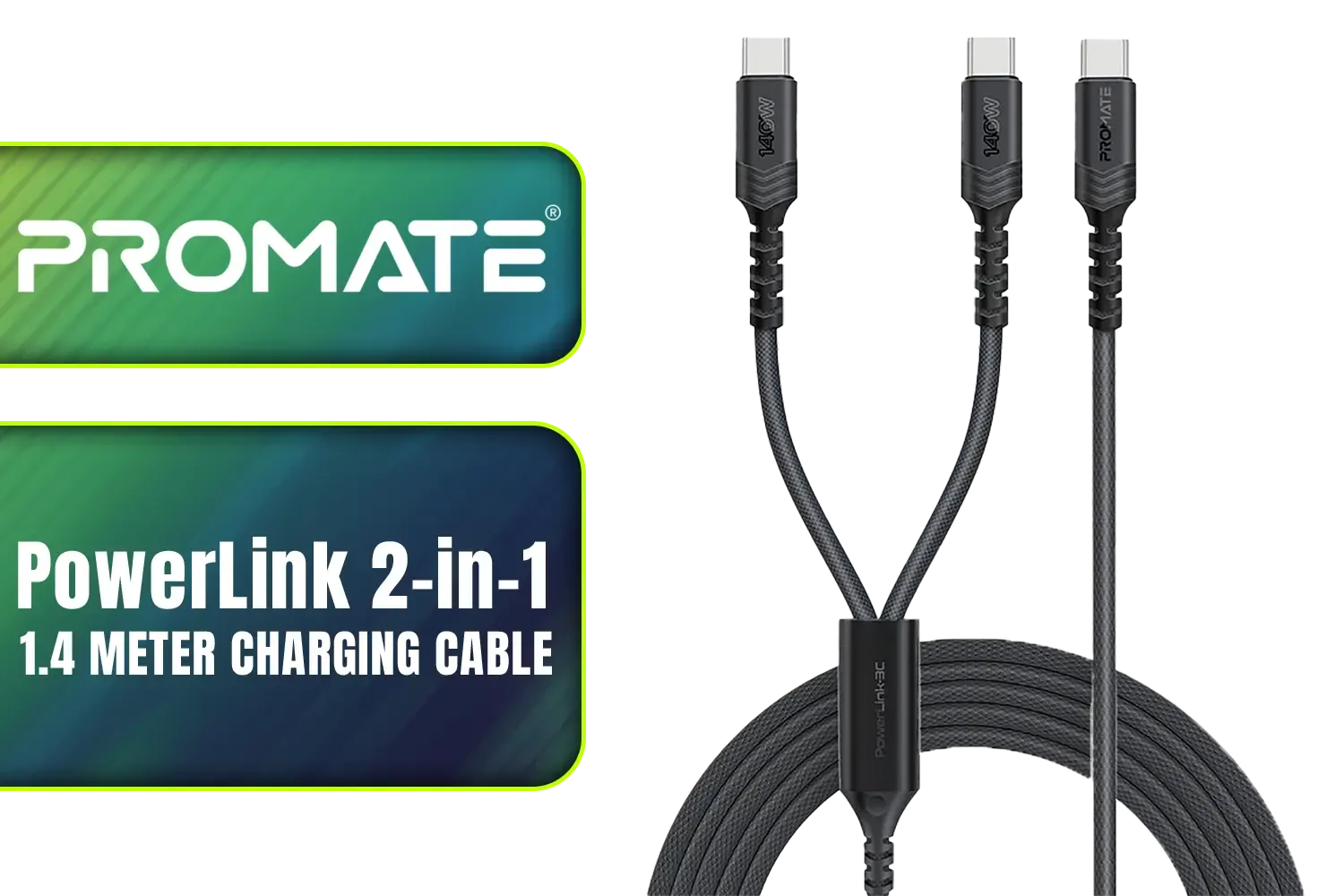
Promate PowerLink 2-in-1 High-Speed Charging Cable - 1.4 Meter / 140W Power Delivery / High Tensile Strength Cable / PD2.0 / PD3.0 / PD3.1 Support / 480Mbps Data Transfer / 1.4m Cable Length / Durable Fabric-Braided Cable / PowerLink-3C.Black
R399.00In Stock
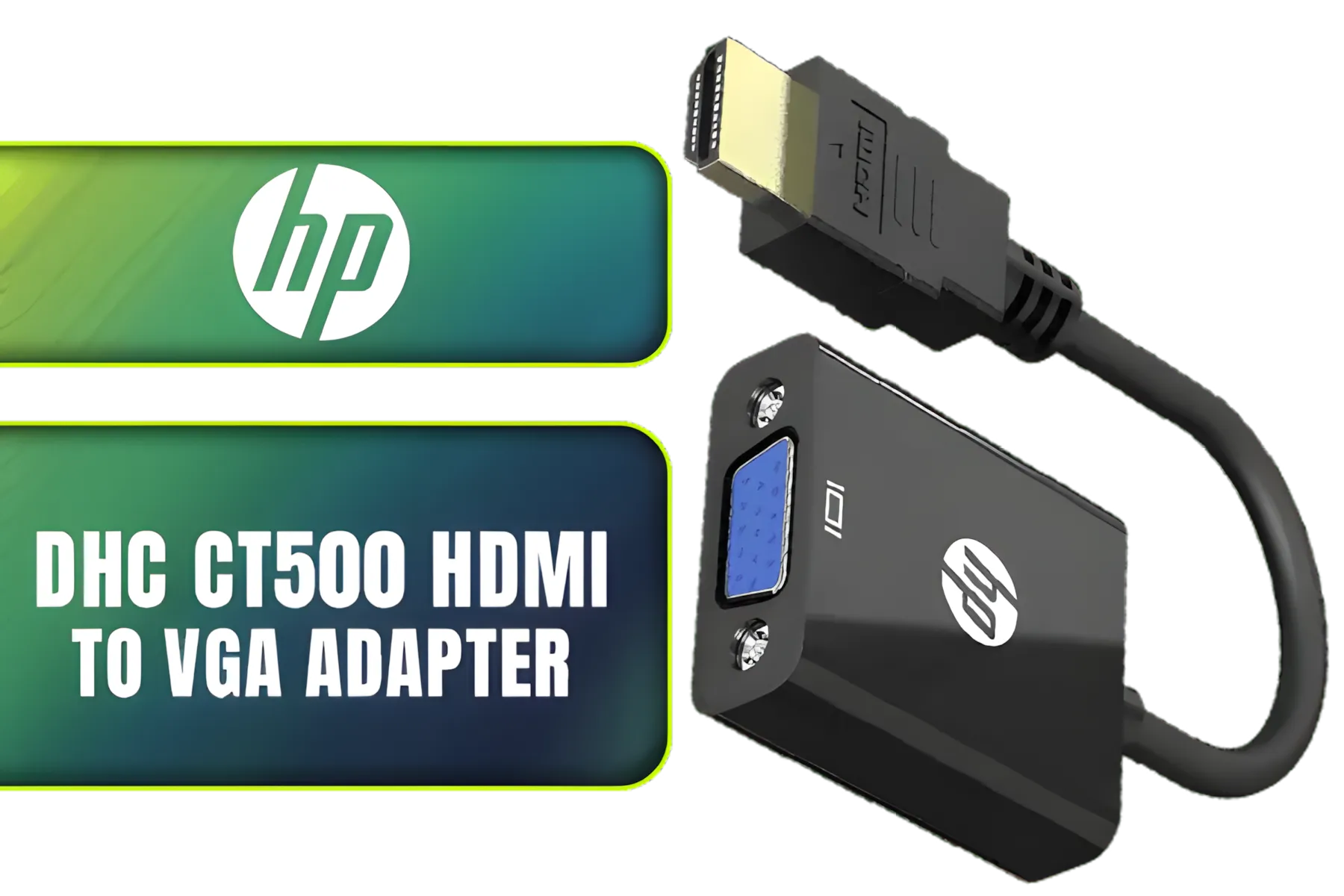
HP DHC CT500 HDMI to VGA Adapter Cable Black - resolution 1920x1080 / DHC-CT500
R199.00In Stock
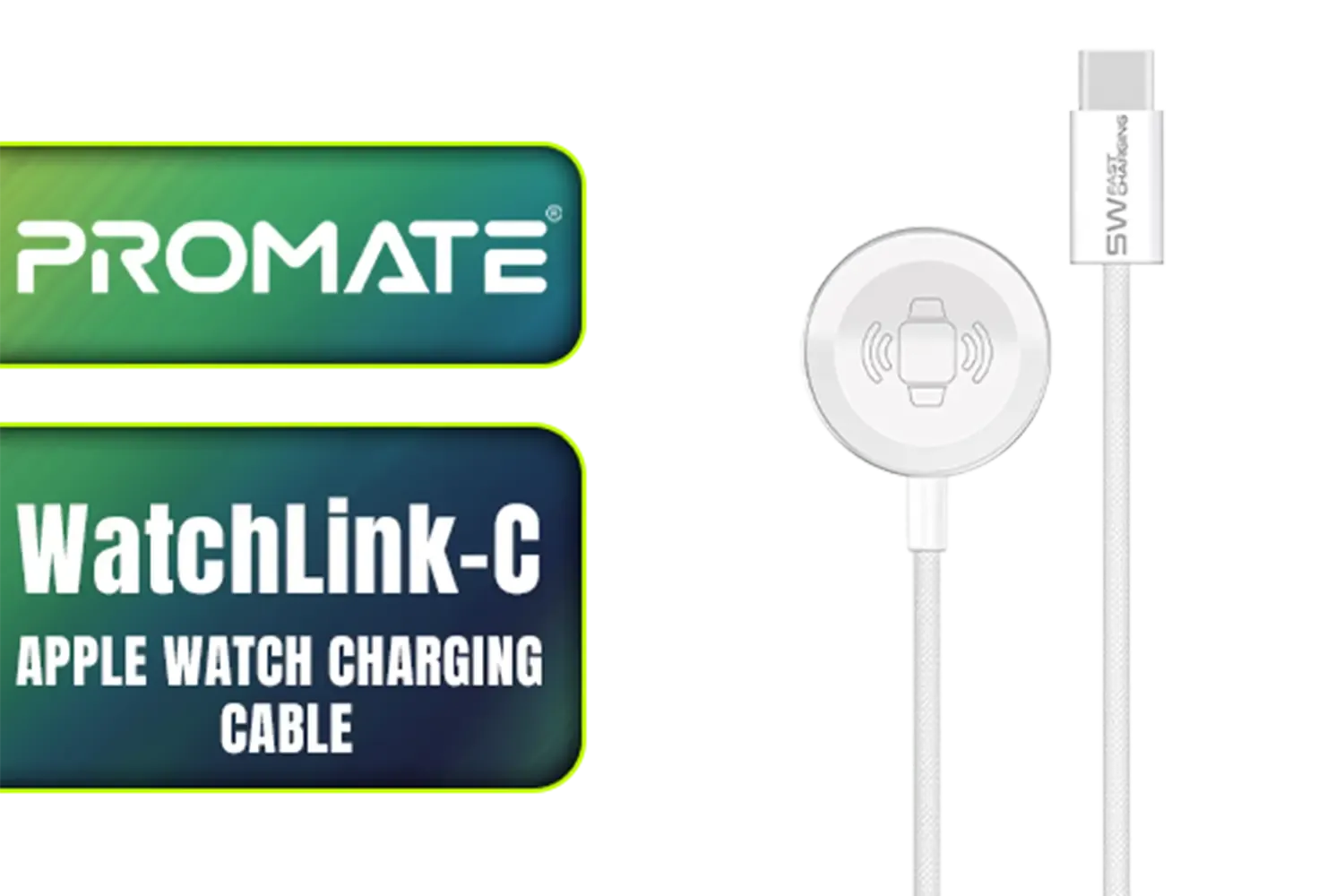
Promate WatchLink-C Fabric Braided Apple Watch Charging Cable / Fast 5W magnetic charging power / 1.2m cable length / Flexible fabric braided exterior / Durable aluminum and plastic build / WatchLink-C
R249.00In Stock
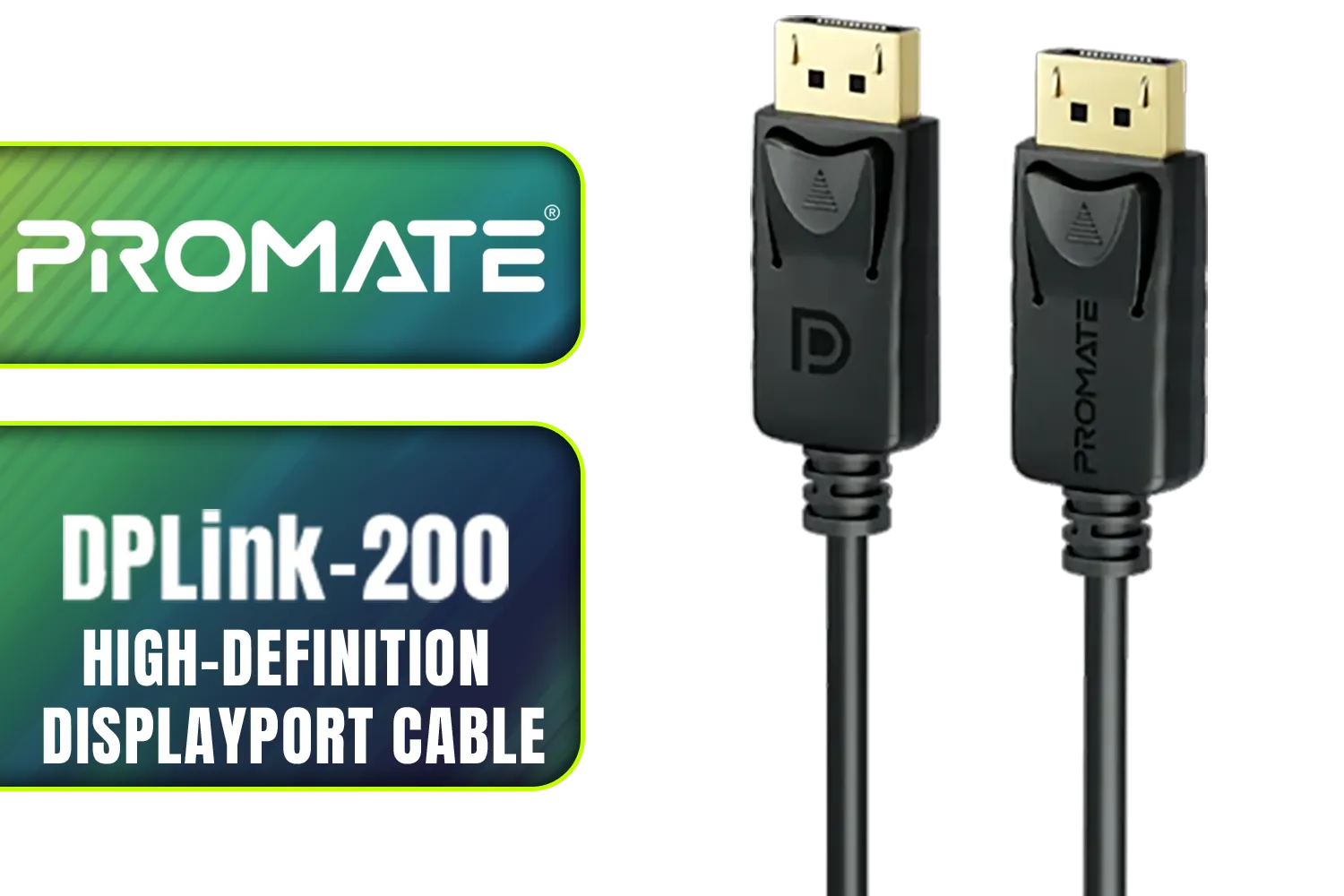
Promate DPLink-200 8K@60Hz High-Definition DisplayPort Cable / Display Port 1.4 / 2M Cable / Supports up to 8K UHD / DPLink-200
R299.00In Stock
Listen for the Click
When you plug the power cable into your GPU, it should be a firm, confident connection. Push it in straight until you hear and feel a distinct click from the locking clip. There should be no visible gap between the connector on the cable and the port on the graphics card. If it feels wobbly or looks uneven, unplug it and try again.
TIP FOR YOU
Cable Management Pro Tip 🔧
A tidy case isn't just for looks! Use cable combs and zip ties to route your GPU power cables neatly. This prevents accidental snags and ensures there's no unnecessary tension pulling on the connector. Good cable management also improves airflow, helping to keep your whole system running cool.
Avoid Sharp Bends at the Connector
This is especially important for the 12-pin (12VHPWR) connectors. Bending the cable too sharply right at the point where it enters the connector can put stress on the internal pins, leading to a poor connection. As a rule of thumb, try to leave at least 3-4cm of straight cable coming out of the connector before you start to bend it. Using flexible, high-quality, individually sleeved premium cables can make this much easier to manage.

HP DHC-CT201 USB-C to VGA 1080P Adapter - Stable picture Quality Without Flickering - notebook Connection Tv, Projector And More Display Device - Aluminum Finish / DHC-CT201
R499.00In Stock
Promate High Definition Display Port 2.0 Cable / 16K @ 60Hz / 2M Cable / 80Gbps Transfer Rate / DPLINK-16K
R299.00In Stock
Orico SC2 USB to 3.5mm External Sound Card / High Fidelity: ≥80dB SNR, 15Hz–25kHz Response / Three Outputs: Headset + Headphones / ORICO-SC2-BK-BP
R249.00In Stock
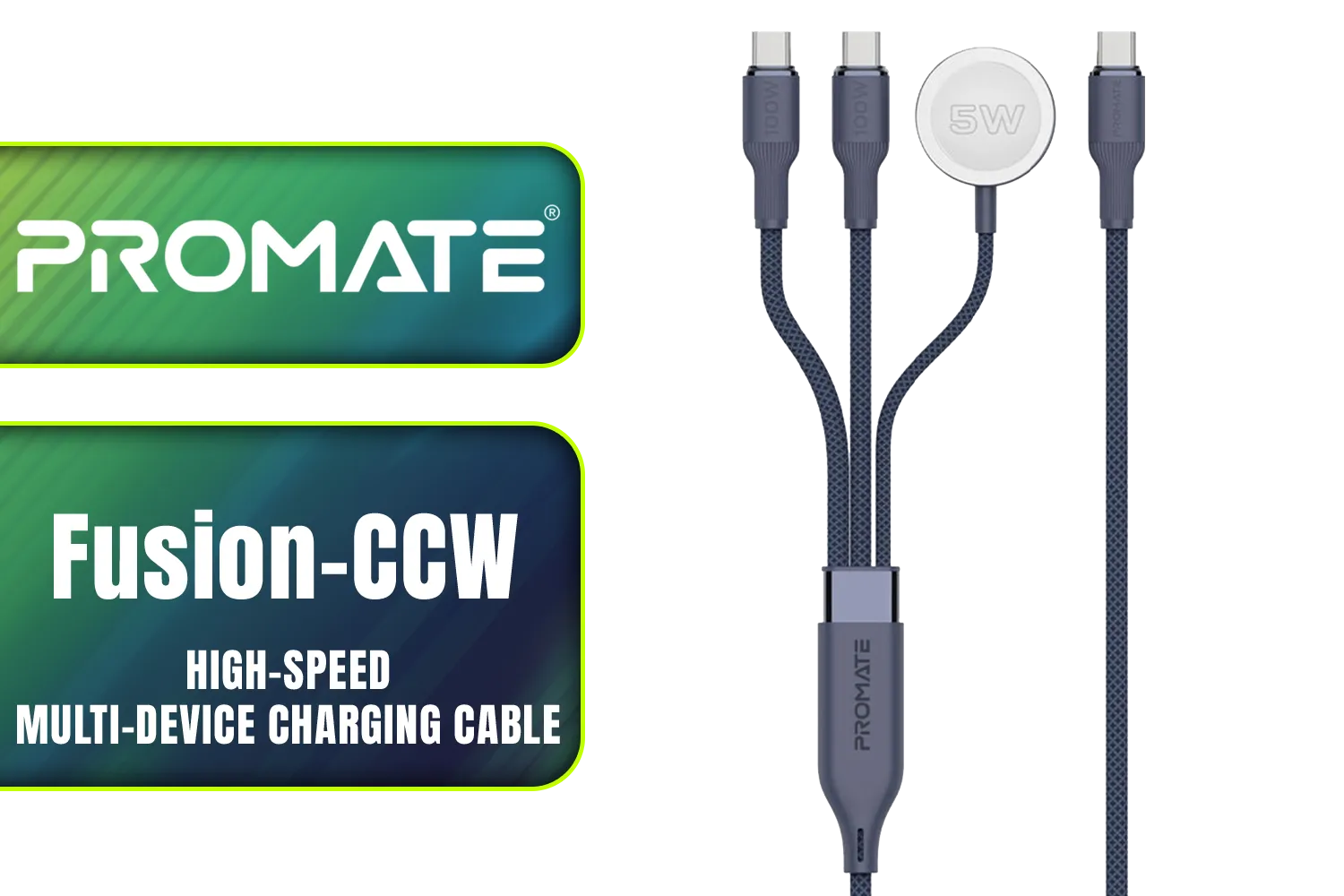
Promate Fusion-CCW High-Speed Nylon Braided Multi-Device Charging Cable - Blue / Rapid 100W Multi-Device Charging / Apple Watch Charger / 480Mbps Data Transfer / Reinforced Nylon-Braided Durable Design / Fusion-CCW.Blue
R449.00In Stock
HP DHC-CT202 USB-C 3.1 to HDMI Adapter - Stable Picture Quality No Splash Screen - Notebook Connection Tv, Projector And More Display Device - Support 4K Resolution - Clear And Realistic Picture / DHC-CT202HP
R399.00In Stock

Romoss USB A to Lightning & Micro USB 1.5m cable Space Grey Nylon Braided Cable / CB209-71-233
R189.00In Stock
Upgrade Your Connection for Ultimate Confidence
If your case is a bit tight or you want to add some extra flair and security, aftermarket solutions are your best friend. They are specifically designed to address common issues and improve GPU power cable safety. ✨
For instance, if managing the bend on a new 40-series card is a concern, using a dedicated 12VHPWR ARGB extension cable not only solves the problem but also adds some awesome, customisable lighting to your build. These accessories are engineered to provide a perfect fit and a secure link between your power supply and your prized GPU.
Ultimately, taking a moment to double-check your GPU power connection is one of the smartest things you can do for the health and longevity of your gaming rig. A secure cable means a happy GPU, and a happy GPU means more frames for you. 🚀
Ready to Secure Your Build? The right components make all the difference. From power supplies to premium cables, ensuring your PC has a stable foundation is key to performance. Explore our huge range of PC components and find everything you need to build with confidence.
Related Products
Romoss USB A to Lightning & Micro USB 1.5m cable Space Grey Nylon Braided Cable / CB209-71-233
R189.00In Stock
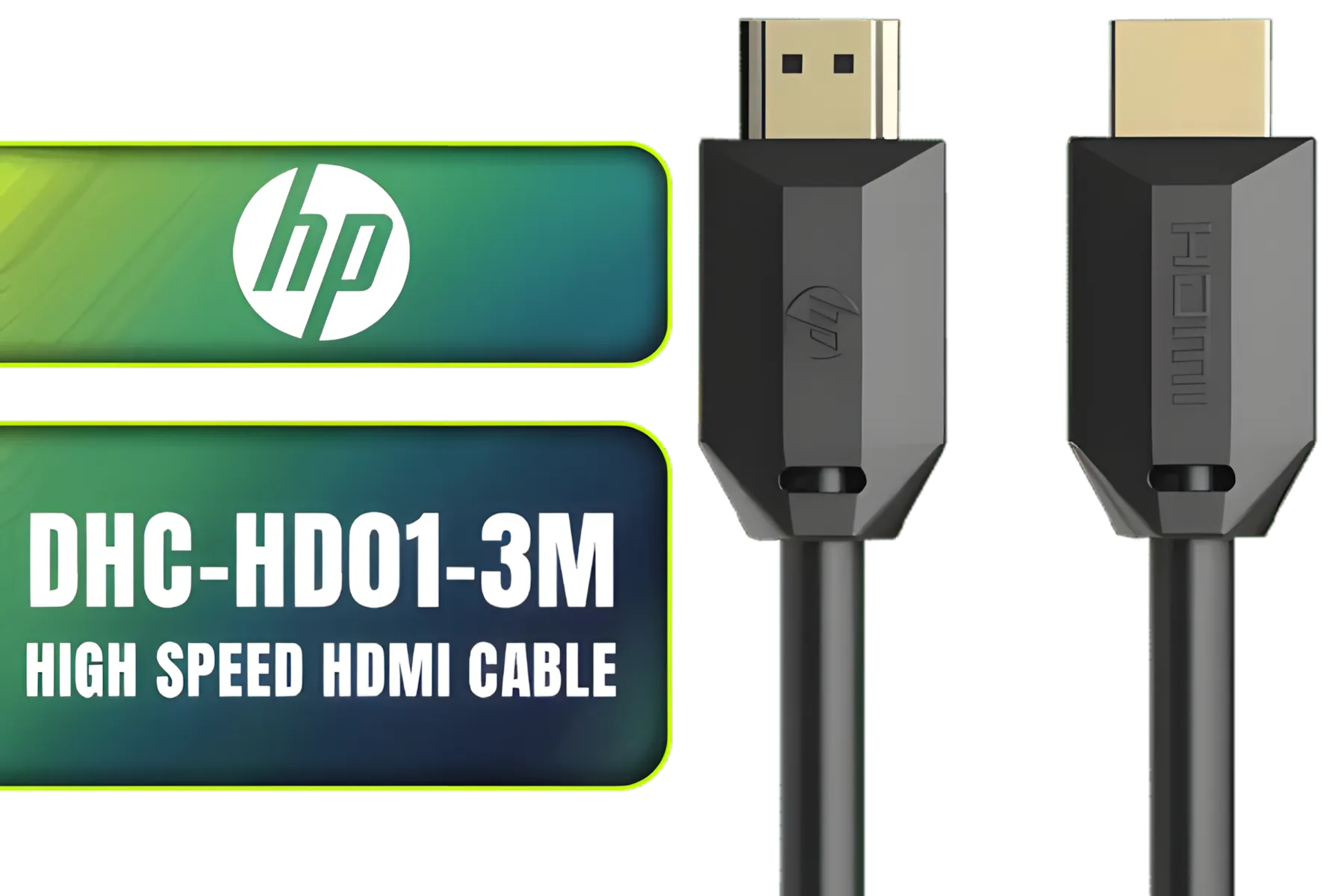
HP DHC-HD01-3M High Speed HDMI Cable / Supports 4K/60Hz High Resolution / Clear and Delicate Picture Quality / Transmission Rate up to 18Gbps / Corrosion Resistant & Rust Free / High Fidelity Transmission Signal / DHC-HD01-3M
R149.00In Stock

HP DHC HD02 3M Male to Male HDMI Cable, 8K 60Hz / 4K 120Hz Support Resolution, 48Gbps Data Transfer Rate, 24AWG Cable Cores, 3m Cable Length, Black / DHC-HD02-3M
R199.00In Stock
HP DHC-CT202 USB-C 3.1 to HDMI Adapter - Stable Picture Quality No Splash Screen - Notebook Connection Tv, Projector And More Display Device - Support 4K Resolution - Clear And Realistic Picture / DHC-CT202HP
R399.00In Stock
Promate High Definition Display Port 2.0 Cable / 16K @ 60Hz / 2M Cable / 80Gbps Transfer Rate / DPLINK-16K
R299.00In Stock
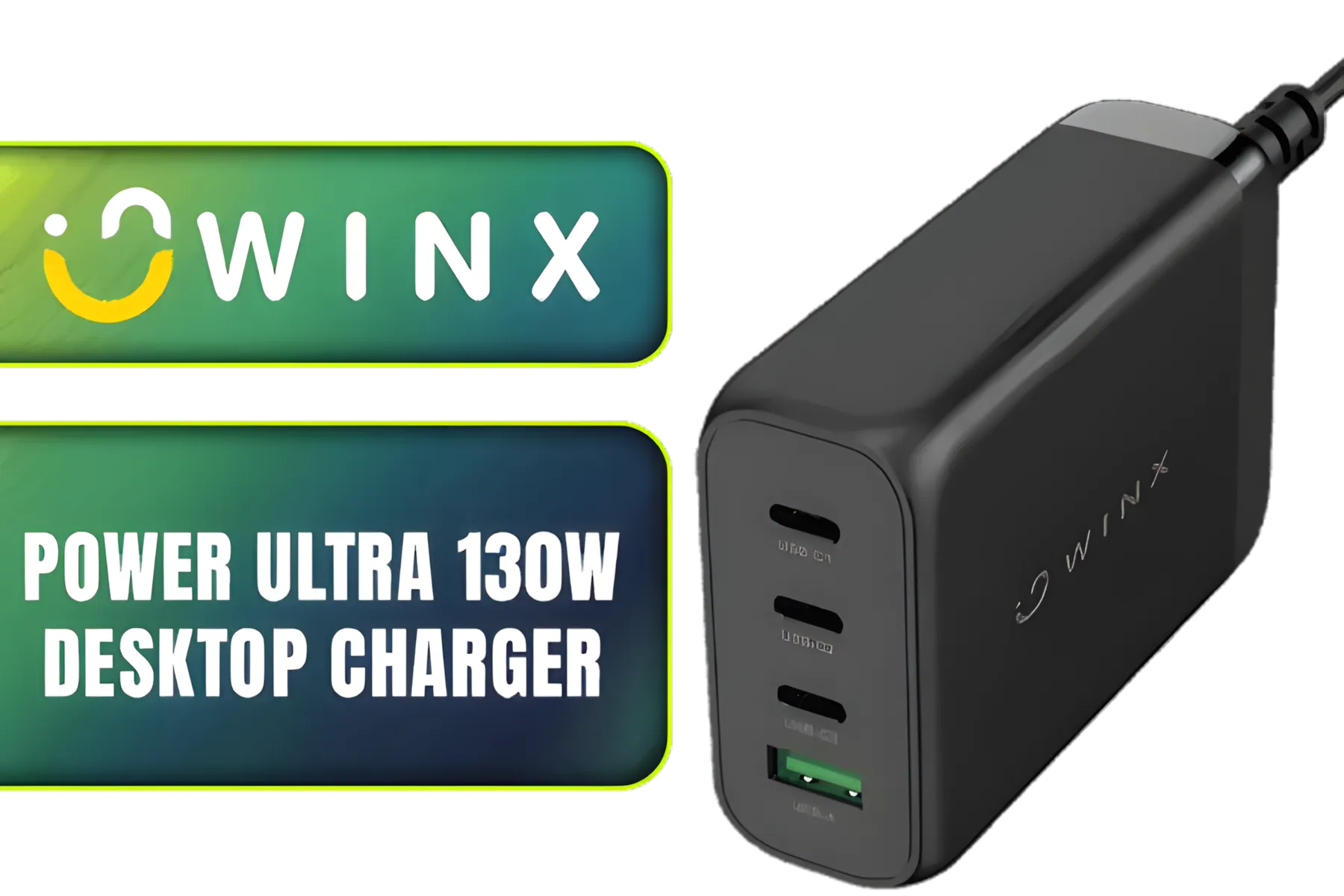
Winx Power Ultra 130W Desktop Charger / Ultra-compact, space-saving design/ Charge your notebooks, tablets, mobile phones, & handheld gaming devices / WX-DC102
R849.00In Stock
Inspect connectors, confirm tight seating, check cable gauge and amperage, and test under load. Use a GPU power cable checklist before heavy use.
Use 16 AWG for typical GPUs and 14 AWG for high-draw setups. Correct cable gauge for GPU power prevents voltage drop and overheating.
Yes. Loose or thin cables can cause voltage drops, overheating, and instability. Avoid GPU power drops to protect components.
Look for melted pins, discoloration, loose fit, and burnt smells. Follow 6-pin 8-pin GPU cable safety checks before reuse.
Yes if they are original or certified third-party cables. Follow modular PSU GPU cable safety and avoid mismatched connectors.
Route cables away from vents, use sleeving and cable management GPU best practices, and maintain airflow to reduce heat risks.
Verify PSU and cable ratings meet GPU peak draw. Perform a GPU cable amperage check for high TDP cards to avoid undercurrent.











