Mechanical vs Optical Switches for South African Gamers
Mechanical vs optical switches: Compare latency, feel, durability and price to pick the ideal keyboard switch for South African gamers 🇿🇦🎮. Get clear guidance for FPS, MMO and budget builds.
|
Loading tags...
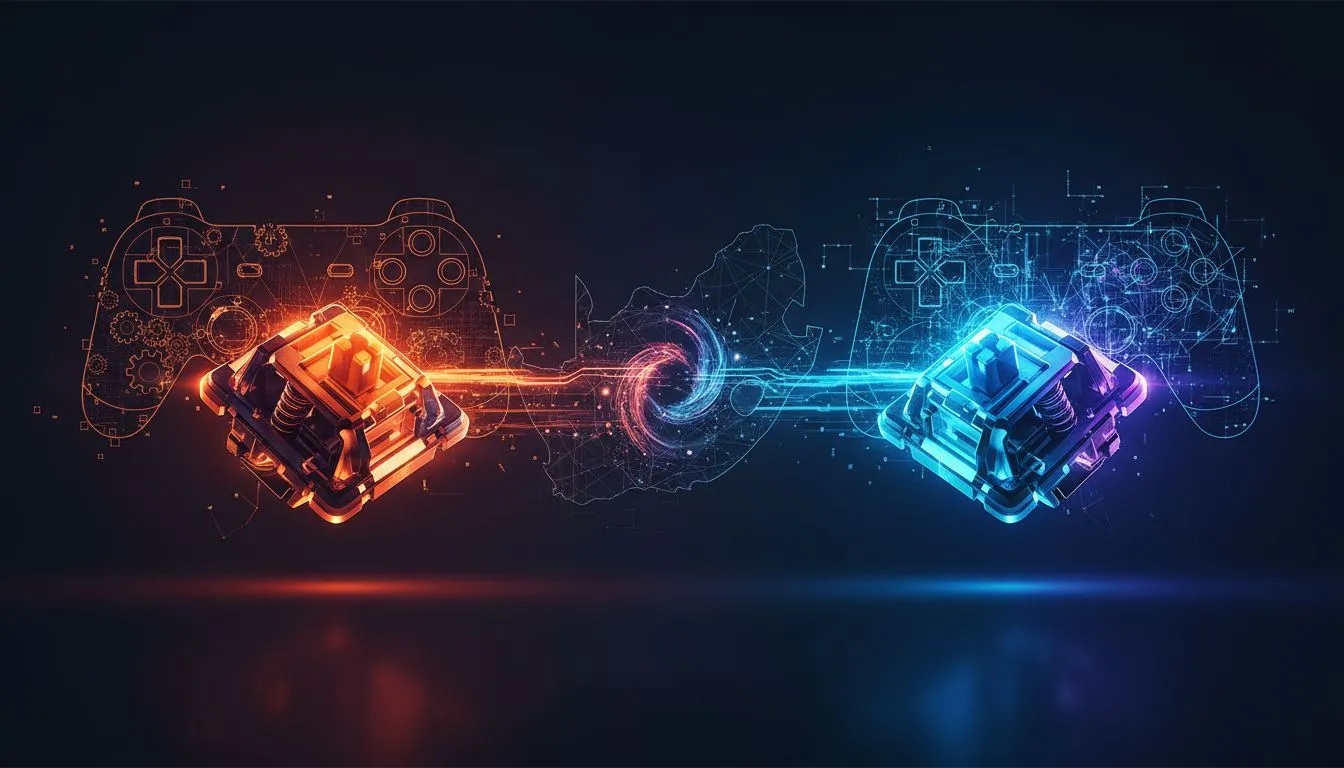
Staring down an opponent in a tense Valorant clutch, the last thing you need is gear that can't keep up. In South Africa, the debate over the best keyboard tech is heating up: mechanical vs optical switches. Is the classic, satisfying 'clack' of a mechanical switch better than the lightning-fast, light-based actuation of an optical one? This decision isn't just about noise... it's about speed, feel, and gaining that crucial competitive edge. Let's break it down. ✨

Dell KM5221W Pro Wireless Keyboard and Mouse - Combo / Programmable keys and scroll wheel / Up to 4000 DPI / 2.4 GHz Interface / 580-AJRP
R799.00In Stock

Glorious Gaming Wooden Wrist Rest - Full Standard Size - Onyx/Black - Mechanical Keyboard, Wood Ergonomic Palm Rest| 17.5x4 inches/19mm Thick (GV-100-DARK)
R549.00In Stock

Logitech® MX Keys S Wireless Keyboard - Graphite / Smart White Backlit / Bluetooth Low Energy Technology / 2.4GHz Logi Bolt USB Receiver / 920-011587
R2399.00In Stock

Glorious Gaming Wooden Mouse Wrist Rest - Onyx/Black - for Gaming Mice, Wood Ergonomic Palm Rest| 8x4x0.75 inches/19mm Thick (GV-M-Dark)
R349.00In Stock

Razer BlackWidow V4 Mechanical Gaming Keyboard: Green Switches Tactile & Clicky - Chroma RGB - 6 Dedicated Macro Keys - Magnetic Wrist Rest - Doubleshot ABS Keycaps - Multi-Function Roller & Media Keys / RZ03-04690100-R3M1
R3999.00In Stock

Corsair K70 Core TKL RGB Mechanical Gaming Keyboard - Pre-Lubed MLX Red v2 Switches - Sturdy Double-Shot Keycaps - Ultra-Satisfying Typing Acoustics - QWERTY NA Layout / CH-911911E-NA
R1799.00In Stock
What Exactly Are Mechanical Switches?
For decades, mechanical switches have been the gold standard for serious gamers and typists. Inside each key is a physical mechanism: a spring-loaded stem that pushes two metal contacts together to register a keystroke. This physical connection is what gives them their distinct, satisfying feel.
The magic of mechanical keyboards lies in their variety. You can choose from:
- Linear (e.g., Red switches): Smooth, consistent travel from top to bottom. Perfect for rapid key presses without any tactile interference.
- Tactile (e.g., Brown switches): A noticeable "bump" in the middle of the press to let you know the key has been activated. A great all-rounder for gaming and typing.
- Clicky (e.g., Blue switches): A tactile bump combined with a sharp, audible click. Incredibly satisfying, but maybe not for late-night gaming sessions with family nearby!
This variety means you can find a switch that feels tailor-made for you, and you'll find them in a huge range of gaming keyboards across all price points.

Glorious Aura V2 145-Key PBT Mechanical Keyboard Keycaps - Black / Full-size standard 145 Key / PBT Keys / LED Light Compatible / US Layout / Fits most mechanical keyboards / Compatible with GMMK 2 & GMMK PRO / <span style="color:red; font-size: 16px;">*Keyboard not Included*</span> / GLO-KC-AURA2-B
R599.00In Stock
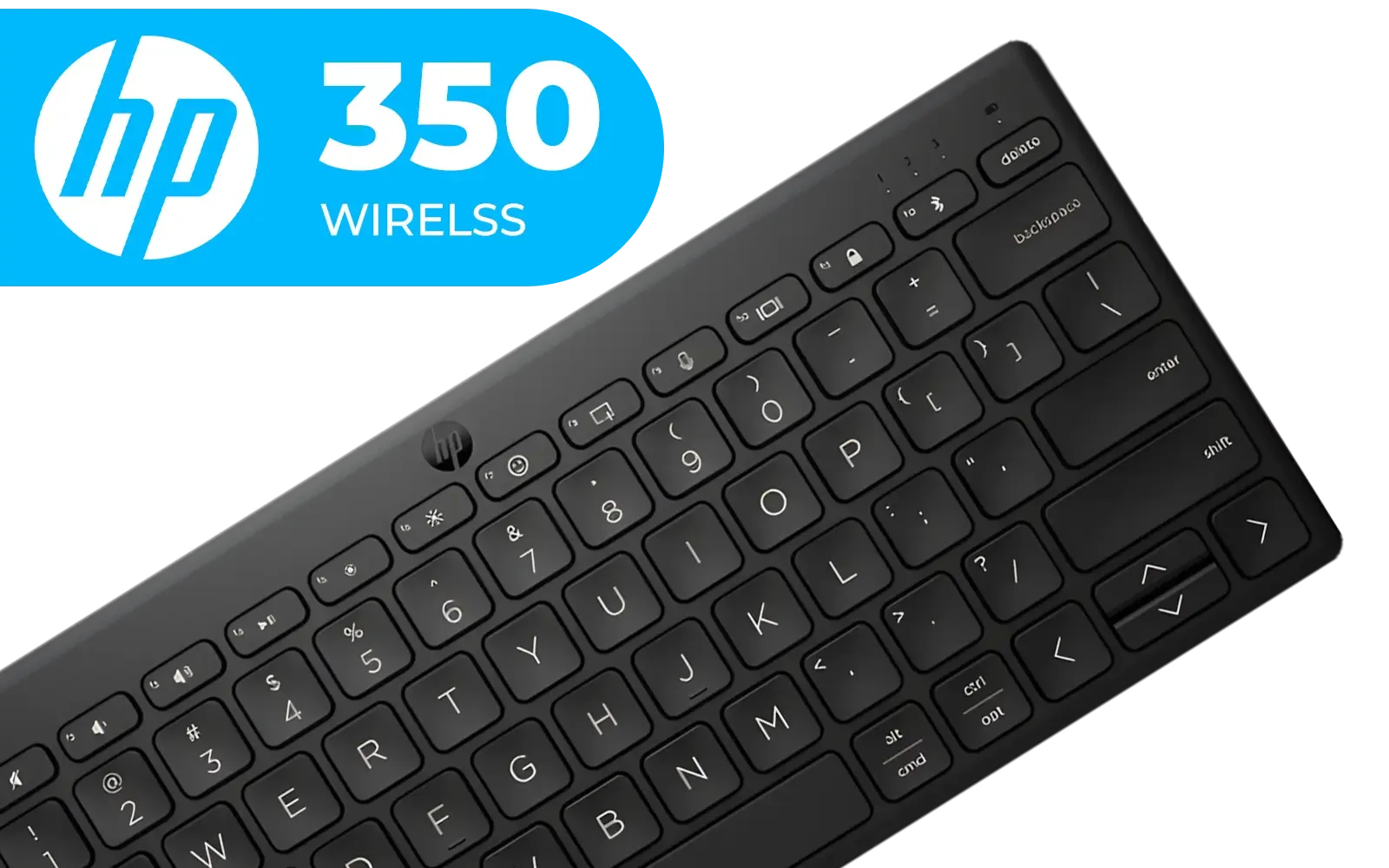
HP 350 Multi-Device Compact Wireless Keyboard - Black / Travel-Ready Compact Design / Multi-Device Bluetooth 5.2 / Smart Key Shortcuts / 692S8AA
R699.00In Stock

Glorious Kailh RED Mechanical Keyboard Switches / 120 Pack / Compatible with the GMMK & GMMK PRO / Compatible with Cherry/Gateron/Kailh based keyboards / Plate Mounted / Transparent Switch Housing / SMD Led Compatible / KAI-RED
R849.00In Stock

HP 350 Multi-Device Compact Wireless Keyboard - White / Travel-Ready Compact Design / Multi-Device Bluetooth 5.2 / Smart Key Shortcuts / 692T0AA
R799.00In Stock
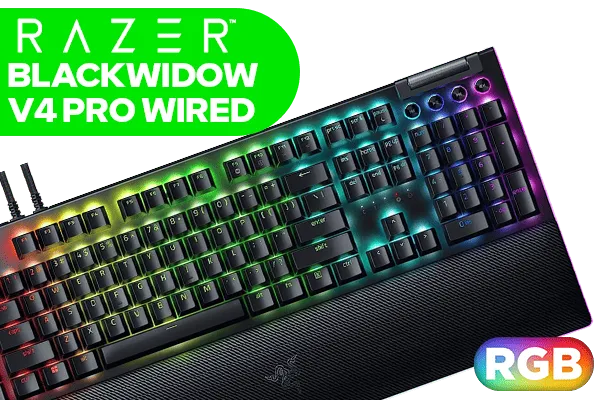
Razer BlackWidow V4 Pro Wired Mechanical Gaming Keyboard: Yellow Mechanical Switches - Linear & Silent - Doubleshot ABS Keycaps - Command Dial - Programmable Macros - Chroma RGB - Magnetic Wrist Rest / RZ03-04681800-R3M1
R5199.00In Stock

Glorious GPBT 114-Keys Premium PBT Mechanical Keyboard Keycaps - Caribbean Ocean / Compatible with GMMK PRO & GMMK 2 / Fits Most Full-size/TKL Compact Keyboards / Non-Transparent Keycaps / US Layout / <span style="color:red; font-size: 16px;">*Keyboard not Included*</span> / GLO-KC-GPBT-CO
R749.00In Stock
How Do Optical Switches Change the Game? 🚀
Optical switches, sometimes called opto-mechanical switches, are the newer tech on the block. Instead of relying on metal-on-metal contact, they use a beam of infrared light. When you press a key, the stem blocks this beam, instantly telling the computer to register the keystroke.
So, why does this matter? Two big reasons: speed and durability.
Because there's no physical contact required for actuation, there's no "debounce delay"—a tiny lag in mechanical switches needed to prevent a single press from registering multiple times. This makes optical switches technically faster. This near-instant response is why many pros are switching to reliable wired optical keyboards for tournament play. Furthermore, with fewer moving parts grinding against each other, optical switches often boast a longer lifespan, sometimes rated for 100 million keystrokes or more.
Mechanical vs Optical Switches: The Showdown
Okay, let's put them head-to-head. The choice between optical vs mechanical switches really depends on what you prioritise as a gamer.
Speed & Responsiveness
For pure, unadulterated speed, optical switches have the edge. The lack of debounce delay and light-speed actuation means your in-game actions happen a fraction of a second faster. For highly competitive players in Johannesburg or Cape Town grinding the ranked ladders, this could be the difference between winning and losing a duel.
HP 350 Multi-Device Compact Wireless Keyboard - White / Travel-Ready Compact Design / Multi-Device Bluetooth 5.2 / Smart Key Shortcuts / 692T0AA
R799.00In Stock

Glorious Stealth Edition Padded Mechanical Keyboard Wrist Rest - Compact / Size: 300 x 102 x 25.4mm / Smooth Cloth Surface / Reinforced With Dual Locked / Anti-slip Rubber Base / GWR-75-STEALTH
R399.00In Stock

Glorious Panda Mechanical Keyboard Switches - Lubed / Tactile Style / Compatible with all GMMK Models / 36 switches per pack / SMD RGB light hole for RGB compatibility / GLO-SWT-HPANDA-LUBED
R699.00In Stock

Glorious GMMK Compact RGB Modular Mechanical Gaming Keyboard - Barebone Edition - 61 Key / US Layout / Mechanical Switch - Required, Not Included / Switches - Required, Not Included / Keycaps - Required, Not Included / / GMMK-COMPACT-RGB
R1349.00In Stock

Glorious Stealth Edition Padded Mechanical Keyboard Wrist Rest - TKL / Size: 360 x 100 x 25.4mm / Smooth Cloth Surface / Reinforced With Dual Locked / Anti-slip Rubber Base / GWR-87-STEALTH
R349.00In Stock

Razer BlackWidow V4 75% Mechanical Gaming Keyboard: Hot-Swappable Design / Compact & Durable / Orange Tactile Switches / Chroma RGB / MF Roller & Media Keys / Comfortable Wrist Rest - Black / RZ03-05000100-R3M1
R5199.00In Stock
Feel & Customisation
This is where mechanical switches truly shine. The sheer variety of switch types from brands like Cherry MX, Gateron, and Kailh is unmatched. You can find a switch for any preference, from a heavy tactile bump to a light linear press. This deep level of customisation, especially with feature-rich boards offering stunning RGB lighting to match your setup, is a huge draw for enthusiasts.
Durability & Price
While optical switches generally have a higher keystroke rating, modern mechanical switches are incredibly robust and will last for years of intense gaming. In terms of price, you can find excellent mechanical keyboards in South Africa for under R1,000. Optical technology tends to be in more premium models, though prices are becoming more competitive. While optical tech is often found in high-end wired gear, you can also find it in some premium wireless models, offering a clean, cable-free desk.
TIP FOR YOU
Find Your Feel 🔧
New to the world of switches? If you can't test them in person, a 'Red' linear switch is a safe bet for pure gaming speed, while a 'Brown' tactile switch offers a great middle-ground for both gaming and typing. It gives you a slight bump on actuation without the loud click, making it a versatile first choice.
The Verdict: Which Switch Should You Choose?
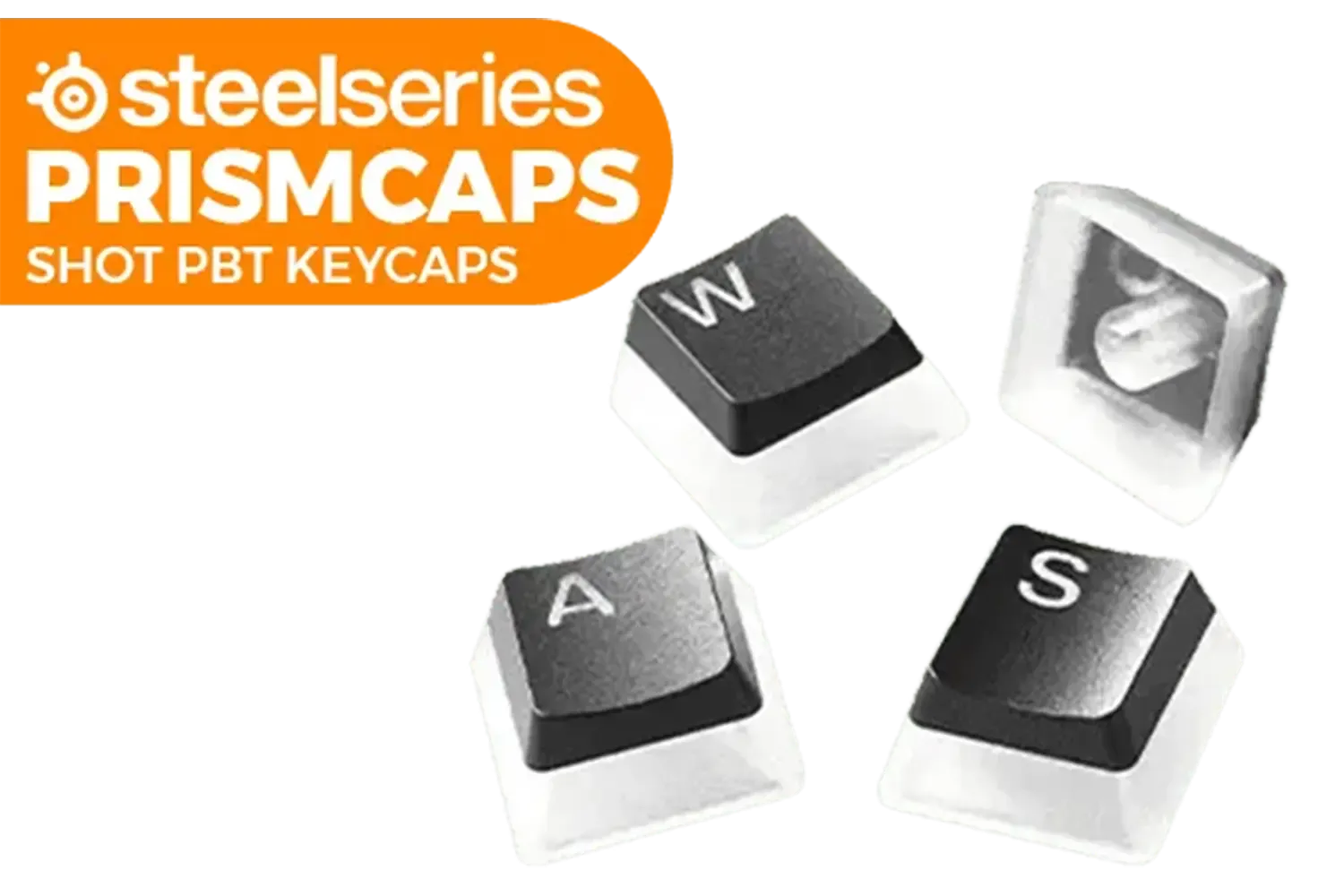
SteelSeries Prismcaps Double Shot PBT Keycaps - Black / Extreme Durability / Compatible With Most Mechanical Keyboards / Thermoplastic PBT Keycaps / 60200
R949.00In Stock
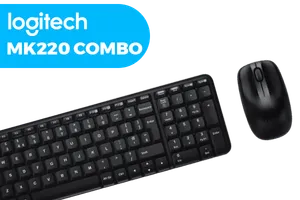
Logitech MK220 Wireless Keyboard And Mouse Combo / Long Battery Life / 10 re-programmable keys / Full-size, spill-resistant keyboard / Instant media Access / Logitech Unifying Receiver / 920-003161
R449.00In Stock
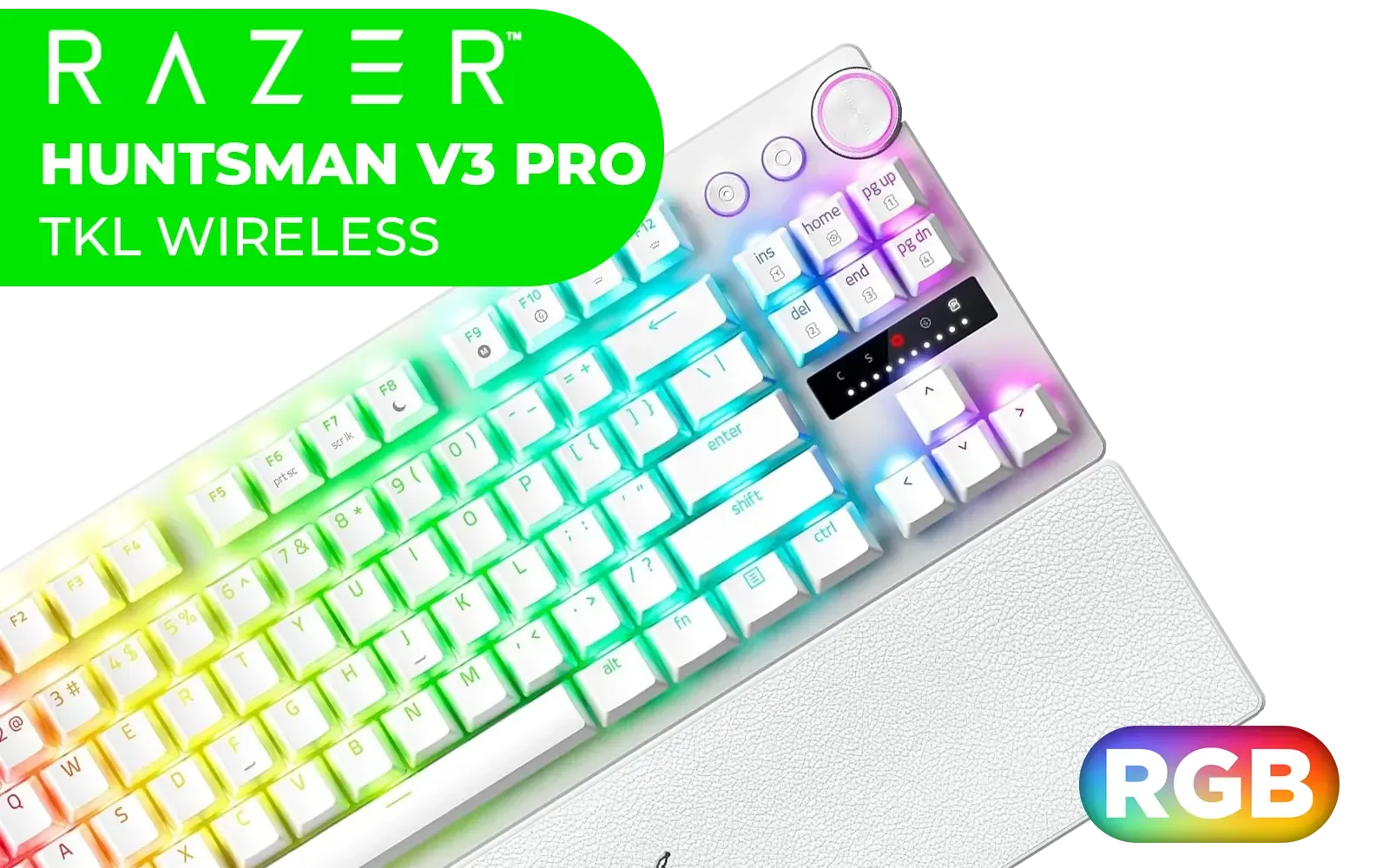
Razer Huntsman V3 Pro Tenkeyless - TKL Analogue Optical Esports PC Keyboard (Onboard Settings, Multifunction Wheel with 2 Dedicated Keys, PBT Keycaps) QWERTY US Layout | White / RZ03-04981700-R3M1
R5999.00In Stock

Logitech MK950 Signature Slim Wireless Keyboard and Mouse Combo - Off-White / Sleek Design / Quiet Typing and Clicking / Switch Across Three Devices, Bluetooth, Multi-OS, Windows and Mac / QWERTY UK Layout / 920-012491
R2299.00In Stock
Glorious Aura V2 145-Key PBT Mechanical Keyboard Keycaps - Black / Full-size standard 145 Key / PBT Keys / LED Light Compatible / US Layout / Fits most mechanical keyboards / Compatible with GMMK 2 & GMMK PRO / <span style="color:red; font-size: 16px;">*Keyboard not Included*</span> / GLO-KC-AURA2-B
R599.00In Stock
Glorious Gaming Wooden Wrist Rest - Full Standard Size - Onyx/Black - Mechanical Keyboard, Wood Ergonomic Palm Rest| 17.5x4 inches/19mm Thick (GV-100-DARK)
R549.00In Stock
So, after comparing mechanical vs optical switches, who wins for the South African gamer? The honest answer... it depends entirely on you.
- Choose Mechanical if: You value a specific typing feel, love the idea of customisation, and want that classic, satisfying feedback. They are fantastic all-rounders for anyone who games, works, and studies on the same PC.
- Choose Optical if: Raw speed is your number one priority. You are a competitive esports player where every millisecond counts, and you want the most responsive, durable technology available.
Ultimately, both technologies are exceptional. The best switch is the one that feels right under your fingers and gives you the confidence to hit every shot and nail every combo.
Ready to Find Your Perfect Click? The debate over mechanical vs optical switches comes down to personal preference, but the right keyboard will undoubtedly elevate your game. Explore our massive range of gaming keyboards and find the perfect weapon to conquer your lobby.
Related Products

Logitech MK295 Wireless Keyboard And Mouse Combo / Long Battery Life / Durable And Reliable / Full-Size, Spill-Resistant Design / 920-009800
R569.00In Stock

Glorious Gaming Wrist Pad/Rest - Slim TENKEYLESS - Black - Mechanical Keyboards,Stitched Edges,Ergonomic | 14x4 inches | 0.7in/17mm Thick (GSW-87) Slim TENKEYLESS (Black)
R349.00In Stock

Glorious GPBT 114-Keys Premium PBT Mechanical Keyboard Keycaps - Pastel / Compatible with GMMK PRO & GMMK 2 / Fits Most Full-size/TKL Compact Keyboards / Non-Transparent Keycaps / US Layout / <span style="color:red; font-size: 16px;">*Keyboard not Included*</span> / GLO-KC-GPBT-P
R799.00In Stock

Glorious GMMK Pro Gasket-mounted 75% layout Gaming Keyboard - Black Slate / Gasket Mounted Plate Design / Aesthetic High-Profile Frame / 16.8 million color RGB Lighting / Fully Programmable Knob / Controls Volume & Media by Default / GLO-GMMK-P75-RGB-B
R2999.00In Stock

Glorious Gateron BLUE Mechanical Keyboard Switches / 120 Pack / Compatible With MX Based Keyboards / Compatible With MX Keycaps / PLATE Mounted / Transparent Switch Housing / SMD Led Compatible / GAT-BLUE
R699.00In Stock
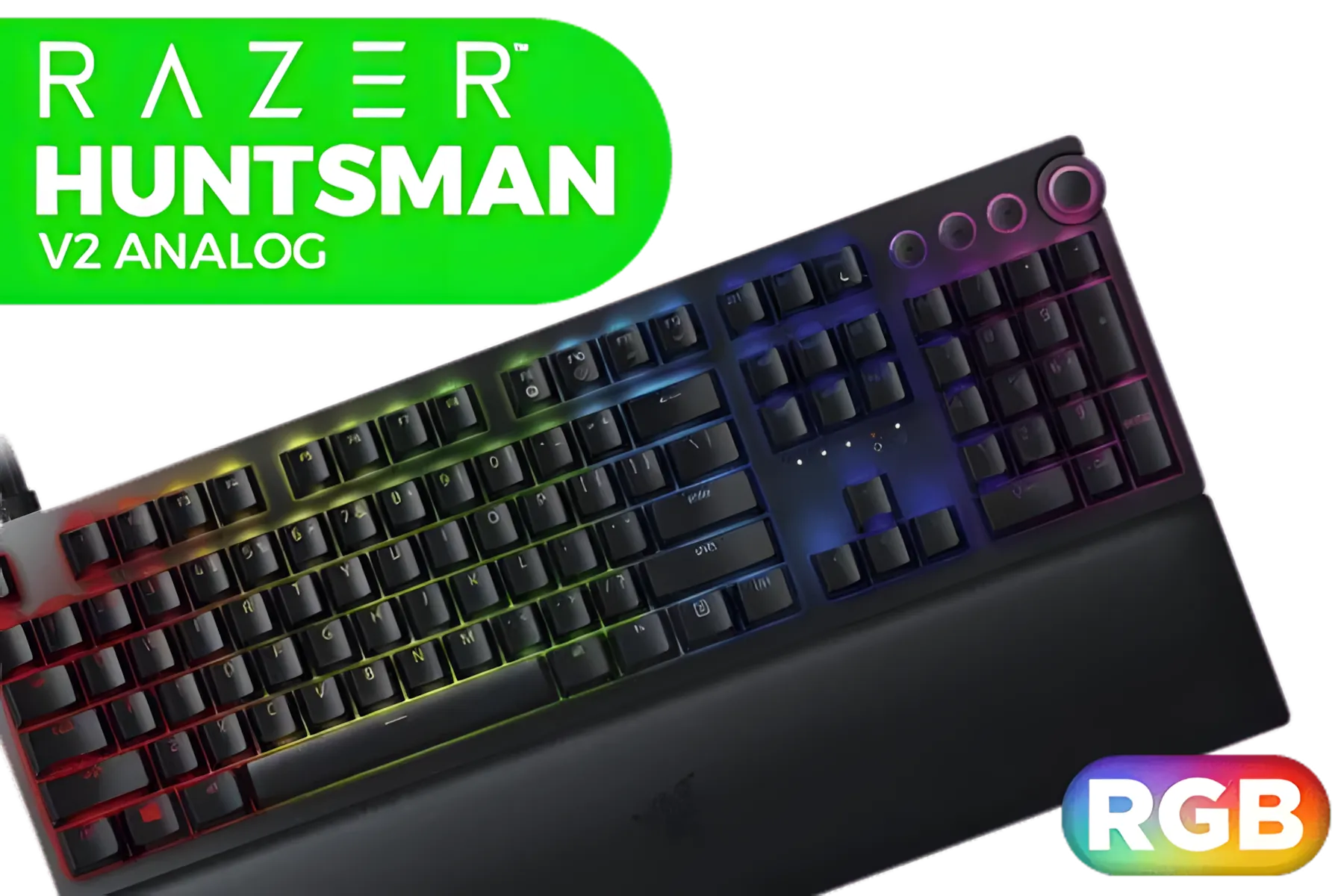
Razer Huntsman V2 Analog Gaming Keyboard - Analog Optical Switches / Doubleshot PBT keycaps / Full 3.6 mm Actuation / 16.8 million RGB colors / Magnetic Plush Leatherette Wrist Rest / Multi-Function Digital Dial And 4 Media Keys / RZ03-03610100-R3M1
R2499.00In Stock
Both can excel; optical switches often offer faster actuation and durability, while mechanical switches provide varied tactile options and broader switch ecosystems.
Optical switches use light actuation which can reduce debounce delay, often giving marginally lower latency beneficial for competitive FPS play.
Optical switches typically rate higher for actuation lifespan, while many mechanical switches still offer strong durability and easier modding options.
Budget mechanical switches and entry-level optical options both exist; choose based on desired feel and local availability to get the best value.
Many modern optical switch keyboards are hot-swappable, but check the specific keyboard spec—hot-swap support varies by model and brand.
Tactile mechanical switches often excel for MMOs and typing due to feedback, but tactile optical or hybrid designs can also work well.
Local retailers, Evetech and major online stores stock both types; compare stock, warranty and shipping to find the best local deal.